メインコンテンツにスキップ
リペアコミュニティに参加 - アカウントの作成

iRobot Roomba 891 Extractor Assembly Replacement

必要な工具と部品

  1. iRobot Roomba 891 Extractor Assembly Replacement, Battery: 手順 1、 2の画像 1 iRobot Roomba 891 Extractor Assembly Replacement, Battery: 手順 1、 2の画像 2
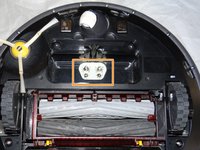
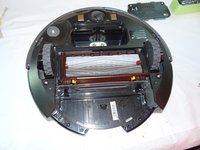
    • Start by flipping your Roomba onto its back on a flat surface.

    • Be sure not to close the side brush bristles in the battery door during reassembly as shown by the handy warning in the second photo.

    FixBotに聞いてみる
  2. iRobot Roomba 891 Extractor Assembly Replacement: 手順 2、 1の画像 1
    • Unscrew both the 11mm Phillips #2 screws from the battery cover and remove cover from the Roomba.

    • These captive screws are not intended to be removed from the cover.

    FixBotに聞いてみる
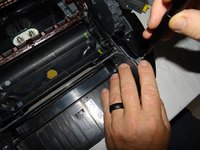
  3. iRobot Roomba 891 Extractor Assembly Replacement: 手順 3、 3の画像 1 iRobot Roomba 891 Extractor Assembly Replacement: 手順 3、 3の画像 2 iRobot Roomba 891 Extractor Assembly Replacement: 手順 3、 3の画像 3
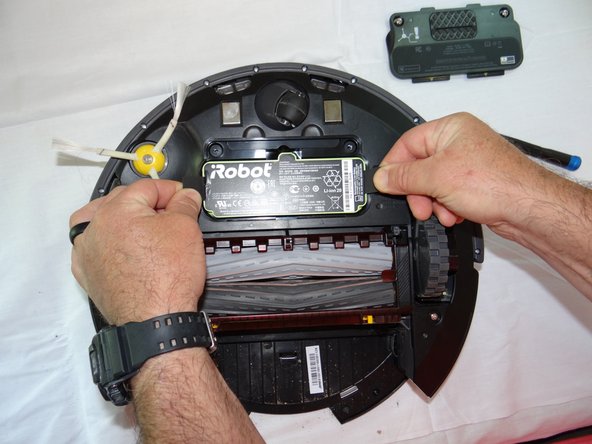
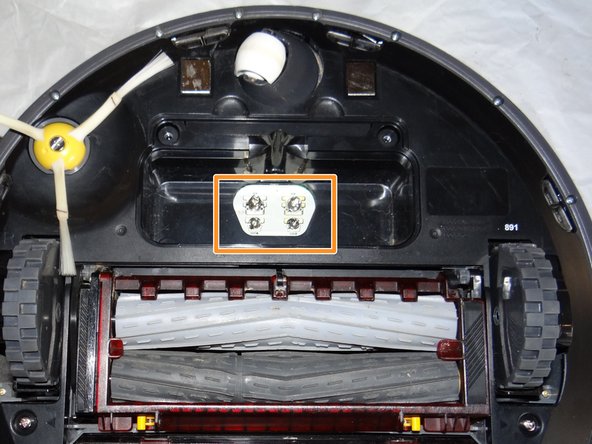
    • Grasp the tabs on either side of the battery.

    • Remove the battery by pulling up on the tabs.

    • While you're here, check the battery contacts for corrosion or debris.

    FixBotに聞いてみる
  4. iRobot Roomba 891 Extractor Assembly Replacement, Side Brush: 手順 4、 2の画像 1 iRobot Roomba 891 Extractor Assembly Replacement, Side Brush: 手順 4、 2の画像 2
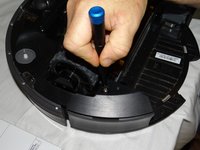
    • Remove the 7.5mm flat head #4 screw from center of the side brush.

    FixBotに聞いてみる
  5. iRobot Roomba 891 Extractor Assembly Replacement: 手順 5、 1の画像 1
    • Gently pull the side brush off of the motor hub.

    FixBotに聞いてみる
  6. iRobot Roomba 891 Extractor Assembly Replacement, Extractor Assembly: 手順 6、 1の画像 1
    • Remove the dustbin assembly from the Roomba.

    FixBotに聞いてみる
  7. iRobot Roomba 891 Extractor Assembly Replacement: 手順 7、 3の画像 1 iRobot Roomba 891 Extractor Assembly Replacement: 手順 7、 3の画像 2 iRobot Roomba 891 Extractor Assembly Replacement: 手順 7、 3の画像 3
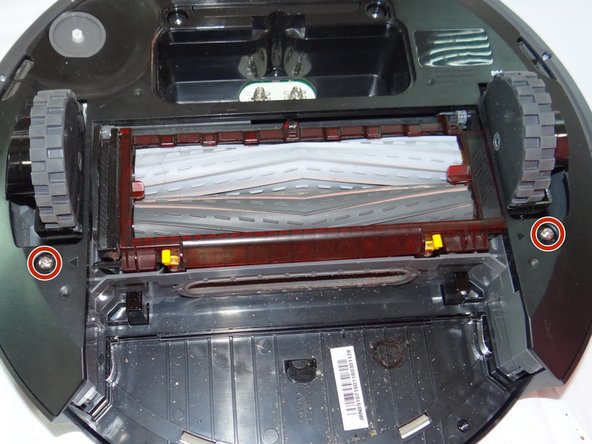
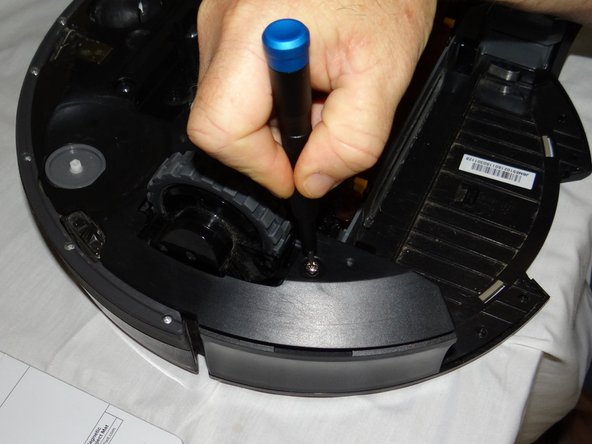
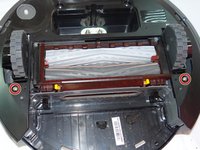
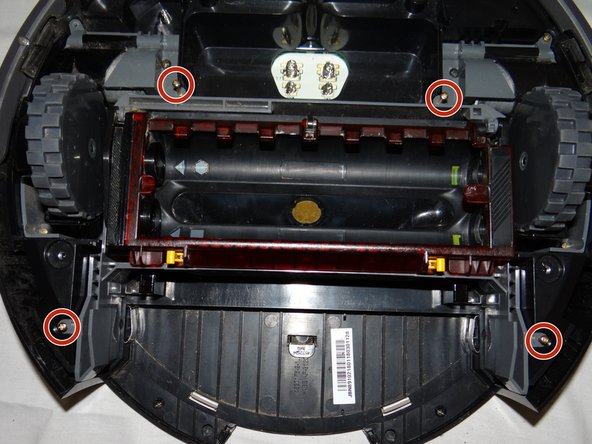
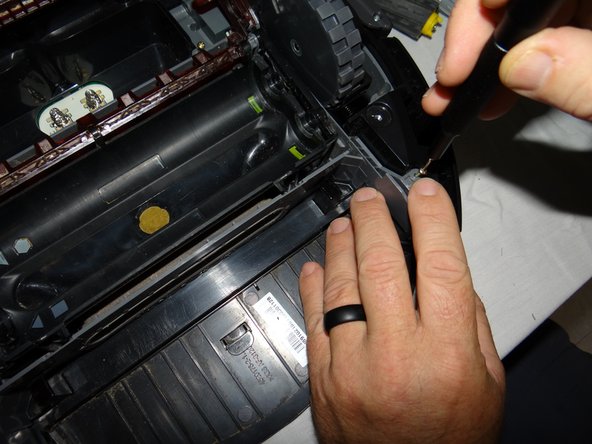
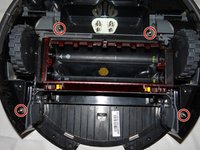
    • Unscrew the 2 phillips #2 11mm screws from roomba.

    • These captive screws will remain in the bottom cover after being loosened.

    FixBotに聞いてみる
  8. iRobot Roomba 891 Extractor Assembly Replacement: 手順 8、 2の画像 1 iRobot Roomba 891 Extractor Assembly Replacement: 手順 8、 2の画像 2
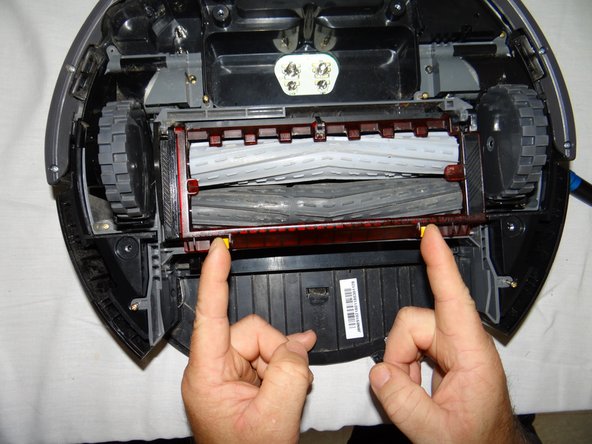
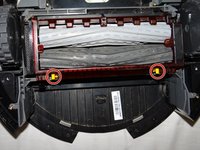
    • Lift the yellow tabs and lift the red cover from the extractor assembly.

    FixBotに聞いてみる
  9. iRobot Roomba 891 Extractor Assembly Replacement: 手順 9、 1の画像 1
    • Remove the rollers from the assembly by lifting it out from right side.

    FixBotに聞いてみる
  10. iRobot Roomba 891 Extractor Assembly Replacement: 手順 10、 2の画像 1 iRobot Roomba 891 Extractor Assembly Replacement: 手順 10、 2の画像 2
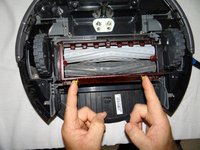
    • Close the cover and remove the four 11mm Phillips #00 screws from the assembly.

    FixBotに聞いてみる
  11. iRobot Roomba 891 Extractor Assembly Replacement: 手順 11、 1の画像 1
    • Grasp the center of the assembly and remove from the roomba.

    FixBotに聞いてみる
終わりに

To reassemble your device, follow these instructions in reverse order.

作成者

2人の作成者と共同で作成されました。

Justin Tolin

メンバー登録日: 05/29/19

736 ポイント

5のガイドは作成済み

チーム

0件のガイドコメント

コメントを追加

統計データ:

過去 24時間: 1

過去 7 日: 7

過去 30 日: 26

今までの合計 845