この翻訳は機械によって生成されたものであり、まだ人間による校正は行われていません。 日本語を話せますか? レビューはこちらから。
必要な工具と部品
ビデオの概要
-
-
-
ディスプレイのガラスにひびが入った場合は、ガラスをテープで留めて修理中にさらなる破損を防ぎます。
-
透明なガムテープをiPhoneをディスプレイの上に、全体が覆われるまで重ねておきます。
 FixBotに聞いてみる
-
-
-
-
-
吸盤カップから金属製のハンドルを取り外します。金属製のハンドルを持つよりも、吸盤カップのベース部分を持つ方が簡単で安全です。
-
ホームボタン付近で吸盤カップを使用し、iPhoneのディスプレイアセンブリ下部をゆっくりと引き上げます。
-
-
-
片手でディスプレイアセンブリを保持したまま、もう片方の手とスパッジャーを使って「1」とラベル付けされた黒いリボンケーブルを外します。
-
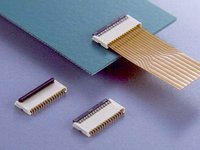
リボンケーブル「1」はプラグ式コネクタで接続されています。ケーブルの端にあるブロックは、回路基板上のソケットに単純に押し込まれているだけのプラグです。他のロック機構は使用されていません。
-
-
-
ディスプレイアセンブリをほぼ垂直になるまで回転させます。こうすることで、残りのケーブルを外しやすくなります。
-
スパッジャーを使用して、「2」とラベル付けされた黒いリボンケーブルを外します。
-
-
-
-
ディスプレイアセンブリを裏返し、ディスプレイアセンブリの端に沿って2本の金属製レールの間に金属製スパッジャーを慎重に再度差し込みます。スパッジャーをゆっくりと回転させ、液晶をガラスから持ち上げます。
-
-
-
-
タッチスクリーンの上部または下部でガラスが割れている場合は、破片を取り除く際に特に慎重かつ丁寧に行ってください。ガラスの破片がプラスチックパーツに貼り付いたままになっている場合は、取り除くのに時間がかかることがあります。
-
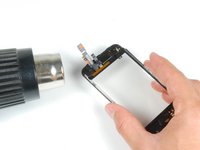
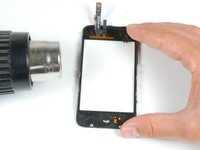
ヒートガンまたはヘアドライヤーを使用して、タッチスクリーンの左上部分を加熱します。
-
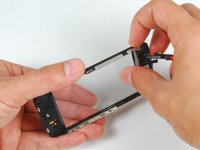
指の爪を使って、左の角をゆっくりと持ち上げます。タッチスクリーンのプラスチックパーツは、粘着剤でタッチスクリーンに固定されています。角を剥がすには多少時間がかかる場合があります。
-
同様に右側も加熱し、同じ手順を繰り返します。
-
-
-
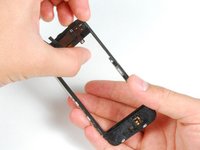
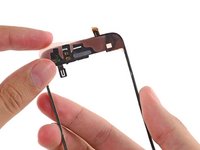
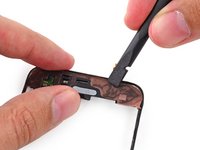
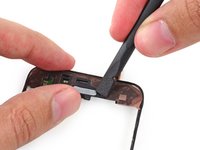
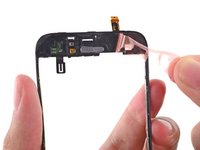
フロントパネルプラスチックの上部に専用接着ストリップまたは両面テープを貼り付けます。
-
スパッジャーの平らな先端を使用して、接着ストリップをフレームに押し込みます。
-
-
-
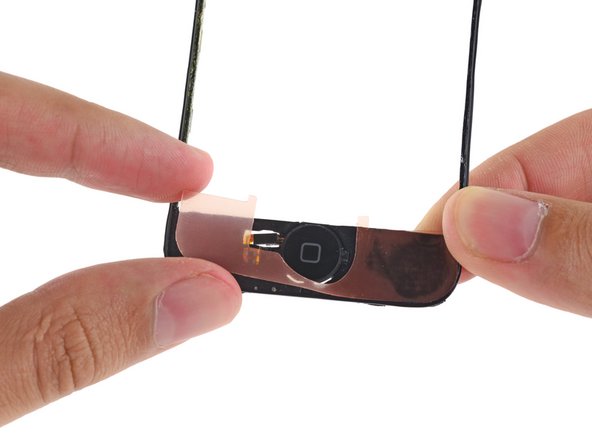
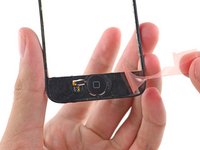
2枚目の接着ストリップまたは両面テープを、フロントパネルフレームのホームボタン側の端に配置します。
-
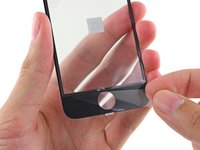
スパッジャーの平らな端を使ってストリップの上をなぞり、接着させると同時に、ステッカーの下から気泡を押し出します。
-


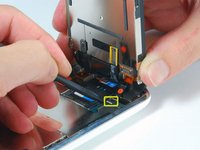


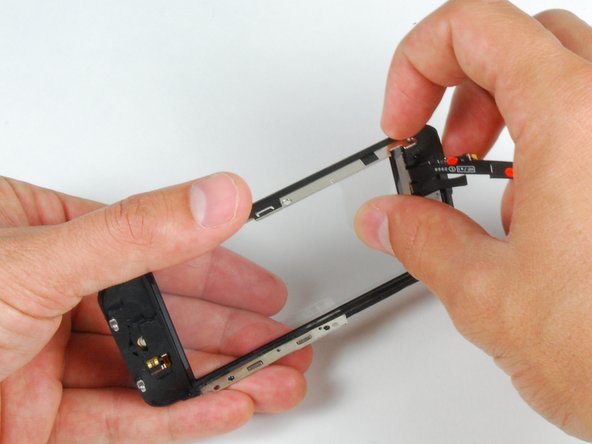
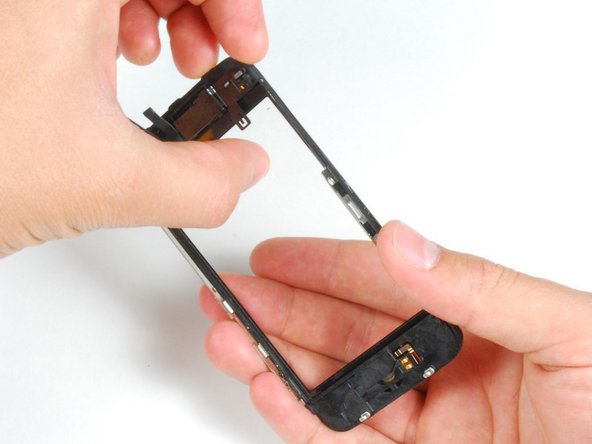


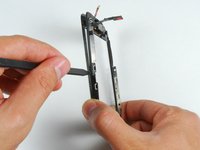


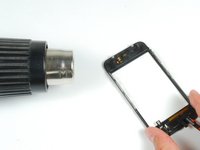
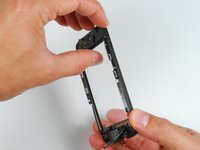
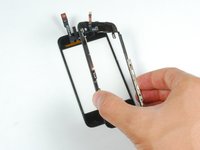




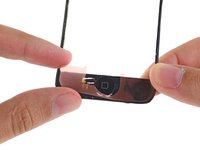
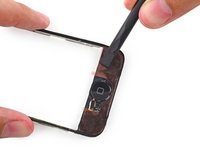
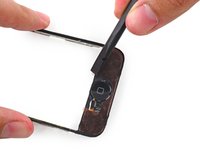


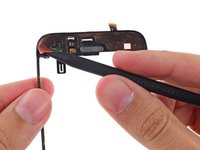


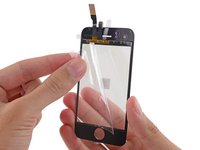
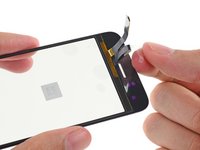


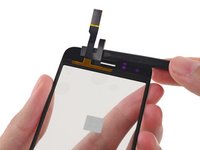
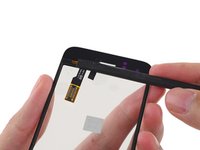
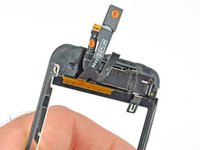


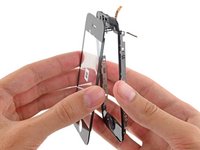
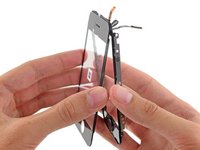


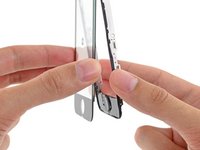
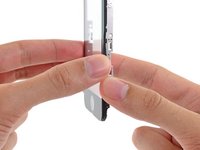

デバイスを再組み立てするには、これらのインストラクションを逆の順番に従って作業を進めてください。
479 の人々がこのガイドを完成させました。



17件のガイドコメント
Success! It took me quite abit longer than some of those above, but in under 3hrs, it was complete. I am totally satisfied; the only potential problem I've found is that the rubber originally covering the front panel glass and the front panel plastic on the side--i.e., the rubber filling in the gap between the glass and the metal bevel/bezel?sp?--had been partially destroyed during the repair. Now there are spots at the top and bottom where dust could potentially get into the internals more easily. As it is, I opened my phone and it was extremely dusty, so that if it worked well with that kind of dust, I suppose it'll be alright with some more. Besides, now I know how to open it up and clean it! Thanks iFixit! You saved me $140, which is what Apple would have charged to fix my screen.
ataraxiaone - 返信 共有
Chelseaからの引用:
Everything worked except now my home button does not work, help please.
Is the front panel completely snapped into place? I believe there are some contacts on the front panel that have to touch contacts on the inside of the phone for the home button to work.
bryanboyer - 返信 共有
I have followed all the steps and the phone has turned on, BUT it wont let me slide to open. HELP!!
I'm assuming Sally found the problem to this issue of the phone working but I just had the same problem of no touch screen even though the phone and screen were working otherwise.
Re-open the phone and ensure Cable #2 just isn't attached properly. If this is loose or not correctly connected then the screen will come on but the touch screen won't work.
