メインコンテンツにスキップ
リペアコミュニティに参加 - アカウントの作成
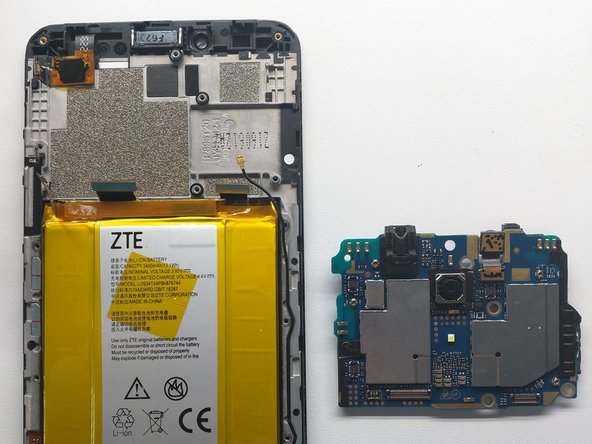
ZTE ZMax Pro (Z981) Disassembly

必要な工具と部品

  1. ZTE ZMax Pro (Z981) Disassembly, Remove rear cover: 手順 1、 3の画像 1 ZTE ZMax Pro (Z981) Disassembly, Remove rear cover: 手順 1、 3の画像 2 ZTE ZMax Pro (Z981) Disassembly, Remove rear cover: 手順 1、 3の画像 3
    • Pry rear cover off starting at the corner

    • Continue down the side

    • Lift rear cover off

    FixBotに聞いてみる

    コメントを追加

  2. ZTE ZMax Pro (Z981) Disassembly, Disconnect fingerprint sensor: 手順 2、 3の画像 1 ZTE ZMax Pro (Z981) Disassembly, Disconnect fingerprint sensor: 手順 2、 3の画像 2 ZTE ZMax Pro (Z981) Disassembly, Disconnect fingerprint sensor: 手順 2、 3の画像 3
    • Remove Kapton tape covering fingerprint scanner cover

    • Unscrew two screws holding on fingerprint scanner flex cover

    • Along with that upper screw, there goes your warranty!

    • Disconnect fingerprint sensor flex cable and set rear cover aside.

    FixBotに聞いてみる

    コメントを追加

    • Remove the 15 Phillips 00 screws securing the midframe to the phone.

    FixBotに聞いてみる

    コメントを追加

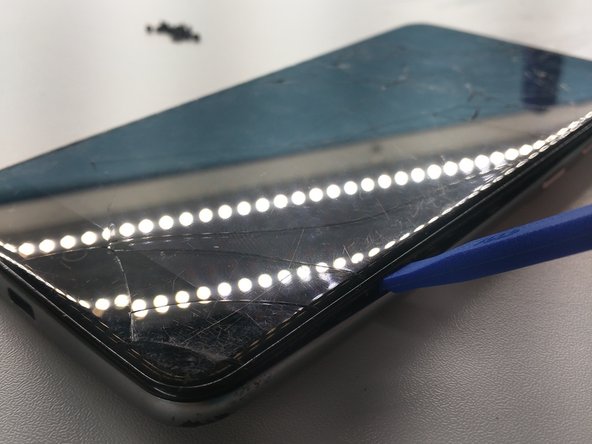
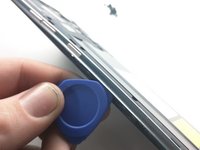
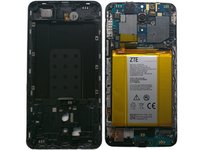
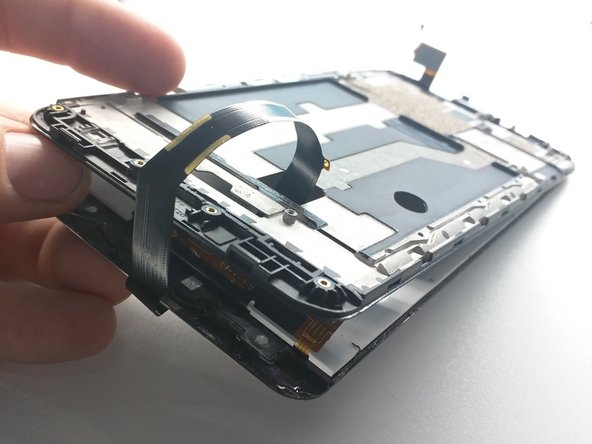
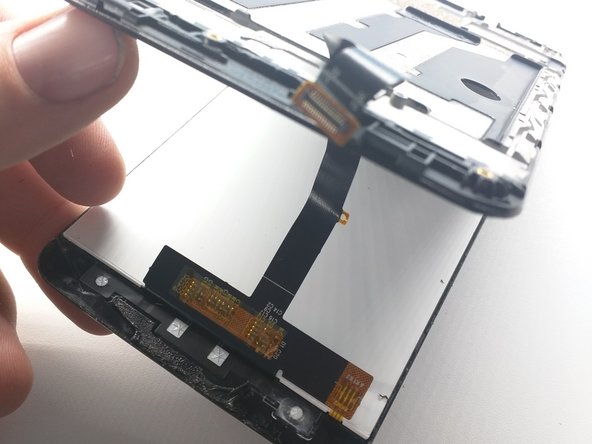
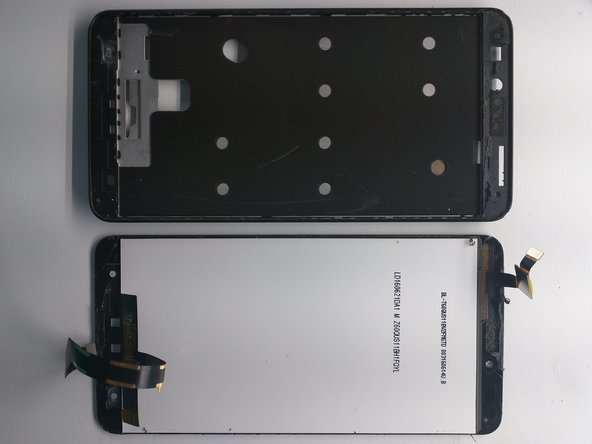
  3. ZTE ZMax Pro (Z981) Disassembly: 手順 4、 3の画像 1 ZTE ZMax Pro (Z981) Disassembly: 手順 4、 3の画像 2 ZTE ZMax Pro (Z981) Disassembly: 手順 4、 3の画像 3
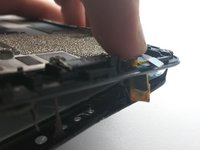
    • Carefully insert pry tool on side of phone between LCD and frame

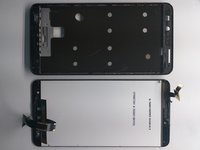
    • Continue down the side the phone and around the edges until frame and LCD assembly are separated

    • Ta-da!

    • Don't laugh at my terrible Photoshop cropping.

    FixBotに聞いてみる

    コメントを追加

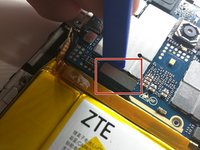
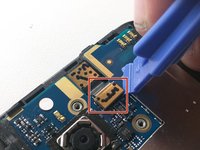
  4. ZTE ZMax Pro (Z981) Disassembly: 手順 5、 3の画像 1 ZTE ZMax Pro (Z981) Disassembly: 手順 5、 3の画像 2 ZTE ZMax Pro (Z981) Disassembly: 手順 5、 3の画像 3
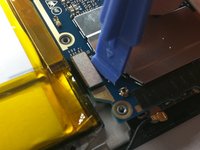
    • Remove Kapton tape over battery plug

    • Disconnect battery

    • Disconnect this other flex cable above the battery, whatever it goes to

    FixBotに聞いてみる

    コメントを追加

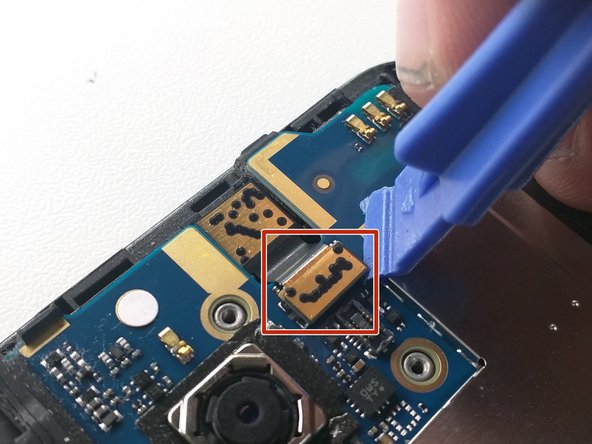
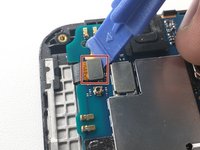
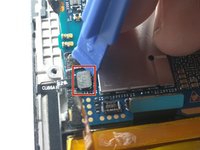
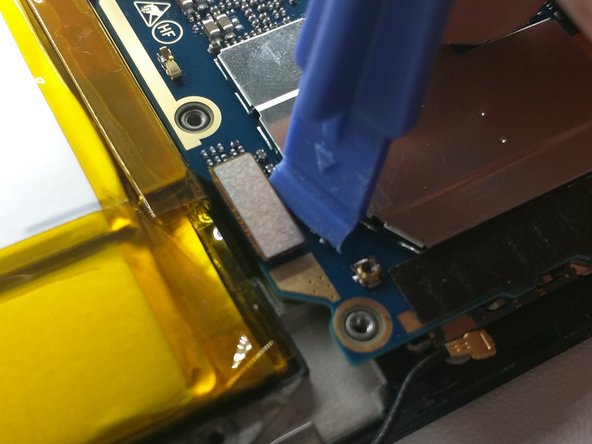
  5. ZTE ZMax Pro (Z981) Disassembly: 手順 6、 3の画像 1 ZTE ZMax Pro (Z981) Disassembly: 手順 6、 3の画像 2 ZTE ZMax Pro (Z981) Disassembly: 手順 6、 3の画像 3
    • Disconnect this one

    • Now this one

    • And this camera one also

    FixBotに聞いてみる

    コメントを追加

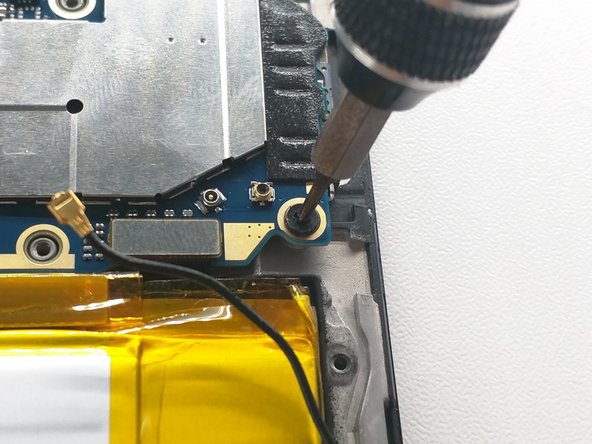
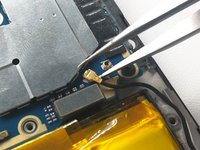
  6. ZTE ZMax Pro (Z981) Disassembly: 手順 7、 3の画像 1 ZTE ZMax Pro (Z981) Disassembly: 手順 7、 3の画像 2 ZTE ZMax Pro (Z981) Disassembly: 手順 7、 3の画像 3
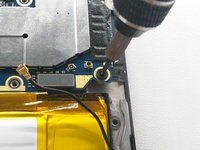
    • Disconnect antenna

    • Unscrew motherboard screw

    • Disconnect LCD flex cable

    FixBotに聞いてみる

    コメントを追加

  7. ZTE ZMax Pro (Z981) Disassembly: 手順 8、 2の画像 1 ZTE ZMax Pro (Z981) Disassembly: 手順 8、 2の画像 2
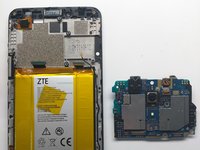
    • Lift out logic board

    • Easy

    • Now on to the fun part...

    FixBotに聞いてみる

    コメントを追加

  8. ZTE ZMax Pro (Z981) Disassembly, Battery Removal: 手順 9、 3の画像 1 ZTE ZMax Pro (Z981) Disassembly, Battery Removal: 手順 9、 3の画像 2 ZTE ZMax Pro (Z981) Disassembly, Battery Removal: 手順 9、 3の画像 3
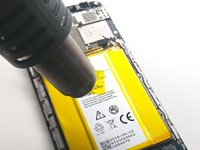
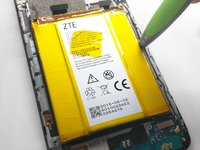
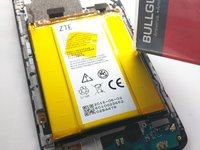
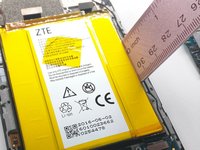
    • Heat up battery

    • Heating a battery is dangerous and could cause the battery to explode or expand. Use caution.

    • Find appropriate tool to pry battery

    • Ensure your tool of choice is heat resistant

    FixBotに聞いてみる

    コメントを追加

  9. ZTE ZMax Pro (Z981) Disassembly: 手順 10、 3の画像 1 ZTE ZMax Pro (Z981) Disassembly: 手順 10、 3の画像 2 ZTE ZMax Pro (Z981) Disassembly: 手順 10、 3の画像 3
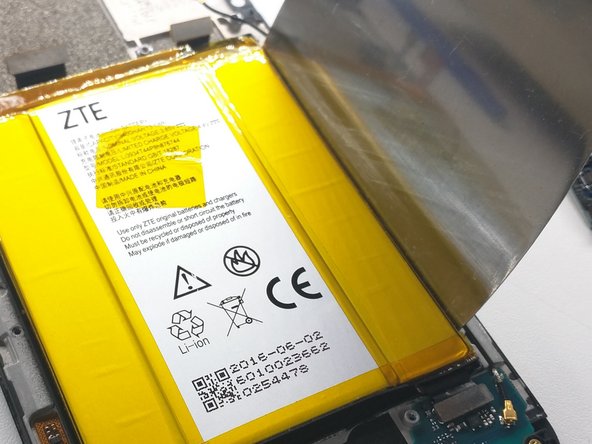
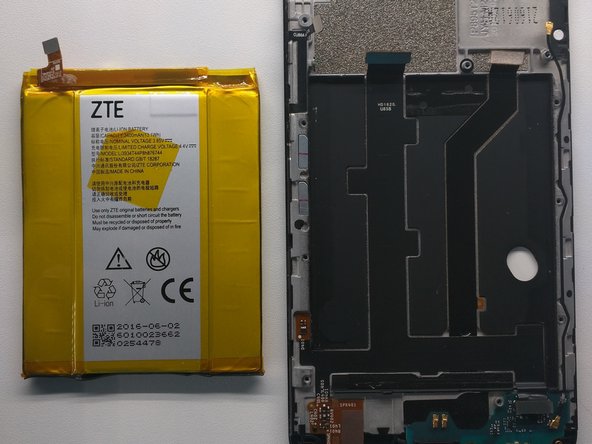
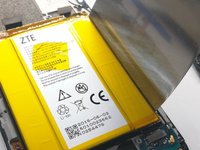
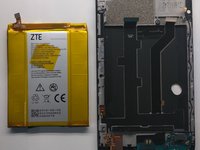
    • Once you have found the proper tool, begin prying up on either side of the battery.

    • If utilizing a metal ruler, make sure to use a pink one. Other colors of ruler, such as blue or green, are simply not up to the task.

    • Be careful not to damage previously disconnected flex cables that run under the battery.

    • Finally, bend the battery back into shape so it doesn't look too bad in your photos.

    FixBotに聞いてみる

    コメントを追加

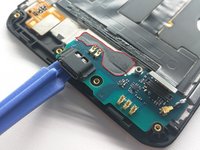
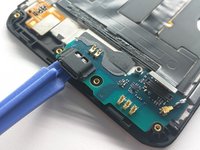
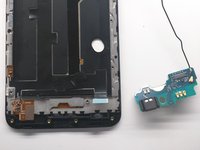
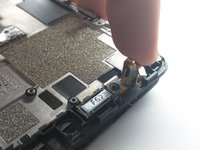
  10. ZTE ZMax Pro (Z981) Disassembly, Charging Port Removal: 手順 11、 3の画像 1 ZTE ZMax Pro (Z981) Disassembly, Charging Port Removal: 手順 11、 3の画像 2 ZTE ZMax Pro (Z981) Disassembly, Charging Port Removal: 手順 11、 3の画像 3
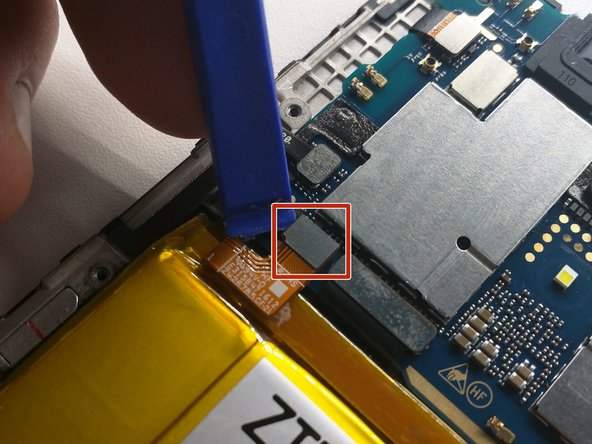
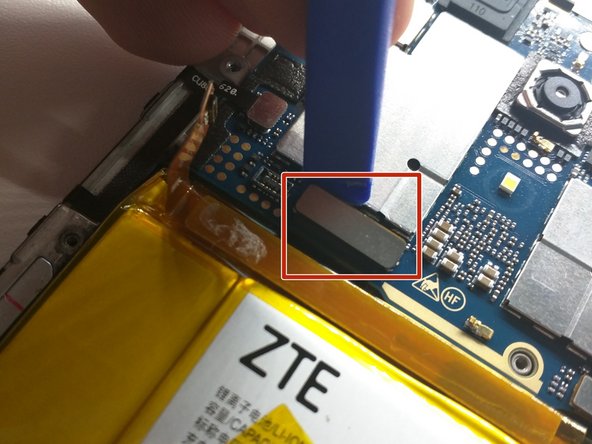
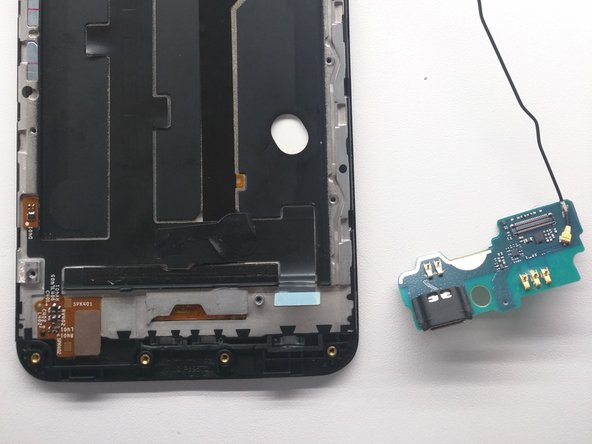
    • Remove tape holding charging board down (red outline)

    • Pry up charging port / antenna daughterboard.

    • Remove from frame and set aside

    FixBotに聞いてみる

    コメントを追加

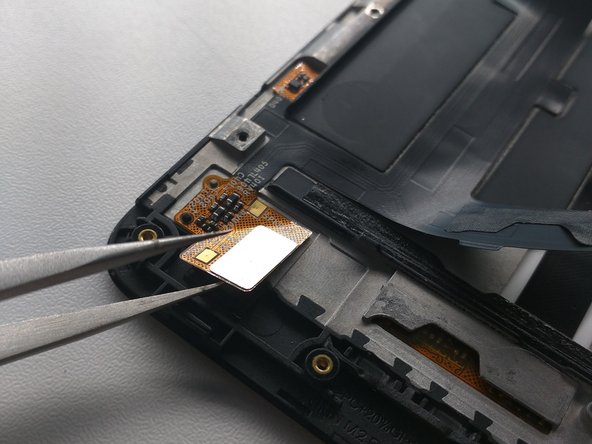
  11. ZTE ZMax Pro (Z981) Disassembly: 手順 12、 3の画像 1 ZTE ZMax Pro (Z981) Disassembly: 手順 12、 3の画像 2 ZTE ZMax Pro (Z981) Disassembly: 手順 12、 3の画像 3
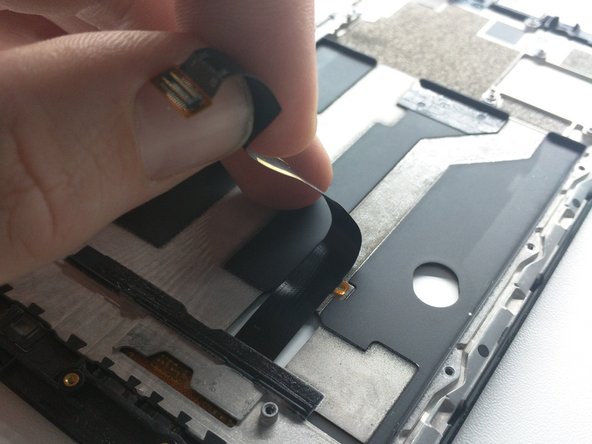
    • Lift up digitizer flex cable from frame

    • Peel up this flex cable and tweezer it off where it's stuck to the frame

    • Peel up the LCD flex cable

    FixBotに聞いてみる

    コメントを追加

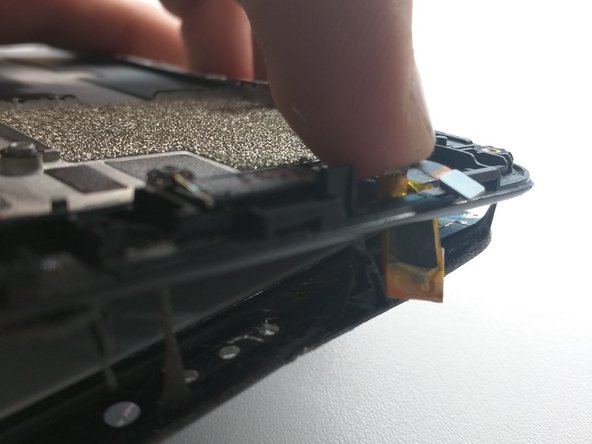
  12. ZTE ZMax Pro (Z981) Disassembly: 手順 13、 3の画像 1 ZTE ZMax Pro (Z981) Disassembly: 手順 13、 3の画像 2 ZTE ZMax Pro (Z981) Disassembly: 手順 13、 3の画像 3
    • Slide something in between the screen and frame.

    • Make sure to slide it in there real nice

    • Separate LCD assembly from frame, starting at the bottom.

    FixBotに聞いてみる

    コメントを追加

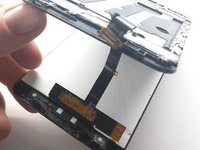
  13. ZTE ZMax Pro (Z981) Disassembly: 手順 14、 3の画像 1 ZTE ZMax Pro (Z981) Disassembly: 手順 14、 3の画像 2 ZTE ZMax Pro (Z981) Disassembly: 手順 14、 3の画像 3
    • Push digitizer flex cable through frame

    • Remove LCD assembly from phone

    FixBotに聞いてみる

    コメントを追加

終わりに

To reassemble your device, follow these instructions in reverse order.

キャンセル: このガイドを終了できませんでした。

92 の人々がこのガイドを完成させました。

作成者

9人の作成者と共同で作成されました。

Brennan Murphy

メンバー登録日: 08/19/16

2,743 ポイント

1ガイドが承認済み

48件のガイドコメント

Does the digitizer snap in? Or will I need adhesive to install my new digitizer?? Other phones that I have replaced the digitizer I needed adhesive, but I know some just snap in. I'm hoping this is one of those that just snap in.

thestoryofrecovery - 返信 共有
With this phone, you would need new adhesive. I would recommend using the 2mm Tessa 61395 tape ( Tesa 61395 Tape )

Nate Evans - 返信 共有

So is it even possible to actually just replace the digitizer? Because it seems like in getting it out I took the lcd with it?? is that "always" the case???

Dave K - 返信 共有

The digitizer may be built into the LCD panel it self, it's not uncommon. If that's the case, no, it would not be possible to replace just the digitizer. And the cost to difficulty ratio would be rather low

Nate Evans - 返信 共有

Is it possible to replace just the lcd glass (front piece) and not the lcd digitizer, or are they glued together? Some places sell just the glass and that's all that's broken on my phone.

Patrick - 返信 共有

コメントを追加

統計データ:

過去 24時間: 1

過去 7 日: 17

過去 30 日: 98

今までの合計 77,302