メインコンテンツにスキップ
リペアコミュニティに参加 - アカウントの作成

Xbox Disassembly

必要な工具と部品

ビデオの概要

  1. Xbox Disassembly, Xbox Disassembly: 手順 1、 1の画像 1
    • Start with your Xbox unplugged and sitting on a flat, stable surface.

    FixBotに聞いてみる

    コメントを追加

  2. Xbox Disassembly: 手順 2、 1の画像 1
    • Flip the Xbox over and pry off the rubber feet with a metal spudger.

    FixBotに聞いてみる

    コメントを追加

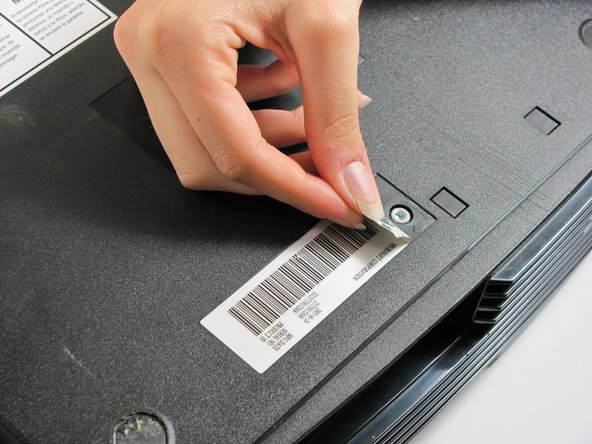
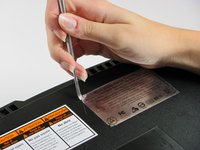
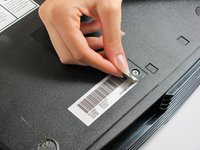
  3. Xbox Disassembly: 手順 3、 2の画像 1 Xbox Disassembly: 手順 3、 2の画像 2
    • Peel back both the silver sticker and the white barcode sticker to reveal two additional screws.

    FixBotに聞いてみる

    コメントを追加

  4. Xbox Disassembly: 手順 4、 1の画像 1
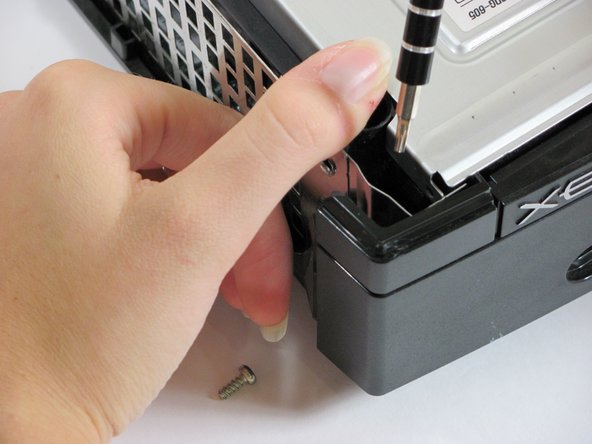
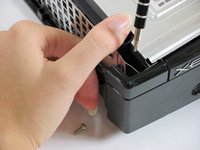
    • Use a T20 Torx screwdriver to remove the four screws located under the rubber feet you just removed as well as the two screws from beneath the stickers removed in the previous step.

    FixBotに聞いてみる

    コメントを追加

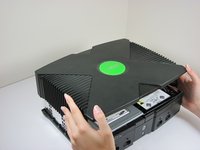
  5. Xbox Disassembly: 手順 5、 2の画像 1 Xbox Disassembly: 手順 5、 2の画像 2
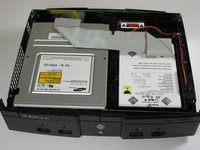
    • Once the bottom shell is no longer attached, carefully turn the Xbox right-side-up and lift off the top shell.

    FixBotに聞いてみる

    コメントを追加

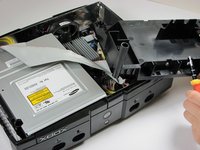
  6. Xbox Disassembly: 手順 6、 2の画像 1 Xbox Disassembly: 手順 6、 2の画像 2
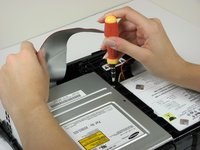
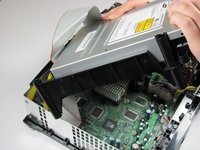
    • Move the grey ribbon cable out of the way in order to remove the three 3 mm screws using T10 Torx screwdriver. They are located on the upper right corner, lower right, and lower left corners of disk drive.

    • The screw on the lower left corner of the disk drive is not in the hole that it appears to be in, but rather just closer to the corner.

    FixBotに聞いてみる

    コメントを追加

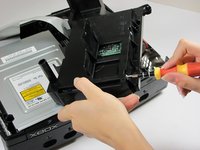
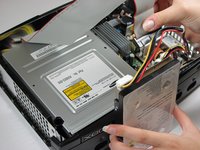
  7. Xbox Disassembly: 手順 7、 2の画像 1 Xbox Disassembly: 手順 7、 2の画像 2
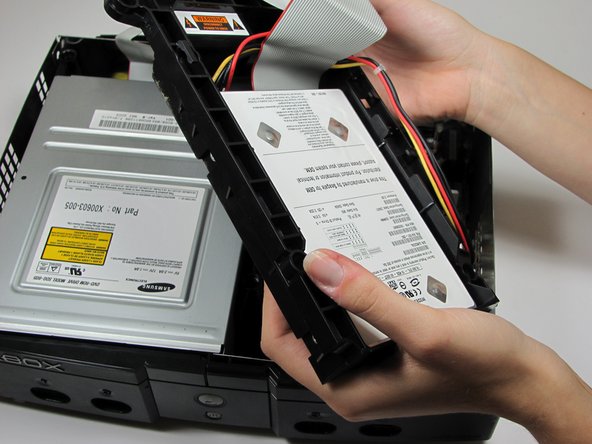
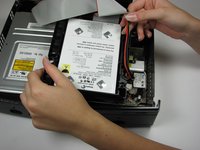
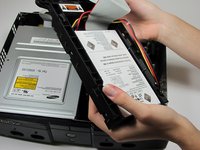
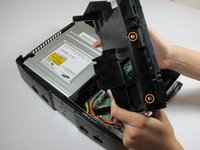
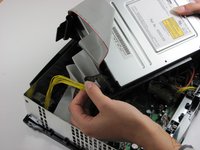
    • Lift the hard drive storage unit out of the Xbox. It should come right out.

    • Take the power cable out of the track around the hard drive so that the unit will come out easier.

    FixBotに聞いてみる

    コメントを追加

  8. Xbox Disassembly: 手順 8、 3の画像 1 Xbox Disassembly: 手順 8、 3の画像 2 Xbox Disassembly: 手順 8、 3の画像 3
    • Use a T15 Torx screwdriver to remove four 3.37mm screws from both sides of the hard drive.

    • Remove the plastic housing from the hard drive. It does have some clips on it, but it should come right off.

    FixBotに聞いてみる

    コメントを追加

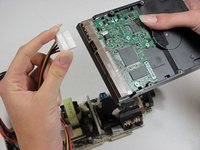
  9. Xbox Disassembly: 手順 9、 2の画像 1 Xbox Disassembly: 手順 9、 2の画像 2
    • Unplug both the ribbon cable and power cable from hard drive.

    • They are in there pretty tightly, so this may take some effort.

    FixBotに聞いてみる

    コメントを追加

  10. Xbox Disassembly: 手順 10、 3の画像 1 Xbox Disassembly: 手順 10、 3の画像 2 Xbox Disassembly: 手順 10、 3の画像 3
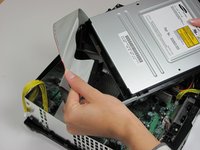
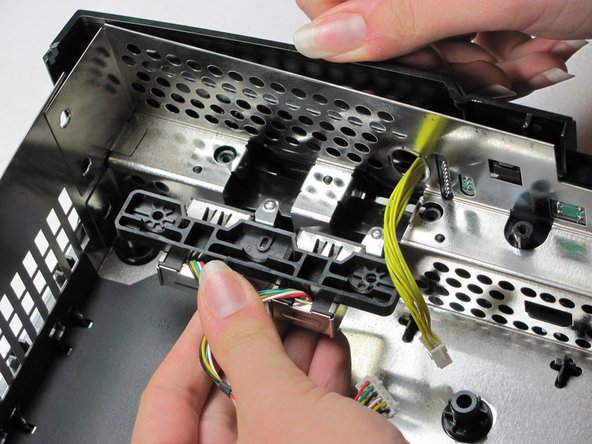
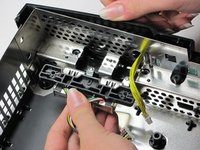
    • Remove the disk drive. It should come right out.

    • Unplug the ribbon cable and yellow cables from back of disk drive.

    FixBotに聞いてみる

    コメントを追加

  11. Xbox Disassembly: 手順 11、 1の画像 1
    • Pry back the black plastic tabs around the disk drive in order to remove it from its housing. Once removed, set the drive aside.

    FixBotに聞いてみる

    コメントを追加

  12. Xbox Disassembly: 手順 12、 1の画像 1
    • Unplug the multi-colored power cord from the motherboard. It can be plugged in very tight, so it may take some effort to unplug it.

    FixBotに聞いてみる

    コメントを追加

  13. Xbox Disassembly: 手順 13、 2の画像 1 Xbox Disassembly: 手順 13、 2の画像 2
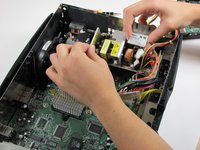
    • Using T10 Torx screwdriver, remove two 3mm screws from the power supply board.

    FixBotに聞いてみる

    コメントを追加

  14. Xbox Disassembly: 手順 14、 2の画像 1 Xbox Disassembly: 手順 14、 2の画像 2
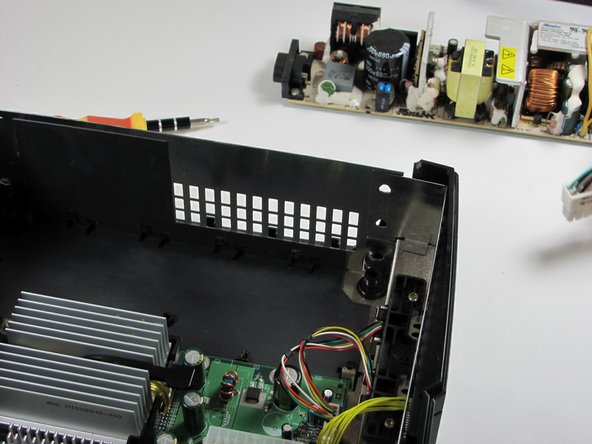
    • Remove the power supply and set it aside. It should lift right out.

    FixBotに聞いてみる

    コメントを追加

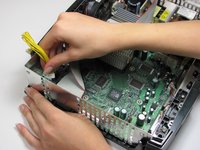
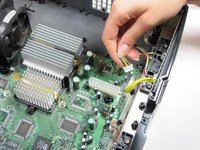
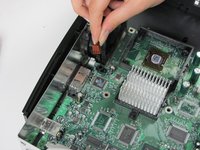
  15. Xbox Disassembly: 手順 15、 2の画像 1 Xbox Disassembly: 手順 15、 2の画像 2
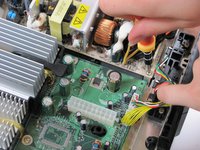
    • Unplug the bundle of yellow cables as well as the rainbow cord from the motherboard.

    FixBotに聞いてみる

    コメントを追加

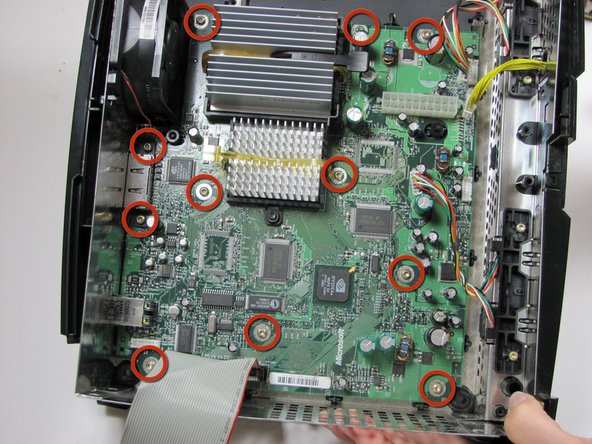
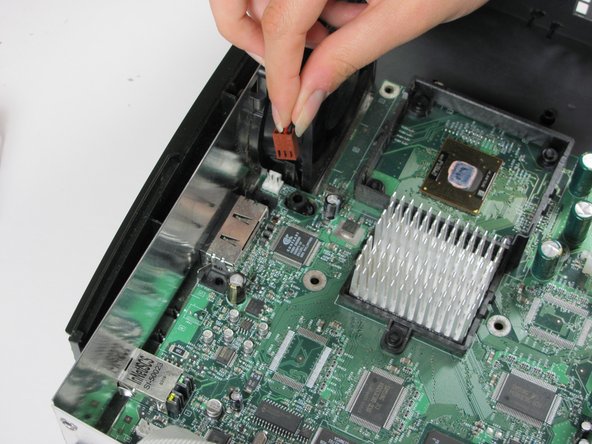
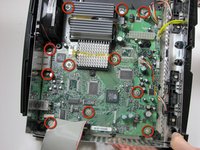
  16. Xbox Disassembly: 手順 16、 2の画像 1 Xbox Disassembly: 手順 16、 2の画像 2
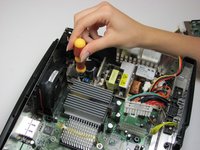
    • Remove eleven 3mm screws from motherboard, using a T10 Torx screwdriver. Refer to the picture to find all eleven.

    • Unplug the power cable attached to the fan.

    FixBotに聞いてみる

    コメントを追加

  17. Xbox Disassembly: 手順 17、 1の画像 1
    • Remove the motherboard from the Xbox. As long as all of the screws are out and the fan is disconnected, it will lift out easily.

    FixBotに聞いてみる

    コメントを追加

  18. Xbox Disassembly: 手順 18、 1の画像 1
    • Pry the plastic fan clips away from the fan base and remove the fan.

    • This may take a little effort, as the clips are pretty stiff. Beware, the fan will be filthy.

    FixBotに聞いてみる

    コメントを追加

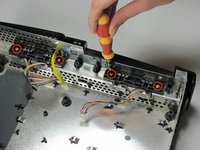
  19. Xbox Disassembly: 手順 19、 2の画像 1 Xbox Disassembly: 手順 19、 2の画像 2
    • Using a T10 Torx screwdriver, remove two 3mm screws from each of two controller sockets.

    • Take the sockets out by pulling back and up at the same time.

    FixBotに聞いてみる

    コメントを追加

  20. Xbox Disassembly: 手順 20、 1の画像 1
    • Congratulations, your Xbox is now completely dismembered.

    FixBotに聞いてみる

    コメントを追加

終わりに

To reassemble your device, follow these instructions in reverse order.

キャンセル: このガイドを終了できませんでした。

57 の人々がこのガイドを完成させました。

作成者

12人の作成者と共同で作成されました。

rmarstel

メンバー登録日: 10/29/09

6,273 ポイント

5のガイドは作成済み

チーム

Cal Poly, Team 18-2, Maness Fall 2009 Cal Poly, Team 18-2, Maness Fall 2009人のメンバー

CPSU-MANESS-F09S18G2

3 メンバー

26のガイドは作成済み

10件のガイドコメント

Awesomeness, thanks a lot!

godoyander - 返信 共有

Thanks a million - perfect!

xan_lucky16 - 返信 共有

Heatsink removal?

Matt Russell - 返信 共有

Face plate removal?

Herberth Alvarez - 返信 共有

Did a complete cleanup and refresh of my Xbox thanks to your guide, thank you :)

Mickaël STEMMER - 返信 共有

コメントを追加

統計データ:

過去 24時間: 57

過去 7 日: 312

過去 30 日: 1,526

今までの合計 223,890