はじめに
このガイドは、光学ドライブを取り出すための方法です。
Xbox 360は、DVDドライブがインストール済みの特定のゲームコンソールのみに対して動作するように設計されています。破損したDVDドライブを交換用のDVDドライブに交換しても、ゲームコンソールで使用するDVDドライブキーが異なるため、動作しません。
必要な工具と部品
-
この手順で使用する道具:Xbox 360 Opening Tool$4.99
-
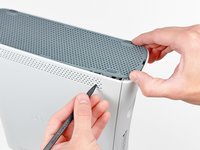
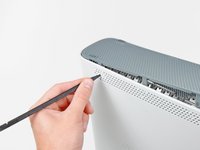
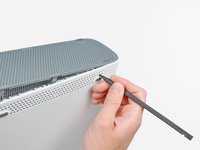
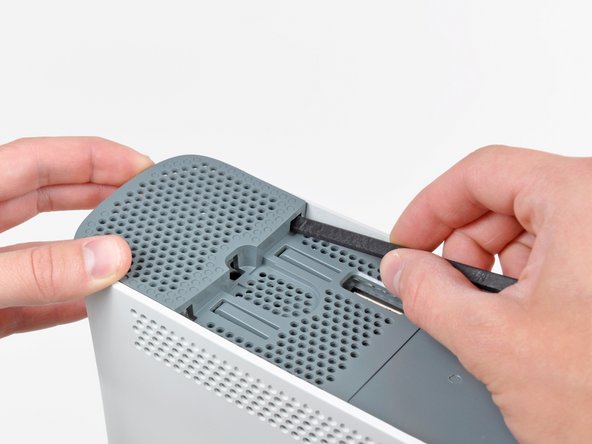
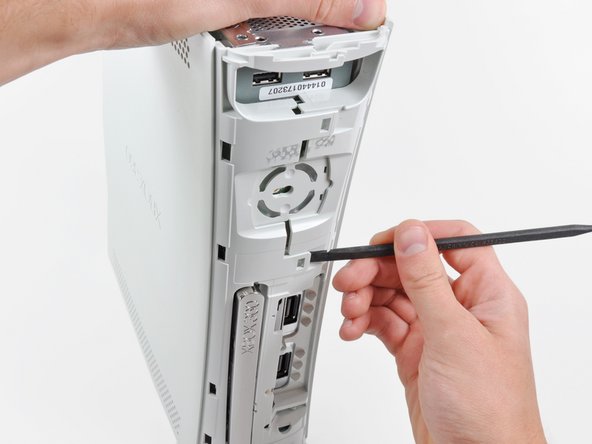
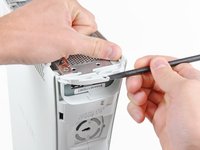
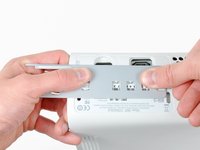
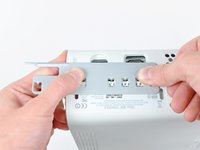
スパッジャーの平面側先端、もしくはXbox 360開口ツールの先端を下部ベントの正面側端にできた小さな隙間に差し込みます。
-
下部ベントの正面端をこじ開けて、フェイスプレートを外します。
-
-
-
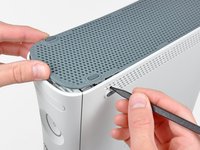
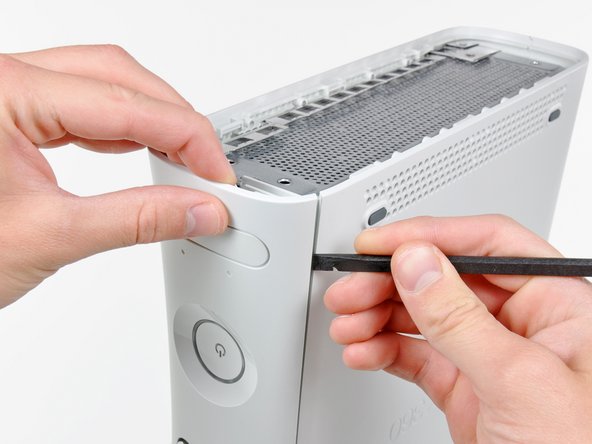
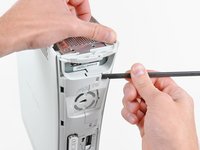
クリップを外すには、下部ベントの正面側端から始めます。
-
下部ベントの正面側端をわずかに持ち上げながら、下部ベントの正面側に一番近いクリップを、スパッジャーの先端でコンソールの内側に向けて押し上げます。
-
-
-
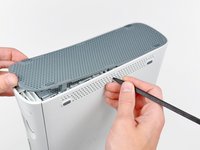
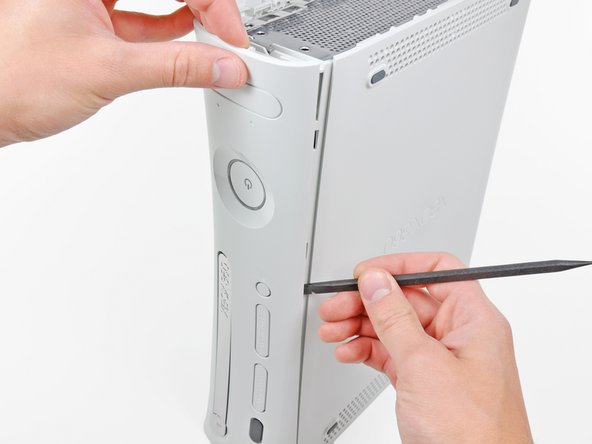
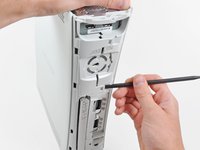
スパッジャーの平面側先端を、フェイスプレートと電源ボタン付近の外側ケースの間に差し込みます。
-
スパッジャーをフェイスプレートの端に沿ってスライドして、コンソール正面側に固定されているクリップを外します。
-
-
-
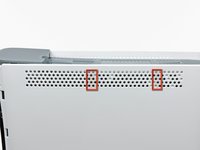
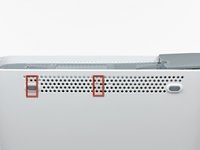
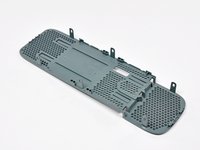
上部の通気口はクリップでコンソールに固定されています。 画像にあるように、最初の2つのクリップは、正面プレートに最も近い上部の通気口の下にあります。
-
-
-
-
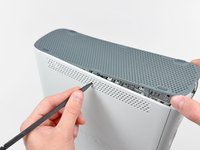
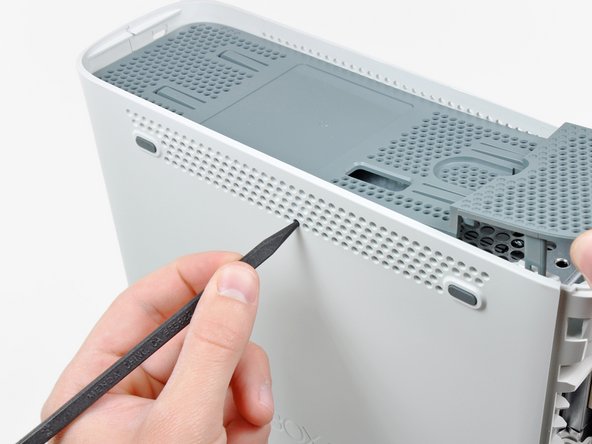
クリップを外すには、上部ベント中央から作業を始めます。
-
上部ベントの正面側端をわずかに持ち上げながら、スパッジャーの先端を使って、上部ベント中央付近のクリップをコンソール内側に向けて押し出します。
-
-
-
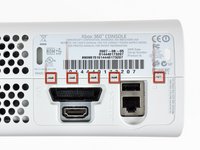
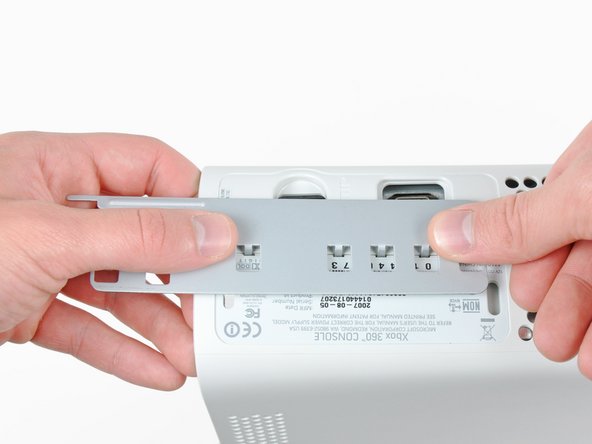
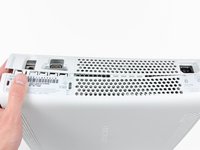
Xbox 360の開口ツールを使って、 I/Oポート付近の上部ケースと下部ケースを固定しているクリップを押し込みます。
-
ツールで押し込みながら、下部と上部ケースを押して固定クリップを外します。
-
-
-
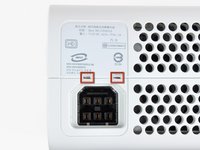
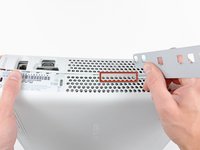
上部と下部のケースを押し離しながら、スパッジャーの先端またはXbox 360の開口ツールを使って、赤でハイライトされている長いクリップをデバイス中央に向けて押します。
-
このクリップが外れると、電源コネクタ付近のクリップのみが、上部ケースと下部ケースを固定しています。
-
-
-
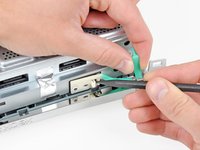
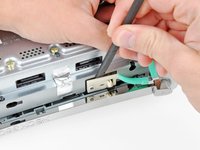
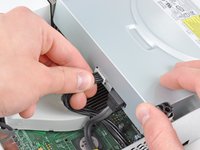
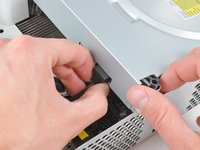
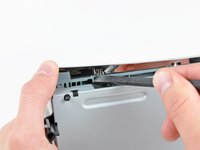
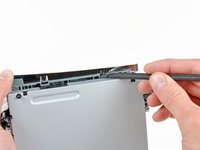
スパッジャーの先端を使って、メタルケース上のイジェクトボタンを固定しているクリップを外します。
-
スパッジャーの平面側先端を、イジェクトボタンと光学ドライブの間に差し込みます。
-
イジェクトボタンを固定しているポートからこじ開けて外します。
-


 FixBotに聞いてみる













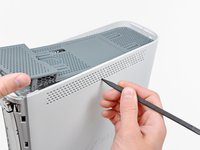

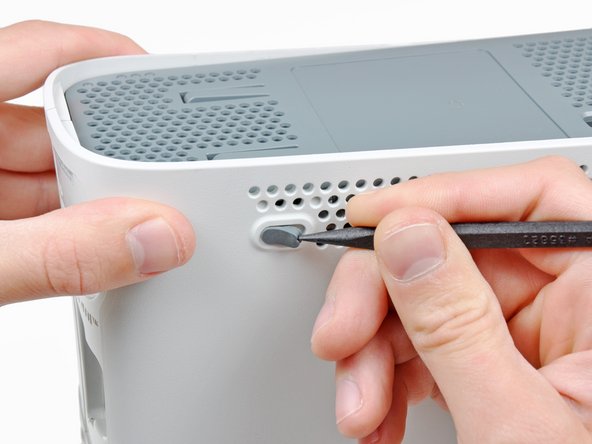
















このデバイスを再組み立てするには、インストラクションを逆の順番に従って作業を進めてください。
238 の人々がこのガイドを完成させました。
以下の翻訳者の皆さんにお礼を申し上げます:
100%


これらの翻訳者の方々は世界を修理する私たちのサポートをしてくれています。 あなたも貢献してみませんか?
翻訳を始める ›

25件のガイドコメント
Very easy to follow, got my drive fixed...thanks!
Brian Davis - 返信 共有
" Replacing a defective optical drive with a replacement optical drive does not work. The replacement will have a different DVD drive key, which the game console will not accept."
Not entirely accurate, that statement.
Having fixed a PS3 blu-ray drive by following the excellent guide on here, tried the same technique.
I had a bad drive in my xbox, and I replaced it with a new drive (of the same type). I took the daughter-board from the faulty drive and transplanted it to the good drive. It involved stripping down both drives, disconnecting 2 ribbon cables and unsoldering about 8 wires, transplanting the daughter-board - and resoldering the wires. Then reassembling. It worked for me, anyway.
