メインコンテンツにスキップ
リペアコミュニティに参加 - アカウントの作成

Vivitar XO 7 Camera Replacement

必要な工具と部品

  1. Vivitar XO 7 Camera Replacement, Back Cover: 手順 1、 1の画像 1
    • Remove the two 3mm Phillips #00 screws on the bottom of the tablet.

    FixBotに聞いてみる
  2. Vivitar XO 7 Camera Replacement: 手順 2、 1の画像 1
    • With the plastic opening tools, pry open the back cover.

    FixBotに聞いてみる
  3. Vivitar XO 7 Camera Replacement: 手順 3、 1の画像 1
    • Remove the back cover from the tablet.

    FixBotに聞いてみる
  4. Vivitar XO 7 Camera Replacement, Battery: 手順 4、 2の画像 1 Vivitar XO 7 Camera Replacement, Battery: 手順 4、 2の画像 2
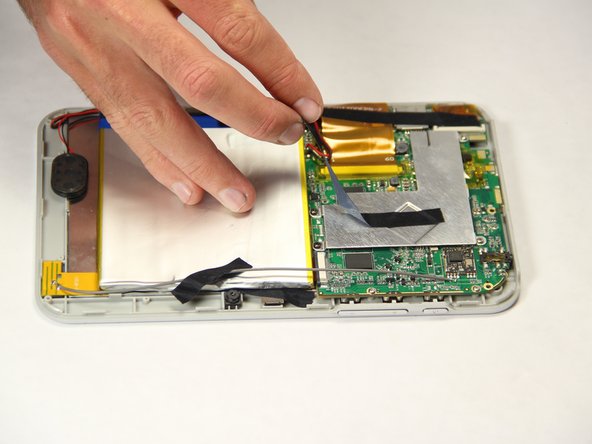
    • Peel off the black pieces of tape from the internal components.

    FixBotに聞いてみる
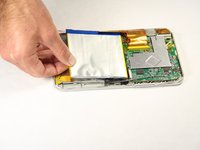
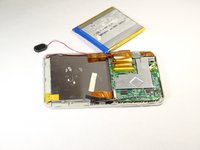
  5. Vivitar XO 7 Camera Replacement: 手順 5、 2の画像 1 Vivitar XO 7 Camera Replacement: 手順 5、 2の画像 2
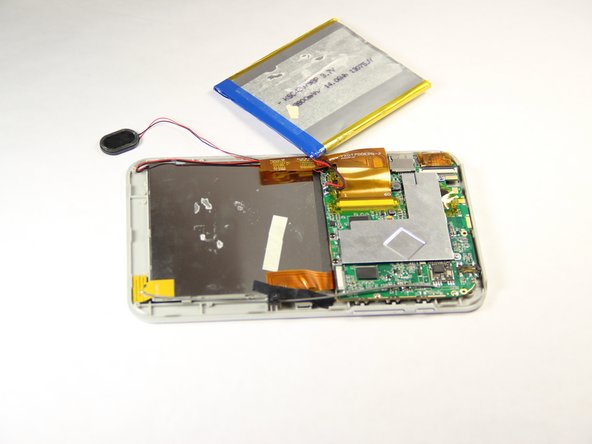
    • Carefully remove the battery from the tablet.

    FixBotに聞いてみる
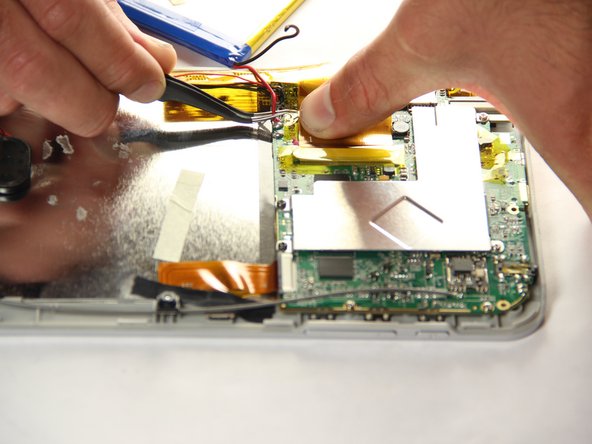
  6. Vivitar XO 7 Camera Replacement: 手順 6、 2の画像 1 Vivitar XO 7 Camera Replacement: 手順 6、 2の画像 2
    この手順で使用する道具:
    Tweezers
    $4.99
    • With the tweezers, firmly grab the wire at the base and pull to disconnect the battery from the motherboard.

    FixBotに聞いてみる
  7. Vivitar XO 7 Camera Replacement, Camera: 手順 7、 1の画像 1
    • Peel off black tape that is holding the camera in place.

    FixBotに聞いてみる
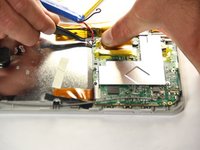
  8. Vivitar XO 7 Camera Replacement: 手順 8、 1の画像 1
    • Carefully disconnect the ribbon cables from the motherboard.

    FixBotに聞いてみる
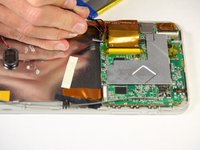
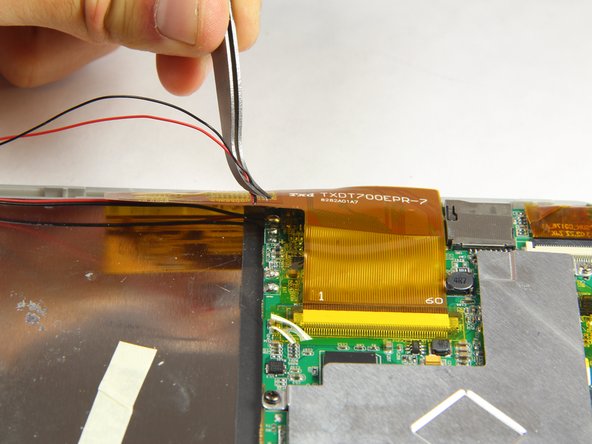
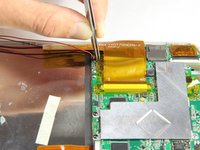
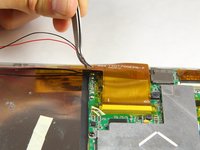
  9. Vivitar XO 7 Camera Replacement: 手順 9、 2の画像 1 Vivitar XO 7 Camera Replacement: 手順 9、 2の画像 2
    この手順で使用する道具:
    Tweezers
    $4.99
    • Using the tweezers, firmly grab wires and pull to disconnect them from the motherboard.

    FixBotに聞いてみる
終わりに

To reassemble your device, follow these instructions in reverse order.

作成者

3人の作成者と共同で作成されました。

Braanah Craig

メンバー登録日: 01/20/15

386 ポイント

2のガイドは作成済み

チーム

USF Tampa, Team 11-1, Blackwell Winter 2015 USF Tampa, Team 11-1, Blackwell Winter 2015人のメンバー

USFT-BLACKWELL-W15S11G1

4 メンバー

10のガイドは作成済み

0件のガイドコメント

コメントを追加

統計データ:

過去 24時間: 1

過去 7 日: 2

過去 30 日: 21

今までの合計 398