メインコンテンツにスキップ
リペアコミュニティに参加 - アカウントの作成

VENSTAR Taco Microphone Replacement Replacement

必要な工具と部品

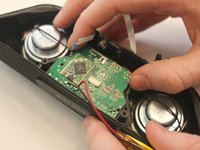
    1. VENSTAR Taco Microphone Replacement Replacement, VENSTAR Taco Disassembly: 手順 1、 3の画像 1 VENSTAR Taco Microphone Replacement Replacement, VENSTAR Taco Disassembly: 手順 1、 3の画像 2 VENSTAR Taco Microphone Replacement Replacement, VENSTAR Taco Disassembly: 手順 1、 3の画像 3
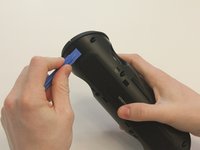
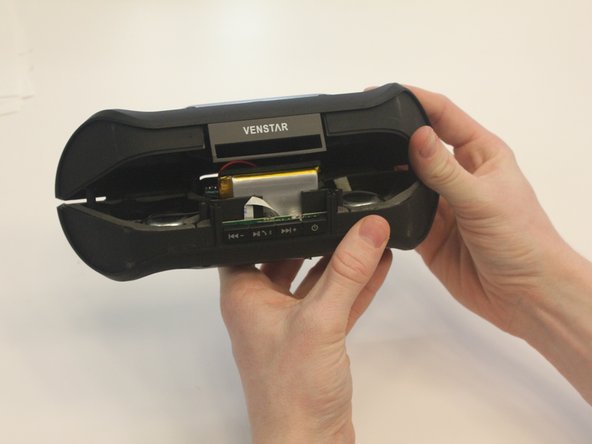
      • Starting with the Taco on its side, use the plastic opening tool to pop off the outer casing near the base.

      • The base labeled "VENSTAR TACO" is glued. Be careful separating the two sides of the device.

      FixBotに聞いてみる

      コメントを追加

    2. VENSTAR Taco Microphone Replacement Replacement: 手順 2、 2の画像 1 VENSTAR Taco Microphone Replacement Replacement: 手順 2、 2の画像 2
      • Repeat the previous step on the opposite side to remove the other outer casing.

      FixBotに聞いてみる

      コメントを追加

    3. VENSTAR Taco Microphone Replacement Replacement: 手順 3、 2の画像 1 VENSTAR Taco Microphone Replacement Replacement: 手順 3、 2の画像 2
      この手順で使用する道具:
      Phillips #0 Screwdriver
      $5.49
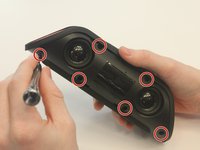
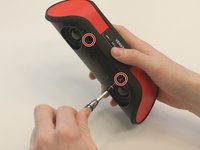
      • Using a Phillips PH0 3 mm-bit screwdriver, remove the six screws on the inner layer of the Taco.

      • The screws are small and can get stuck. Use tweezers to pull them out if you are having trouble.

      FixBotに聞いてみる

      コメントを追加

    4. VENSTAR Taco Microphone Replacement Replacement: 手順 4、 2の画像 1 VENSTAR Taco Microphone Replacement Replacement: 手順 4、 2の画像 2
      • From the same side you just unscrewed, use a plastic opening tool to unwedge the inner cover on both sides of the base.

      FixBotに聞いてみる

      コメントを追加

    5. VENSTAR Taco Microphone Replacement Replacement: 手順 5、 2の画像 1 VENSTAR Taco Microphone Replacement Replacement: 手順 5、 2の画像 2
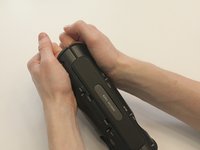
      • Slide off the inner cover. It pulls apart and is held on by a small amount of glue.

      FixBotに聞いてみる

      コメントを追加

    1. VENSTAR Taco Microphone Replacement Replacement, Logic Board Replacement: 手順 6、 1の画像 1
      • Remove the rubber covering from the buttons.

      FixBotに聞いてみる

      コメントを追加

    2. VENSTAR Taco Microphone Replacement Replacement: 手順 7、 3の画像 1 VENSTAR Taco Microphone Replacement Replacement: 手順 7、 3の画像 2 VENSTAR Taco Microphone Replacement Replacement: 手順 7、 3の画像 3
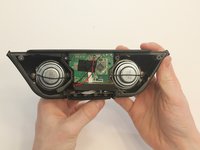
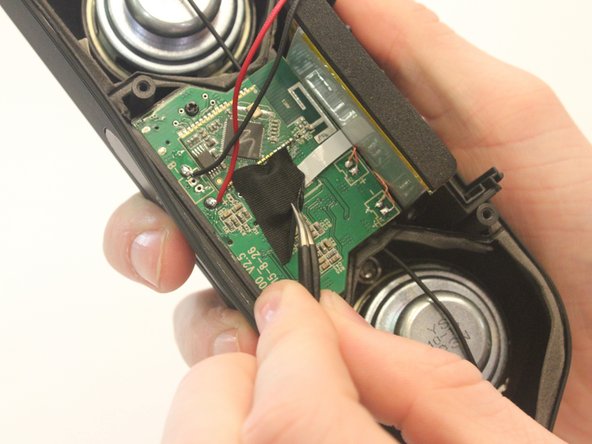
      • Remove the black fabric covering the logic board.

      FixBotに聞いてみる

      コメントを追加

    3. VENSTAR Taco Microphone Replacement Replacement: 手順 8、 2の画像 1 VENSTAR Taco Microphone Replacement Replacement: 手順 8、 2の画像 2
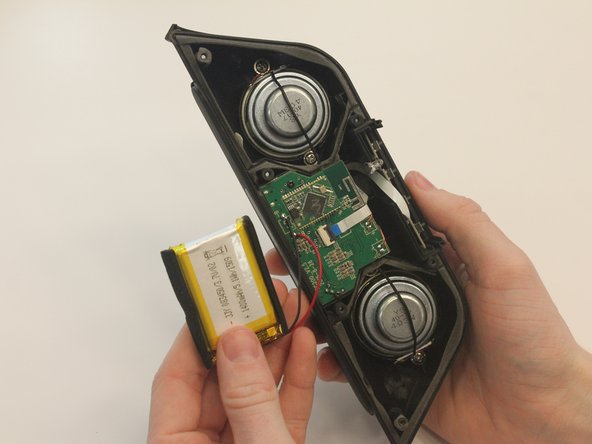
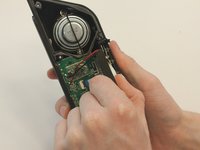
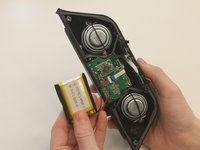
      • Move the battery out of the way of the connector.

      FixBotに聞いてみる

      コメントを追加

    4. VENSTAR Taco Microphone Replacement Replacement: 手順 9、 2の画像 1 VENSTAR Taco Microphone Replacement Replacement: 手順 9、 2の画像 2
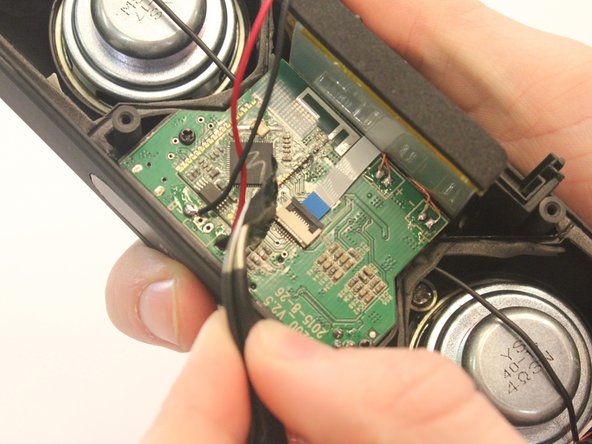
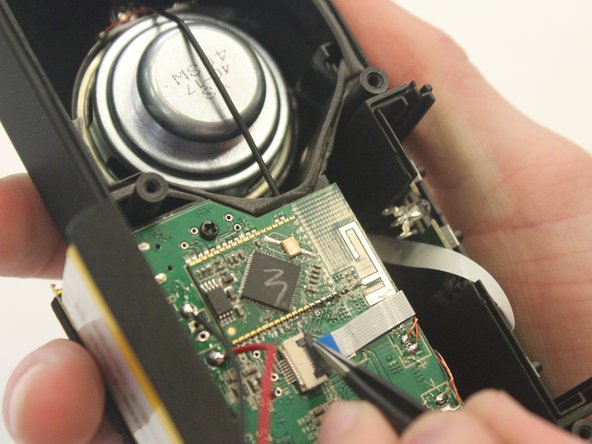
      • Undo the connector of the flat white ribbon between the switches and the logic board.

      FixBotに聞いてみる

      コメントを追加

    5. VENSTAR Taco Microphone Replacement Replacement: 手順 10、 1の画像 1
      • Undo the two black 3mm screws on the logic board using the PH0 screwdriver.

      FixBotに聞いてみる

      コメントを追加

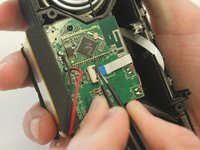
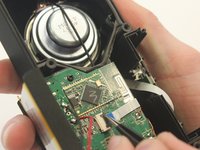
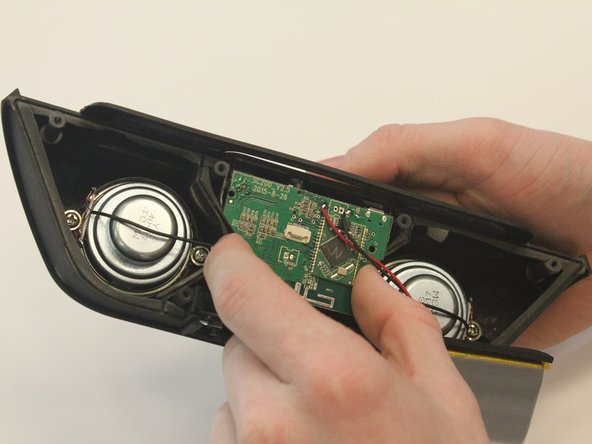
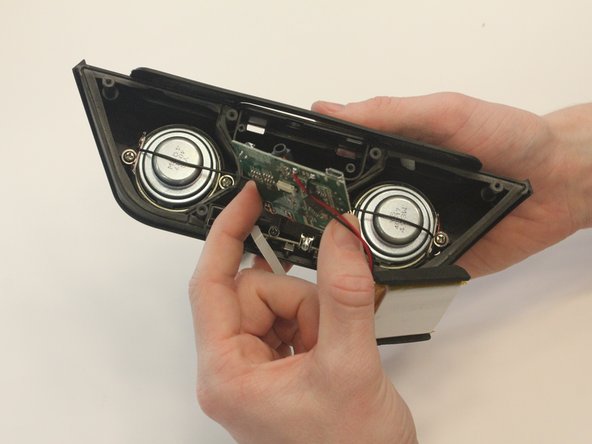
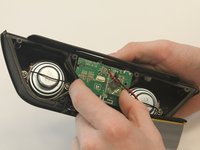
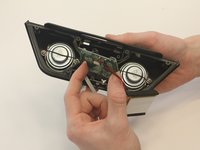
    6. VENSTAR Taco Microphone Replacement Replacement: 手順 11、 3の画像 1 VENSTAR Taco Microphone Replacement Replacement: 手順 11、 3の画像 2 VENSTAR Taco Microphone Replacement Replacement: 手順 11、 3の画像 3
      • Gently pull out the logic board.

      • Note that the battery and the logic board are connected and must be removed together.

      FixBotに聞いてみる

      コメントを追加

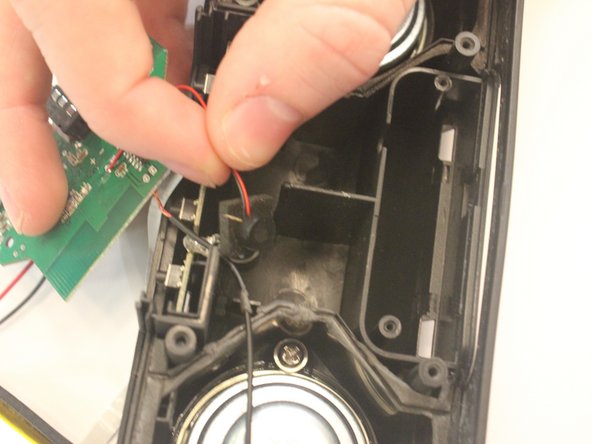
    1. VENSTAR Taco Microphone Replacement Replacement, Microphone Replacement: 手順 12、 2の画像 1 VENSTAR Taco Microphone Replacement Replacement, Microphone Replacement: 手順 12、 2の画像 2
      • Below the logic board, the small black microphone is resting within the case.

      FixBotに聞いてみる

      コメントを追加

終わりに

To reassemble your device, follow these instructions in reverse order.

キャンセル: このガイドを終了できませんでした。

ある他の人がこのガイドを完成しました。

作成者

5人の作成者と共同で作成されました。

Kaylee Simms

メンバー登録日: 01/30/16

310 ポイント

3のガイドは作成済み

チーム

University of Kentucky Louisville, Team 1-3, Matravers Spring 2016 University of Kentucky Louisville, Team 1-3, Matravers Spring 2016人のメンバー

LOUISVILLE-MATRAVERS-S16S1G3

4 メンバー

10のガイドは作成済み

0件のガイドコメント

コメントを追加

統計データ:

過去 24時間: 0

過去 7 日: 5

過去 30 日: 25

今までの合計 472