はじめに
The screen guide for the XV6700 is for screen replacement for your device. Please pay attention to the step order to avoid damage to fragile connections.
必要な工具と部品
-
-
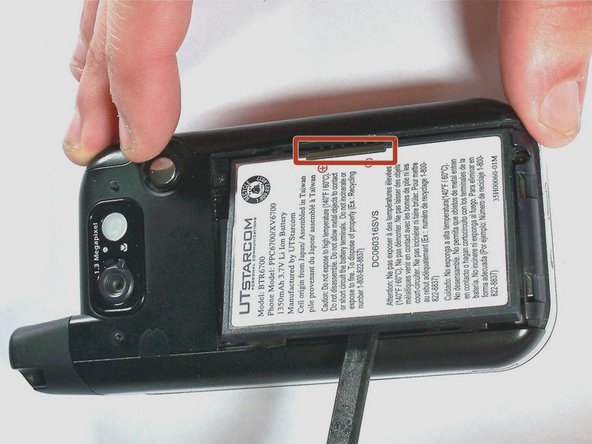
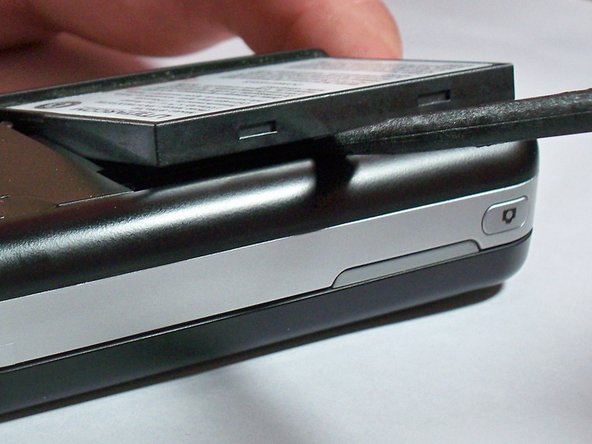
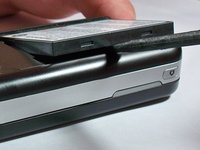
Remove the battery cover by pressing and sliding the cover down and off of the phone.
-
-
この手順で使用する道具:Tweezers$4.99
-
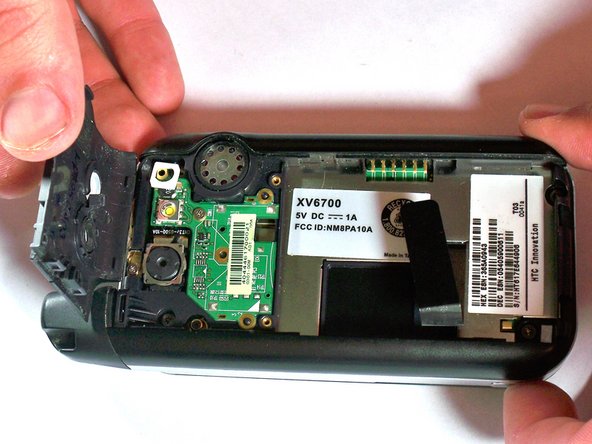
Remove the two 4.0-mm #000 Phillips screws at the top of the battery compartment. Tweezers may be useful to remove the screws.
-
-
-
Remove the 4.0-mm #00 Phillips screw securing the camera flash circuit board. The board is still connected by a connector on the bottom of the board.
-
-
-
-
Remove the four 5.0-mm Torx T6 screws from the corners of the black cover.
-
-
-
Remove the 4.0-mm #00 Phillips screw that holds the antenna in place. The antenna does not need to be removed.
-
-
-
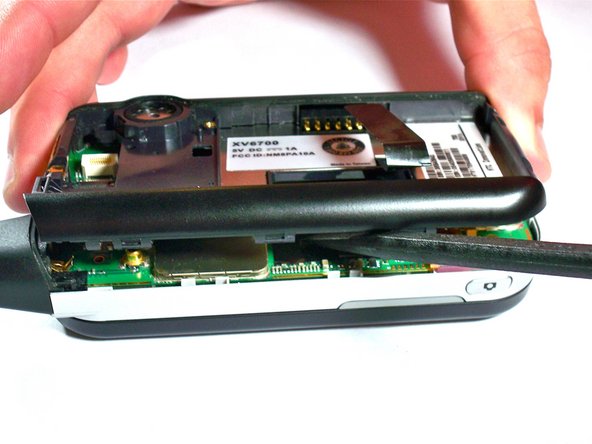
Use the spudger or plastic opening tools to apply firm but gentle pressure equally around the outside of the case.
-
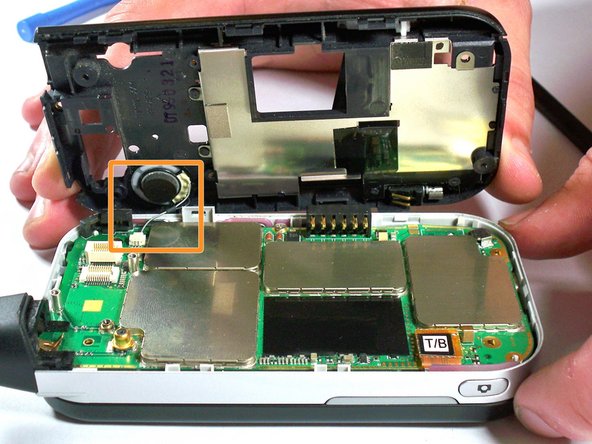
Carefully pry the black portion of the case away from the silver portion.
-
-
この手順で使用する道具:Tweezers$4.99
-
Using tweezers, pull with gentle pressure in the direction of the wire to unplug from the motherboard connector.
-
-
-
Remove the 4.0-mm #00 Phillips screw holding the motherboard in place. The screw is in the middle of the motherboard, near the outside edge.
-
-
-
With your fingers, disconnect the keyboard cable from the motherboard. The cable is orange with the letters T/B printed on the connector.
-
-
-
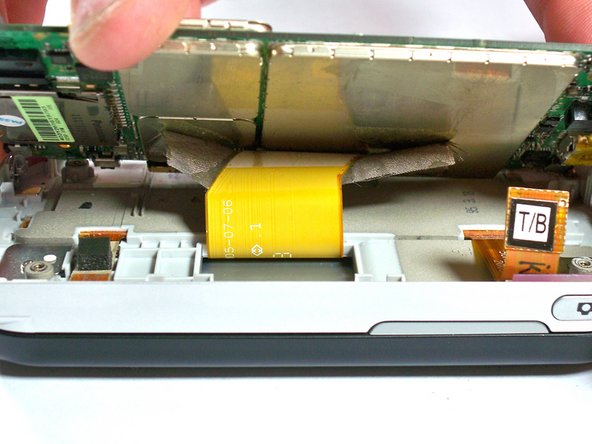
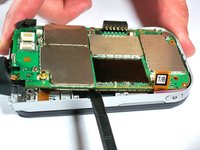
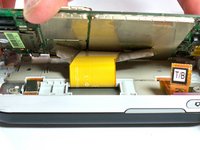
Carefully lift up on the motherboard with the spudger until you can see the display cable connected to the underside of the motherboard. The display cable connector will be taped over.
-
-
-
Using the spudger, pry away the display cable connector from the motherboard. The motherboard is now completely disconnected.
-
-
-
Remove the four 4.0-mm #00 Phillips screws that secure the slide-out keyboard to the screen enclosure.
-
-
-
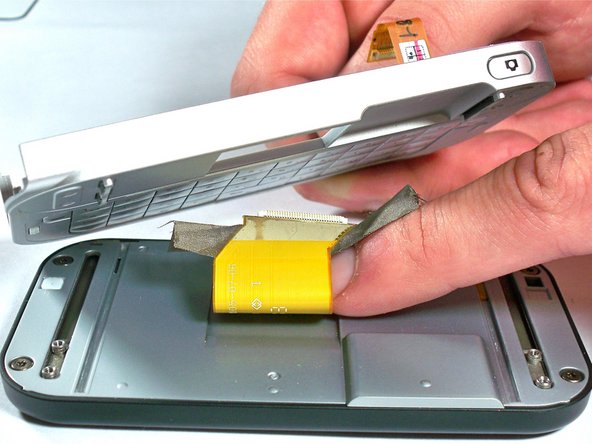
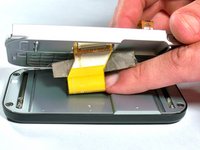
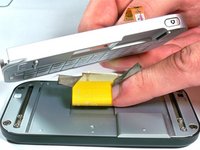
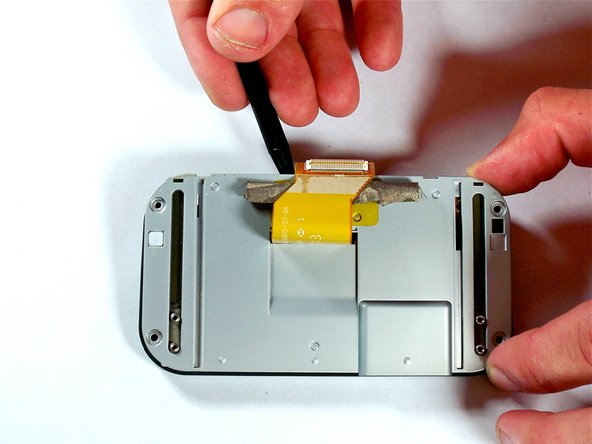
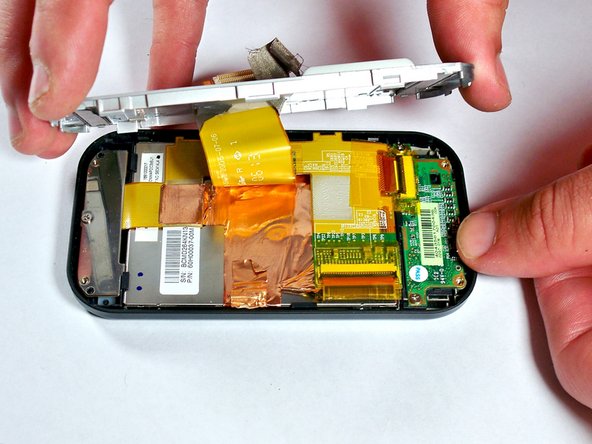
Carefully pull the display cable through the opening in the keyboard panel. The keyboard panel can then be set aside.
-
-
-
Pry the silver cover off the screen enclosure. The display cable should be pulled through the opening in the silver cover.
-
-
-
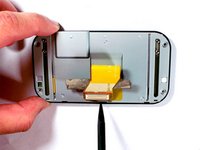
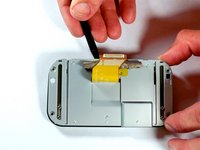
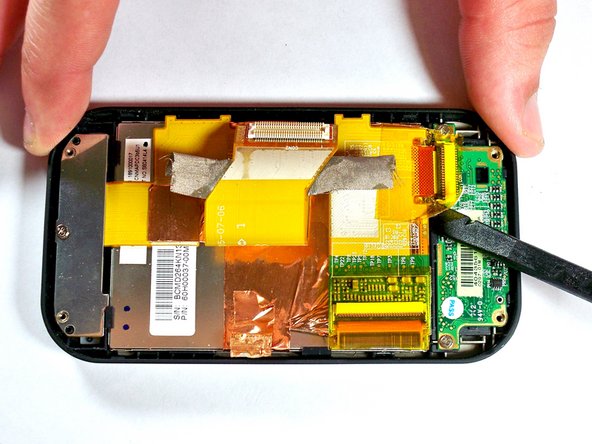
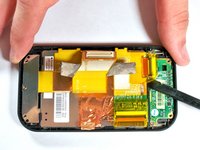
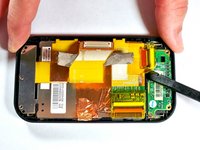
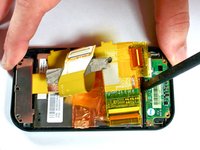
Use the spudger to remove the tape from the connector between the screen and the front button circuit board.
-
Pry up on the brown connector to remove.
-
-
-
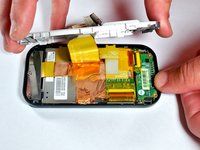
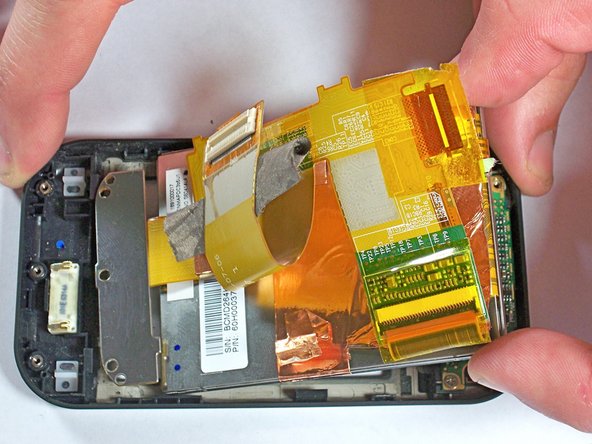
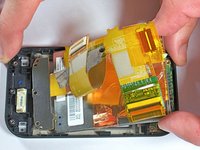
Remove one 4.0-mm #00 Phillips screws from the silver bracket holding the screen assembly in place.
-
-
-
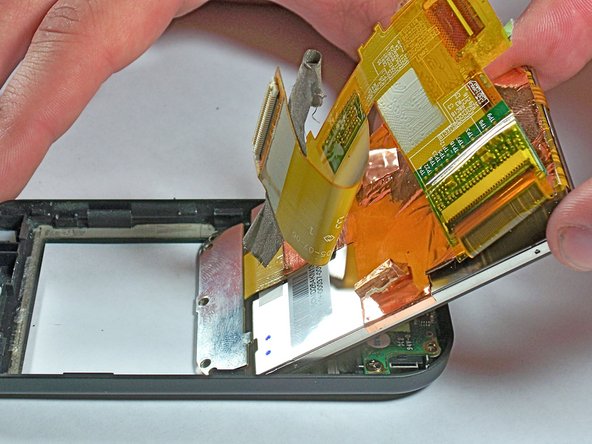
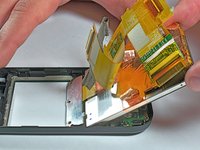
Remove the screen by using the spudger to gently but firmly pry the screen away from the outer case.
-
Use your hand to lift the screen completely away from the case.
-

 FixBotに聞いてみる






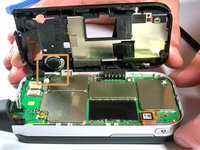


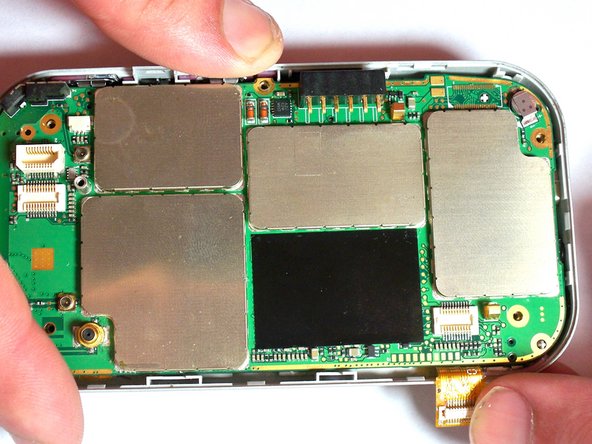








To reassemble your device, follow these instructions in reverse order.
ある他の人がこのガイドを完成しました。

チーム

University of Kentucky Louisville, Team 1-4, Chamberlain Spring 2013 University of Kentucky Louisville, Team 1-4, Chamberlain Spring 2013人のメンバー
LOUISVILLE-CHAMBERLAIN-S13S1G4
3 メンバー
18のガイドは作成済み
