はじめに
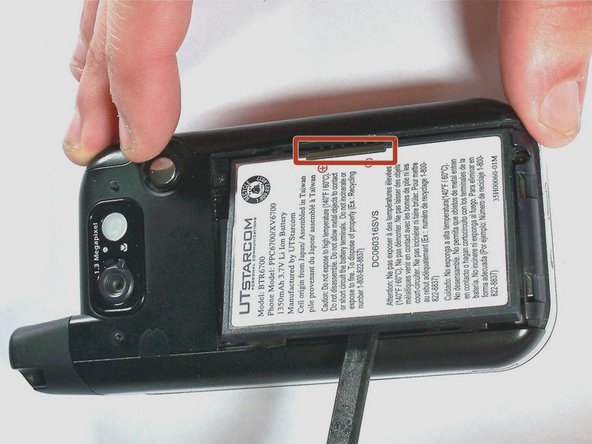
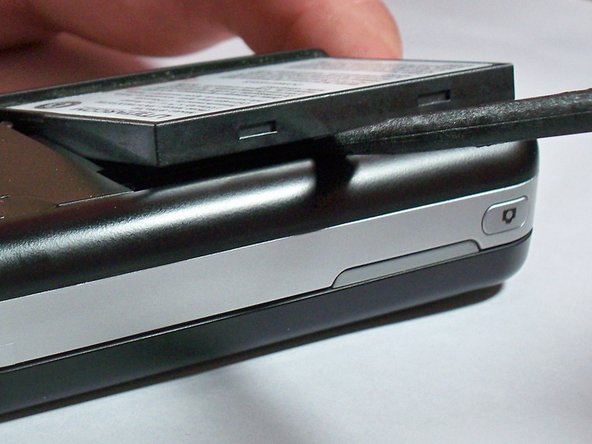
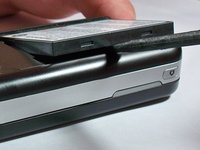
Even rechargeable batteries eventually wear out and need replacing. You can replace the battery in The UTStarcom XV6700 cellular phone in three easy steps.
Swollen Battery Warning: If the battery in your phone is swollen, be sure to read this article before proceeding.
必要な工具と部品
-
-
-
Remove the battery cover by pressing and sliding the cover down and off of the phone.
-

 FixBotに聞いてみる


終わりに
To reassemble your device, follow these instructions in reverse order.

チーム

University of Kentucky Louisville, Team 1-4, Chamberlain Spring 2013 University of Kentucky Louisville, Team 1-4, Chamberlain Spring 2013人のメンバー
LOUISVILLE-CHAMBERLAIN-S13S1G4
3 メンバー
18のガイドは作成済み
