メインコンテンツにスキップ
リペアコミュニティに参加 - アカウントの作成

Turtle Beach Recon 70P Talkback Cable Replacement

必要な工具と部品

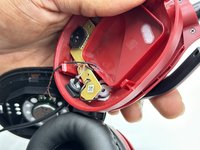
  1. Turtle Beach Recon 70P Talkback Cable Replacement, Talkback Cable: 手順 1、 3の画像 1 Turtle Beach Recon 70P Talkback Cable Replacement, Talkback Cable: 手順 1、 3の画像 2 Turtle Beach Recon 70P Talkback Cable Replacement, Talkback Cable: 手順 1、 3の画像 3
    • Remove the left ear pad by following the steps from the ear pad replacement guide. earpad replacement guide.

    • Use a spudger to pry up and remove the black plastic cover.

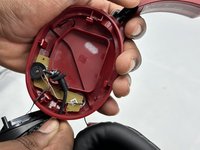
  2. Turtle Beach Recon 70P Talkback Cable Replacement: 手順 2、 3の画像 1 Turtle Beach Recon 70P Talkback Cable Replacement: 手順 2、 3の画像 2 Turtle Beach Recon 70P Talkback Cable Replacement: 手順 2、 3の画像 3
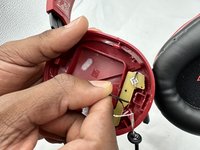
    • Use a Phillips screwdriver to remove the two 5 mm screws that secure the motherboard.

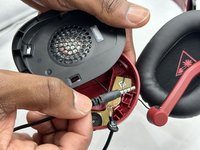
  3. Turtle Beach Recon 70P Talkback Cable Replacement: 手順 3、 3の画像 1 Turtle Beach Recon 70P Talkback Cable Replacement: 手順 3、 3の画像 2 Turtle Beach Recon 70P Talkback Cable Replacement: 手順 3、 3の画像 3
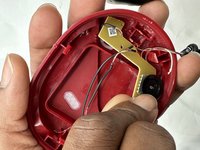
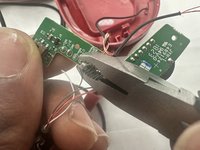
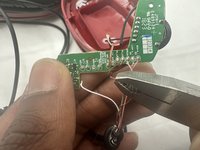
    • Cut the talkback cable below where it enters the speaker housing.

    • Remove the cut section of the talkback cable.

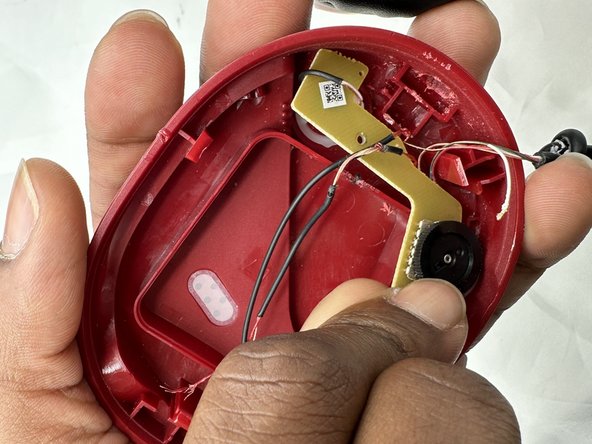
  4. Turtle Beach Recon 70P Talkback Cable Replacement: 手順 4、 3の画像 1 Turtle Beach Recon 70P Talkback Cable Replacement: 手順 4、 3の画像 2 Turtle Beach Recon 70P Talkback Cable Replacement: 手順 4、 3の画像 3
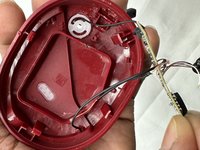
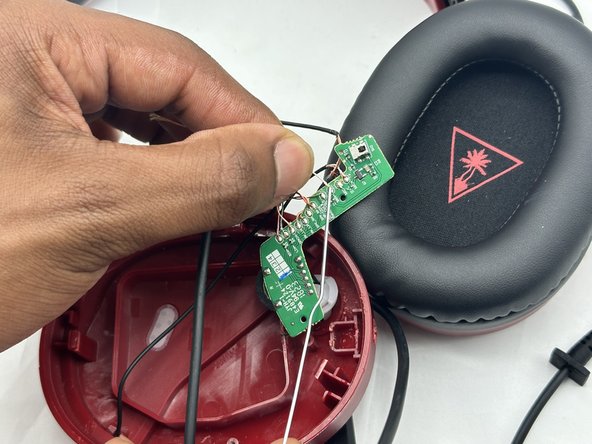
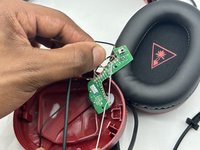
    • You may need to move the speaker wire out of site so it will not block the motherboard.

    • Lift the motherboard up and out of the housing.

    • Take care not to strain the wires.

  5. Turtle Beach Recon 70P Talkback Cable Replacement: 手順 5、 2の画像 1 Turtle Beach Recon 70P Talkback Cable Replacement: 手順 5、 2の画像 2
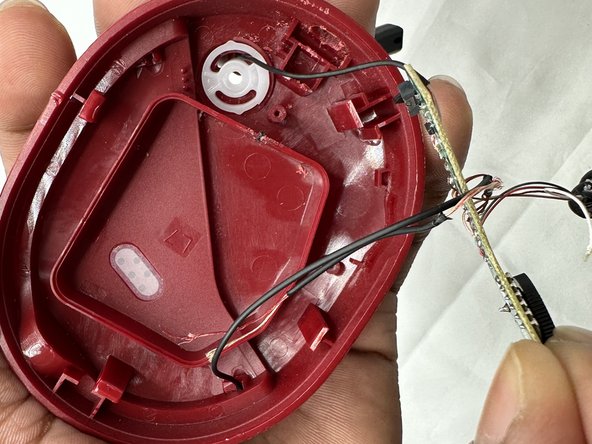
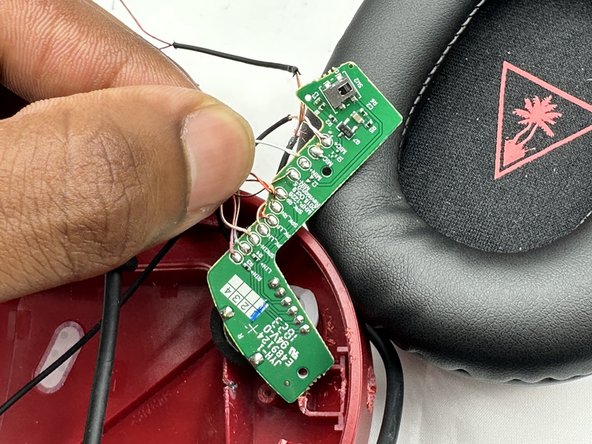
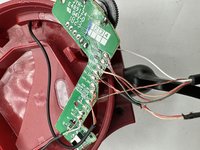
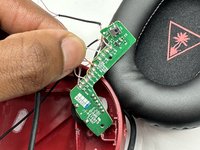
    • Desolder all of the talkback cable motherboard connections.

  6. Turtle Beach Recon 70P Talkback Cable Replacement: 手順 6、 3の画像 1 Turtle Beach Recon 70P Talkback Cable Replacement: 手順 6、 3の画像 2 Turtle Beach Recon 70P Talkback Cable Replacement: 手順 6、 3の画像 3
    • Feed the replacement talkback cable through the housing, then solder every wire onto the motherboard's connection points in the order they were initially found.

    • The purpose of each wire is designated in small text on the motherboard.

終わりに

To reassemble your device, follow these instructions in reverse order.

ある他の人がこのガイドを完成しました。

作成者

2人の作成者と共同で作成されました。

Austin Hance

メンバー登録日: 02/05/24

588 ポイント

4のガイドは作成済み

チーム

University of North Texas, Team 3-1, Kilpatrick Spring 2024 University of North Texas, Team 3-1, Kilpatrick Spring 2024人のメンバー

UNT-KILPATRICK-S24S3G1

4 メンバー

5のガイドは作成済み

1件のガイドコメント

Thanks for the run down but could you please share what cable you used to replaced old one with? is it just 3.5mm jack, four pole extension cable which you stripped on one side ?

Bartosz Debski - 返信

コメントを追加

統計データ:

過去 24時間: 1

過去 7 日: 13

過去 30 日: 55

今までの合計 746