はじめに
This Motherboard you will be fixing/replacing will contain sensitive electronic parts, so be very careful!
必要な工具と部品
-
-
Take one of the plastic opening tools and wedge it in the middle of the tablet, starting on the USB Port side.
-
Holding the tool in place, take one of the 6 plastic opening picks and slide it across the opening you made with the opening tool.
-
-
-
Continue going around the tablet sides with the plastic pick, being sure that you are maintaining the openings you made with either your hand or the opening tool.
-
-
-
Prepare your Soldering Iron and Removal Tools.
-
Contact the iron with each of the battery leads, and pull the lead away from the board.
-
Remove any excess solder as needed.
-
-
-
-
To replace your battery, you must reinsert the Battery leads into the Motherboard, being sure that the Red wire goes into the + (positive) terminal and the Black wire goes into the - (negative) terminal.
-
Apply heat and solder to each lead individually.
-
Remove any excess solder if flooding occurs.
-
-
-
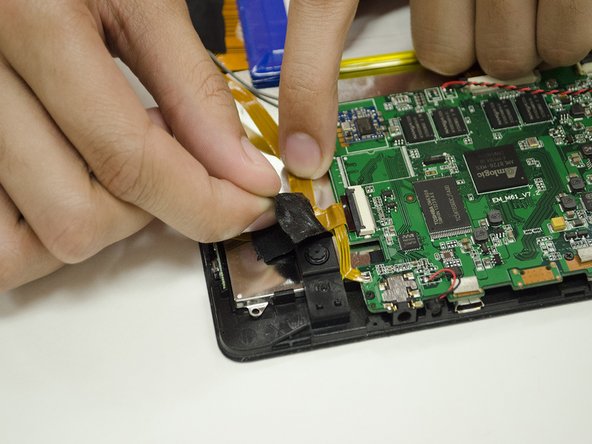
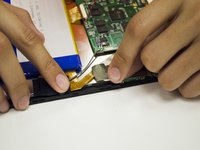
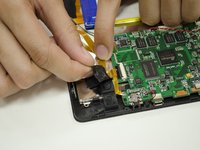
Slowly remove the two pieces of electrical tape holding down the Camera ribbon cable.
-
-
-
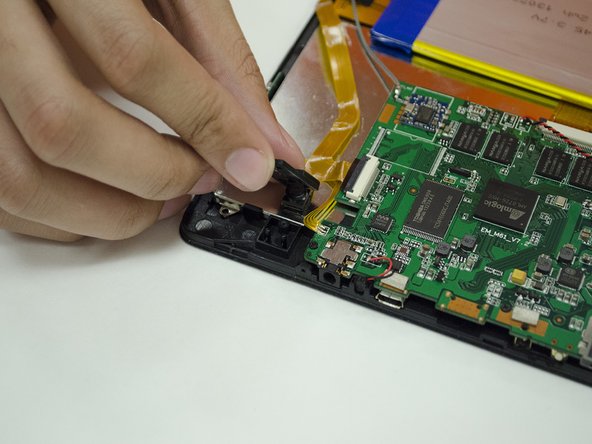
Remove the #00 Screw holding down the Camera mount, then remove the Camera mount.
-
-
-
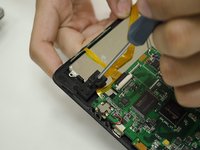
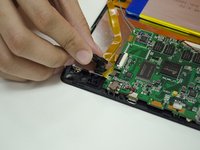
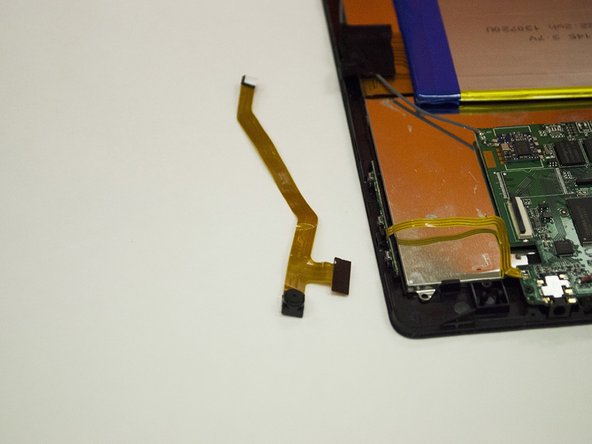
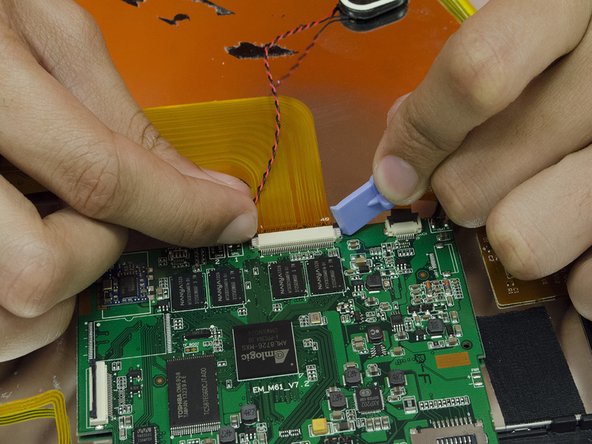
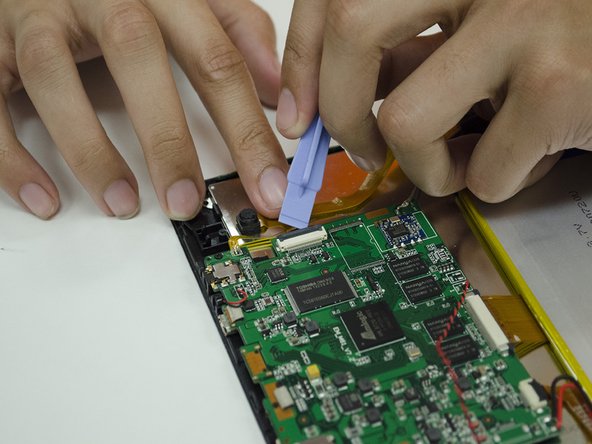
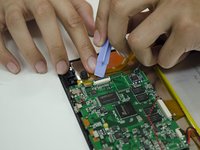
Detach the Camera's ribbon cable from the Motherboard using your fingernail or a plastic opening tool.
-
Remove the camera from the frame and replace as needed.
-
-
-
Prepare your Soldering tools. Desolder the Speaker leads from the Motherboard.
-
Remove any excess solder as necessary, and apply new solder when replacing a Speaker.
-
-
-
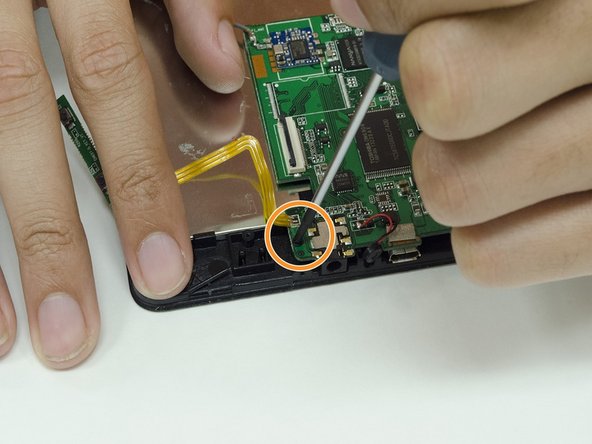
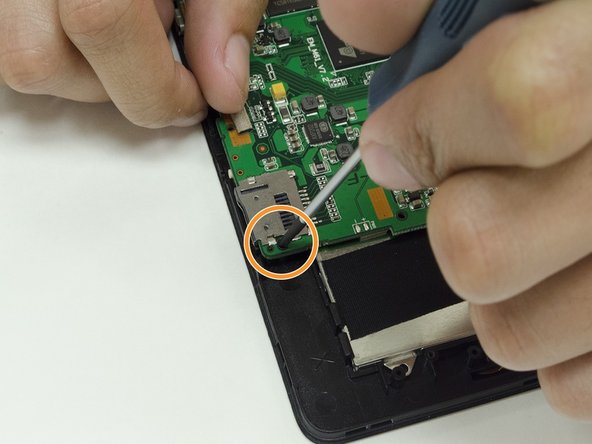
Prepare your Desoldering Tools. Remove the grey wire attached to the Motherboard.
-
Remove any excess solder as needed.
-
-
この手順で使用する道具:Tweezers$4.99
-
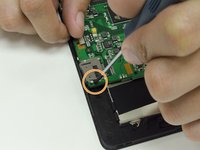
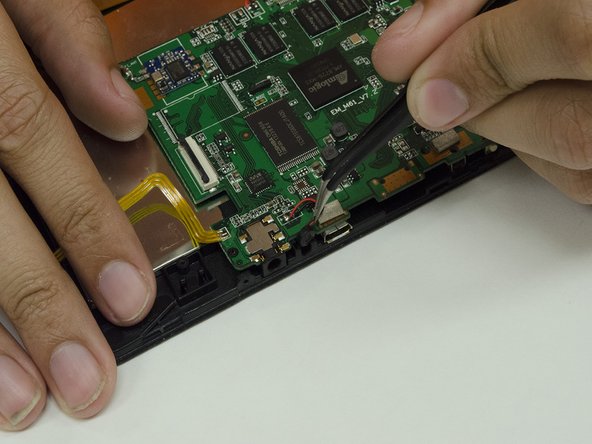
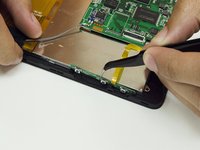
Use a pair of Tweezers to carefully pull the side buttons away from the frame.
-
Use the same Tweezers to carefully pull the microphone away from the front of the frame.
-
-
-
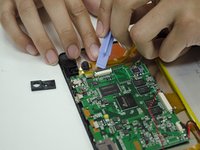
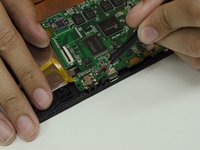
Use your fingernails or a plastic opening tool to remove any remaining ribbon cables from the Motherboard.
-
-
-
With the cables removed, lift the Motherboard off of the frame.
-
Repair or replace the Motherboard as needed.
-

 FixBotに聞いてみる




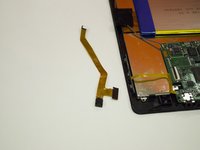


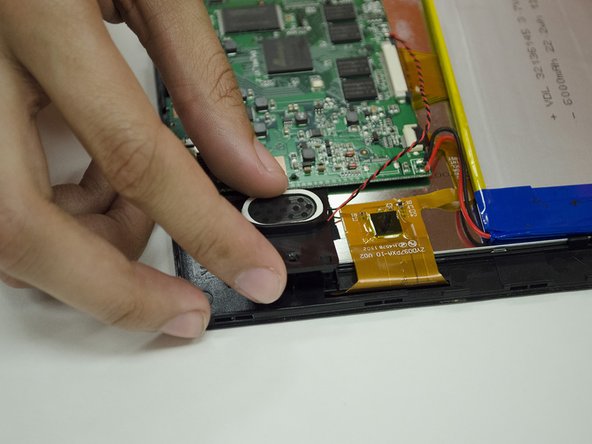
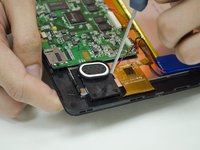
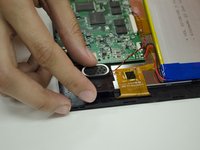






To reassemble your device, follow these instructions in reverse order while being careful with the electronics on your repaired/replaced Motherboard.
2 の人々がこのガイドを完成させました。

チーム

Clemson, Team 15-5, Shirley Winter 2015 Clemson, Team 15-5, Shirley Winter 2015人のメンバー
CLEM-SHIRLEY-W15S15G5
4 メンバー
4のガイドは作成済み
