メインコンテンツにスキップ
リペアコミュニティに参加 - アカウントの作成

Trio STEALTH-9 Camera Replacement

必要な工具と部品

    1. Trio STEALTH-9 Camera Replacement, Back Cover: 手順 1、 1の画像 1
      • Remove the two Phillips #00 screws on the side of the tablet.

      FixBotに聞いてみる

      コメントを追加

    2. Trio STEALTH-9 Camera Replacement: 手順 2、 1の画像 1
      • Take one of the plastic opening tools and wedge it in the middle of the tablet, starting on the USB Port side.

      • Holding the tool in place, take one of the 6 plastic opening picks and slide it across the opening you made with the opening tool.

      FixBotに聞いてみる

      コメントを追加

    3. Trio STEALTH-9 Camera Replacement: 手順 3、 1の画像 1
      • Continue going around the tablet sides with the plastic pick, being sure that you are maintaining the openings you made with either your hand or the opening tool.

      • You will notice some popping as you go around with the pick. Don't worry, this is completely normal.

      FixBotに聞いてみる

      コメントを追加

    4. Trio STEALTH-9 Camera Replacement: 手順 4、 1の画像 1
      • Remove the back cover of the tablet to reveal the internals.

      • To replace, pinch each of the ends together until all four sides are closed.

      FixBotに聞いてみる

      コメントを追加

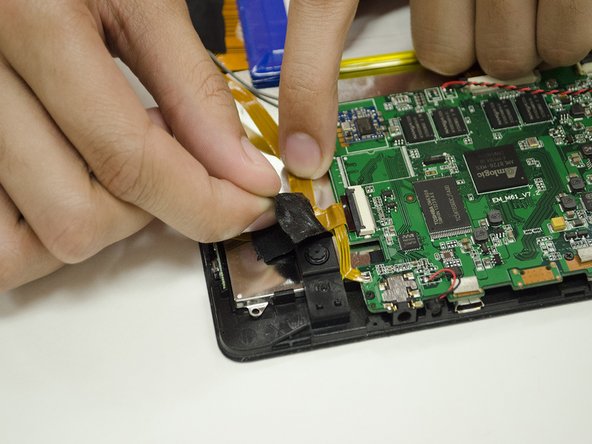
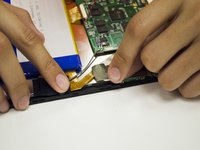
    1. Trio STEALTH-9 Camera Replacement, Camera: 手順 5、 2の画像 1 Trio STEALTH-9 Camera Replacement, Camera: 手順 5、 2の画像 2
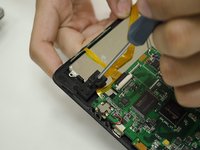
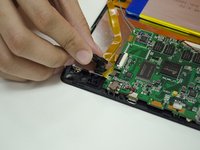
      • Slowly remove the two pieces of electrical tape holding down the Camera ribbon cable.

      FixBotに聞いてみる

      コメントを追加

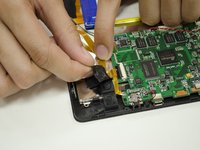
    2. Trio STEALTH-9 Camera Replacement: 手順 6、 2の画像 1 Trio STEALTH-9 Camera Replacement: 手順 6、 2の画像 2
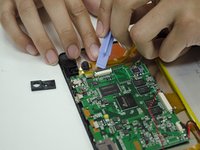
      • Remove the #00 Screw holding down the Camera mount, then remove the Camera mount.

      FixBotに聞いてみる

      コメントを追加

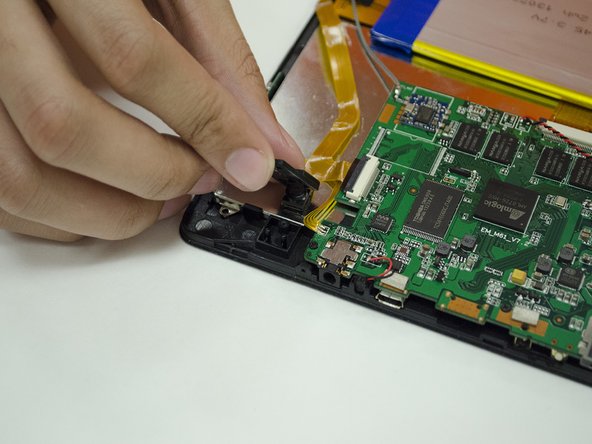
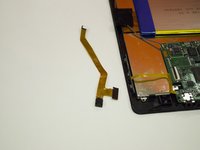
    3. Trio STEALTH-9 Camera Replacement: 手順 7、 2の画像 1 Trio STEALTH-9 Camera Replacement: 手順 7、 2の画像 2
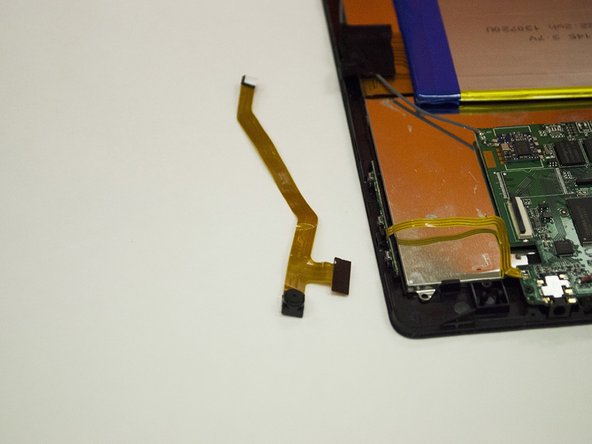
      • Detach the Camera's ribbon cable from the Motherboard using your fingernail or a plastic opening tool.

      • Remove the camera from the frame and replace as needed.

      FixBotに聞いてみる

      コメントを追加

終わりに

To reassemble your device, follow these instructions in reverse order.

キャンセル: このガイドを終了できませんでした。

作成者

1人の作成者と共同作成されました。

[deleted]

メンバー登録日: 01/29/15

415 ポイント

3のガイドは作成済み

0件のガイドコメント

コメントを追加

統計データ:

過去 24時間: 1

過去 7 日: 3

過去 30 日: 16

今までの合計 424