必要な工具と部品
-
-
Locate the horizontal grip located on the back cover of the phone.
-
Slide the back cover down and off of the phone.
 FixBotに聞いてみる
-
-
-
Insert a plastic opening tool into the battery release point located above the battery.
-
Pull outwards in order to release the battery.
-
-
この手順で使用する道具:Tweezers$4.99
-
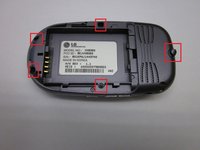
Locate the 5 screws holding the body of the phone together.
-
Using a Philips head screwdriver, twist counterclockwise to remove the screws.
-
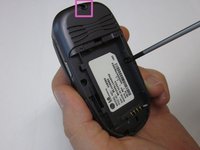
Take special care with the screw located at the top of the phone. It is smaller and more likely to be damaged or improperly attached.
-
-
-
-
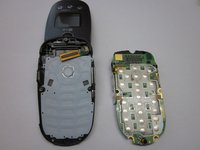
Locate the clamp at bottom right side of the Circuit Board.
-
Pull the circuit board from the phone being cautious to pull out underneath the clamp.
-
-
-
Locate the ribbon connecting the circuit board to the phone display.
-
Using the spudger, disconnect the ribbon connecting the phone's display and the circuit board.
-
Remove the circuit board
-
-
この手順で使用する道具:Tweezers$4.99
-
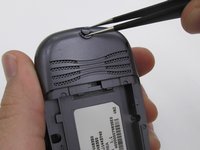
Locate the two rubber circles covering the screws.
-
Remove the rubber covers using tweezers.
-
Using the Phillips head screwdriver, unscrew and remove the two screws.
-
-
-
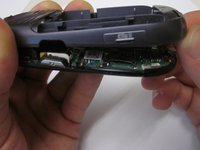
Close the phone and gently pull outwards from the bottom left portion of the phone cover.
-
Completely remove the cover from the phone.
-
-
-
Locate the front music buttons.
-
Remove the music control buttons on the face of the phone.
-
-
-
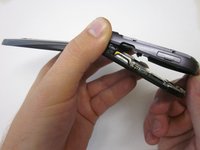
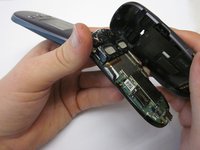
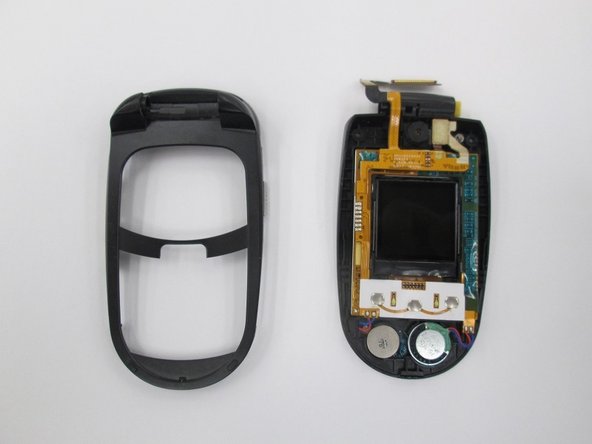
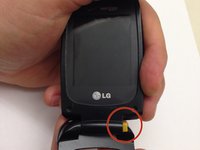
While grasping the top and bottom sections torque the pieces until the indicated hinge has popped out. The two sections of the phone are now able to separate.
-
-
-
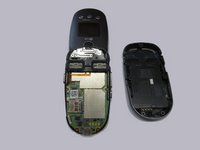
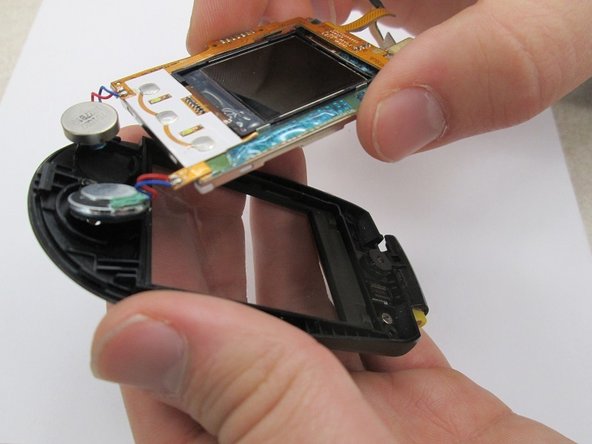
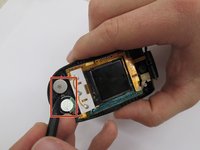
Locate the two speakers. Using a spudger disconnect the speakers from the assembly.
-
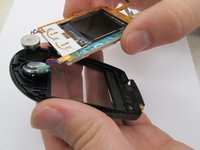
Lift the screen assembly from the casing.
-
-
この手順で使用する道具:Tweezers$4.99
-
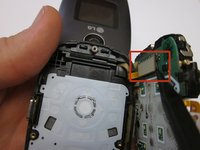
Use a pair of tweezers to disconnect the speaker wires from the circuit board. Note that the soldered connection must be broken for this to occur.
-










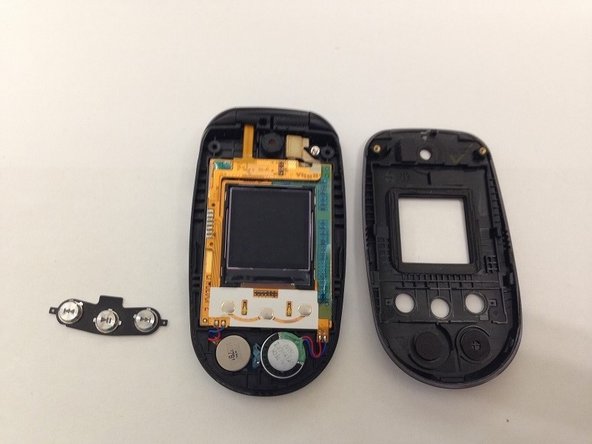


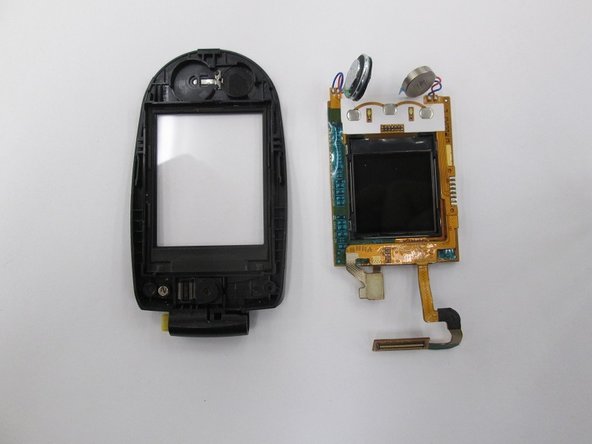

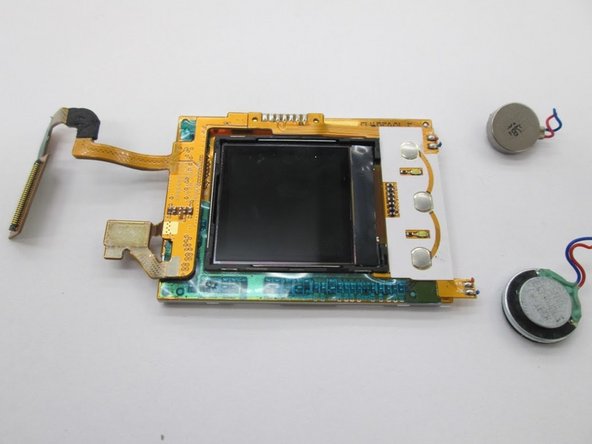
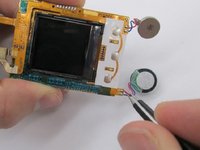
To reassemble your device, re-solder the speaker wires to the circuit board and follow the rest of the instructions in reverse order.
ある他の人がこのガイドを完成しました。

チーム

Clemson, Team 14-7, Benson Fall 2013 Clemson, Team 14-7, Benson Fall 2013人のメンバー
CLEM-BENSON-F13S14G7
3 メンバー
32のガイドは作成済み
