はじめに
This guide demonstrates how to open up your headset and locate the speaker for replacement if it stops working.
必要な工具と部品
-
-
-
Locate the left side designation on the headband-earpiece junction.
-
The battery is in the right earpiece.
-
The motherboard is in the left earpiece.
 FixBotに聞いてみる
-
-
-
Gently pull around the perimeter of the left ear cushion until it comes off.
-
-
-
-
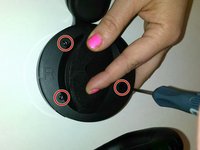
Use the PH00 Screwdriver to remove the three Phillips 6mm screws around the perimeter of the ear cup.
-
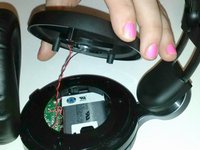
Gently pull the outer ear rim off of the headset assembly.
-
-
この手順で使用する道具:Tweezers$4.99
-
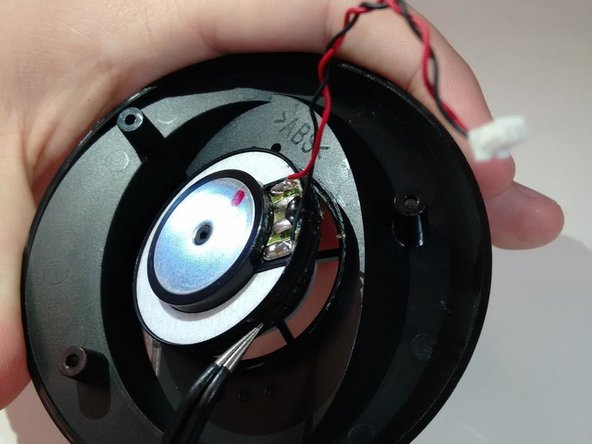
Using tweezers, gently pry the red and black speaker wires from the attached socket.
-
-
-
-
-
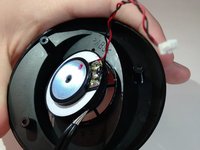
Locate the junction of the electrical speaker and the plastic speaker housing.
-
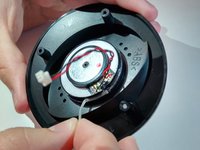
Use the spudger to sever the glue at this junction.
-
Remove the electrical speaker from the speaker housing.
-
-





To reassemble your device, follow these instructions in reverse order.
4 の人々がこのガイドを完成させました。

