メインコンテンツにスキップ
リペアコミュニティに参加 - アカウントの作成

Sony CPF-IP001 Subwoofer Replacement

必要な工具と部品

  1. Sony CPF-IP001 Subwoofer Replacement, Subwoofer Housing Disassembly: 手順 1、 2の画像 1 Sony CPF-IP001 Subwoofer Replacement, Subwoofer Housing Disassembly: 手順 1、 2の画像 2
    • Remove fourteen 8 mm Phillips #2 screws from the bottom of the subwoofer.

    • Once all of the screws are removed, the cover can be taken off using a metal spudger.

    FixBotに聞いてみる

    コメントを追加

  2. Sony CPF-IP001 Subwoofer Replacement: 手順 2、 2の画像 1 Sony CPF-IP001 Subwoofer Replacement: 手順 2、 2の画像 2
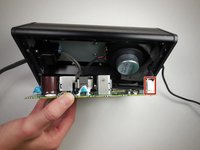
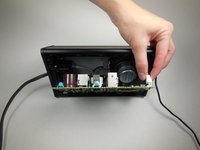
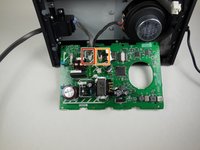
    • Remove eight 14 mm Phillips #2 screws holding the circuit board in place.

    • Using the plastic opening tool, carefully remove the circuit board.

    • There will be 3 wires connected to the opposite side of the circuit board. Be careful not to pull the board out of the device too far and damage these wires.

    FixBotに聞いてみる

    コメントを追加

  3. Sony CPF-IP001 Subwoofer Replacement: 手順 3、 2の画像 1 Sony CPF-IP001 Subwoofer Replacement: 手順 3、 2の画像 2
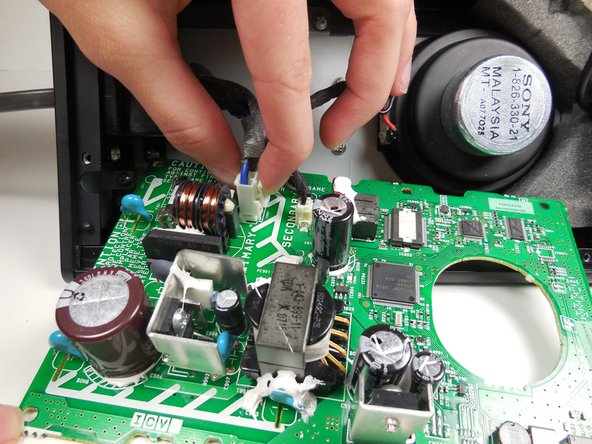
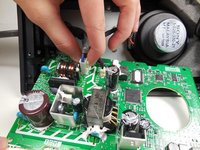
    • Remove the first of the three wires by squeezing the clip and pulling it out.

    • After disconnecting the first wire, the two attached wires can be more easily accessed.

    FixBotに聞いてみる

    コメントを追加

  4. Sony CPF-IP001 Subwoofer Replacement: 手順 4、 3の画像 1 Sony CPF-IP001 Subwoofer Replacement: 手順 4、 3の画像 2 Sony CPF-IP001 Subwoofer Replacement: 手順 4、 3の画像 3
    この手順で使用する道具:
    Tweezers
    $4.99
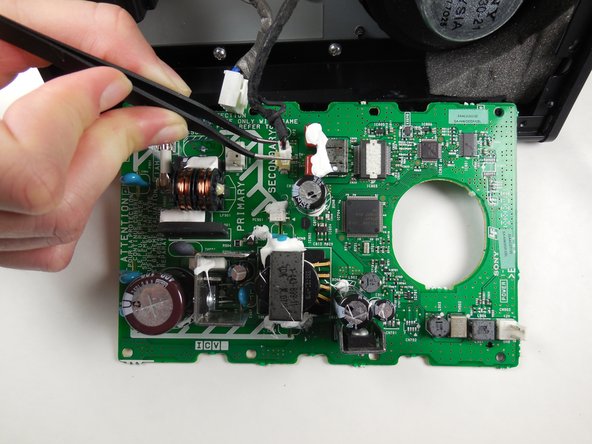
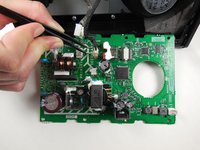
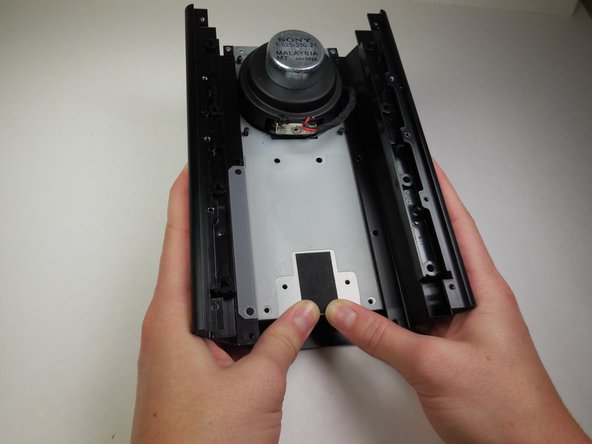
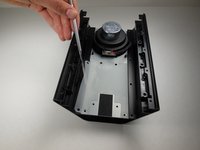
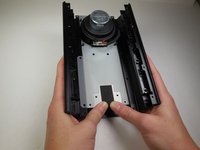
    • Remove the wire furthest to the left by squeezing the clip and pulling it out.

    • Detach the third wire by carefully using the tweezers.

    • The circuit board is now completely detached and can be set aside.

    FixBotに聞いてみる

    コメントを追加

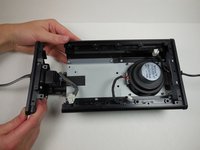
  5. Sony CPF-IP001 Subwoofer Replacement: 手順 5、 2の画像 1 Sony CPF-IP001 Subwoofer Replacement: 手順 5、 2の画像 2
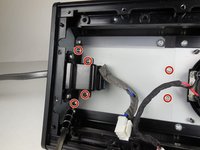
    • Remove six 8 mm Phillips #2 screws.

    • Slide the side panel with the power cord out from the housing.

    • The side panel with the power cord will come out as a whole unit with the subwoofer air tunnel.

    FixBotに聞いてみる

    コメントを追加

  6. Sony CPF-IP001 Subwoofer Replacement, Subwoofer: 手順 6、 1の画像 1
    • Remove two 8 mm Phillips #2 screws holding the side panel in place.

    FixBotに聞いてみる

    コメントを追加

  7. Sony CPF-IP001 Subwoofer Replacement: 手順 7、 1の画像 1
    • Remove eight 8 mm Phillips #2 screws holding the subwoofer tray to the housing.

    FixBotに聞いてみる

    コメントを追加

  8. Sony CPF-IP001 Subwoofer Replacement: 手順 8、 2の画像 1 Sony CPF-IP001 Subwoofer Replacement: 手順 8、 2の画像 2
    • Using a metal spudger, slightly peel back the plastic the has been glued to the tray and the housing.

    • Slide the tray containing the subwoofer out of the housing.

    FixBotに聞いてみる

    コメントを追加

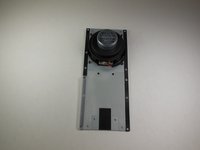
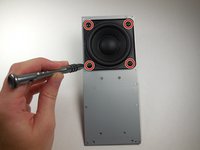
  9. Sony CPF-IP001 Subwoofer Replacement: 手順 9、 2の画像 1 Sony CPF-IP001 Subwoofer Replacement: 手順 9、 2の画像 2
    • After removing the tray, flip it over and you will find four screws connecting the subwoofer.

    • Remove four 7.5 mm Phillips #2 screws.

    FixBotに聞いてみる

    コメントを追加

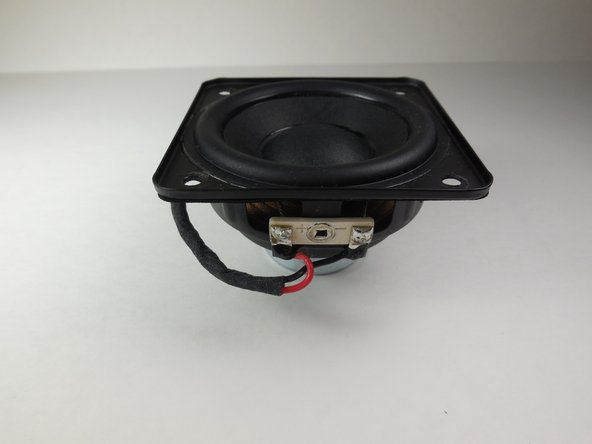
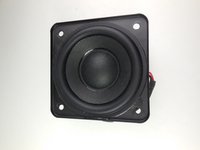
  10. Sony CPF-IP001 Subwoofer Replacement: 手順 10、 2の画像 1 Sony CPF-IP001 Subwoofer Replacement: 手順 10、 2の画像 2
    • The subwoofer has now been removed from the device and can be replaced.

    FixBotに聞いてみる

    コメントを追加

終わりに

To reassemble your device, follow these instructions in reverse order.

キャンセル: このガイドを終了できませんでした。

3 の人々がこのガイドを完成させました。

作成者

4人の作成者と共同で作成されました。

Mike Bolton

メンバー登録日: 04/14/15

473 ポイント

4のガイドは作成済み

チーム

Cal Poly, Team 6-14, Maness Spring 2015 Cal Poly, Team 6-14, Maness Spring 2015人のメンバー

CPSU-MANESS-S15S6G14

4 メンバー

8のガイドは作成済み

0件のガイドコメント

コメントを追加

統計データ:

過去 24時間: 1

過去 7 日: 11

過去 30 日: 35

今までの合計 1,094