メインコンテンツにスキップ
リペアコミュニティに参加 - アカウントの作成

Snapfon ez One Motherboard Replacement

必要な工具と部品

    1. Snapfon ez One Motherboard Replacement, Remove the battery cover: 手順 1、 1の画像 1
      • Turn off the phone to prevent data loss.

      • Press and slide the battery out to remove it.

      • Picture rights belong to Snapfon®. Picture is used for educational purposes only. No copyright infringement intended.

      FixBotに聞いてみる

      コメントを追加

    2. Snapfon ez One Motherboard Replacement, Remove the battery: 手順 2、 1の画像 1
      • Pry the battery out with your thumb or the iFixit opening tool.

      • Make sure to properly dispose of the old battery at a recycling center.

      • Picture rights belong to Snapfon®. Picture is used for educational purposes only. No copyright infringement intended.

      FixBotに聞いてみる

      コメントを追加

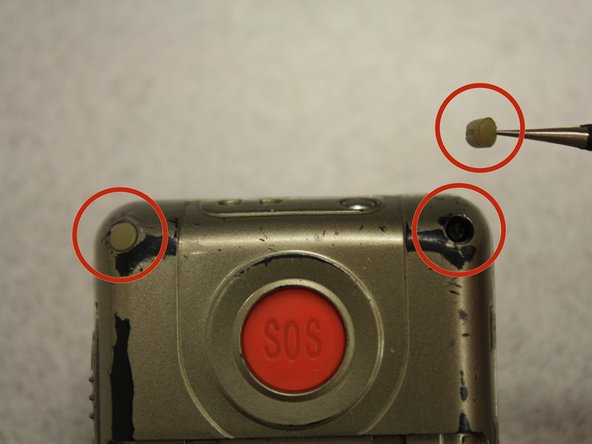
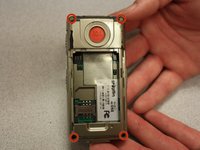
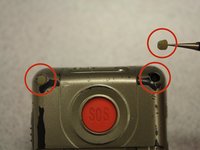
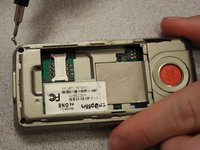
    1. Snapfon ez One Motherboard Replacement, Removing the plastic inserts: 手順 3、 2の画像 1 Snapfon ez One Motherboard Replacement, Removing the plastic inserts: 手順 3、 2の画像 2
      この手順で使用する道具:
      Tweezers
      $4.99
      • Remove the four rubber inserts from the screw holes using a pair of tweezers.

      FixBotに聞いてみる

      コメントを追加

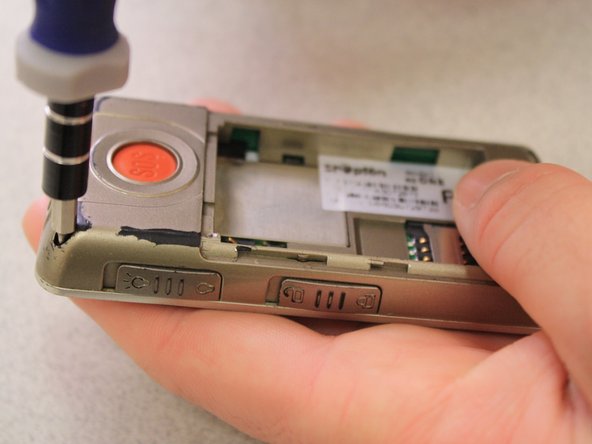
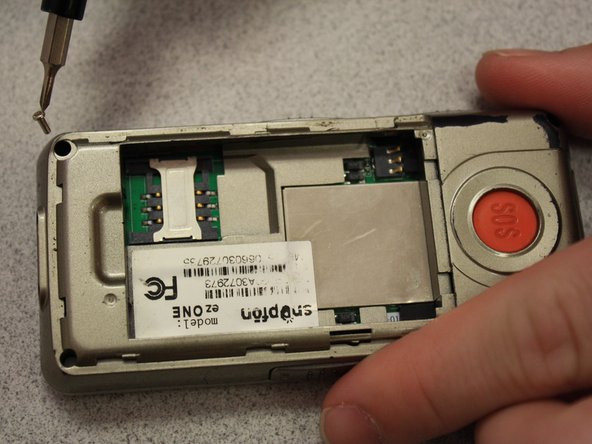
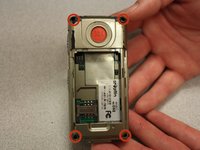
    2. Snapfon ez One Motherboard Replacement, Remove the shield screws: 手順 4、 3の画像 1 Snapfon ez One Motherboard Replacement, Remove the shield screws: 手順 4、 3の画像 2 Snapfon ez One Motherboard Replacement, Remove the shield screws: 手順 4、 3の画像 3
      • Remove the four 3.1mm screws in the corners with a Phillips #00 screwdriver.

      FixBotに聞いてみる

      コメントを追加

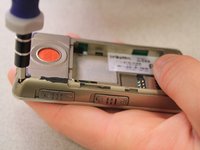
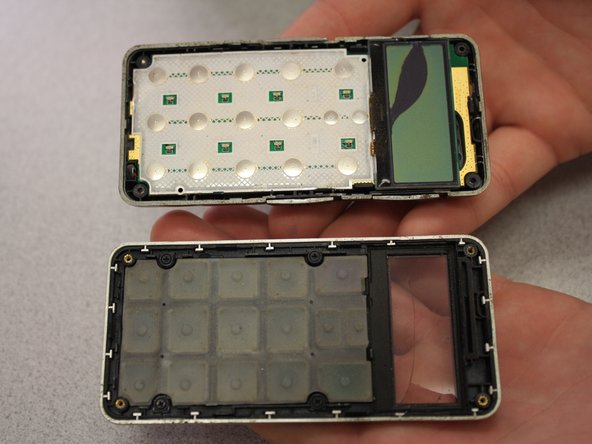
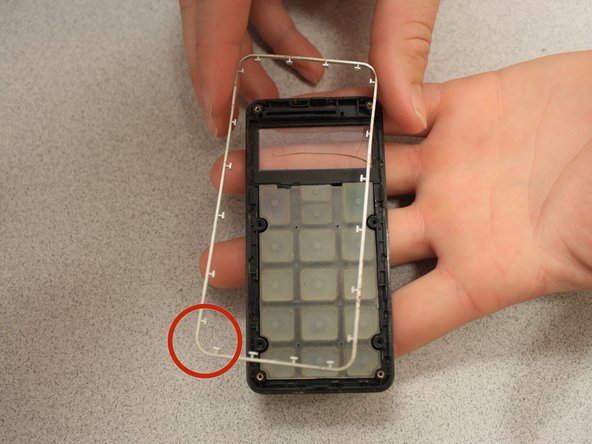
    3. Snapfon ez One Motherboard Replacement, Separate the case: 手順 5、 3の画像 1 Snapfon ez One Motherboard Replacement, Separate the case: 手順 5、 3の画像 2 Snapfon ez One Motherboard Replacement, Separate the case: 手順 5、 3の画像 3
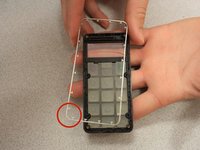
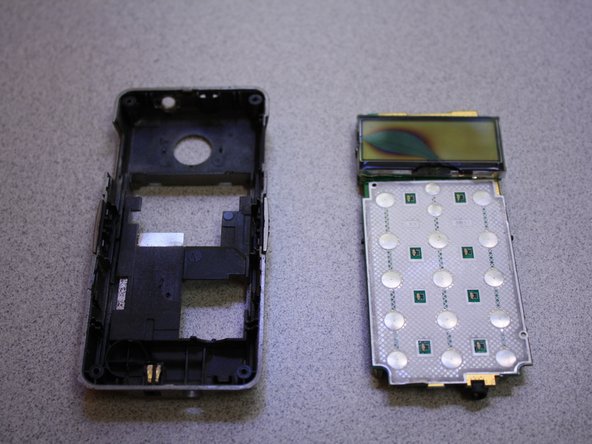
      • Separate the front case from the back case.

      • Remove the metal bumper from the front case’s perimeter.

      FixBotに聞いてみる

      コメントを追加

    4. Snapfon ez One Motherboard Replacement, Remove the volume slider: 手順 6、 1の画像 1
      • Pry the volume slider button out with tweezers.

      • The volume slider button may fall out during the separation of the front and back cases. This is OK.

      FixBotに聞いてみる

      コメントを追加

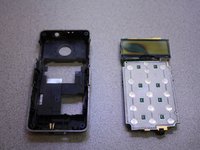
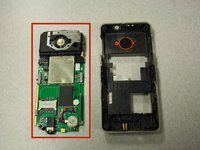
    5. Snapfon ez One Motherboard Replacement, Remove the motherboard: 手順 7、 3の画像 1 Snapfon ez One Motherboard Replacement, Remove the motherboard: 手順 7、 3の画像 2 Snapfon ez One Motherboard Replacement, Remove the motherboard: 手順 7、 3の画像 3
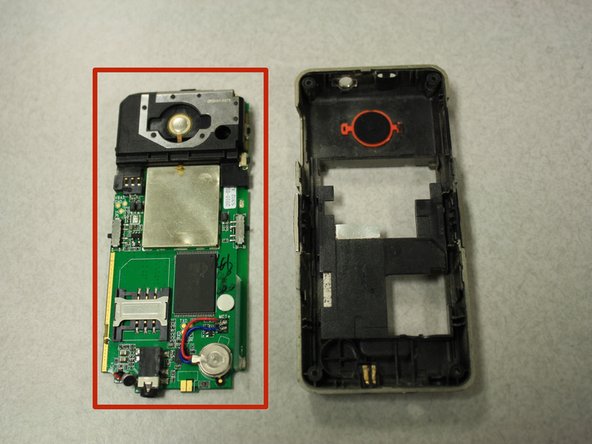
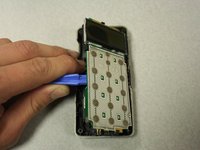
      • Separate the circuit board from the inside of the back case by prying between them with the opening tool.

      • The last picture is a view of the back of the circuit board.

      FixBotに聞いてみる

      コメントを追加

終わりに

To reassemble your device, follow these instructions in reverse order.

キャンセル: このガイドを終了できませんでした。

作成者

9人の作成者と共同で作成されました。

John Bender

メンバー登録日: 03/26/14

818 ポイント

8のガイドは作成済み

チーム

Clemson, Team 6-5, Benson Spring 2014 Clemson, Team 6-5, Benson Spring 2014人のメンバー

CLEM-BENSON-S14S6G5

3 メンバー

32のガイドは作成済み

0件のガイドコメント

コメントを追加

統計データ:

過去 24時間: 0

過去 7 日: 2

過去 30 日: 19

今までの合計 523