はじめに
Dirty filters will cause the vacuum to work less efficiently. Make sure to replace your filter on a regular basis.
-
-
-
Lift the latches on both sides of the vacuum to release the dust canister.
 FixBotに聞いてみる
-
-
-
-
Tilt the dust canister forward to release it from its position.
-
Carefully lift away the dust canister and set it aside.
-
-
-
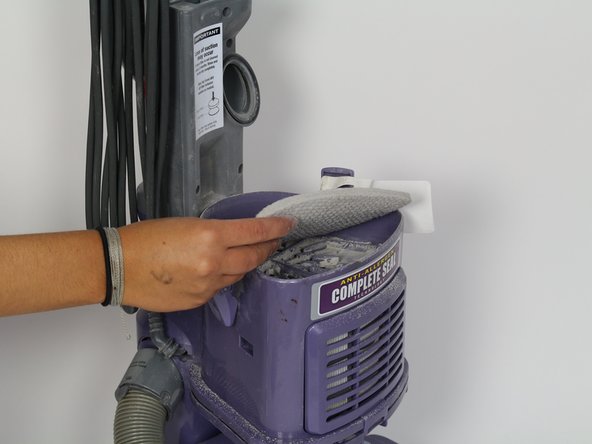
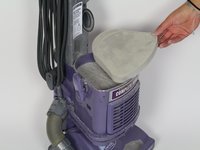
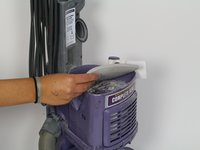
Remove the upper filter by lifting upwards on it.
-
Now that the lower filter is exposed, remove it by pulling it upwards.
-
-


To reassemble your device, follow these instructions in reverse order.
5 の人々がこのガイドを完成させました。

チーム

Cal Poly, Team S18-G5, Forte Fall 2017 Cal Poly, Team S18-G5, Forte Fall 2017人のメンバー
CPSU-FORTE-F17S18G5
4 メンバー
15のガイドは作成済み
