メインコンテンツにスキップ
リペアコミュニティに参加 - アカウントの作成

Samsung Rogue Front Function Keys Replacement

必要な工具と部品

  1. Samsung Rogue Front Function Keys Replacement, Battery: 手順 1、 2の画像 1 Samsung Rogue Front Function Keys Replacement, Battery: 手順 1、 2の画像 2
    • Before disassembling your Samsung Rogue, make sure it is powered off.

    • With your thumbs, push down on the back cover of your phone and slide it away from the camera.

    FixBotに聞いてみる

    コメントを追加

  2. Samsung Rogue Front Function Keys Replacement: 手順 2、 2の画像 1 Samsung Rogue Front Function Keys Replacement: 手順 2、 2の画像 2
    • You can now remove the battery by prying it up with your finger.

    FixBotに聞いてみる

    コメントを追加

  3. Samsung Rogue Front Function Keys Replacement, Motherboard: 手順 3、 1の画像 1
    • Use a plastic opening tool to carefully pry the back cover surrounding the camera up from the phone.

    FixBotに聞いてみる

    コメントを追加

  4. Samsung Rogue Front Function Keys Replacement: 手順 4、 1の画像 1
    • Remove the five 3.4mm Philips screws securing the backing of the phone.

    FixBotに聞いてみる

    コメントを追加

  5. Samsung Rogue Front Function Keys Replacement: 手順 5、 3の画像 1 Samsung Rogue Front Function Keys Replacement: 手順 5、 3の画像 2 Samsung Rogue Front Function Keys Replacement: 手順 5、 3の画像 3
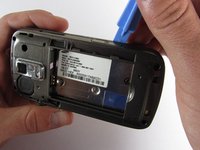
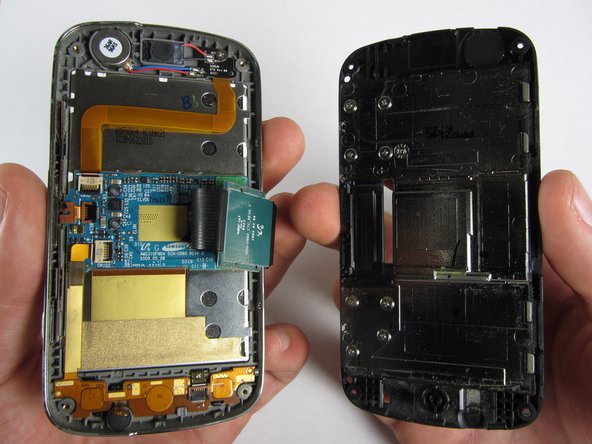
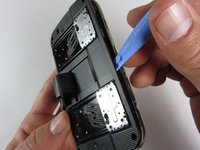
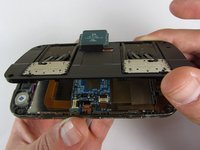
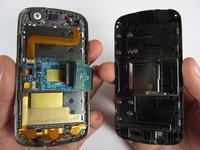
    • Use a plastic opening tool to carefully pry off the back cover.

    • Make sure you are prying along the edge and not between the two halves of the phone that slide away from each other.

    • Be careful to not drop the volume changing piece, for it can easily slip out.

    FixBotに聞いてみる

    コメントを追加

  6. Samsung Rogue Front Function Keys Replacement: 手順 6、 1の画像 1
    • Remove the two 3.45 mm Philips screws below the white sticker.

    FixBotに聞いてみる

    コメントを追加

  7. Samsung Rogue Front Function Keys Replacement: 手順 7、 2の画像 1 Samsung Rogue Front Function Keys Replacement: 手順 7、 2の画像 2
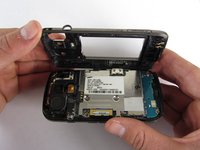
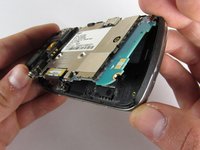
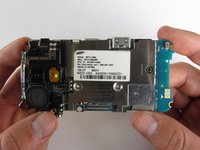
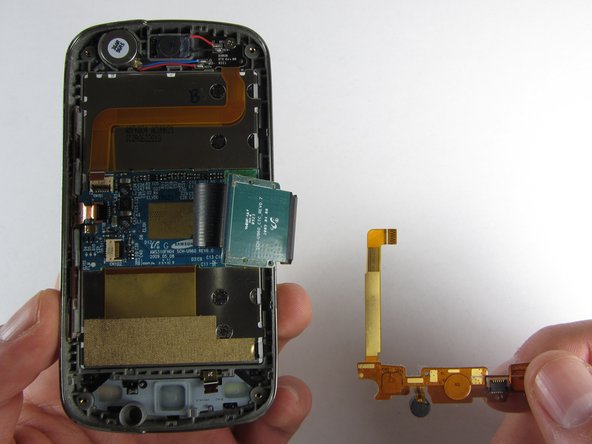
    • Carefully lift the motherboard up from the bottom edge.

    • The film of wires is still attached to the motherboard, so do not completely remove the motherboard just yet or you may damage it.

    FixBotに聞いてみる

    コメントを追加

  8. Samsung Rogue Front Function Keys Replacement: 手順 8、 2の画像 1 Samsung Rogue Front Function Keys Replacement: 手順 8、 2の画像 2
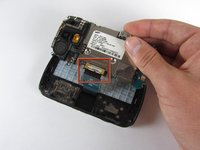
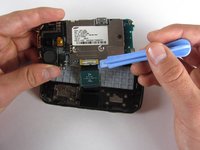
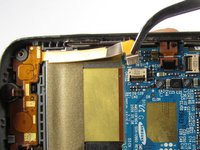
    • Use a plastic opening tool to disconnect the film from the motherboard.

    FixBotに聞いてみる

    コメントを追加

  9. Samsung Rogue Front Function Keys Replacement, Front Function Keys: 手順 9、 1の画像 1
    • Remove the eight 1.7mm Philips screws above the keyboard.

    FixBotに聞いてみる

    コメントを追加

  10. Samsung Rogue Front Function Keys Replacement: 手順 10、 1の画像 1
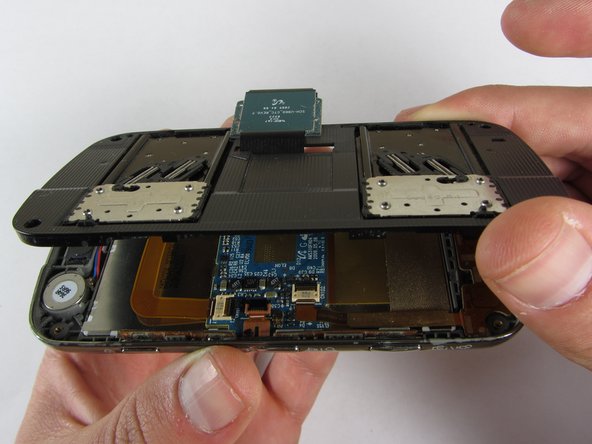
    • Carefully remove keyboard frame from the sliding mechanisms underneath.

    FixBotに聞いてみる

    コメントを追加

  11. Samsung Rogue Front Function Keys Replacement: 手順 11、 1の画像 1
    • Remove the five 3.0mm Philips screws around the outside of the sliding mechanisms.

    FixBotに聞いてみる

    コメントを追加

  12. Samsung Rogue Front Function Keys Replacement: 手順 12、 3の画像 1 Samsung Rogue Front Function Keys Replacement: 手順 12、 3の画像 2 Samsung Rogue Front Function Keys Replacement: 手順 12、 3の画像 3
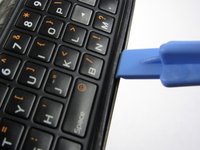
    • Use a plastic opening tool to pry off the upper slide plate.

    • Be careful of the film of wires when taking off the upper slide plate.

    FixBotに聞いてみる

    コメントを追加

  13. Samsung Rogue Front Function Keys Replacement: 手順 13、 3の画像 1 Samsung Rogue Front Function Keys Replacement: 手順 13、 3の画像 2 Samsung Rogue Front Function Keys Replacement: 手順 13、 3の画像 3
    この手順で使用する道具:
    Tweezers
    $4.99
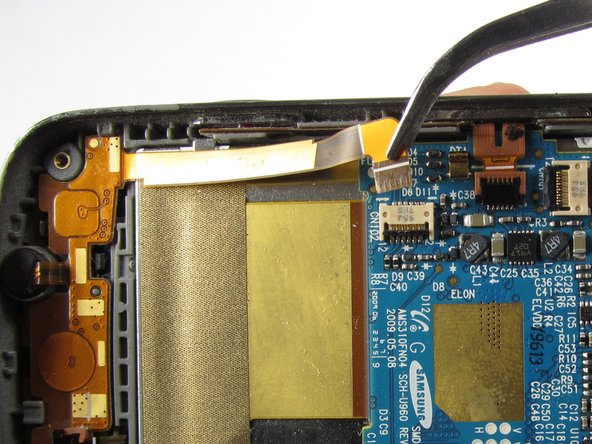
    • Use tweezers to open the two black gates by putting them in the "up" position.

    • With the same tweezers, carefully pull out the orange strips from the two specified gates.

    FixBotに聞いてみる

    コメントを追加

  14. Samsung Rogue Front Function Keys Replacement: 手順 14、 3の画像 1 Samsung Rogue Front Function Keys Replacement: 手順 14、 3の画像 2 Samsung Rogue Front Function Keys Replacement: 手順 14、 3の画像 3
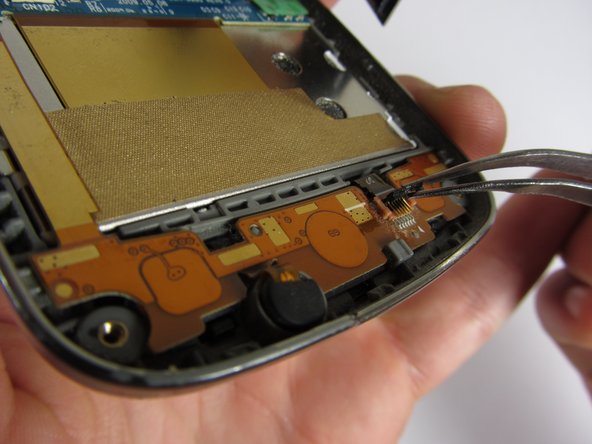
    • Using tweezers, gently remove the bottom orange strip from the device.

    • At this point you can easily lift out the rubber function key pad as well.

    FixBotに聞いてみる

    コメントを追加

  15. Samsung Rogue Front Function Keys Replacement: 手順 15、 3の画像 1 Samsung Rogue Front Function Keys Replacement: 手順 15、 3の画像 2 Samsung Rogue Front Function Keys Replacement: 手順 15、 3の画像 3
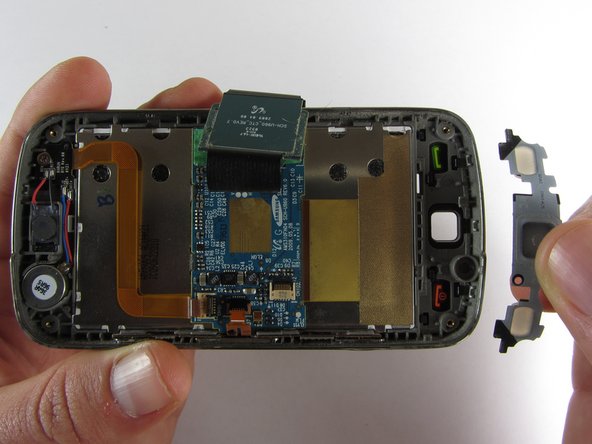
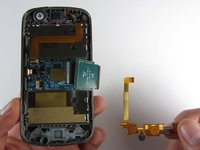
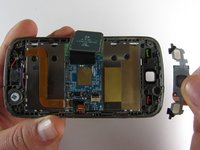
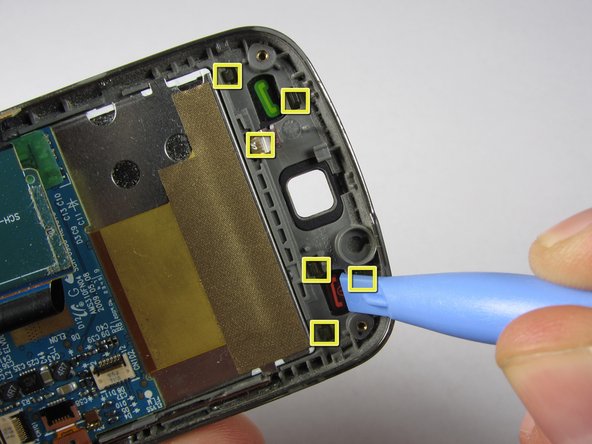
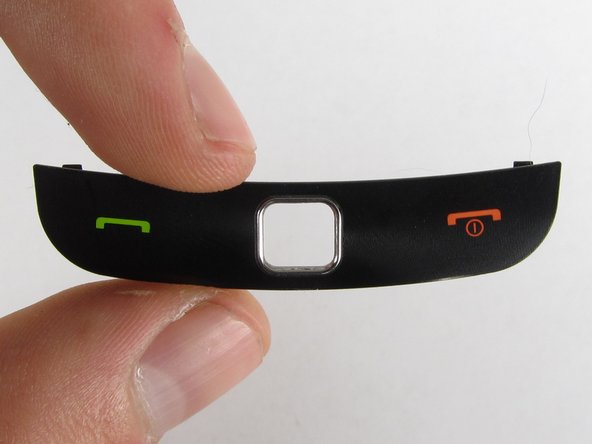
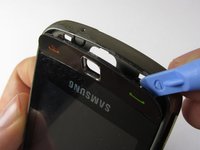
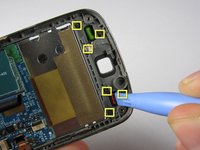
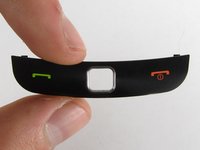
    • There are two ways you can take out the front function keys:

    • 1) Use a plastic phone opening tool to pry out the piece from the front of the phone.

    • 2) Simply pop out the piece from the inside by pushing on its tabs.

    FixBotに聞いてみる

    コメントを追加

終わりに

To reassemble your device, follow these instructions in reverse order.

キャンセル: このガイドを終了できませんでした。

作成者

6人の作成者と共同で作成されました。

Viktoria Mikoultchik

メンバー登録日: 04/15/12

25 ポイント

7のガイドは作成済み

チーム

Cal Poly, Team 7-32, Maness Spring 2012 Cal Poly, Team 7-32, Maness Spring 2012人のメンバー

CPSU-MANESS-S12S7G32

4 メンバー

20のガイドは作成済み

0件のガイドコメント

コメントを追加

統計データ:

過去 24時間: 1

過去 7 日: 8

過去 30 日: 37

今までの合計 690