メインコンテンツにスキップ
リペアコミュニティに参加 - アカウントの作成

Samsung Gear VR With Controller Lens Replacement

必要な工具と部品

  1. Samsung Gear VR With Controller Lens Replacement, Inner Mask: 手順 1、 3の画像 1 Samsung Gear VR With Controller Lens Replacement, Inner Mask: 手順 1、 3の画像 2 Samsung Gear VR With Controller Lens Replacement, Inner Mask: 手順 1、 3の画像 3
    • Push the switch on the right-hand side of the device to separate the cover from the main body.

    • Pull the cover away from the main device.

    FixBotに聞いてみる

    コメントを追加

  2. Samsung Gear VR With Controller Lens Replacement: 手順 2、 3の画像 1 Samsung Gear VR With Controller Lens Replacement: 手順 2、 3の画像 2 Samsung Gear VR With Controller Lens Replacement: 手順 2、 3の画像 3
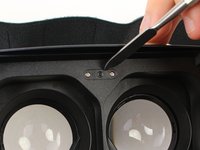
    • Remove the four corner screw covers with a metal spudger.

    • The screw covers fly off when removed, so make sure to keep track of them.

    FixBotに聞いてみる

    コメントを追加

  3. Samsung Gear VR With Controller Lens Replacement: 手順 3、 3の画像 1 Samsung Gear VR With Controller Lens Replacement: 手順 3、 3の画像 2 Samsung Gear VR With Controller Lens Replacement: 手順 3、 3の画像 3
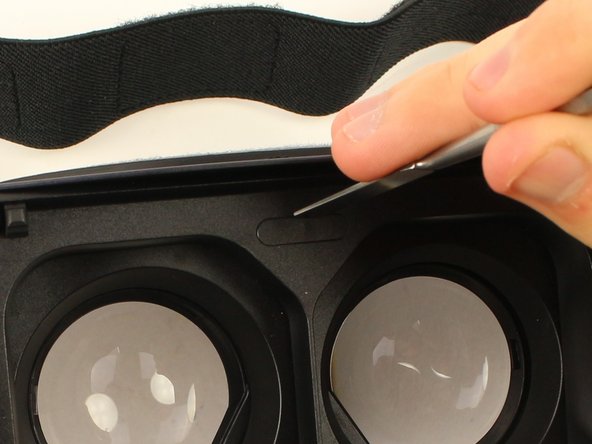
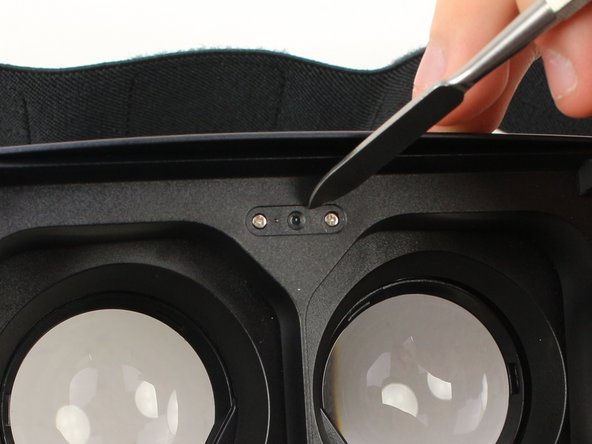
    • Use a metal spudger to remove the screw cover centered at the top.

    FixBotに聞いてみる

    コメントを追加

  4. Samsung Gear VR With Controller Lens Replacement: 手順 4、 3の画像 1 Samsung Gear VR With Controller Lens Replacement: 手順 4、 3の画像 2 Samsung Gear VR With Controller Lens Replacement: 手順 4、 3の画像 3
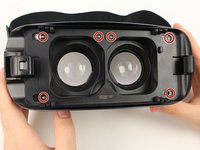
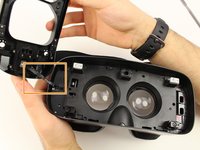
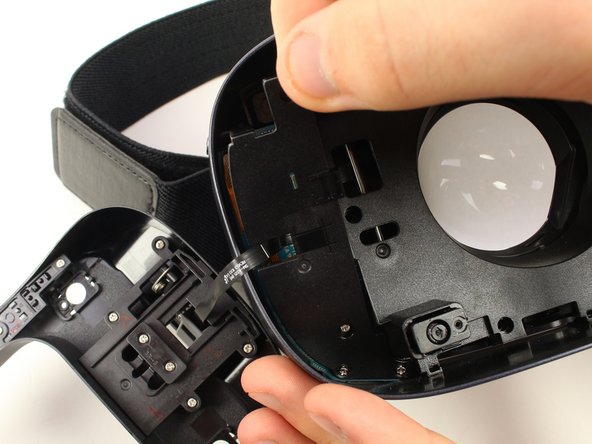
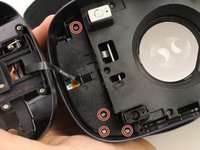
    • Remove the six 5mm Phillips #000 screws to detach the front phone mount.

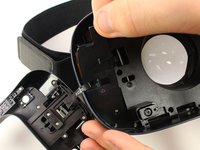
    • Lift the front phone mount up and to the left.

    • Remove the front phone mount carefully because there is a wire harness on the left side of the headset.

    FixBotに聞いてみる

    コメントを追加

  5. Samsung Gear VR With Controller Lens Replacement: 手順 5、 2の画像 1 Samsung Gear VR With Controller Lens Replacement: 手順 5、 2の画像 2
    • Remove the four 5mm Phillips #000 screws that secure the plate on the left side of the headset.

    • Pull the plate away from the motherboard gently.

    FixBotに聞いてみる

    コメントを追加

  6. Samsung Gear VR With Controller Lens Replacement: 手順 6、 2の画像 1 Samsung Gear VR With Controller Lens Replacement: 手順 6、 2の画像 2
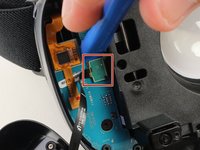
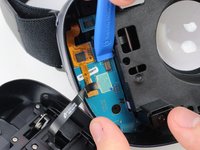
    • Use the iFixit opening tool to remove the pop connector holding the wire harness to the motherboard.

    • You can now completely remove the front phone mount from the headset.

    FixBotに聞いてみる

    コメントを追加

  7. Samsung Gear VR With Controller Lens Replacement: 手順 7、 3の画像 1 Samsung Gear VR With Controller Lens Replacement: 手順 7、 3の画像 2 Samsung Gear VR With Controller Lens Replacement: 手順 7、 3の画像 3
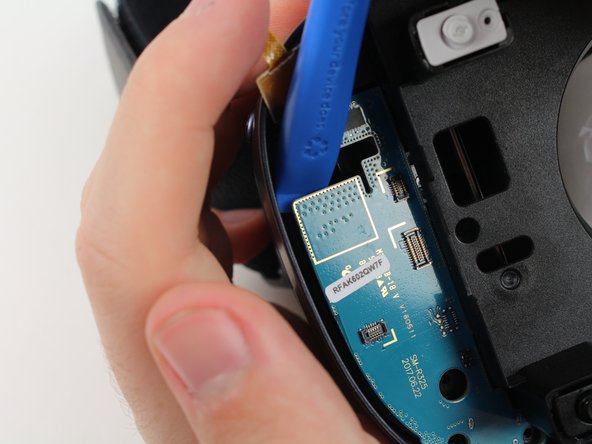
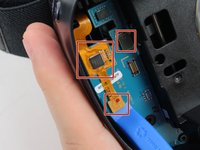
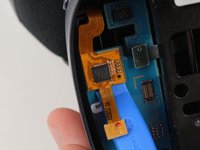
    • Remove the rest of the pop connectors on the motherboard using the iFixit opening tool.

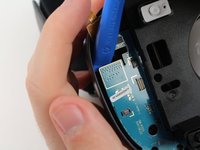
    • Pry at the top of the motherboard with the iFixit opening tool to remove the motherboard.

    • The largest pop connector may require more effort to remove.

    • Make sure that nothing is connected to the motherboard before you pull it out.

    FixBotに聞いてみる

    コメントを追加

  8. Samsung Gear VR With Controller Lens Replacement: 手順 8、 3の画像 1 Samsung Gear VR With Controller Lens Replacement: 手順 8、 3の画像 2 Samsung Gear VR With Controller Lens Replacement: 手順 8、 3の画像 3
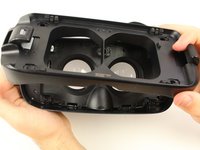
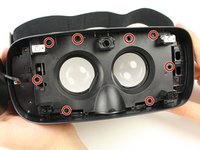
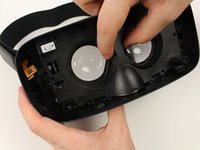
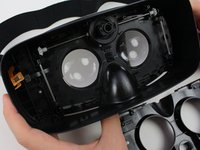
    • Remove the eight 5mm Phillips #000 screws on the inner mask.

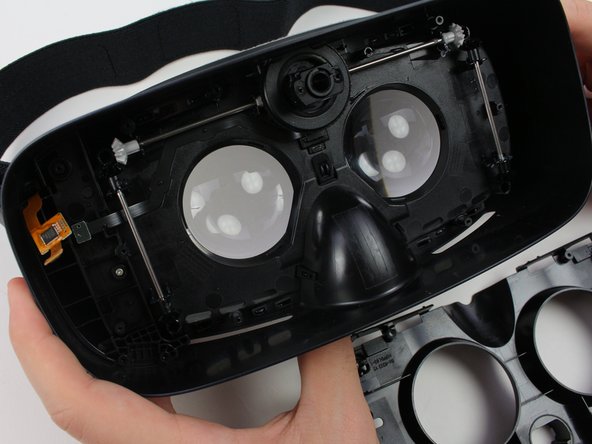
    • Gently separate the inner mask from the headset by pulling the mask from the inner sides of the lens sockets.

    FixBotに聞いてみる

    コメントを追加

  9. Samsung Gear VR With Controller Lens Replacement, Lens: 手順 9、 2の画像 1 Samsung Gear VR With Controller Lens Replacement, Lens: 手順 9、 2の画像 2
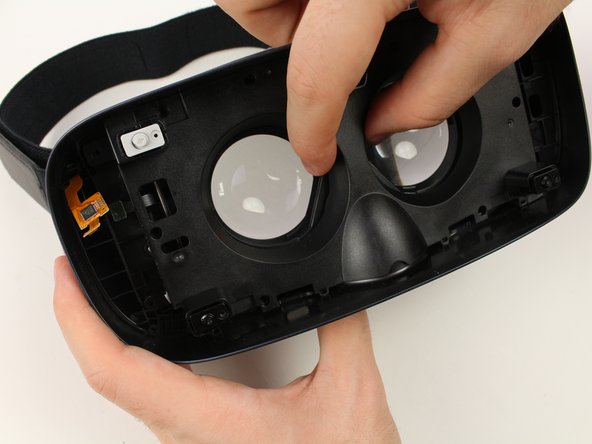
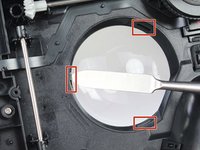
    • Use the metal spudger to press on the three tabs around each of the sockets.

    • Press the tabs gently to prevent damaging them.

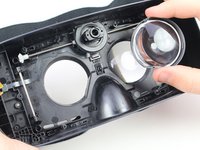
    • Pull out the lenses with your fingers to remove them from the mask.

    FixBotに聞いてみる

    コメントを追加

終わりに

To reassemble your device, follow these instructions in reverse order.

キャンセル: このガイドを終了できませんでした。

ある他の人がこのガイドを完成しました。

作成者

1人の作成者と共同作成されました。

Jake Criscione

メンバー登録日: 01/24/19

587 ポイント

3のガイドは作成済み

チーム

Cal Poly, Team S18-G3, White Winter 2019 Cal Poly, Team S18-G3, White Winter 2019人のメンバー

CPSU-WHITE-W19S18G3

4 メンバー

7のガイドは作成済み

0件のガイドコメント

コメントを追加

統計データ:

過去 24時間: 0

過去 7 日: 3

過去 30 日: 47

今までの合計 1,253