はじめに
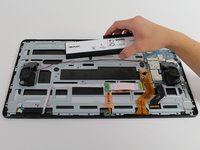
Replacement of the motherboard requires the removal of the kickstand, battery, and speakers. The battery will be removed for user and device safety reasons.
必要な工具と部品
-
-
-
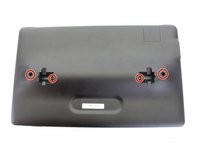
Place the device on a hard flat surface with its screen facing downwards.
-
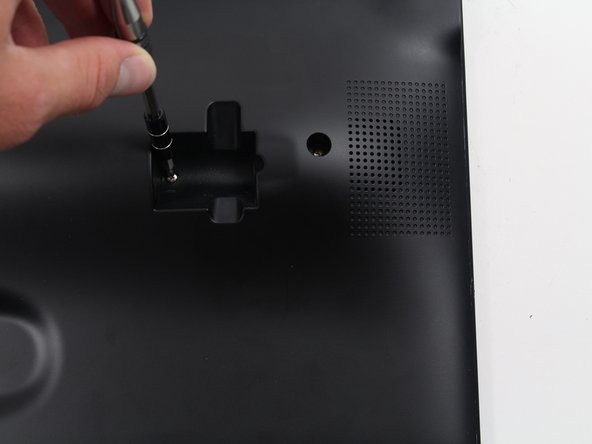
Rotate the the kickstand so that the handle grip hole is up in the air and not touching the back of the tablet.
 FixBotに聞いてみる
-
-
-
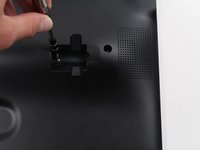
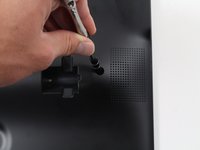
Stick the pointy end of the spudger into the circular opening of the leftmost metallic latch.
-
With the spudger still inserted, pry the spudger to the right pushing the latch opening along with it.
-
Once the latch is moved to the right, pull up on the left side of the kickstand, releasing it from the back of the tablet.
-
Repeat the previous steps for the rightmost latch, and then lift the kickstand off the back of the tablet.
-
-
-
-
-
Check the device is completely turned off.
-
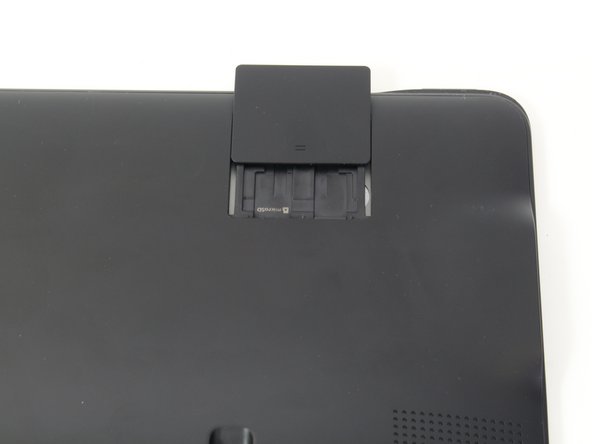
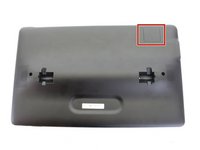
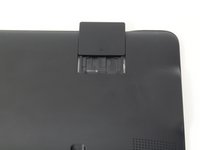
Slide open the SD compartment tab, and remove the SD card to ensure all data is saved.
-
-
-
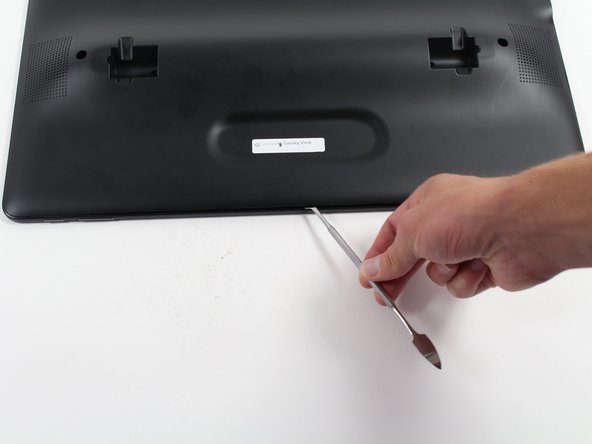
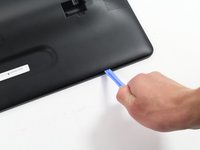
Insert the plastic opening tool between the seam of the back panel and the front casing to create an initial opening.
-
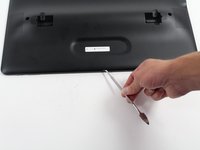
Insert the metal spudger within the opening.
-
Move the metal spudger down the seam, prying the back panel open as you go.
-
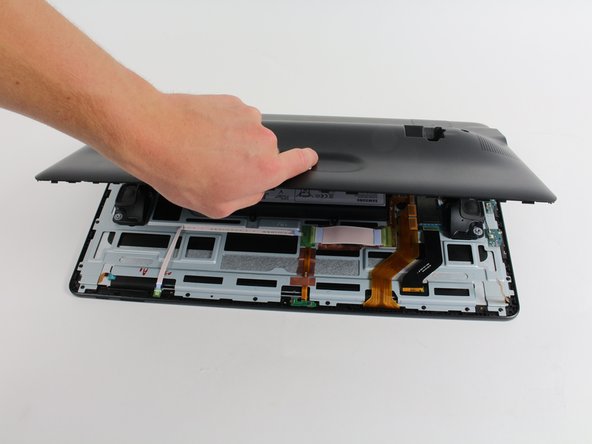
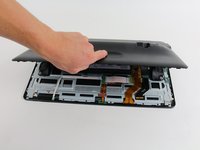
Once a large enough opening is made, pry the entire back panel off with your hand.
-
-
-
-
Using the plastic opening tool, lift off the orange press-fit connector (marked with a white arrow-head) where it attaches to the motherboard.
-
-
-
Remove the 6 screws (4 mm in length) using the Phillips #0 screwdriver.
-
Remove the battery from the device.
-
-
-
-
-
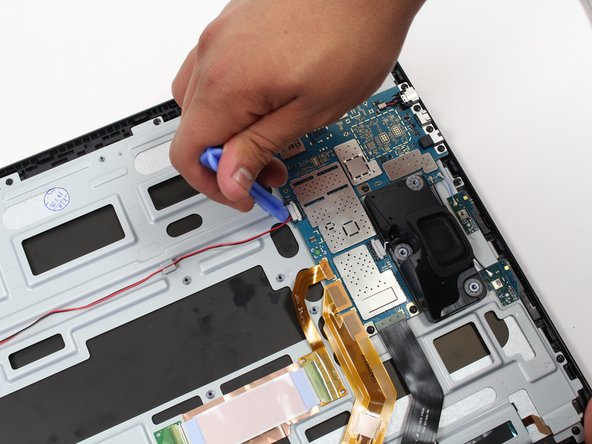
Use the plastic opening tool to disconnect the white bundled cable connector that links the left speaker to the motherboard via a red wire.
-
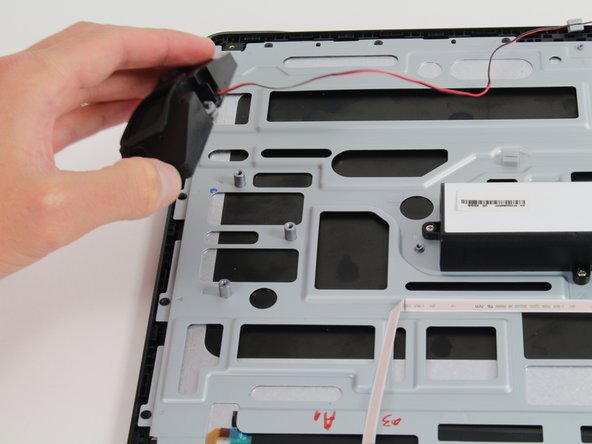
Remove the left speaker by gripping it with your hand and lifting it off of the pegs.
-
-
-
Remove the right speaker by gripping it with your hand and pulling it straight up and off of the pegs.
-
-
-
-
-
Insert the plastic opening tool beneath the orange press-fit connector attached to the bottom left side of the motherboard and use a leverage motion to pry the connector from the board.
-
Repeat the above step for the other two orange press-fit connectors attached on the bottom left side of the motherboard.
-
-
-
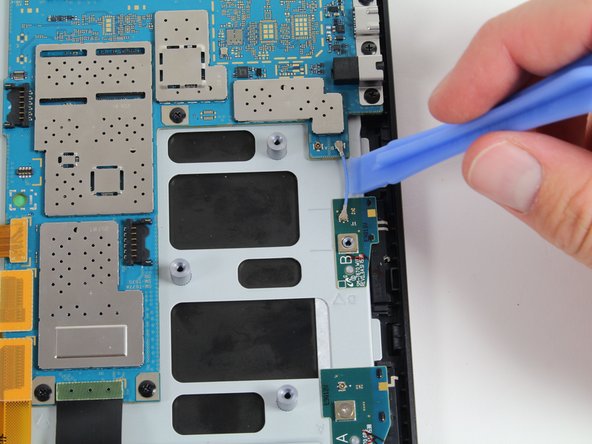
Use the plastic opening tool to pry up on the blue antenna cable connector near the right edge of the motherboard.
-
Repeat the above for the black antenna cable connector positioned next to the blue wire.
-
-
-
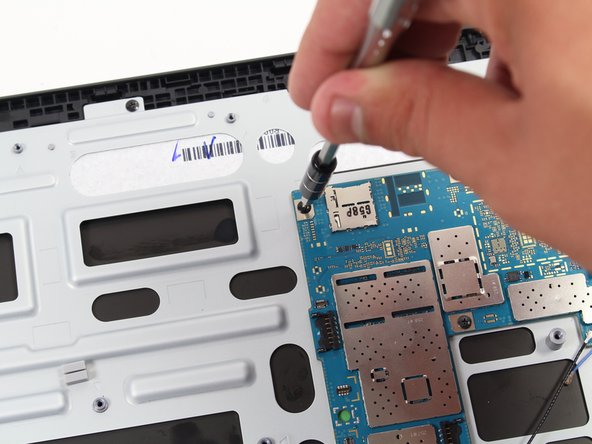
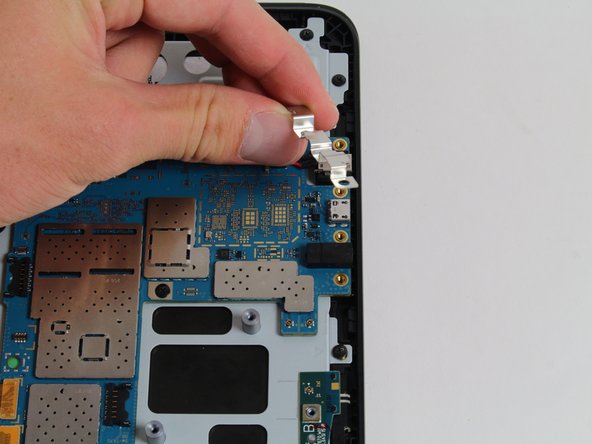
Use a Phillips #00 screwdriver to remove the nine 3 mm screws around the motherboard.
-
-







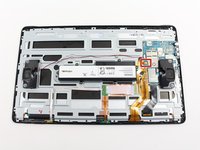
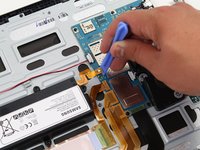


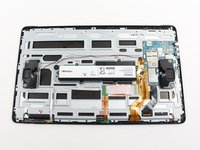
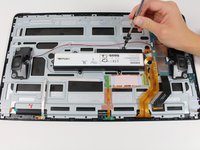









To reassemble your device, follow these instructions in reverse order.
17 の人々がこのガイドを完成させました。

チーム

Cal Poly, Team 4-5, Livingston Fall 2016 Cal Poly, Team 4-5, Livingston Fall 2016人のメンバー
CPSU-LIVINGSTON-F16S4G5
4 メンバー
12のガイドは作成済み
7件のガイドコメント
Hi… Where can I get a replacement motherboard for a Samsung galaxy view? I need one.
Hello I need the charger plugin and wire harness replacement parts. there tiny heres a screen shot of what is needed. If anyone knows where please posts info in reply thank you
[img]https://i.imgur.com/QMgrXkh.jpg[/img]
where can you find a replacement motherboard. seems like all you can you is buy a used one off ebay.
chiming tse - 返信 共有
where can you buy a replacement motherboard. seems like only way is to buy a used unit off ebay.
chiming tse - 返信 共有

