メインコンテンツにスキップ
リペアコミュニティに参加 - アカウントの作成

Replacing the friction pads

必要な工具と部品

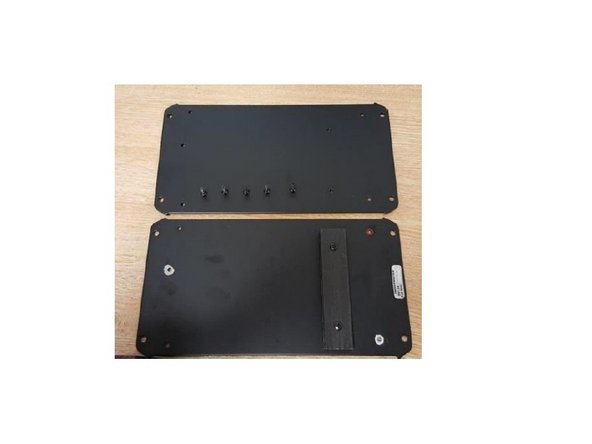
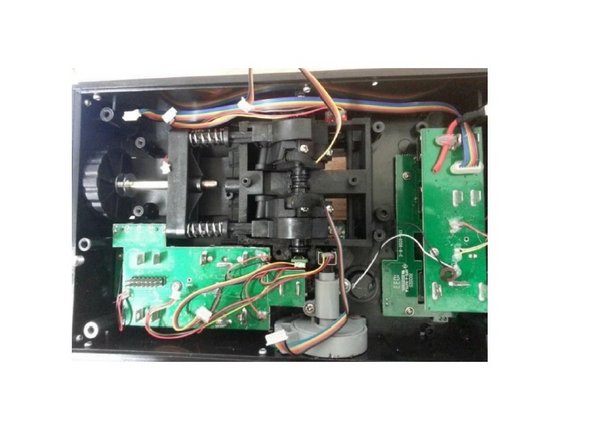
  1. Replacing the friction pads, Open the Throttle: 手順 1、 3の画像 1 Replacing the friction pads, Open the Throttle: 手順 1、 3の画像 2 Replacing the friction pads, Open the Throttle: 手順 1、 3の画像 3
    • Unscrew these 5 screws

    • Remove the metal plate

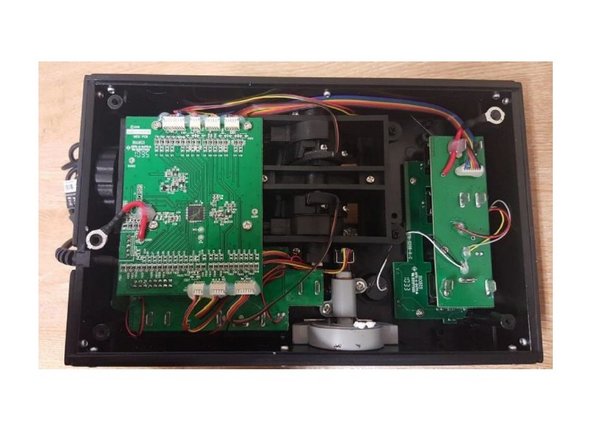
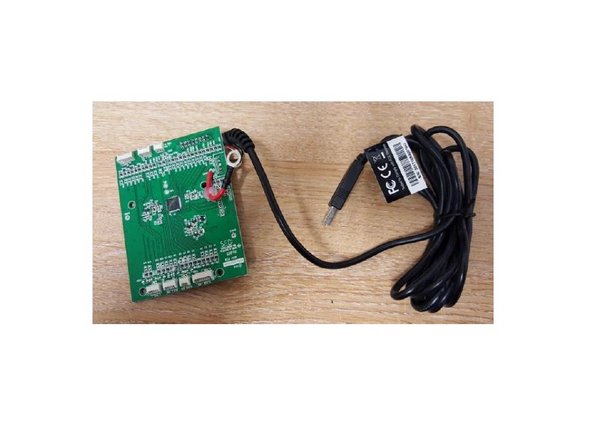
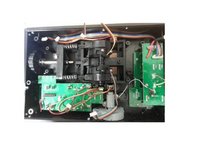
  2. Replacing the friction pads, Remove the PCB: 手順 2、 3の画像 1 Replacing the friction pads, Remove the PCB: 手順 2、 3の画像 2 Replacing the friction pads, Remove the PCB: 手順 2、 3の画像 3
    • Unscrew the 4 screws, disconnect all the connectors and take off the PCB

    • Remove the 4 screws, disconnect all wires and remove the PCB.

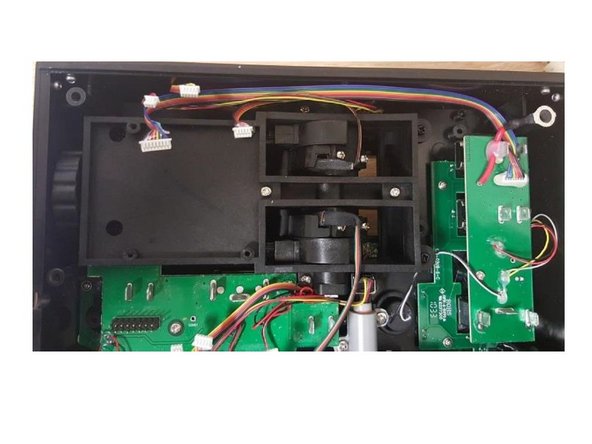
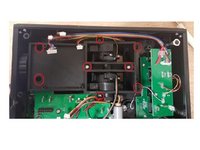
  3. Replacing the friction pads, Remove the screws: 手順 3、 3の画像 1 Replacing the friction pads, Remove the screws: 手順 3、 3の画像 2 Replacing the friction pads, Remove the screws: 手順 3、 3の画像 3
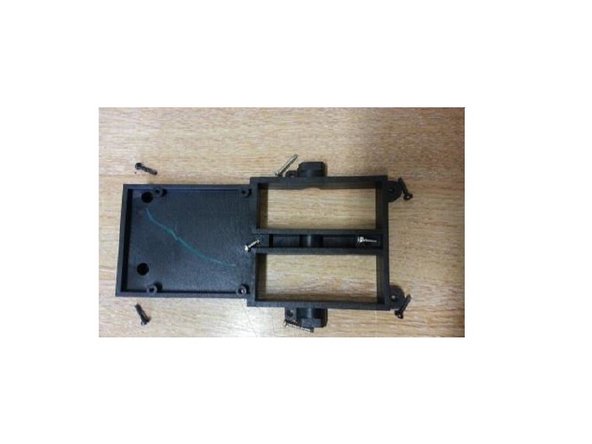
    • Remove 8 screws highlighted on the picture.

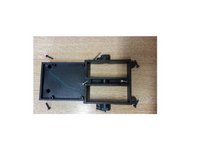
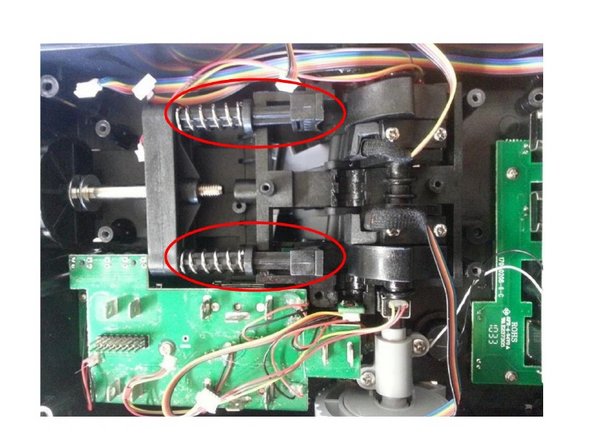
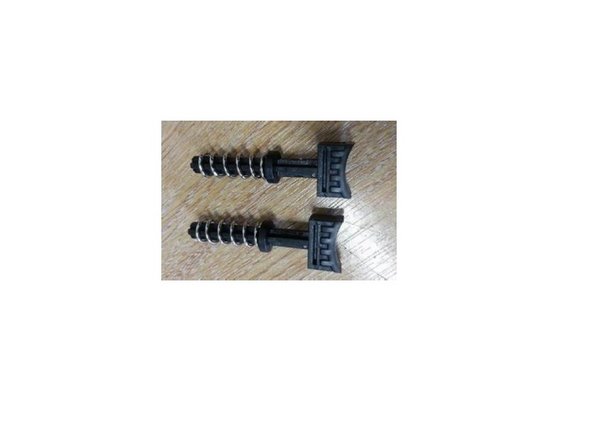
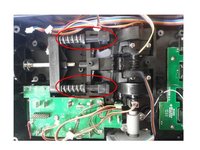
  4. Replacing the friction pads, Remove the friction pads: 手順 4、 3の画像 1 Replacing the friction pads, Remove the friction pads: 手順 4、 3の画像 2 Replacing the friction pads, Remove the friction pads: 手順 4、 3の画像 3
    • Push the lever arms to gain access to the friction pads.

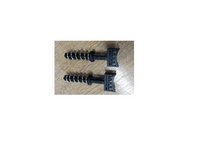
    • You can now remove the Friction pads

    • You can now change your friction pads

終わりに

Reassemble the product by following this procedure in reverse order.

ある他の人がこのガイドを完成しました。

以下の翻訳者の皆さんにお礼を申し上げます:

fr en

100%

これらの翻訳者の方々は世界を修理する私たちのサポートをしてくれています。 あなたも貢献してみませんか?
翻訳を始める ›

添付文書

作成者

2人の作成者と共同で作成されました。

Avrila

メンバー登録日: 07/25/24

1,362 ポイント

5のガイドは作成済み

0件のガイドコメント

コメントを追加

統計データ:

過去 24時間: 0

過去 7 日: 4

過去 30 日: 45

今までの合計 515