メインコンテンツにスキップ
リペアコミュニティに参加 - アカウントの作成

Removing Olympus FE-210 Flash Assembly

必要な工具と部品

  1. Removing Olympus FE-210 Flash Assembly, Battery: 手順 1、 2の画像 1 Removing Olympus FE-210 Flash Assembly, Battery: 手順 1、 2の画像 2
    • The battery compartment is located on the bottom side of the camera. Push the button in, and slide the cover to get access to the batteries.

    FixBotに聞いてみる

    コメントを追加

  2. Removing Olympus FE-210 Flash Assembly: 手順 2、 2の画像 1 Removing Olympus FE-210 Flash Assembly: 手順 2、 2の画像 2
    • The batteries will slide right out.

    • When putting new batteries in, make sure they are pointing the right direction.

    FixBotに聞いてみる

    コメントを追加

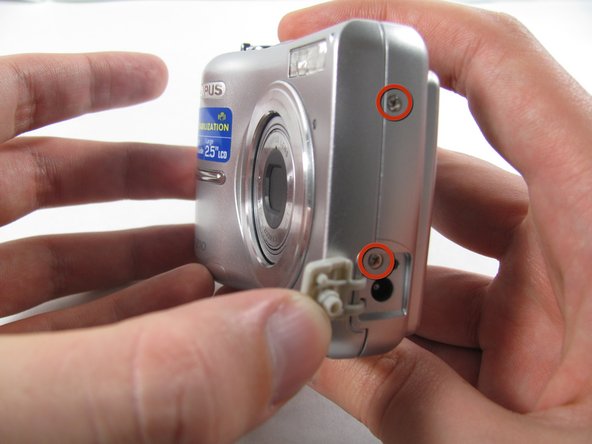
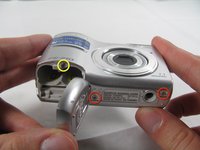
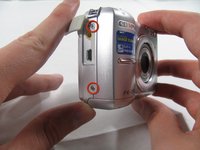
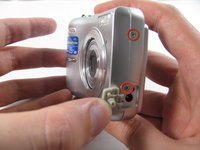
  3. Removing Olympus FE-210 Flash Assembly, Front Casing: 手順 3、 3の画像 1 Removing Olympus FE-210 Flash Assembly, Front Casing: 手順 3、 3の画像 2 Removing Olympus FE-210 Flash Assembly, Front Casing: 手順 3、 3の画像 3
    • Remove the seven screws holding the front case in place, with a #00 screwdriver.

    • Six screws are 3.6 mm.

    • The seventh screw is 3.2 mm.

    FixBotに聞いてみる

    コメントを追加

  4. Removing Olympus FE-210 Flash Assembly: 手順 4、 3の画像 1 Removing Olympus FE-210 Flash Assembly: 手順 4、 3の画像 2 Removing Olympus FE-210 Flash Assembly: 手順 4、 3の画像 3
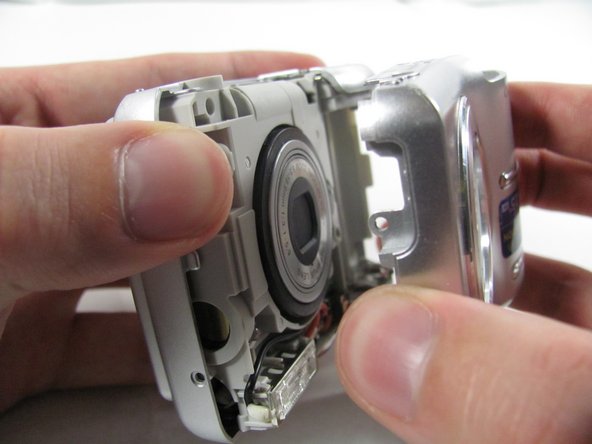
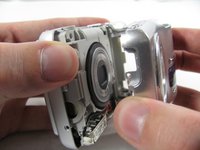
    • Apply enough pressure at the three snappable places to pull the front case off.

    • These three places are located:

    • At the top and bottom of the battery side (opposite of side pictured) of the case.

    • Right in the middle of the DC-in side (side pictured) of the case.

    • Top of the camera, to the left of the power button.

    • Once those places are disconnected, the front case will pop right off.

    • The camera in the first two pictures is upside down. This is the best position to place your thumbs to remove the case.

    FixBotに聞いてみる

    コメントを追加

  5. Removing Olympus FE-210 Flash Assembly, Rear Casing: 手順 5、 1の画像 1
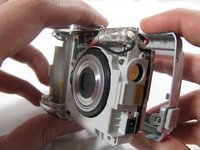
    • Remove the 3.2 mm screw in the battery compartment using a #00 screwdriver.

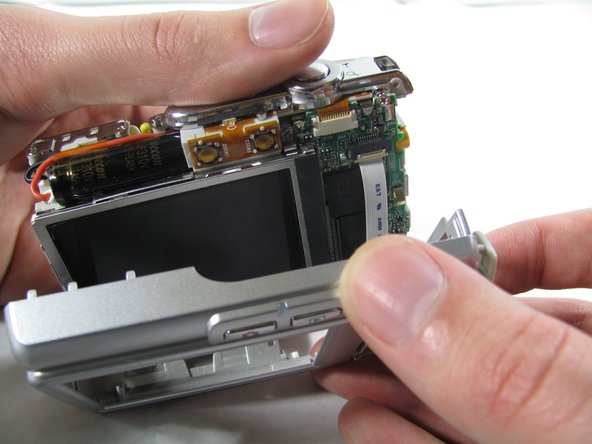
    • After removal of the screw the case will be loose, but do not tug it off. There is a cord connecting the rear controls to the motherboard.

    FixBotに聞いてみる

    コメントを追加

  6. Removing Olympus FE-210 Flash Assembly: 手順 6、 3の画像 1 Removing Olympus FE-210 Flash Assembly: 手順 6、 3の画像 2 Removing Olympus FE-210 Flash Assembly: 手順 6、 3の画像 3
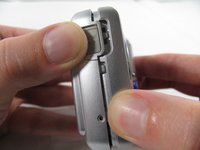
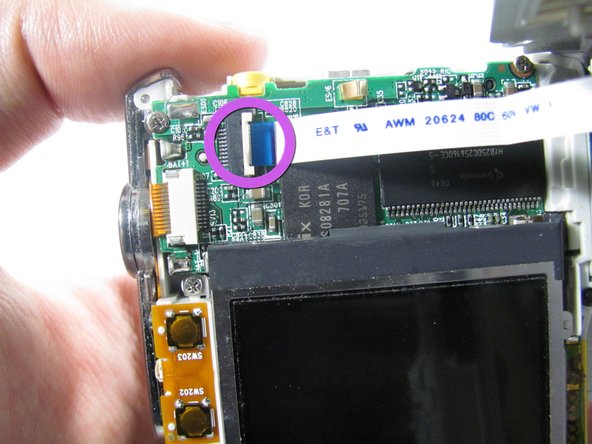
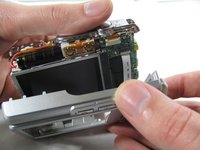
    • Carefully pull the rear case away from the camera until you have access to the cord connected to the motherboard.

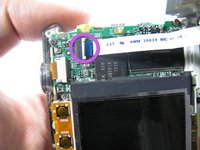
    • Lift the white latch using a fingernail or a spudger.

    • Pull the cord from its connector.

    FixBotに聞いてみる

    コメントを追加

  7. Removing Olympus FE-210 Flash Assembly, Flash Assembly: 手順 7、 2の画像 1 Removing Olympus FE-210 Flash Assembly, Flash Assembly: 手順 7、 2の画像 2
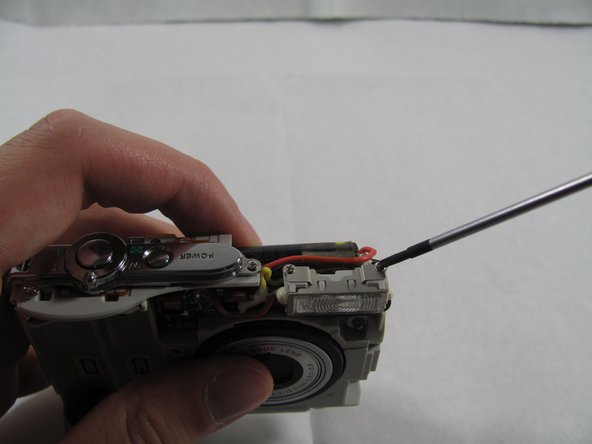
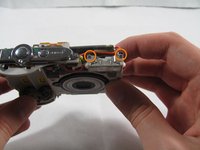
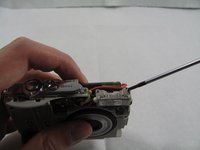
    • Remove the two 2.7 mm screws using a #00 screwdriver.

    FixBotに聞いてみる

    コメントを追加

  8. Removing Olympus FE-210 Flash Assembly: 手順 8、 2の画像 1 Removing Olympus FE-210 Flash Assembly: 手順 8、 2の画像 2
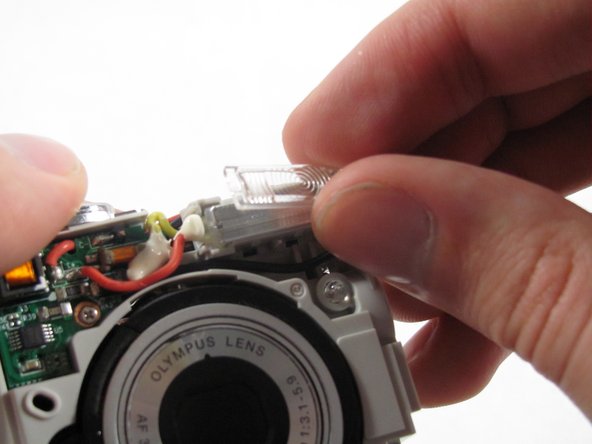
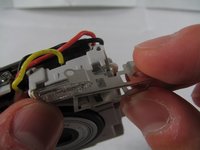
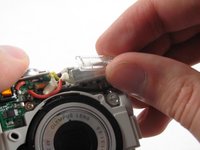
    • Remove the metal casing on the flash, by grabbing with two fingers and pry it off the snaps connecting it to the flash.

    • Remove the plastic cover on the flash, by simply grabbing the plastic with two fingers and pulling.

    FixBotに聞いてみる

    コメントを追加

  9. Removing Olympus FE-210 Flash Assembly: 手順 9、 2の画像 1 Removing Olympus FE-210 Flash Assembly: 手順 9、 2の画像 2
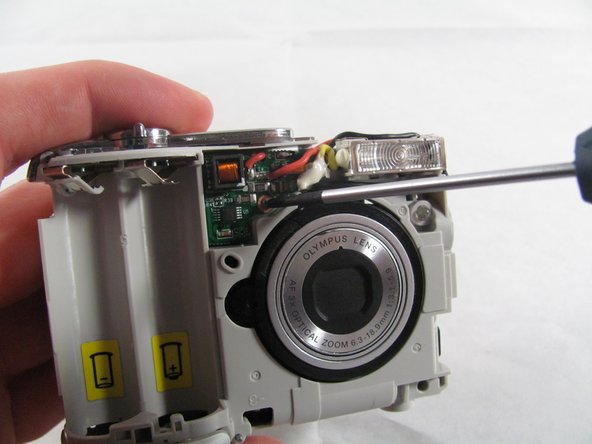
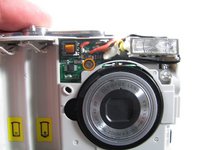
    • Remove the 2.7 mm screw holding the front circuit board in place.

    FixBotに聞いてみる

    コメントを追加

  10. Removing Olympus FE-210 Flash Assembly: 手順 10、 3の画像 1 Removing Olympus FE-210 Flash Assembly: 手順 10、 3の画像 2 Removing Olympus FE-210 Flash Assembly: 手順 10、 3の画像 3
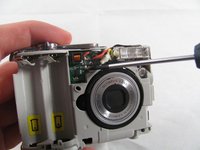
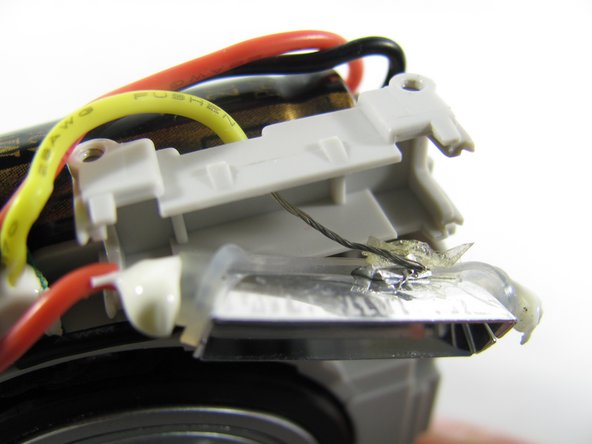
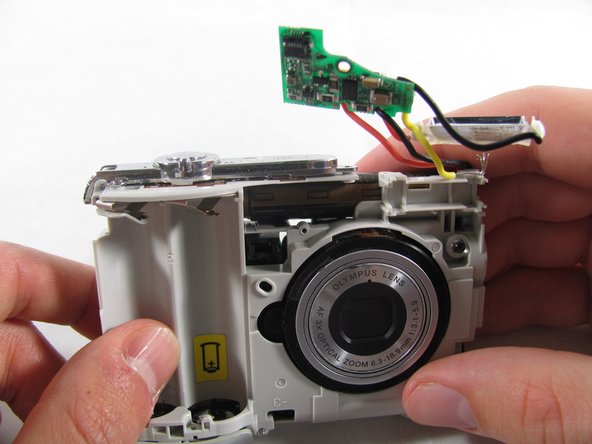
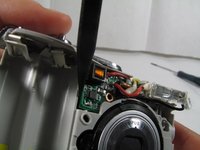
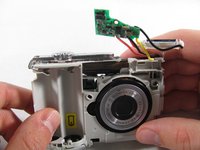
    • Remove the circuit board by prying it out with a spudger.

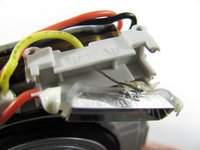
    • Remove the flashbulb from its place.

    • When taking out the flash bulb, be sure to carefully remove the wire taped to the back of the bulb (as shown in the second image). Gently separate the tape and the wire.

    FixBotに聞いてみる

    コメントを追加

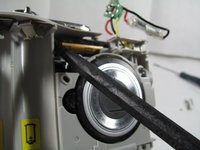
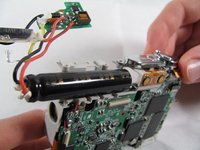
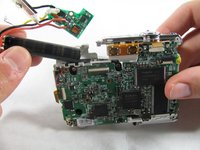
  11. Removing Olympus FE-210 Flash Assembly: 手順 11、 3の画像 1 Removing Olympus FE-210 Flash Assembly: 手順 11、 3の画像 2 Removing Olympus FE-210 Flash Assembly: 手順 11、 3の画像 3
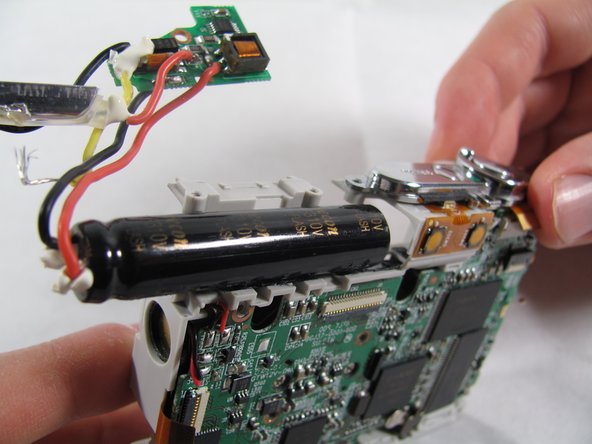
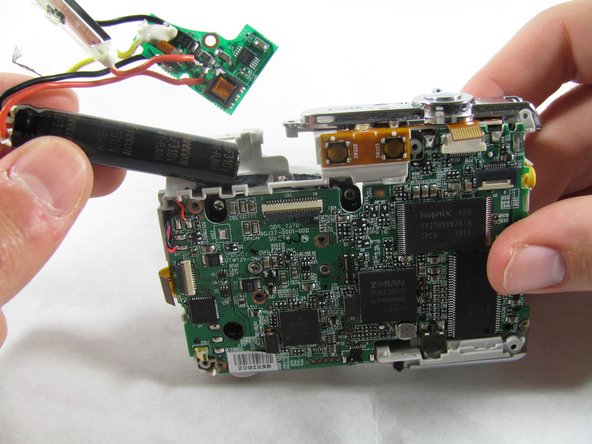
    • To remove the capacitor you must slide it out from the sticky tape that is holding it in place.

    • First insert a spudger between the capacitor and the plastic.

    • Pry with the spudger or pull with your hands to loosen the capacitor.

    • Capacitors can contain a lot of energy. If you touch the terminals you could get a strong shock. So be careful to avoid the terminals with your fingers and don't use any metal tools to interact with the capacitor.

    • The capacitor can be difficult to loosen at first, give it strong pulls and pushes and it should come out.

    FixBotに聞いてみる

    コメントを追加

終わりに

To reassemble your device, follow these instructions in reverse order.

キャンセル: このガイドを終了できませんでした。

作成者

5人の作成者と共同で作成されました。

Matt

メンバー登録日: 01/25/11

826 ポイント

6のガイドは作成済み

チーム

Cal Poly, Team 4-36, Regan Winter 2011 Cal Poly, Team 4-36, Regan Winter 2011人のメンバー

CPSU-REGAN-W11S4G36

3 メンバー

14のガイドは作成済み

0件のガイドコメント

コメントを追加

統計データ:

過去 24時間: 0

過去 7 日: 27

過去 30 日: 65

今までの合計 3,045