メインコンテンツにスキップ
リペアコミュニティに参加 - アカウントの作成

Pyrus PY21S03211 Display Screen Replacement

必要な工具と部品

  1. Pyrus PY21S03211 Display Screen Replacement, Display Screen: 手順 1、 3の画像 1 Pyrus PY21S03211 Display Screen Replacement, Display Screen: 手順 1、 3の画像 2 Pyrus PY21S03211 Display Screen Replacement, Display Screen: 手順 1、 3の画像 3
    • Find the tab at the bottom covering the battery compartment.

    • Pull back the tab to reveal the battery compartment.

    FixBotに聞いてみる

    コメントを追加

  2. Pyrus PY21S03211 Display Screen Replacement: 手順 2、 1の画像 1
    • To remove the battery from the device, pull back the tab holding it in place and then remove the battery.

    FixBotに聞いてみる

    コメントを追加

  3. Pyrus PY21S03211 Display Screen Replacement: 手順 3、 2の画像 1 Pyrus PY21S03211 Display Screen Replacement: 手順 3、 2の画像 2
    この手順で使用する道具:
    Tweezers
    $4.99
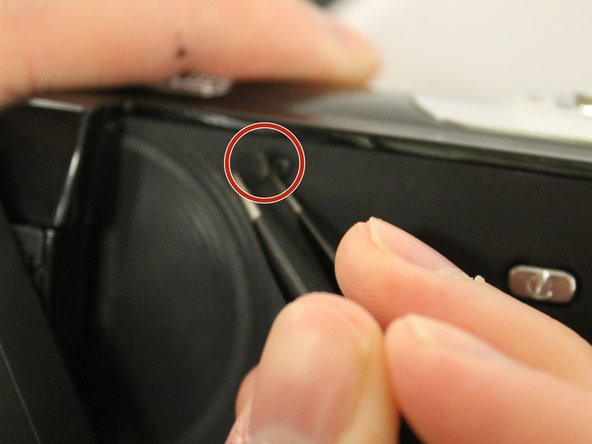
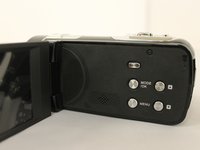
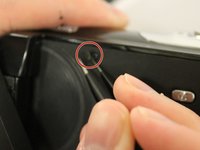
    • Open up the display screen.

    • Remove the tab covering the battery compartment using a pair of tweezers.

    FixBotに聞いてみる

    コメントを追加

  4. Pyrus PY21S03211 Display Screen Replacement: 手順 4、 2の画像 1 Pyrus PY21S03211 Display Screen Replacement: 手順 4、 2の画像 2
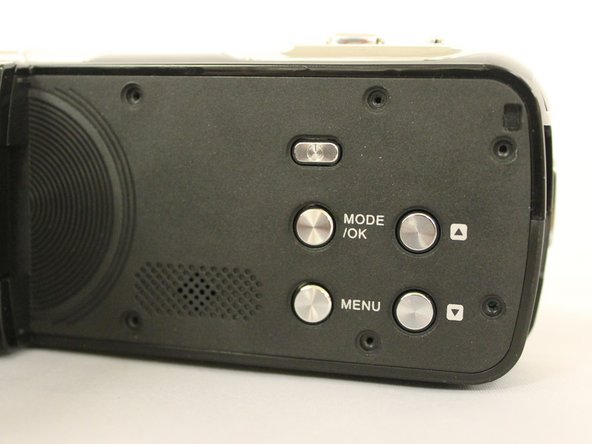
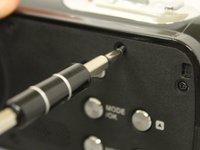
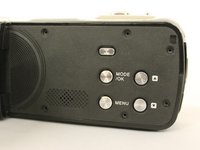
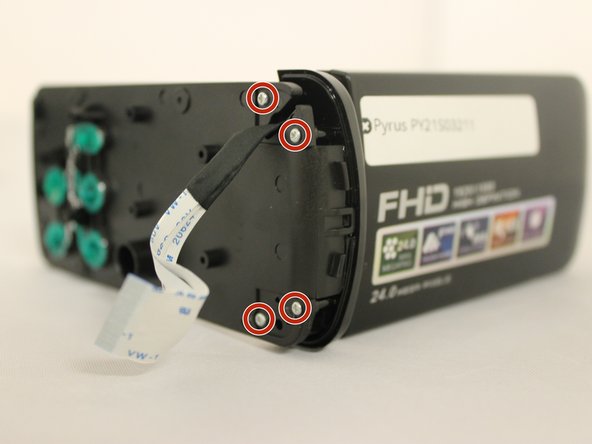
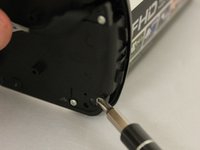
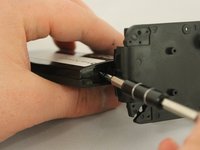
    • Use a #00 screwdriver to remove all six 4 mm screws from the side of the device.

    FixBotに聞いてみる

    コメントを追加

  5. Pyrus PY21S03211 Display Screen Replacement: 手順 5、 2の画像 1 Pyrus PY21S03211 Display Screen Replacement: 手順 5、 2の画像 2
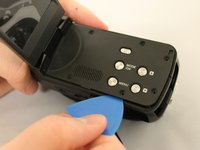
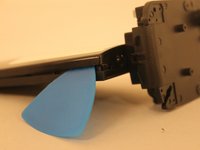
    • To remove the side face of the device, you can use a plastic pick to gently pry it off. Be careful while doing so to avoid potential device damage.

    FixBotに聞いてみる

    コメントを追加

  6. Pyrus PY21S03211 Display Screen Replacement: 手順 6、 1の画像 1
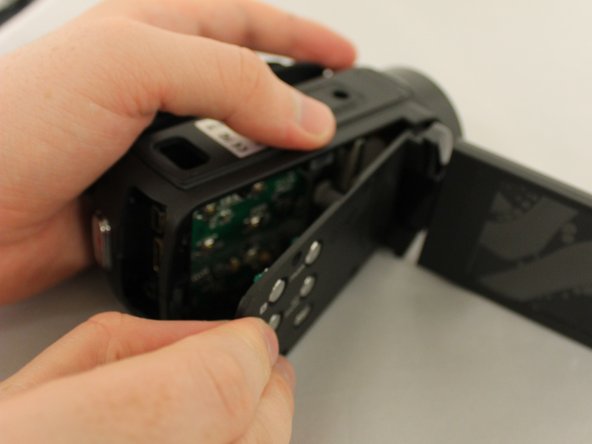
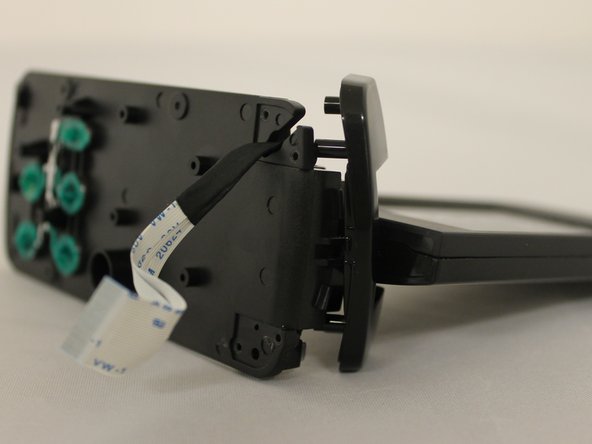
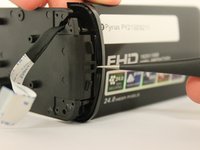
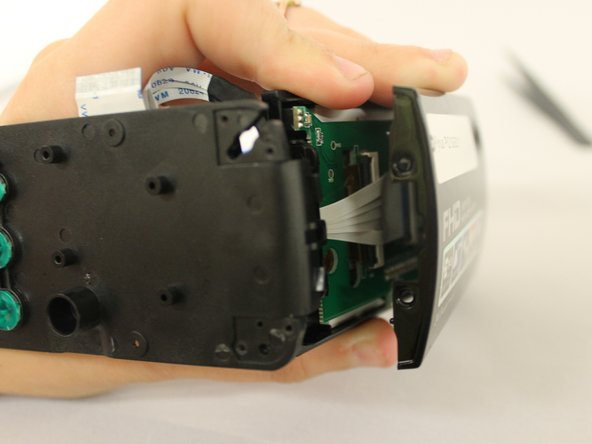
    • Carefully open the side face. Keep the side face close to the body of the device to avoid pulling on the white wires.

    FixBotに聞いてみる

    コメントを追加

  7. Pyrus PY21S03211 Display Screen Replacement: 手順 7、 2の画像 1 Pyrus PY21S03211 Display Screen Replacement: 手順 7、 2の画像 2
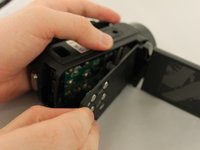
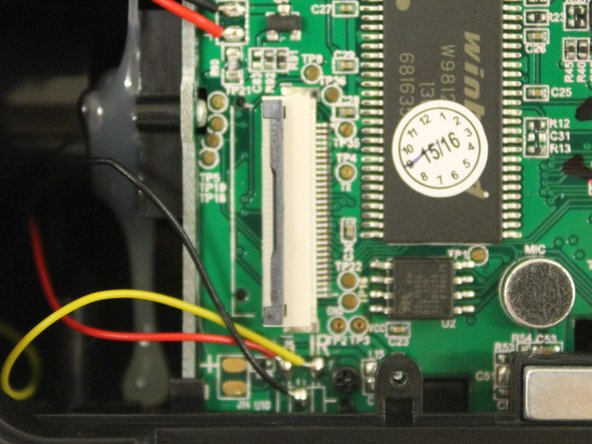
    • To remove the side face completely, locate the big white connector.

    • Lift the grey lip using tweezers. Then, carefully take out the white connector.

    FixBotに聞いてみる

    コメントを追加

  8. Pyrus PY21S03211 Display Screen Replacement: 手順 8、 3の画像 1 Pyrus PY21S03211 Display Screen Replacement: 手順 8、 3の画像 2 Pyrus PY21S03211 Display Screen Replacement: 手順 8、 3の画像 3
    • Set the device down with the screen facing towards you.

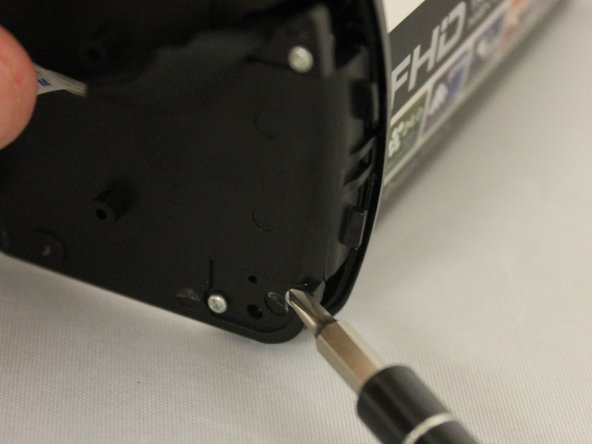
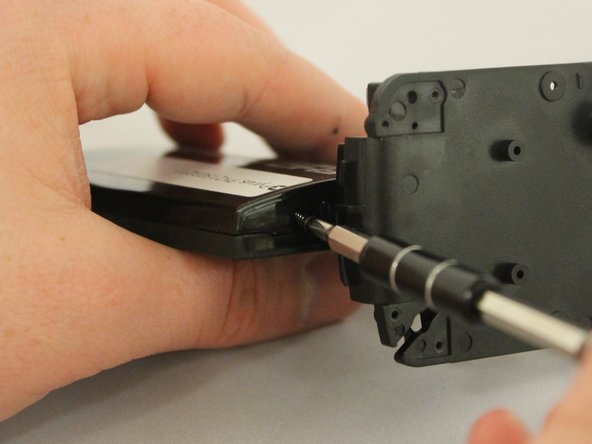
    • Remove the four 4mm silver screws from the back of the side face.

    FixBotに聞いてみる

    コメントを追加

  9. Pyrus PY21S03211 Display Screen Replacement: 手順 9、 2の画像 1 Pyrus PY21S03211 Display Screen Replacement: 手順 9、 2の画像 2
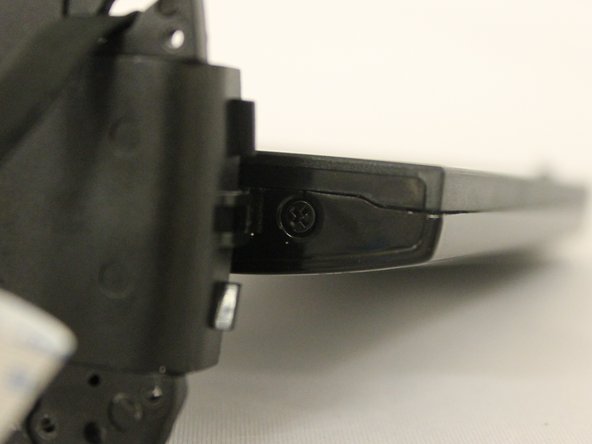
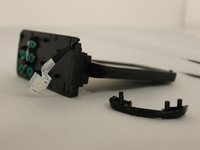
    • Use tweezers to remove the small shiny black plastic corner piece from the side.

    FixBotに聞いてみる

    コメントを追加

  10. Pyrus PY21S03211 Display Screen Replacement: 手順 10、 3の画像 1 Pyrus PY21S03211 Display Screen Replacement: 手順 10、 3の画像 2 Pyrus PY21S03211 Display Screen Replacement: 手順 10、 3の画像 3
    • Twist the screen to the side to reveal two black 4mm screws.

    • Remove screws from both sides of the screen.

    FixBotに聞いてみる

    コメントを追加

  11. Pyrus PY21S03211 Display Screen Replacement: 手順 11、 2の画像 1 Pyrus PY21S03211 Display Screen Replacement: 手順 11、 2の画像 2
    • Use a plastic pick to pry off the backside of the screen.

    FixBotに聞いてみる

    コメントを追加

  12. Pyrus PY21S03211 Display Screen Replacement: 手順 12、 2の画像 1 Pyrus PY21S03211 Display Screen Replacement: 手順 12、 2の画像 2
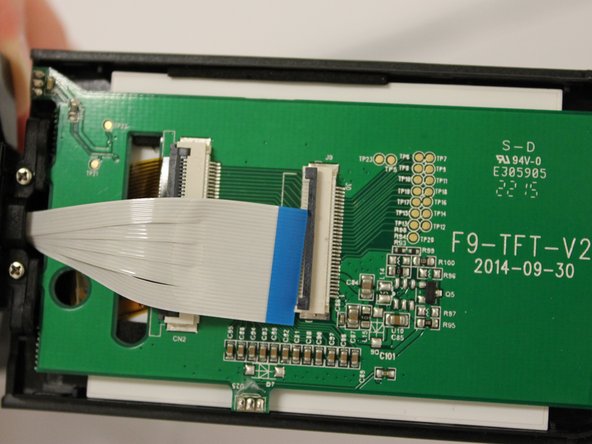
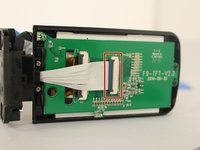
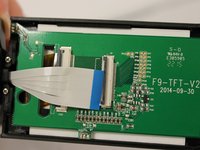
    • Use tweezers to open the gray lip of the large white connector and carefully remove it.

    FixBotに聞いてみる

    コメントを追加

  13. Pyrus PY21S03211 Display Screen Replacement: 手順 13、 1の画像 1
    • Find two 4mm silver screws at the base of the screen and remove them.

    FixBotに聞いてみる

    コメントを追加

  14. Pyrus PY21S03211 Display Screen Replacement: 手順 14、 1の画像 1
    • To remove the gold transparent connector, gently flip open the grey lip using tweezers.

    FixBotに聞いてみる

    コメントを追加

  15. Pyrus PY21S03211 Display Screen Replacement: 手順 15、 1の画像 1
    • Locate the two 4mm black screw on top of the display screen and remove them.

    FixBotに聞いてみる

    コメントを追加

  16. Pyrus PY21S03211 Display Screen Replacement: 手順 16、 2の画像 1 Pyrus PY21S03211 Display Screen Replacement: 手順 16、 2の画像 2
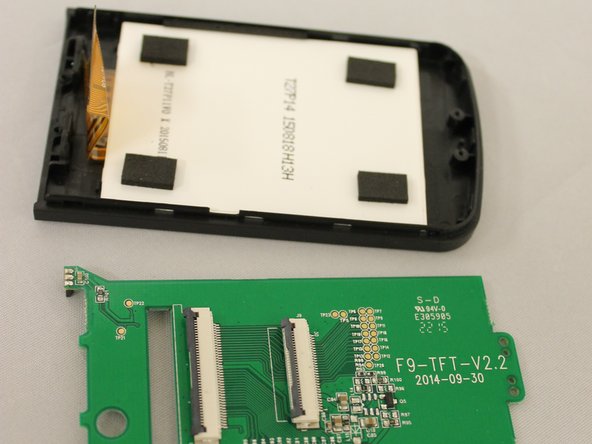
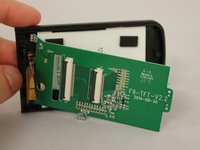
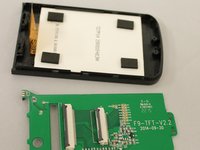
    • Remove green board carefully.

    FixBotに聞いてみる

    コメントを追加

  17. Pyrus PY21S03211 Display Screen Replacement: 手順 17、 3の画像 1 Pyrus PY21S03211 Display Screen Replacement: 手順 17、 3の画像 2 Pyrus PY21S03211 Display Screen Replacement: 手順 17、 3の画像 3
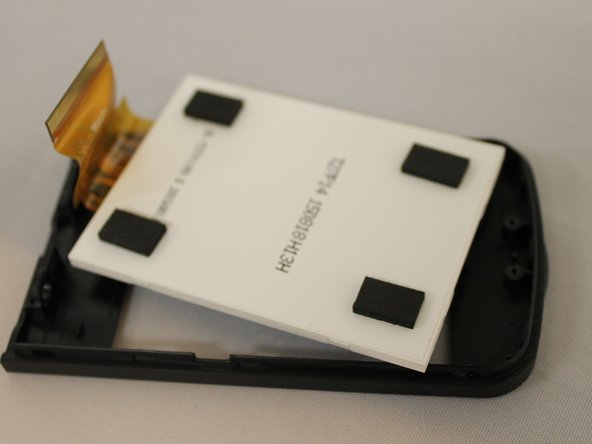
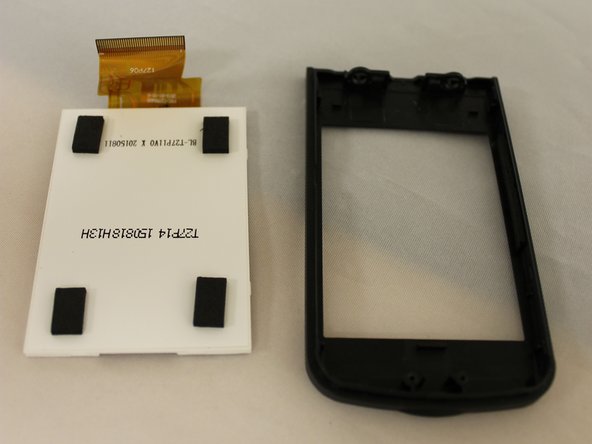
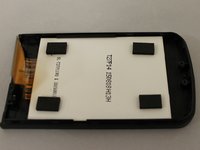
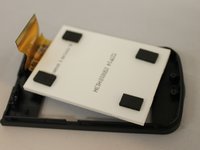
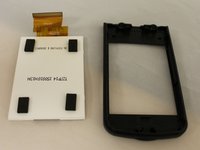
    • Gently remove the white display screen with your hands.

    FixBotに聞いてみる

    コメントを追加

  18. Pyrus PY21S03211 Display Screen Replacement: 手順 18、 1の画像 1
    • Carefully insert the replacement screen.

    FixBotに聞いてみる

    コメントを追加

終わりに

To reassemble your device, follow these instructions in reverse order.

キャンセル: このガイドを終了できませんでした。

ある他の人がこのガイドを完成しました。

作成者

7人の作成者と共同で作成されました。

Danielle Hadaway

メンバー登録日: 03/31/16

255 ポイント

3のガイドは作成済み

チーム

Eastern Washington University, Team 1-5, Giguere Spring 2016 Eastern Washington University, Team 1-5, Giguere Spring 2016人のメンバー

EWU-GIGUERE-S16S1G5

3 メンバー

3のガイドは作成済み

0件のガイドコメント

コメントを追加

統計データ:

過去 24時間: 0

過去 7 日: 6

過去 30 日: 25

今までの合計 602