メインコンテンツにスキップ
リペアコミュニティに参加 - アカウントの作成

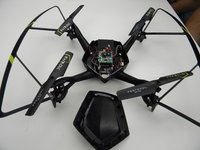
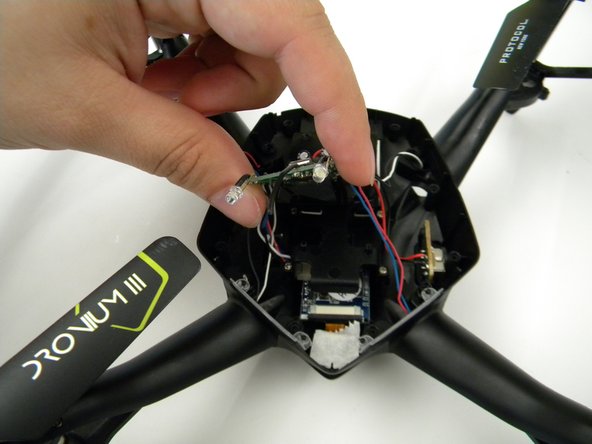
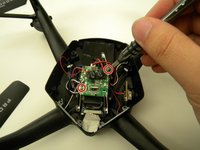
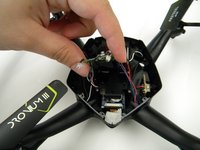
Protocol Dronium III AP Camera Replacement

必要な工具と部品

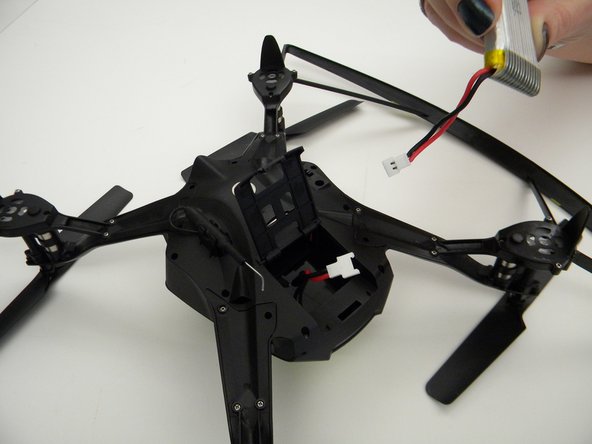
  1. Protocol Dronium III AP Camera Replacement, Drone Battery Pack: 手順 1、 2の画像 1 Protocol Dronium III AP Camera Replacement, Drone Battery Pack: 手順 1、 2の画像 2
    • Ensure the drone is powered off.

    • Press in and lift battery compartment cover.

    • A soft pry tool may be used for easier access.

    FixBotに聞いてみる
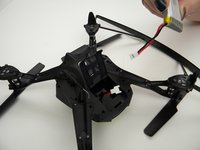
  2. Protocol Dronium III AP Camera Replacement: 手順 2、 1の画像 1
    • Remove battery pack from body of drone.

    FixBotに聞いてみる
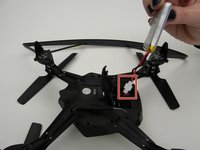
  3. Protocol Dronium III AP Camera Replacement: 手順 3、 2の画像 1 Protocol Dronium III AP Camera Replacement: 手順 3、 2の画像 2
    • Disconnect white connectors between the battery pack and drone.

    FixBotに聞いてみる
  4. Protocol Dronium III AP Camera Replacement, Camera: 手順 4、 1の画像 1
    • Remove the eight (8) 5mm screws attaching the motor arms to the body using a JIS #00 screwdriver.

    FixBotに聞いてみる
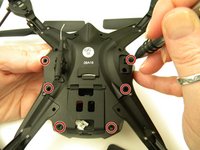
  5. Protocol Dronium III AP Camera Replacement: 手順 5、 2の画像 1 Protocol Dronium III AP Camera Replacement: 手順 5、 2の画像 2
    • Remove the six (6) 5mm screws attaching the Body Cover to the Body of the drone using a JIS #00 screwdriver.

    • Remove the Body Cover.

    FixBotに聞いてみる
  6. Protocol Dronium III AP Camera Replacement: 手順 6、 2の画像 1 Protocol Dronium III AP Camera Replacement: 手順 6、 2の画像 2
    • Remove the two (2) 5mm screws attaching the Motherboard to the body of the drone using a JIS #00 screwdriver.

    • Lift the Motherboard off the mounting position.

    • Do not pull hard on the Motherboard as solder connections are fragile.

    FixBotに聞いてみる
  7. Protocol Dronium III AP Camera Replacement: 手順 7、 1の画像 1
    この手順で使用する道具:
    Tweezers
    $4.99
    • Remove the tape covering the camera with the tweezers.

    FixBotに聞いてみる
  8. Protocol Dronium III AP Camera Replacement: 手順 8、 2の画像 1 Protocol Dronium III AP Camera Replacement: 手順 8、 2の画像 2
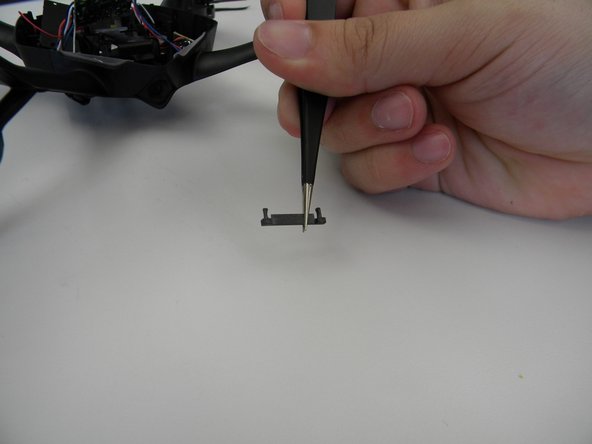
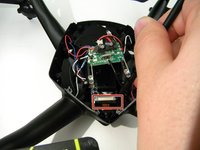
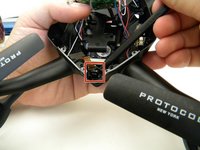
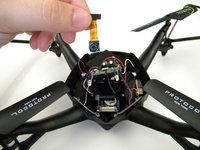
    • Remove the plastic holding the ribbon cable connector with the tweezers.

    • Be careful with the ribbon cable, it is easy to damage.

    FixBotに聞いてみる
  9. Protocol Dronium III AP Camera Replacement: 手順 9、 1の画像 1
    • Move the ribbon cable out of the way with the Spuger.

    FixBotに聞いてみる
  10. Protocol Dronium III AP Camera Replacement: 手順 10、 2の画像 1 Protocol Dronium III AP Camera Replacement: 手順 10、 2の画像 2
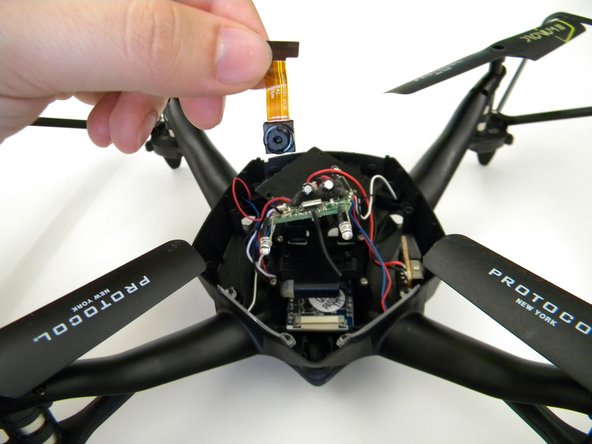
    • Remove the camera by gently prying it out of the bracket with the spudger.

    FixBotに聞いてみる
終わりに

To reassemble your device, follow these instructions in reverse order.

作成者

5人の作成者と共同で作成されました。

Steven Mooers

メンバー登録日: 10/18/17

401 ポイント

4のガイドは作成済み

チーム

UW Tacoma, Team S1-G1, Rose Fall 2017 UW Tacoma, Team S1-G1, Rose Fall 2017人のメンバー

UWT-ROSE-F17S1G1

4 メンバー

4のガイドは作成済み

0件のガイドコメント

コメントを追加

統計データ:

過去 24時間: 1

過去 7 日: 3

過去 30 日: 26

今までの合計 448