はじめに
This guide provides instruction to remove and replace a depleted battery in your Orbic Wonder. Before beginning, discharge your Orbic Wonder battery below 25%. A charged lithium-ion battery can catch fire and/or explode if accidentally punctured. Turn off the Orbic Wonder prior to disassembly.
必要な工具と部品
-
-
There is a border between the black phone backing and the silver screen.
-
Place the Jimmy in this border, and cautiously torque it back and forth to part the two halves.
-
When the halves are parted correctly, the gap should look like this.
-
-
-
この手順で使用する道具:Anti-Static Wrist Strap$7.95
-
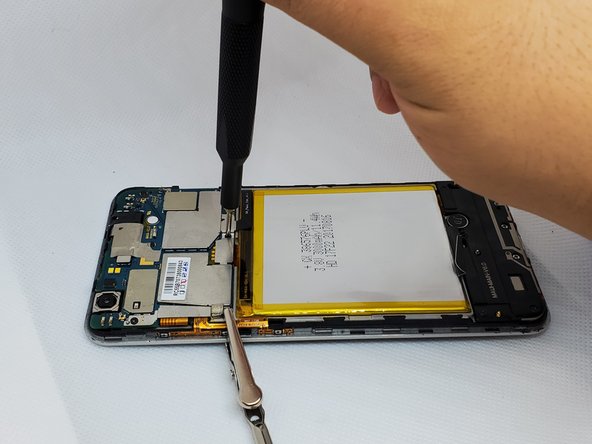
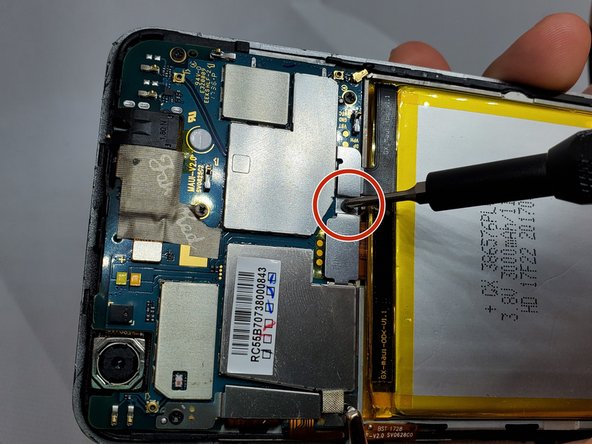
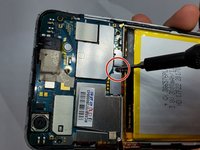
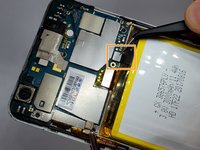
On the upper right side, there is a black ribbon cable in the shape of an “L”. Remove the single 1 mm Phillips #000 screw on the left side of the ribbon cable.
-
-
この手順で使用する道具:Tweezers$3.99
-
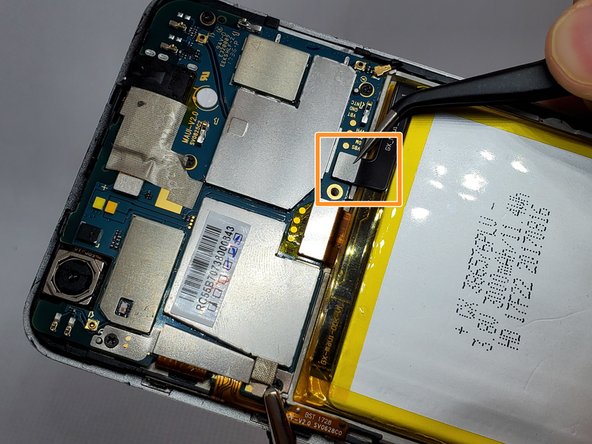
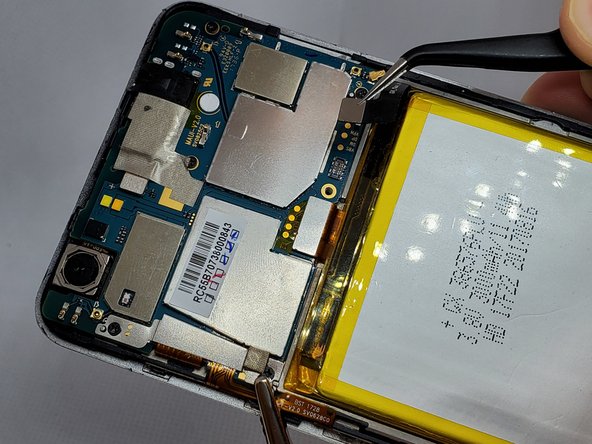
Use a pair of angled tweezers to carefully remove the metal casing of the ribbon cable.
-
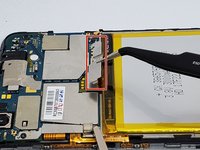
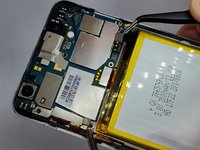
Use a pair of angled tweezers to detach the black ribbon cable. This is done to unplug the battery.
-
-
-
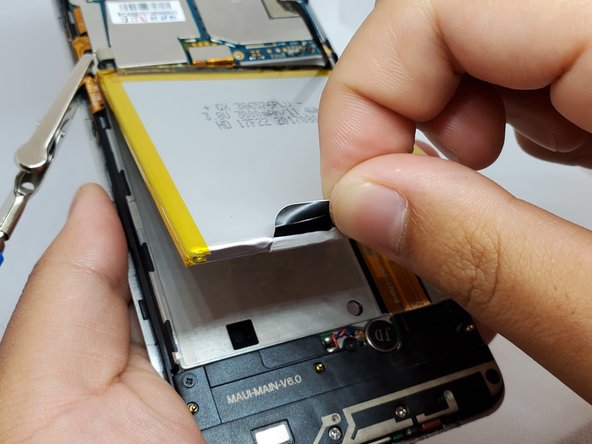
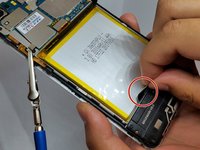
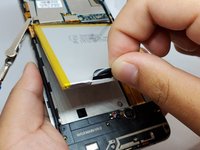
There is a black flap on the bottom of the battery.
-
Using your fingers, pinch this flap and carefully pull the battery up and out of the phone.
-


 FixBotに聞いてみる







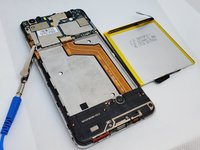
To reassemble your device, follow these instructions in reverse order.
2 の人々がこのガイドを完成させました。

チーム

Embry-Riddle Aeronautical University, Team S20-G1, Branham Fall 2019 Embry-Riddle Aeronautical University, Team S20-G1, Branham Fall 2019人のメンバー
ERAU-BRANHAM-F19S20G1
4 メンバー
21のガイドは作成済み
