メインコンテンツにスキップ
リペアコミュニティに参加 - アカウントの作成

Olympus Camedia D560 Rear Panel Control Buttons Replacement

必要な工具と部品

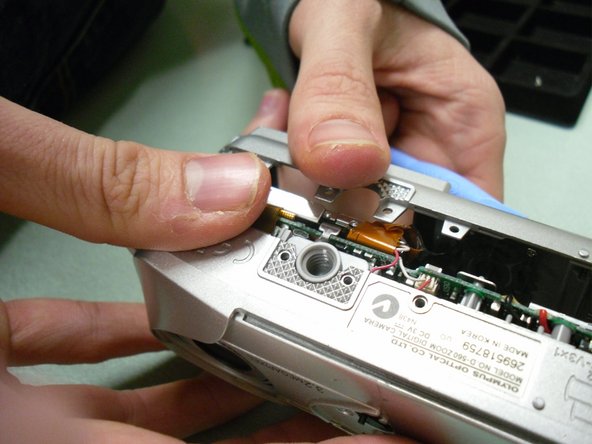
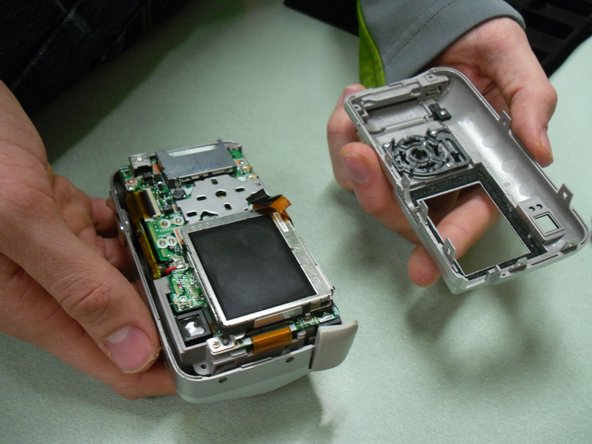
    1. Olympus Camedia D560 Rear Panel Control Buttons Replacement, Rear Panel Control Buttons: 手順 1、 2の画像 1 Olympus Camedia D560 Rear Panel Control Buttons Replacement, Rear Panel Control Buttons: 手順 1、 2の画像 2
      • Before disassembling your camera, be sure it is powered off.

      • Remove two screws from the video port located at the side panel of the camera.

      • Remove three screws from the bottom panel of the camera.

      FixBotに聞いてみる

      コメントを追加

    2. Olympus Camedia D560 Rear Panel Control Buttons Replacement: 手順 2、 2の画像 1 Olympus Camedia D560 Rear Panel Control Buttons Replacement: 手順 2、 2の画像 2
      • Open the USB port cover, and remove three screws from inside.

      • Next, open the memory slot cover and remove the screw.

      FixBotに聞いてみる

      コメントを追加

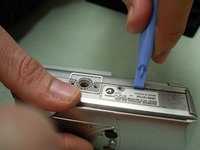
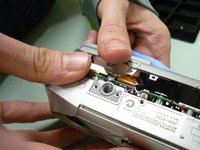
    3. Olympus Camedia D560 Rear Panel Control Buttons Replacement: 手順 3、 3の画像 1 Olympus Camedia D560 Rear Panel Control Buttons Replacement: 手順 3、 3の画像 2 Olympus Camedia D560 Rear Panel Control Buttons Replacement: 手順 3、 3の画像 3
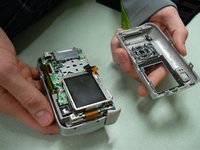
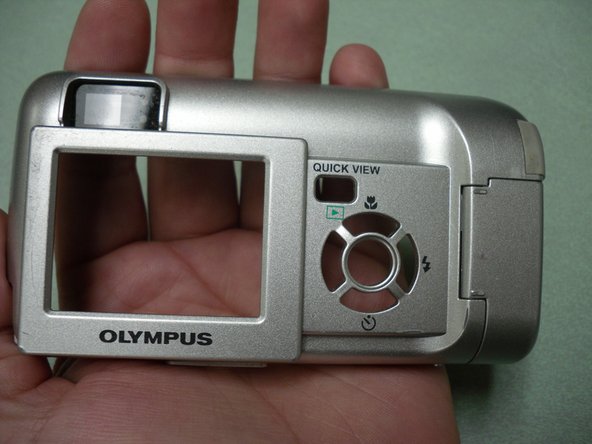
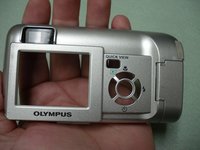
      • Use the blue opening tool to loosen and separate the back cover from the camera.

      FixBotに聞いてみる

      コメントを追加

    4. Olympus Camedia D560 Rear Panel Control Buttons Replacement: 手順 4、 3の画像 1 Olympus Camedia D560 Rear Panel Control Buttons Replacement: 手順 4、 3の画像 2 Olympus Camedia D560 Rear Panel Control Buttons Replacement: 手順 4、 3の画像 3
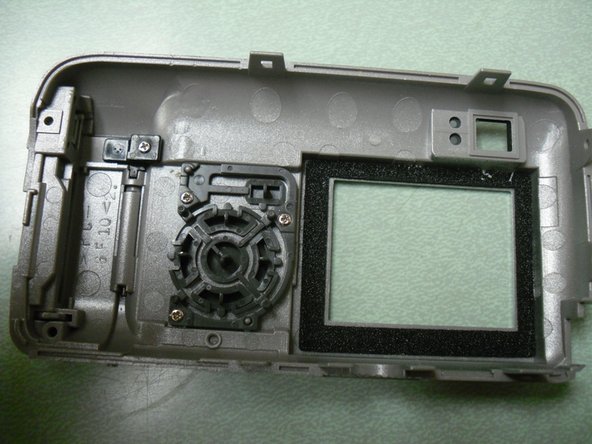
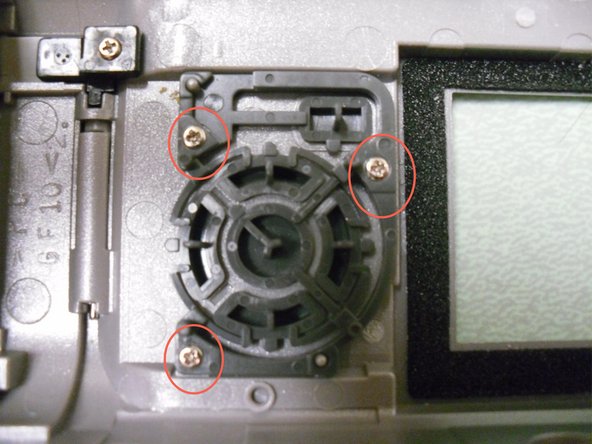
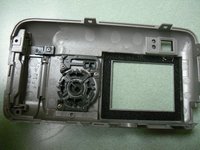
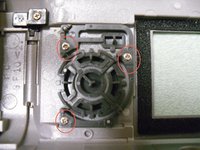
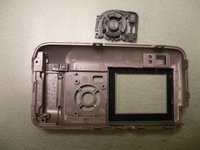
      • Locate and unscrew the three screws inside the back cover body (picture 3) .

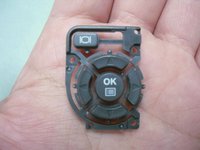
      • Remove button pad assembly from the back cover.

      FixBotに聞いてみる

      コメントを追加

    5. Olympus Camedia D560 Rear Panel Control Buttons Replacement: 手順 5、 3の画像 1 Olympus Camedia D560 Rear Panel Control Buttons Replacement: 手順 5、 3の画像 2 Olympus Camedia D560 Rear Panel Control Buttons Replacement: 手順 5、 3の画像 3
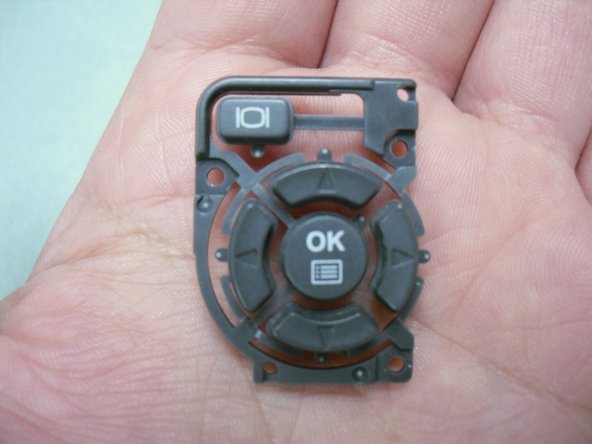
      • The button assembly is now separate from the back cover.

      • Inspect for broken areas. Replace or clean the button parts.

      FixBotに聞いてみる

      コメントを追加

終わりに

To reassemble your device, follow these instructions in reverse order.

キャンセル: このガイドを終了できませんでした。

2 の人々がこのガイドを完成させました。

作成者

6人の作成者と共同で作成されました。

GradStudents2011

メンバー登録日: 09/08/11

48 ポイント

3のガイドは作成済み

チーム

University of Maine, Team 1-27, Diaz Fall 2011 University of Maine, Team 1-27, Diaz Fall 2011人のメンバー

UMAINE-DIAZ-F11S1G27

1 メンバー

6のガイドは作成済み

0件のガイドコメント

コメントを追加

統計データ:

過去 24時間: 4

過去 7 日: 17

過去 30 日: 49

今までの合計 1,669