メインコンテンツにスキップ
リペアコミュニティに参加 - アカウントの作成

Nook HD+ Antenna Replacement

必要な工具と部品

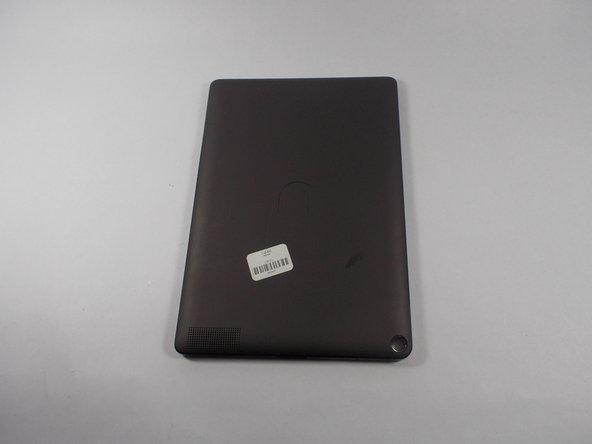
    1. Nook HD+ Antenna Replacement, Antenna: 手順 1、 1の画像 1
      • Pry the front frame off of the nook by wedging the plastic opening piece between the frame and the nook.

      FixBotに聞いてみる

      コメントを追加

    2. Nook HD+ Antenna Replacement, Remove the screws: 手順 2、 2の画像 1 Nook HD+ Antenna Replacement, Remove the screws: 手順 2、 2の画像 2
      • Remove every visible screw from the front of the nook using the T-4 attachment for the screwdriver in the iFixit screwdriver kit.

      FixBotに聞いてみる

      コメントを追加

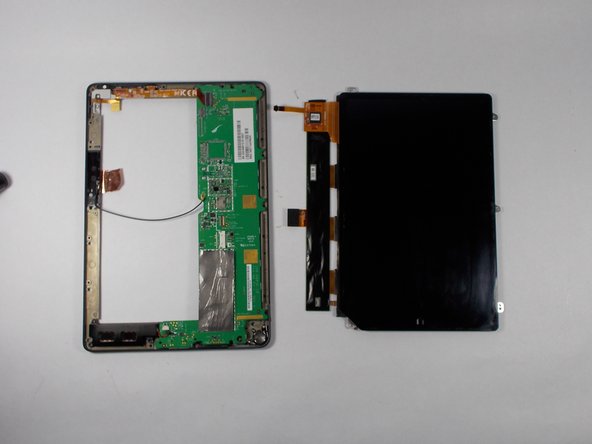
    3. Nook HD+ Antenna Replacement, Remove the chassis: 手順 3、 2の画像 1 Nook HD+ Antenna Replacement, Remove the chassis: 手順 3、 2の画像 2
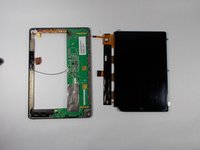
      • Carefully remove the center chassis from the bottom frame.

      FixBotに聞いてみる

      コメントを追加

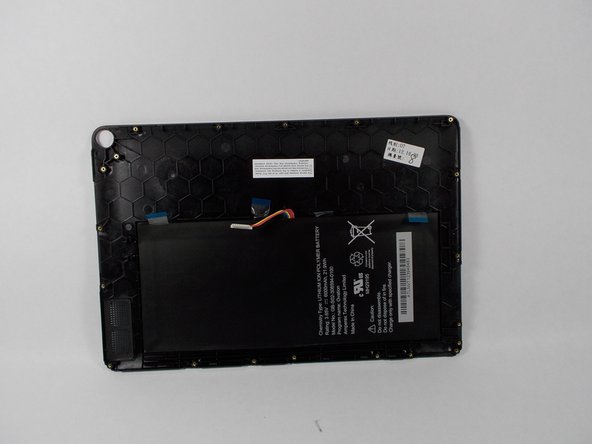
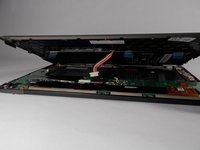
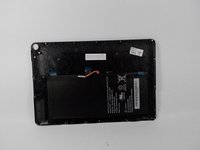
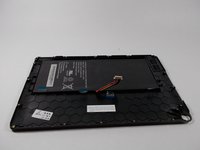
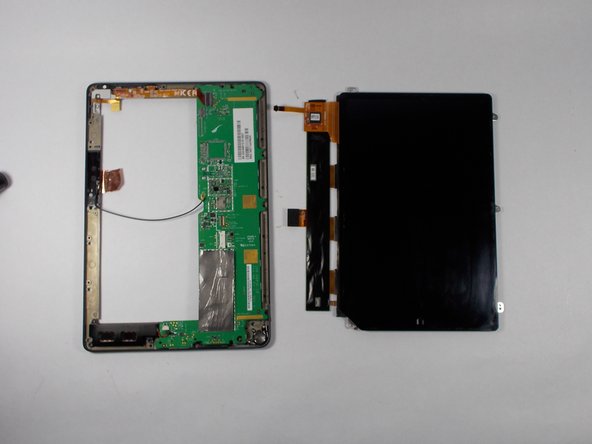
    4. Nook HD+ Antenna Replacement, Dettatch battery: 手順 4、 3の画像 1 Nook HD+ Antenna Replacement, Dettatch battery: 手順 4、 3の画像 2 Nook HD+ Antenna Replacement, Dettatch battery: 手順 4、 3の画像 3
      • Detach the battery ribbon from the motherboard.

      FixBotに聞いてみる

      コメントを追加

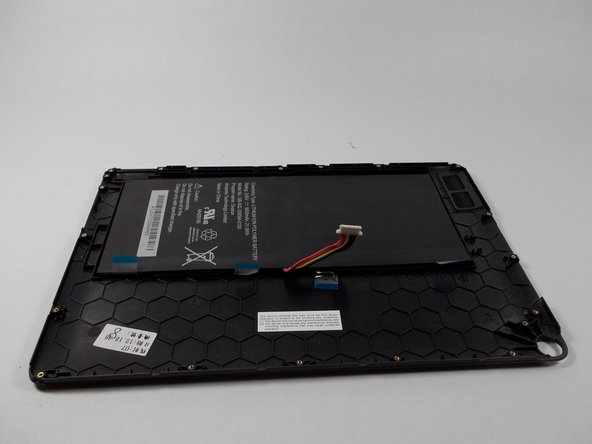
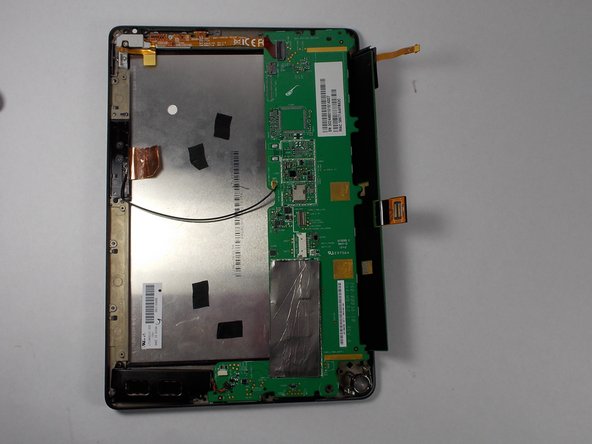
    5. Nook HD+ Antenna Replacement, Flip the center chassis: 手順 5、 1の画像 1
      • Flip the center chassis so that the screen is facing down, and the hole is positioned in the bottom right corner.

      FixBotに聞いてみる

      コメントを追加

    6. Nook HD+ Antenna Replacement, Remove the antenna part 1: 手順 6、 2の画像 1 Nook HD+ Antenna Replacement, Remove the antenna part 1: 手順 6、 2の画像 2
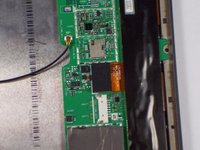
      • Remove the wire from the attachment on the motherboard (this wire un-clips).

      FixBotに聞いてみる

      コメントを追加

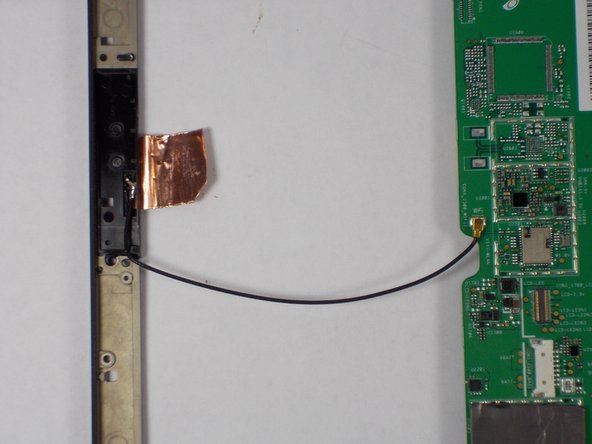
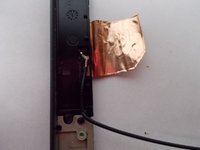
    7. Nook HD+ Antenna Replacement, Remove the antenna part 2: 手順 7、 2の画像 1 Nook HD+ Antenna Replacement, Remove the antenna part 2: 手順 7、 2の画像 2
      • Apply soldering iron to the wire where it connects on the frame side. Remove wire when the solder is molten.

      FixBotに聞いてみる

      コメントを追加

    8. Nook HD+ Antenna Replacement, Place new antenna.: 手順 8、 2の画像 1 Nook HD+ Antenna Replacement, Place new antenna.: 手順 8、 2の画像 2
      • Replace new antenna following all the steps in reverse.

      FixBotに聞いてみる

      コメントを追加

終わりに

To reassemble your device, follow these instructions in reverse order.

キャンセル: このガイドを終了できませんでした。

ある他の人がこのガイドを完成しました。

作成者

3人の作成者と共同で作成されました。

Elijah Gonsalves

メンバー登録日: 10/24/14

1,049 ポイント

3のガイドは作成済み

チーム

UMass Dartmouth, Team 2-3, Duarte Fall 2014 UMass Dartmouth, Team 2-3, Duarte Fall 2014人のメンバー

UMASSD-DUARTE-F14S2G3

5 メンバー

10のガイドは作成済み

0件のガイドコメント

コメントを追加

統計データ:

過去 24時間: 2

過去 7 日: 7

過去 30 日: 36

今までの合計 1,467