メインコンテンツにスキップ
リペアコミュニティに参加 - アカウントの作成

Nokia 2630b Antenna Replacement

必要な工具と部品

  1. Nokia 2630b Antenna Replacement, Battery Case: 手順 1、 2の画像 1 Nokia 2630b Antenna Replacement, Battery Case: 手順 1、 2の画像 2
    • Press and the release button on both sides of the battery cover. While holding down the release buttons pull the battery cover away from the phone

  2. Nokia 2630b Antenna Replacement: 手順 2、 1の画像 1
    • Pull out the battery by holding the top of the battery and tilting out.

  3. Nokia 2630b Antenna Replacement, Screen / Front Case: 手順 3、 1の画像 1
    • Remove the two screws on either side of the battery case using a T5 Torx screwdriver.

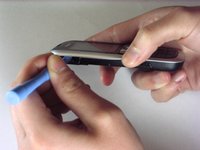
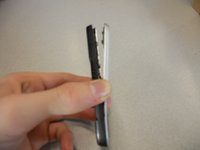
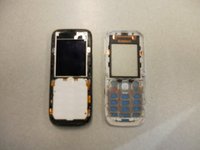
  4. Nokia 2630b Antenna Replacement: 手順 4、 3の画像 1 Nokia 2630b Antenna Replacement: 手順 4、 3の画像 2 Nokia 2630b Antenna Replacement: 手順 4、 3の画像 3
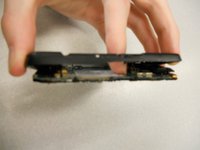
    • Separate the front case from the back case using the iPod opener.

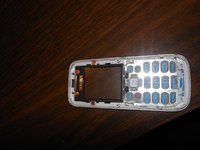
    • The keypad is a loose piece and may fall out.

  5. Nokia 2630b Antenna Replacement: 手順 5、 1の画像 1
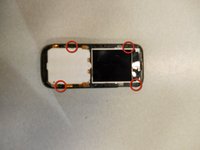
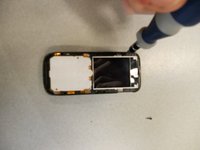
    • Remove screws using the T5 Torx screwdriver to release the computer chip from the case.

  6. Nokia 2630b Antenna Replacement: 手順 6、 1の画像 1
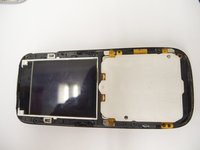
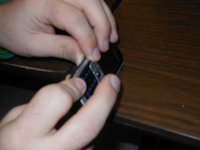
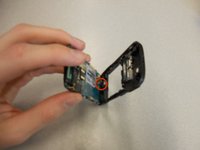
    • Carefully lift the black frame off the screen with your fingers.

  7. Nokia 2630b Antenna Replacement: 手順 7、 1の画像 1
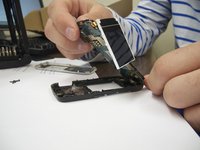
    • Carefully remove the computer chip and screen out of the black case with your fingers.

  8. Nokia 2630b Antenna Replacement: 手順 8、 2の画像 1 Nokia 2630b Antenna Replacement: 手順 8、 2の画像 2
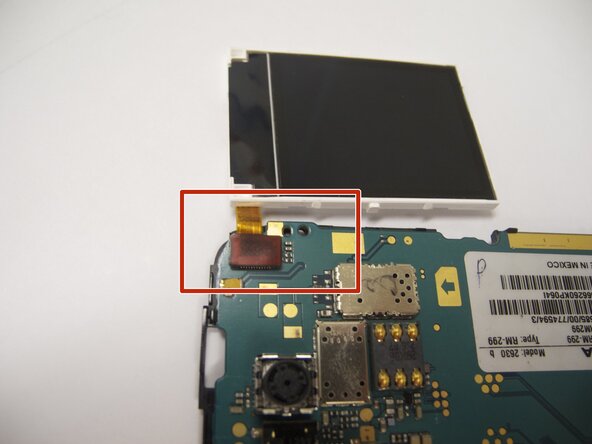
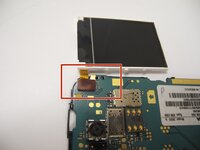
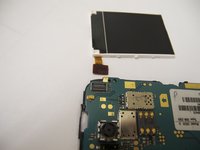
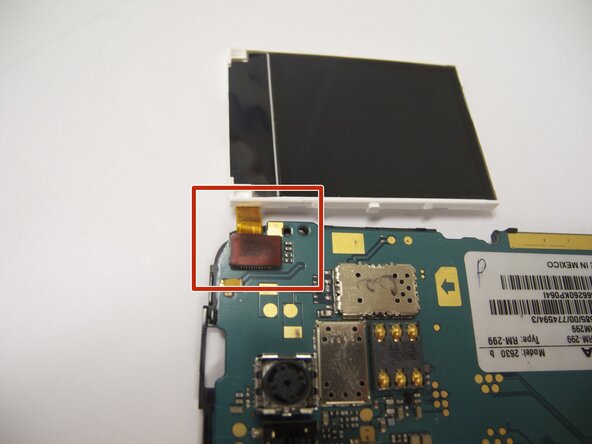
    • The screen is attached to the motherboard by an orange ribbon.

    • Carefully detach the ribbon from the motherboard using your fingers.

  9. Nokia 2630b Antenna Replacement: 手順 9、 1の画像 1
    • Reattach new screen by connecting the orange ribbon to the computer chip.

  10. Nokia 2630b Antenna Replacement: 手順 10、 2の画像 1 Nokia 2630b Antenna Replacement: 手順 10、 2の画像 2
    • Place computer chip and screen back into black case.

  11. Nokia 2630b Antenna Replacement: 手順 11、 1の画像 1
    • Place black frame back over screen.

  12. Nokia 2630b Antenna Replacement: 手順 12、 2の画像 1 Nokia 2630b Antenna Replacement: 手順 12、 2の画像 2
    • Carefully place keypad back in place.

  13. Nokia 2630b Antenna Replacement: 手順 13、 2の画像 1 Nokia 2630b Antenna Replacement: 手順 13、 2の画像 2
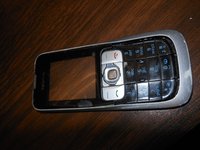
    • Snap the front case back in place with the bottom case with your fingers.

  14. Nokia 2630b Antenna Replacement: 手順 14、 1の画像 1
    • Reassemble screws with microscrewdriver.

  15. Nokia 2630b Antenna Replacement: 手順 15、 1の画像 1
    • Slide battery back into place.

  16. Nokia 2630b Antenna Replacement: 手順 16、 1の画像 1
    • Snap battery cover back into place.

  17. Nokia 2630b Antenna Replacement, Back Case: 手順 17、 2の画像 1 Nokia 2630b Antenna Replacement, Back Case: 手順 17、 2の画像 2
    • Locate the four screws that secure the back case to the rest of the phone.

    • Unscrew all four screws using a "T-5" star shaped screw driver, turning counter-clockwise.

  18. Nokia 2630b Antenna Replacement: 手順 18、 3の画像 1 Nokia 2630b Antenna Replacement: 手順 18、 3の画像 2 Nokia 2630b Antenna Replacement: 手順 18、 3の画像 3
    • DO NOT PULL APART! There is a wire attaching the speaker to the rear case. It is very important to NOT sever this connection. Because of this, the rear case does not completely detach from the rest of the phone.

    • Holding the rear case, applying pressure to the back of the phone near the location of the battery in order to separate the two components.

  19. Nokia 2630b Antenna Replacement, Antenna: 手順 19、 1の画像 1
    • The antenna is the "L" shaped device located on the top of the phone in between the back case and the board.

    • You should be able to remove the antenna with minimal effort.

    • To put in a new antenna, place it in the same location as the old one. There is no need to connect to any hardware on the phone.

  20. Nokia 2630b Antenna Replacement: 手順 20、 1の画像 1
    • To reassemble the device, follow the instructions in reverse order.

    • When reinstalling the keyboard, make sure it is in the correct position before screwing the case back together.

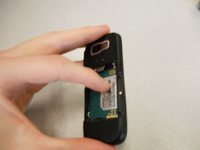
    • When reinstalling the battery, make sure the contacts of the battery connect to the contacts on the phone.

    • Double-check the position of the brass contacts in relation to the battery.

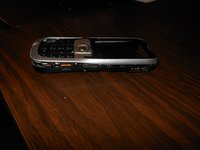
    • The photo displays the correct orientation of the battery.

ゴール

作成者

11人の作成者と共同で作成されました。

Eric

メンバー登録日: 04/07/11

57 ポイント

4のガイドは作成済み

チーム

Cal Poly, Team 9-61, Walters Spring 2011 Cal Poly, Team 9-61, Walters Spring 2011人のメンバー

CPSU-WALTERS-S11S9G61

5 メンバー

6のガイドは作成済み

0件のガイドコメント

コメントを追加

統計データ:

過去 24時間: 0

過去 7 日: 11

過去 30 日: 38

今までの合計 3,814