はじめに
If the motherboard is broken, then follow our guide to help take the game console apart and remove the motherboard.
必要な工具と部品
-
-
Remove the six 13.25mm Phillips screws on the bottom of the game console with a #2.5 flathead screwdriver.
-
Flip the game console right side up and take off the top by pulling it up and away from the rest of the device with your hands.
 FixBotに聞いてみる
-
-
-
Remove the seven 13.25mm Phillips screws from the metal cover with a Phillips head #2 screwdriver.
-
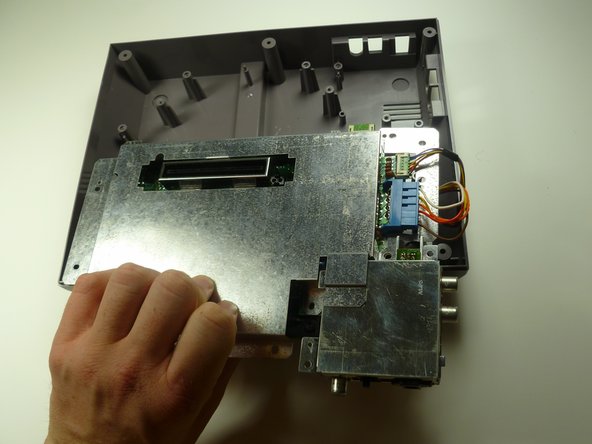
Remove the metal cover by pulling it up and away from the rest of the console with your hands.
-
-
-
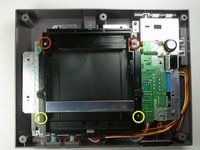
Remove the two silver 17.45mm Phillips screws from the cartridge tray using a Phillips head #2 screwdriver.
-
Remove the two bronze 13.25mm Phillips screws from the cartridge tray using a Phillips head #2 screwdriver.
-
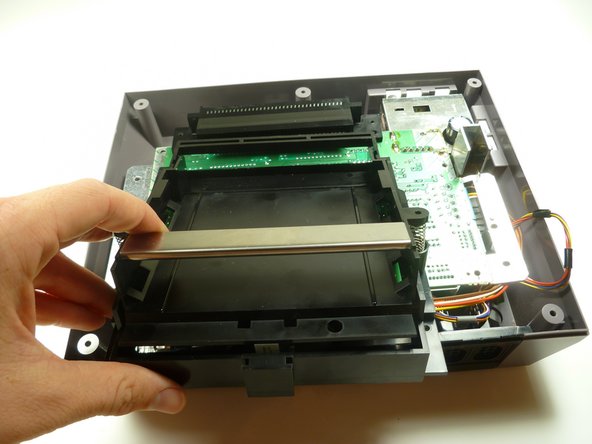
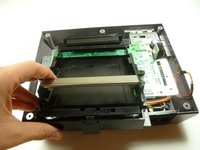
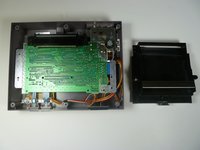
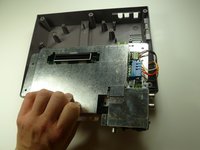
Slide the cartridge tray toward you, away from the 72-PIN connector, and off the motherboard assembly.
-
-
-
-
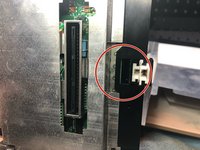
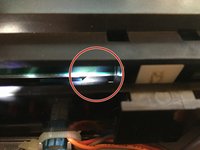
Note: Underneath the cartridge tray is a black trapezoid-shaped tab/lip (see marker). When properly assembled this tab/lip goes below the motherboard and shielding as seen here.
-
-
-
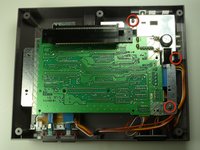
Remove the three 13.25mm Phillips screws that secure the motherboard to the lower case with a Phillips head #2 screwdriver.
-
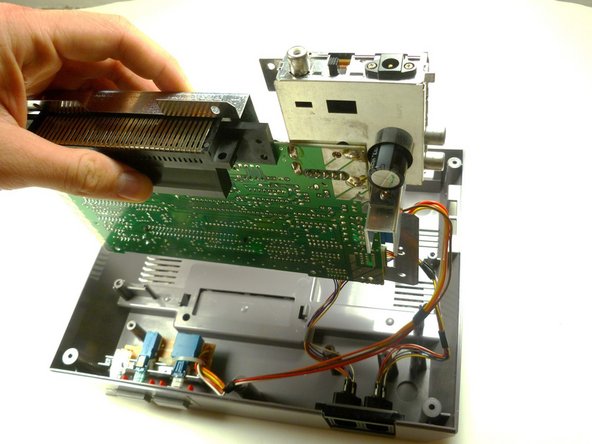
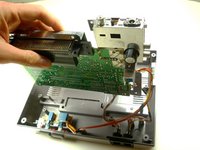
Pull the motherboard assembly straight up and out of the plastic case with your hands.
-
-
-
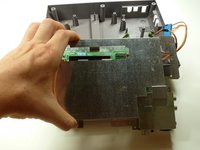
Disconnect the wire harnesses from the motherboard assembly:
-
Controller 1 (left)
-
Controller 2 (right)
-
Power
-








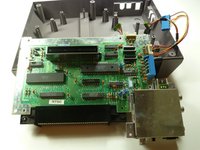
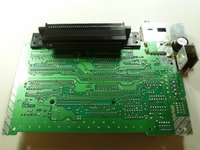
To reassemble your device, follow these instructions in reverse order.
32 の人々がこのガイドを完成させました。

チーム

Cal Poly, Team 14-40, Forte Fall 2010 Cal Poly, Team 14-40, Forte Fall 2010人のメンバー
CPSU-FORTE-F10S14G40
4 メンバー
34のガイドは作成済み
8件のガイドコメント
What do I do if my console doesn't work at all I put a game in and the power light flashes on and off and or the screen stays on purple
Albert lopez - 返信 共有
Clean the 72-pin connector and cartridge pins
Fritz Geib - 返信 共有
What do I do if my console doesn't work at all the power light flashes on and off or it'll stay on but the screen shows purple what could be the
Albert lopez - 返信 共有
you need to change the cartridge connector (the one to the mainboard)
