はじめに
This guide will walk you through removing the LED from Nerf N-Strike Firestrike. Before you can replace the LED light, you have to remove the casing of the gun, pull out the laser trigger, pull out the laser and wires, and solder off the wires connected to the LED light.
The light is located at the center of the circuit board. Once all of these steps are taken you can remove the LED light.
必要な工具と部品
-
-
-
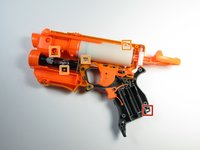
Remove the seven 10-mm black Phillips screws from the blaster casing with a #1 Phillips Screwdriver.
 FixBotに聞いてみる
-
-
-
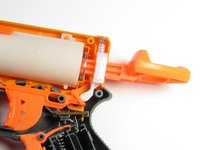
Slowly pull apart the blaster casing, starting at the battery location.
-
Keep pulling apart slowly until it separates completely. Be cautious as to not send the internal components flying.
-
-
-
-
-
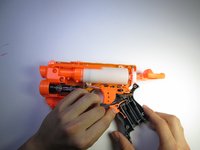
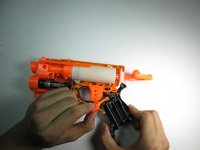
Use a #1 Phillips screwdriver to remove the 10 -mm screw that secures the battery plate, then remove the battery cover using your hands.
-
-
-
-
-
-
Remove the laser trigger by grabbing the trigger with your fingers and pulling it up and out.
-
-
-
-
-
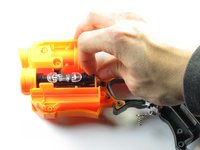
Gently pull up on the circuit board located near the gun handle until it separates from the gun.
-
-
-
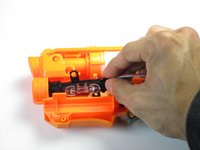
Grip the circuit board located at the base of the laser with your fingers; rotate it towards the ammo compartment on the blaster until the guide hole is clear of the guide pin.
-
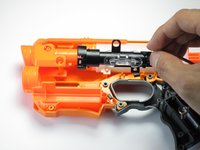
Slide the laser assembly out.
-
-
-
-
-
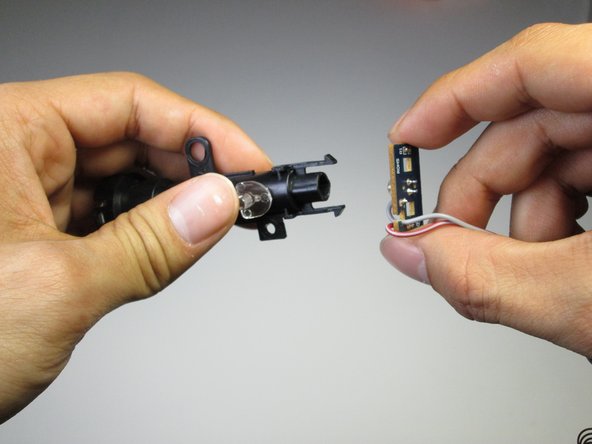
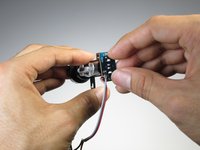
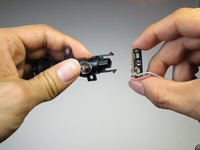
Pinch the clips holding the laser beam casing to the circuit board with your fingers. Slide off the casing revealing the LED.
-
-
-
Use a soldering iron to heat up the two connections holding the LED to the circuit board. Remove the LED.
-
-








To reassemble your device, follow these instructions in reverse order.
6 の人々がこのガイドを完成させました。

チーム

Cal Poly, Team 15-6, Amido Spring 2015 Cal Poly, Team 15-6, Amido Spring 2015人のメンバー
CPSU-AMIDO-S15S15G6
3 メンバー
8のガイドは作成済み
