はじめに
This guide will go through the steps of replacing the antenna for the Motorola MB525 starting from the tear down of the phone to replacement of the antenna itself.
必要な工具と部品
-
-
Using the screwdriver and the T-5 bit, unscrew the seven 5 mm screws around the outside of the phone.
 FixBotに聞いてみる
-
-
-
Remove the back cover of the phone by sliding the bottom black button to the unlock position and lifting it up.
-
-
-
-
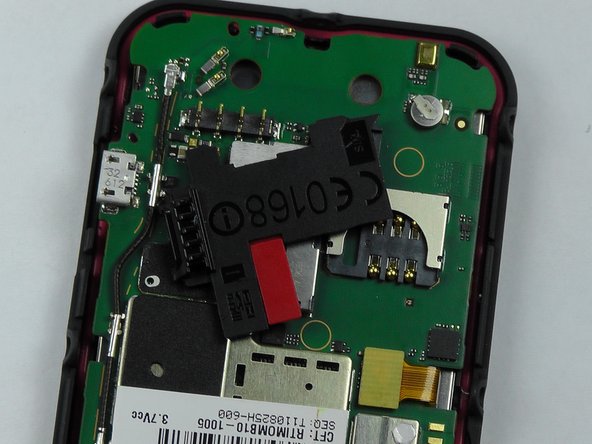
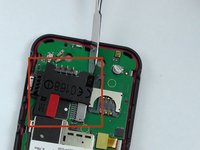
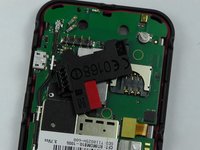
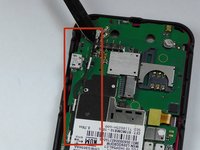
Take the metal spudger and pry the black piece, where the sim card goes, off to get to the entire antenna.
-
-
この手順で使用する道具:Tweezers$4.99
-
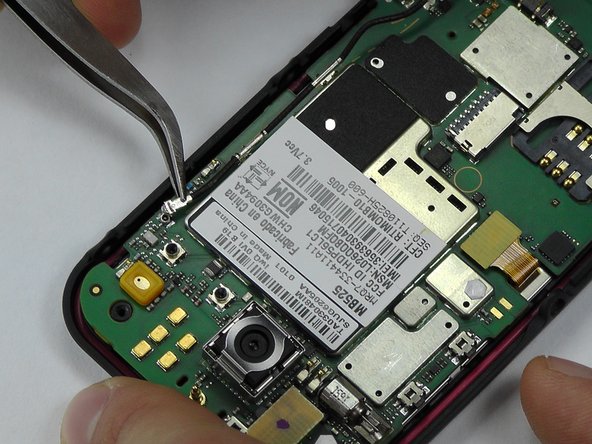
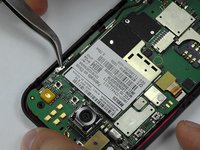
Pry the antenna off using the metal spudger and tweezers and replace with the new one.
-





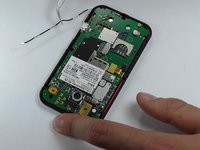
To reassemble your device, follow these instructions in reverse order.

チーム

USF Tampa, Team 14-2, Leahy Fall 2014 USF Tampa, Team 14-2, Leahy Fall 2014人のメンバー
USFT-LEAHY-F14S14G2
4 メンバー
18のガイドは作成済み
