メインコンテンツにスキップ
リペアコミュニティに参加 - アカウントの作成

Motorola 120c Keypad Replacement

必要な工具と部品

  1. Motorola 120c Keypad Replacement, Battery: 手順 1、 2の画像 1 Motorola 120c Keypad Replacement, Battery: 手順 1、 2の画像 2
    • Hold the phone and pull the back latch down towards the bottom.

    • Remove the back panel by releasing the latch and lifting from the top.

    FixBotに聞いてみる

    コメントを追加

  2. Motorola 120c Keypad Replacement: 手順 2、 3の画像 1 Motorola 120c Keypad Replacement: 手順 2、 3の画像 2 Motorola 120c Keypad Replacement: 手順 2、 3の画像 3
    • Remove the battery by pushing the bottom end towards the top, then lifting up.

    FixBotに聞いてみる

    コメントを追加

  3. Motorola 120c Keypad Replacement, Motherboard: 手順 3、 3の画像 1 Motorola 120c Keypad Replacement, Motherboard: 手順 3、 3の画像 2 Motorola 120c Keypad Replacement, Motherboard: 手順 3、 3の画像 3
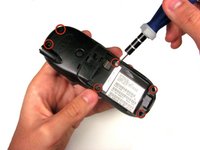
    • Once the battery is out, unscrew the six 7.0 mm screws with T-6 screwdriver.

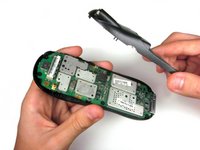
    • Once the screws are removed, simply lift the back panel off

    FixBotに聞いてみる

    コメントを追加

  4. Motorola 120c Keypad Replacement: 手順 4、 3の画像 1 Motorola 120c Keypad Replacement: 手順 4、 3の画像 2 Motorola 120c Keypad Replacement: 手順 4、 3の画像 3
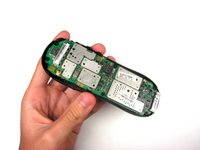
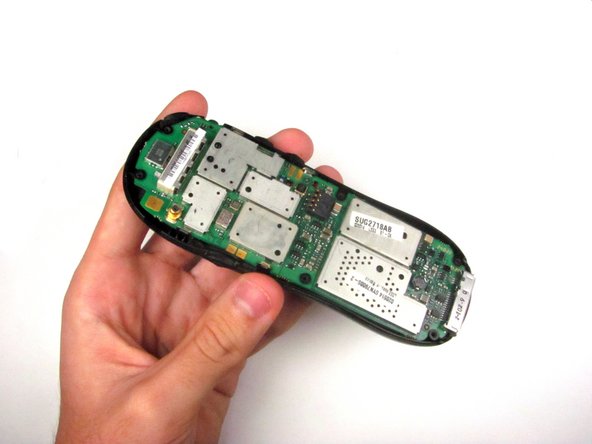
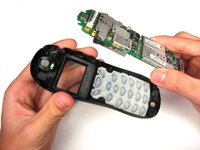
    • Remove the motherboard by lifting it up and out.

    FixBotに聞いてみる

    コメントを追加

  5. Motorola 120c Keypad Replacement, Keypad: 手順 5、 3の画像 1 Motorola 120c Keypad Replacement, Keypad: 手順 5、 3の画像 2 Motorola 120c Keypad Replacement, Keypad: 手順 5、 3の画像 3
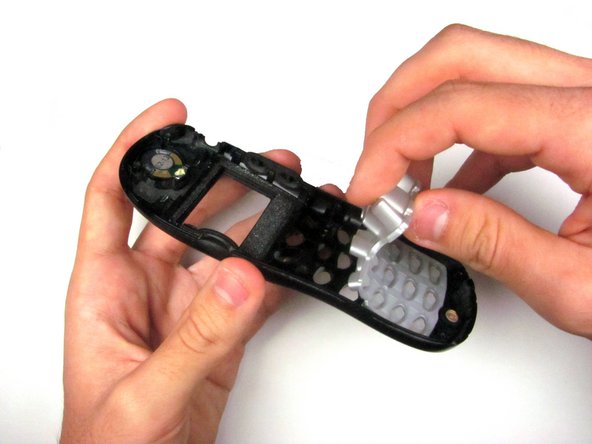
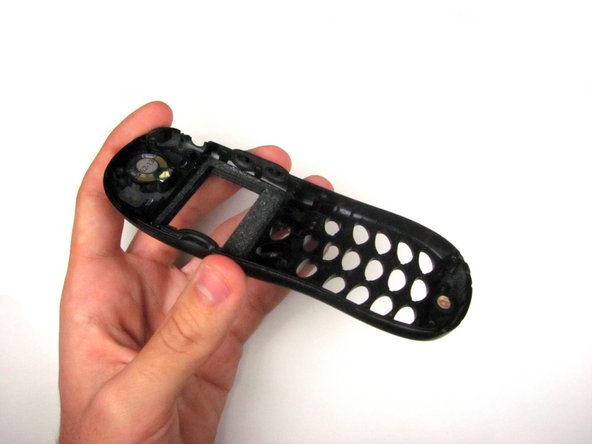
    • Peel the keypad from the front case.

    • The keypad may be stuck either to the logic board, below the screen, or the phone case itself.

    FixBotに聞いてみる

    コメントを追加

終わりに

To reassemble your device, follow these instructions in reverse order.

キャンセル: このガイドを終了できませんでした。

作成者

4人の作成者と共同で作成されました。

Mitchell Nesheim

メンバー登録日: 04/15/12

26 ポイント

1ガイドが承認済み

チーム

Cal Poly, Team 6-21, Amido Spring 2012 Cal Poly, Team 6-21, Amido Spring 2012人のメンバー

CPSU-AMIDO-S12S6G21

4 メンバー

21のガイドは作成済み

0件のガイドコメント

コメントを追加

統計データ:

過去 24時間: 0

過去 7 日: 9

過去 30 日: 54

今までの合計 878