メインコンテンツにスキップ
リペアコミュニティに参加 - アカウントの作成

Motion Computing LE1600 Speaker Modules Replacement

必要な工具と部品

  1. Motion Computing LE1600 Speaker Modules Replacement, Battery: 手順 1、 1の画像 1
    • Turn the device so the screen is facing down.

    FixBotに聞いてみる
  2. Motion Computing LE1600 Speaker Modules Replacement: 手順 2、 2の画像 1 Motion Computing LE1600 Speaker Modules Replacement: 手順 2、 2の画像 2
    • Slide the battery lock switch next to the power slider to the unlocked position.

    FixBotに聞いてみる
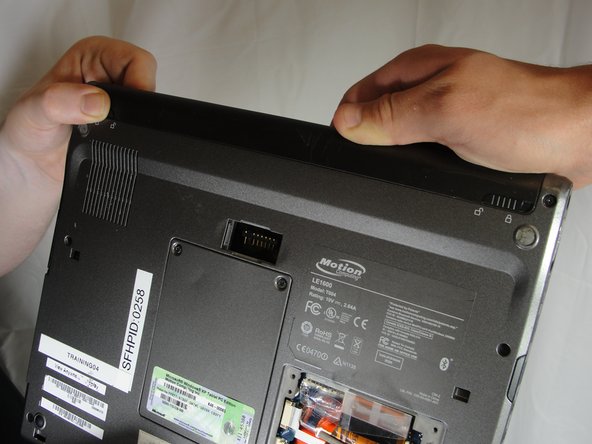
  3. Motion Computing LE1600 Speaker Modules Replacement: 手順 3、 3の画像 1 Motion Computing LE1600 Speaker Modules Replacement: 手順 3、 3の画像 2 Motion Computing LE1600 Speaker Modules Replacement: 手順 3、 3の画像 3
    • Slide and hold the switch by the fan vent to the unlocked position. Firmly grasp the battery and pull away from tablet.

    • When replacing the battery, place the end near the fan vent in first. Make sure to keep the other switch in the unlocked position while pushing the battery into place.

    FixBotに聞いてみる
  4. Motion Computing LE1600 Speaker Modules Replacement, Bluetooth Module: 手順 4、 1の画像 1
    • Unscrew hard drive panel using a Phillips head #1 screwdriver.

    • (Our device was not given to us with a hard drive or a hard drive panel)

    FixBotに聞いてみる
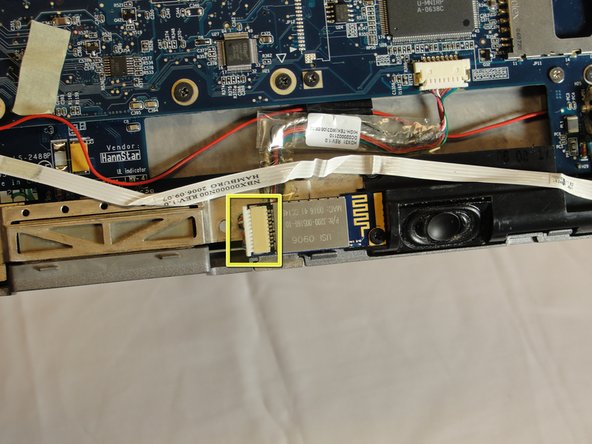
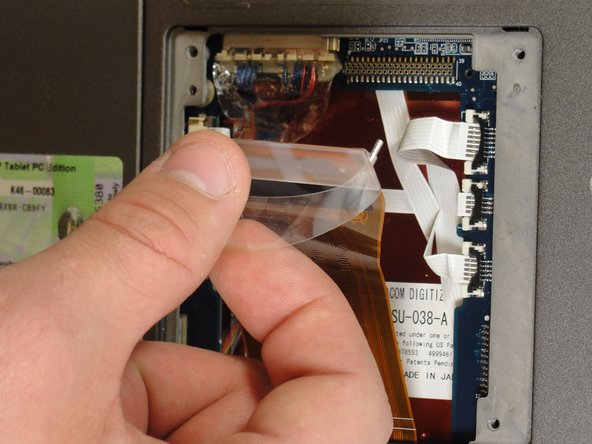
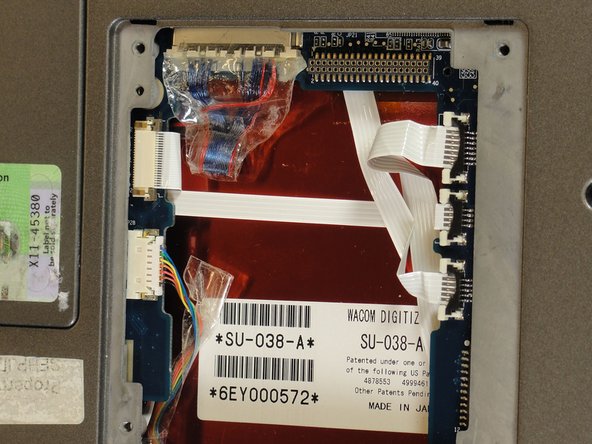
  5. Motion Computing LE1600 Speaker Modules Replacement: 手順 5、 3の画像 1 Motion Computing LE1600 Speaker Modules Replacement: 手順 5、 3の画像 2 Motion Computing LE1600 Speaker Modules Replacement: 手順 5、 3の画像 3
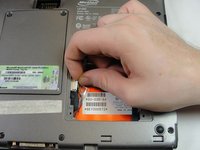
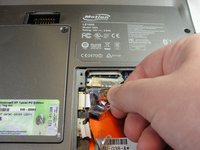
    • Pull clear plastic tab to detach hard drive from tablet.

    FixBotに聞いてみる
  6. Motion Computing LE1600 Speaker Modules Replacement: 手順 6、 2の画像 1 Motion Computing LE1600 Speaker Modules Replacement: 手順 6、 2の画像 2
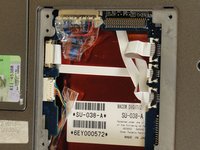
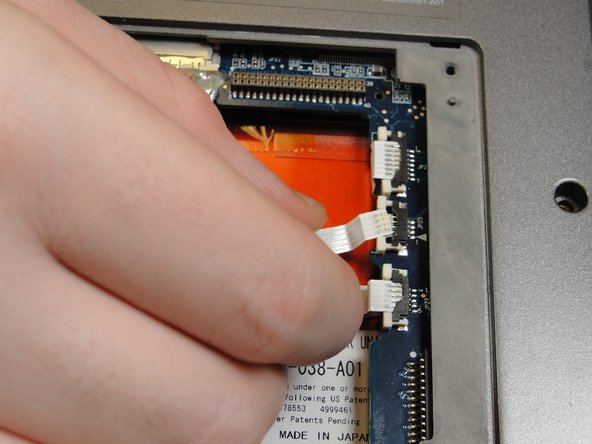
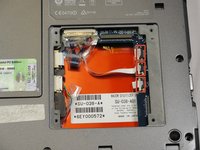
    • To disconnect the three white ribbon cables on the side closest to the hard drive connector, pull the white plastic tabs.

    FixBotに聞いてみる
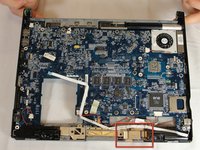
  7. Motion Computing LE1600 Speaker Modules Replacement: 手順 7、 1の画像 1
    • Pull the brown tabs to disconnect the white ribbon cable on the other side.

    FixBotに聞いてみる
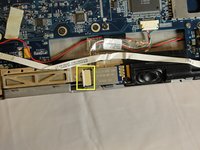
  8. Motion Computing LE1600 Speaker Modules Replacement: 手順 8、 2の画像 1 Motion Computing LE1600 Speaker Modules Replacement: 手順 8、 2の画像 2
    • Caution: do not pull on the wires, instead pull from the plastic connectors.

    • To disconnect the remaining ribbon cables, pull the plastic connectors away from their connections.

    FixBotに聞いてみる
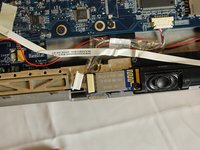
  9. Motion Computing LE1600 Speaker Modules Replacement: 手順 9、 1の画像 1
    • With a Phillips #1 screwdriver, Unscrew the nine 10mm screws holding the case together.

    FixBotに聞いてみる
  10. Motion Computing LE1600 Speaker Modules Replacement: 手順 10、 1の画像 1
    • Using a spudger, press in the five tabs on the side where the battery was.

    • This should separate the two halves of the device. Carefully set the side with the display off to the side.

    FixBotに聞いてみる
  11. Motion Computing LE1600 Speaker Modules Replacement: 手順 11、 3の画像 1 Motion Computing LE1600 Speaker Modules Replacement: 手順 11、 3の画像 2 Motion Computing LE1600 Speaker Modules Replacement: 手順 11、 3の画像 3
    • Locate the Bluetooth board.

    • Disconnect the ribbon cable by pulling on the plastic connector.

    FixBotに聞いてみる
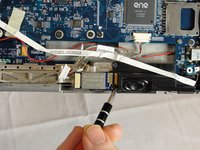
  12. Motion Computing LE1600 Speaker Modules Replacement: 手順 12、 2の画像 1 Motion Computing LE1600 Speaker Modules Replacement: 手順 12、 2の画像 2
    • Unscrew the 4mm screw holding the board onto the tablet.

    • Lift the board out of the tablet and carefully set it aside.

    FixBotに聞いてみる
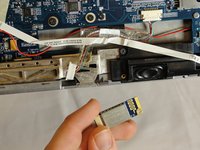
  13. Motion Computing LE1600 Speaker Modules Replacement, Speaker Modules: 手順 13、 3の画像 1 Motion Computing LE1600 Speaker Modules Replacement, Speaker Modules: 手順 13、 3の画像 2 Motion Computing LE1600 Speaker Modules Replacement, Speaker Modules: 手順 13、 3の画像 3
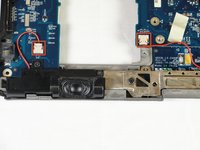
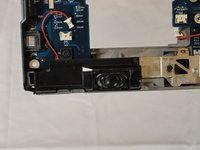
    • Locate speaker connectors on tablet and unplug them by pulling on the plastic heads.

    FixBotに聞いてみる
  14. Motion Computing LE1600 Speaker Modules Replacement: 手順 14、 2の画像 1 Motion Computing LE1600 Speaker Modules Replacement: 手順 14、 2の画像 2
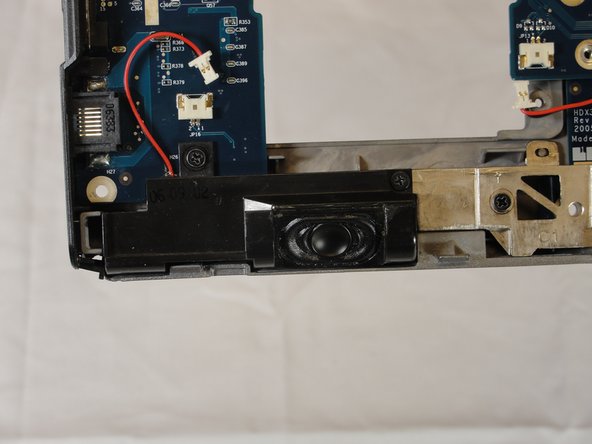
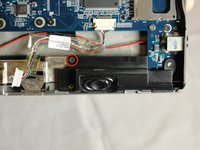
    • To remove the speaker near the network port, unscrew the two black 4mm screws securing it to the tablet and pull away.

    FixBotに聞いてみる
  15. Motion Computing LE1600 Speaker Modules Replacement: 手順 15、 2の画像 1 Motion Computing LE1600 Speaker Modules Replacement: 手順 15、 2の画像 2
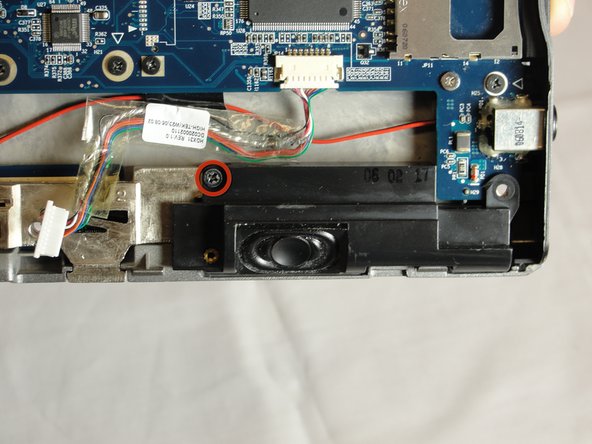
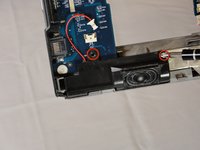
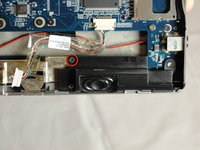
    • To remove the speaker near the headphone jack, unscrew the one 4mm black screw securing it to the tablet.

    FixBotに聞いてみる
  16. Motion Computing LE1600 Speaker Modules Replacement: 手順 16、 2の画像 1 Motion Computing LE1600 Speaker Modules Replacement: 手順 16、 2の画像 2
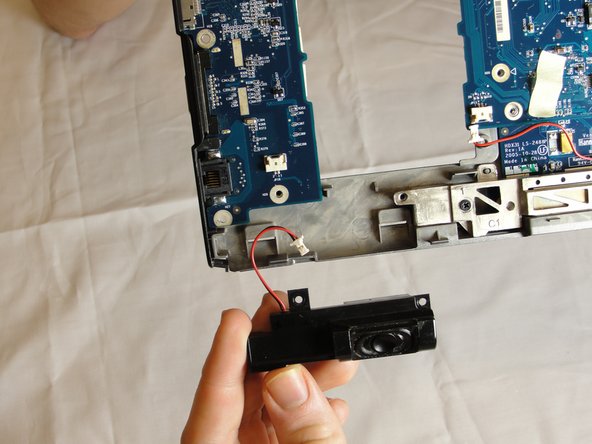
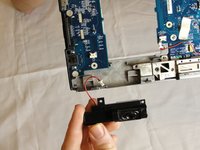
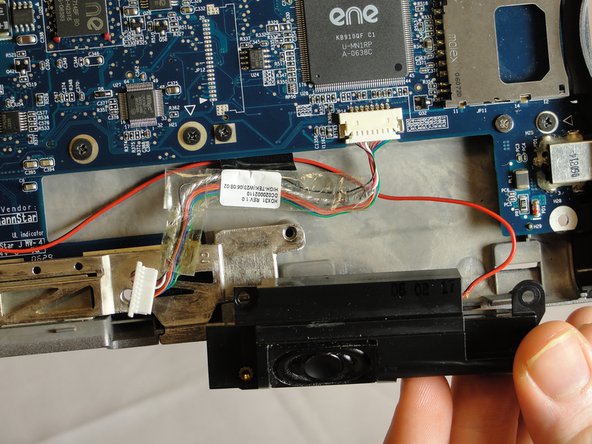
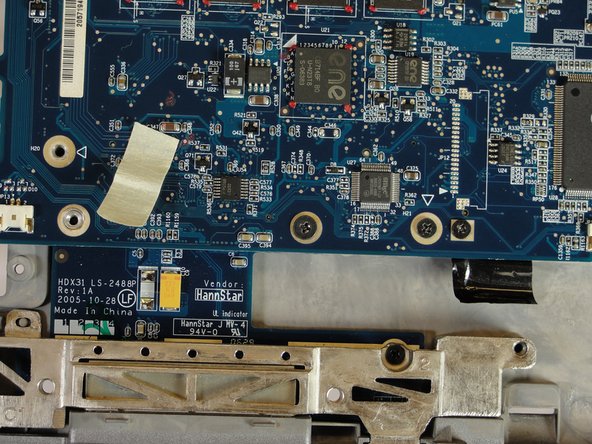
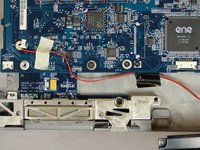
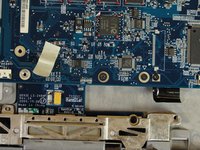
    • Unstick the white masking tape and the black electrical tape holding the black and red wire down.

    • Pull out the wire and speaker.

    FixBotに聞いてみる
終わりに

To reassemble your device, follow these instructions in reverse order.

作成者

4人の作成者と共同で作成されました。

David Troy

メンバー登録日: 04/04/12

44 ポイント

3のガイドは作成済み

チーム

Cal Poly, Team 15-14, Forte Spring 2012 Cal Poly, Team 15-14, Forte Spring 2012人のメンバー

CPSU-FORTE-S12S15G14

5 メンバー

5のガイドは作成済み

0件のガイドコメント

コメントを追加

統計データ:

過去 24時間: 1

過去 7 日: 8

過去 30 日: 75

今までの合計 1,414