はじめに
If you've overheated your stepper, or want to help someone who has, then this is for you. This will show you how to disassemble your Digitizer with a minimum of effort.
必要な工具と部品
-
-
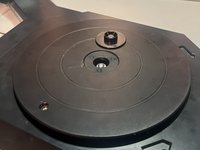
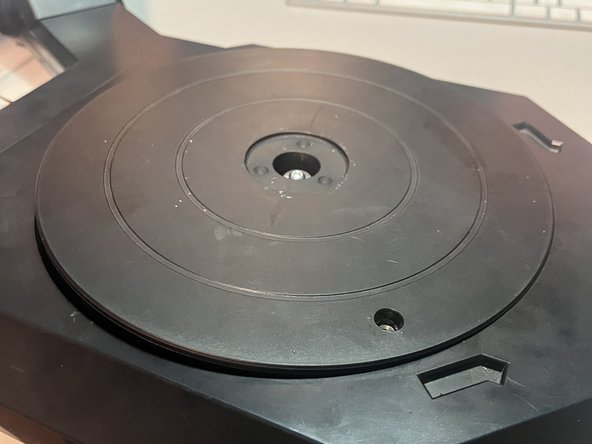
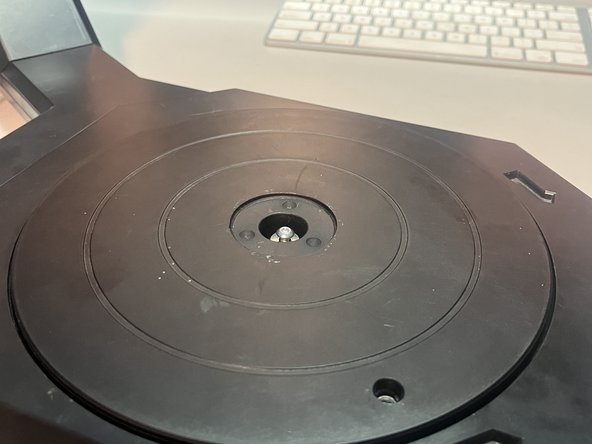
Use a flat spudger or screwdriver to remove the 1-1/2" cap from the turntable center.
-
There is a small indentation on the underside of one side of the cap.
 FixBotに聞いてみる
-
-
-
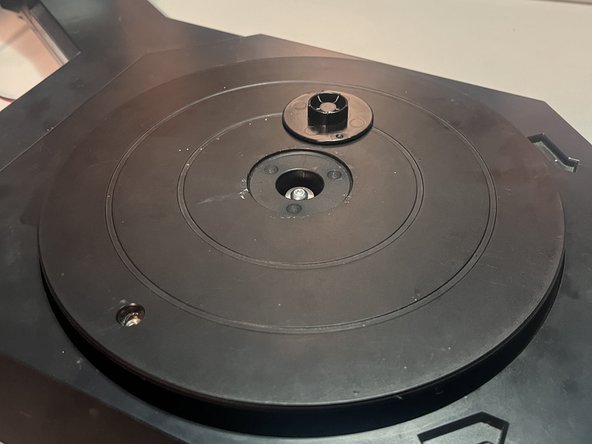
Loosen the exposed T15 screw.
-
You do not need to remove it from the turntable, but it must be completely loosened.
-
It has a series of metal-rubber-metal washers, and if you leave the screw in the turntable, you don't need to mess with the washers.
-
-
-
-
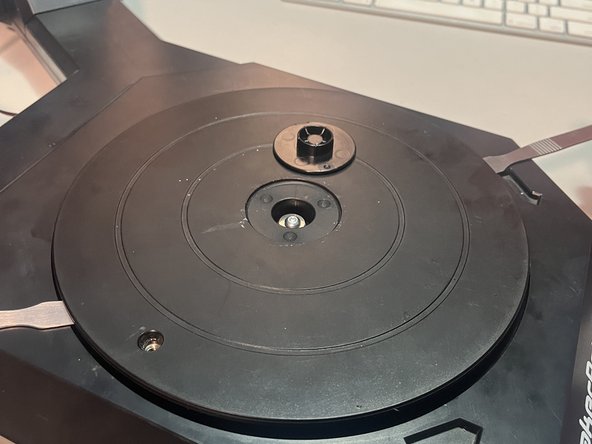
Use two flat tools under both sides of the turntable to to pop it out.
-
The turntable slides down onto the bearing with some friction, but I've taken mine on and off 10 times and it still fits snugly.
-
-
-
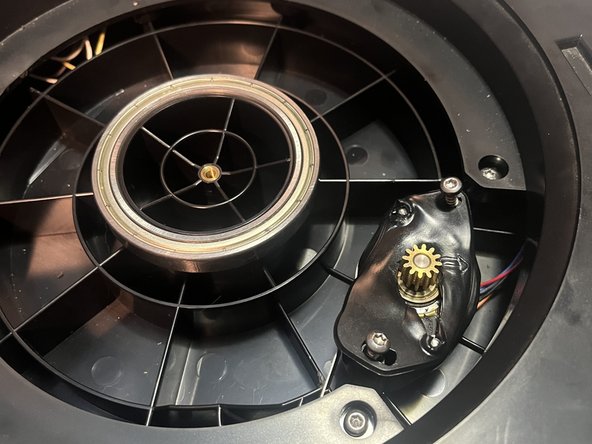
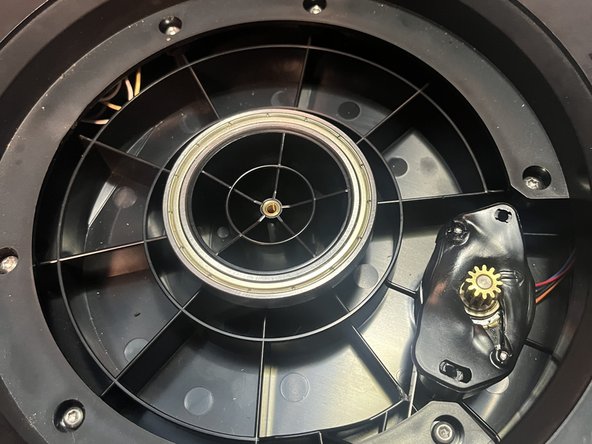
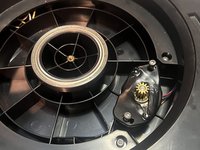
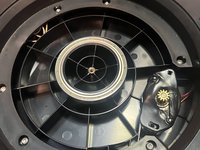
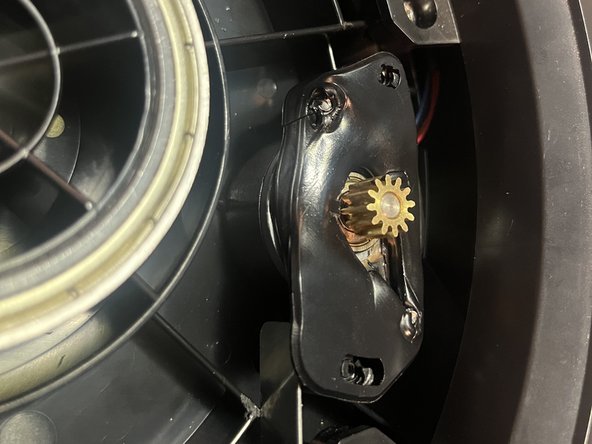
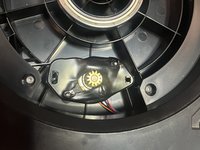
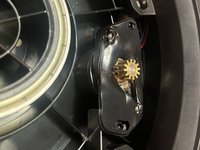
Remove two T15 screws that hold the stepper bracket in place.
-
-
-
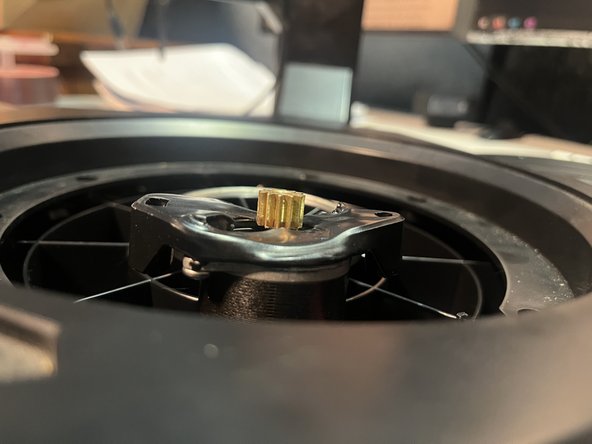
That's basically it. My stepper has enough slack to maneuver it around without further disassembly.
-
-
-
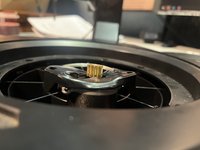
To reinstall the turntable, the stepper side must go in first, in order for the turntable gears to align with the stepper gears.
-
Otherwise, the turntable will sit too high and not contact the stepper gear.
-





To reassemble, just follow these instructions in reverse.

