はじめに
上部ケースを交換して、笑顔になりましょう。
必要な工具と部品
-
-
Airからバッテリーを持ち上げます。
-
100%になるまで充電します。充電後も最低2時間はプラグを繋げたままにします。それからプラグを外して、通常通り使用しながら、自然に放電させます。バッテリー残量小のサインが表示されたら、これまでの作業を保存して、スリープ状態になるまで放置してください。スリープ状態に入ったら、少なくとも5時間置きます。それから一気に100%まで充電します。
-
新しいバッテリーを装着後、通常通り作動しない場合は、MacBook ProのSMCをリセットしなければならない可能性があります。
-
-
-
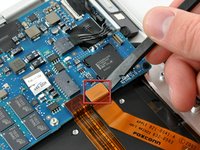
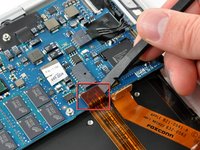
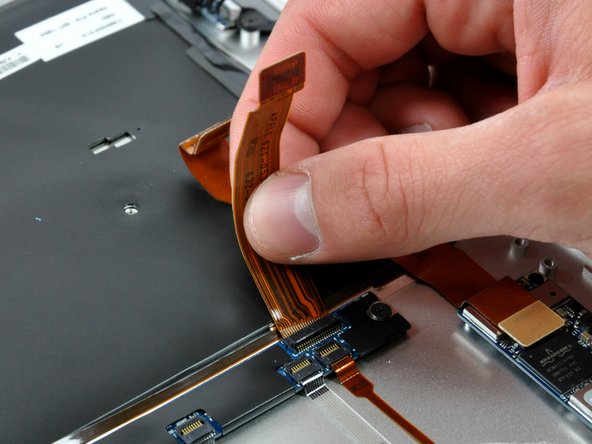
ポートハッチのリボンケーブルをロジックボードの黒いプルタブからまっすぐ上に引き上げて、外しま す。
-
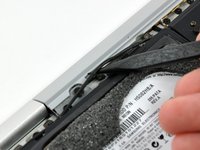
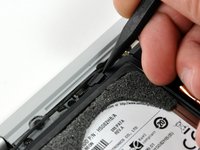
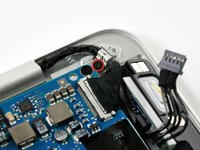
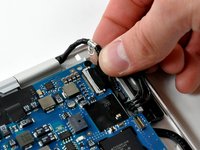
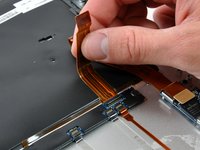
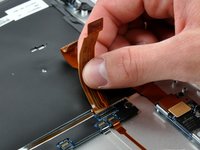
オーディオ出力リボンケーブルを上部ケースに固定している接着剤から引き抜いて剥がします。
-
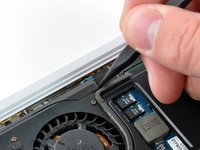
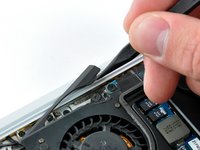
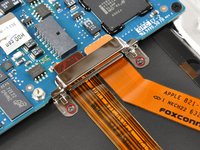
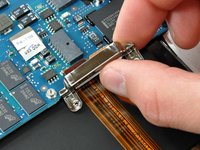
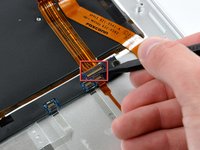
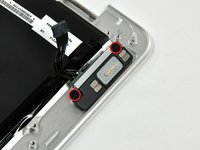
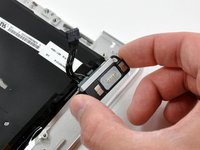
スパッジャーを使って、ハードドライブブラケットからオーディオ出力リボンケーブルコネクタボードをこじ開けます。
-
-














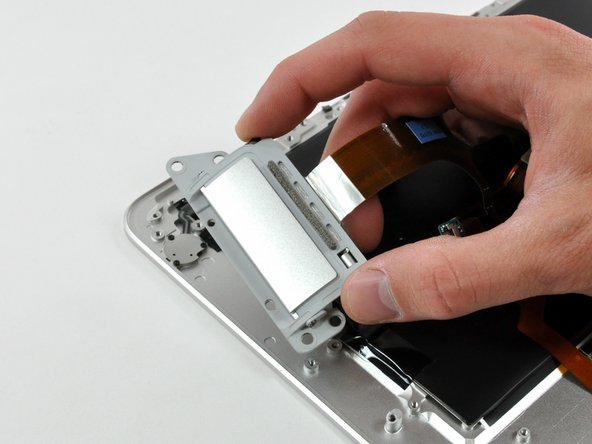
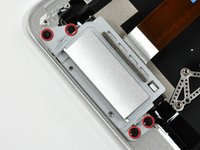
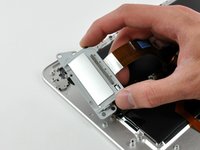


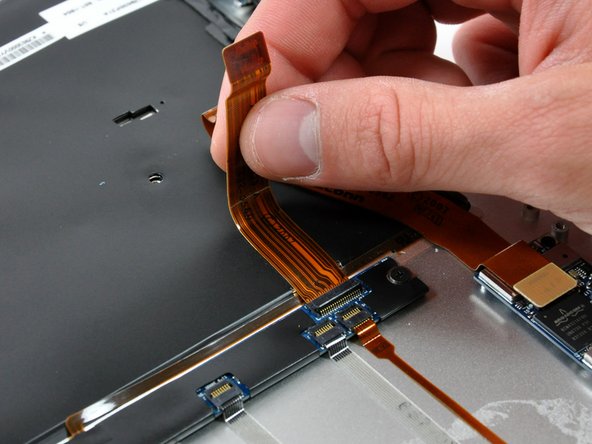

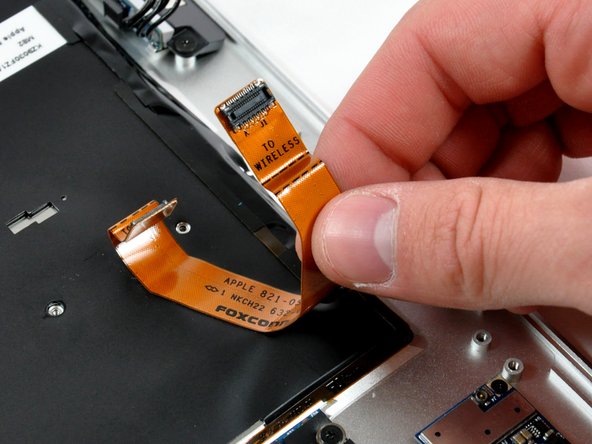
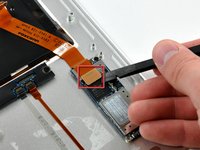
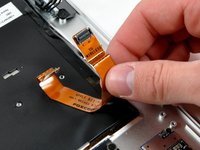


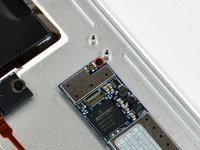


デバイスを再度組み立てるには、この説明書の逆の順番で組み立ててください。
43 の人々がこのガイドを完成させました。


5件のガイドコメント
Although my upper case installation went perfect and my macbook Air never operated better all of the sudden my mouse pad , the part that clicks somehow started to respond slow and now takes more tan one or two clicks to register but I do not think it's your fault. If you have any suggestions on how to make it work better it would be appreciated, maybe If I tried to clean it out with isopropyl alcohol to clean it, it might help.
Kind Regards, It was fun fixing my macbook air.
Also It would have helpful to have a few extra small screws as I stripped one in the display to top case connection.
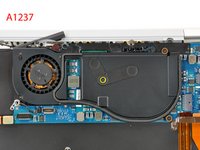
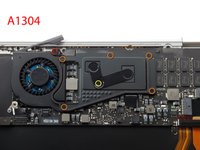
I would say 2 things. First, you will need the exact match of the model (for example A1237) plus the rest of the product specific (exact year of make). For example my model is A1237 but the upper case I bought didn't quite match especially the locations of the inner screws. I could not fit 6No screws back in when reassembling together. Without these screws the macbook air was put together and working ok but if you have a choice you want to get the exact match product. Secondly, screws. Some screws just won't come off. First thing you need a good screwdriver to unscrew a very tight and some are forced into position when assembled in factory. If you cannot take them out, take it to a computer guru who has the right hand. Seriously. I had problem with 3No screws they just won't come off. I forced it and damaged the screws. Luckily a specialist helped me to unscrew them and he told me that it's a known problem on macbook air. Other than that the replacement of the upper case was pleasantly done.
These intructions worked great. I ended up not taking off the cooling fan and then heat sink which saved a lot of time and I think reduced the risk of me screwing something up. Thanks!!!!1
