メインコンテンツにスキップ
リペアコミュニティに参加 - アカウントの作成

LG Thrill 4G SIM/Micro SD Card Replacement

必要な工具と部品

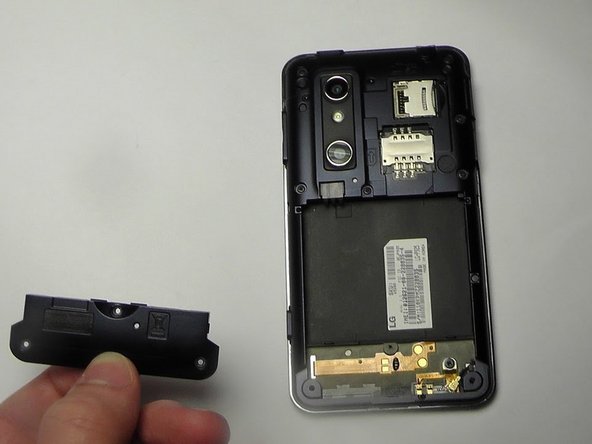
  1. LG Thrill 4G SIM/Micro SD Card Replacement, Back Cover Removal: 手順 1、 2の画像 1 LG Thrill 4G SIM/Micro SD Card Replacement, Back Cover Removal: 手順 1、 2の画像 2
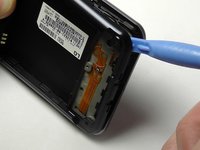
    • Pry open the back cover by using a fingernail or a plastic opening tool.

    • There is a small notch at the bottom of the cover for easy removal.

    FixBotに聞いてみる

    コメントを追加

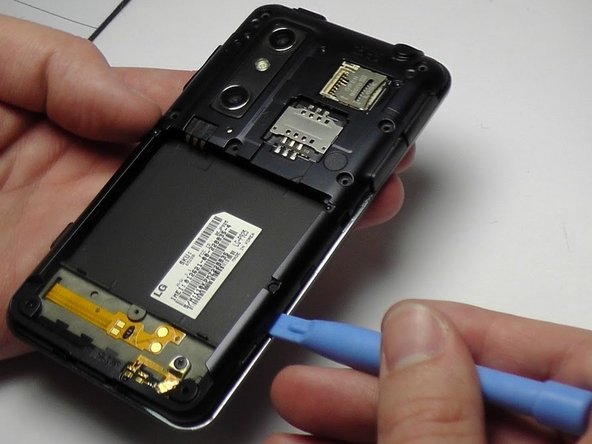
  2. LG Thrill 4G SIM/Micro SD Card Replacement, Battery Removal: 手順 2、 2の画像 1 LG Thrill 4G SIM/Micro SD Card Replacement, Battery Removal: 手順 2、 2の画像 2
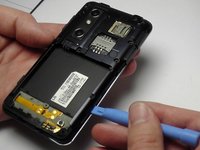
    • Remove the battery from the phone.

    • There is a small ledge located at the bottom of the battery for easy removal.

    FixBotに聞いてみる

    コメントを追加

  3. LG Thrill 4G SIM/Micro SD Card Replacement, Screw Removal: 手順 3、 1の画像 1
    • Remove the three Philips #00 screws from the bottom of the phone.

    • Two 5.5 mm screws

    • One 4 mm screw

    FixBotに聞いてみる

    コメントを追加

  4. LG Thrill 4G SIM/Micro SD Card Replacement, Speaker Removal: 手順 4、 2の画像 1 LG Thrill 4G SIM/Micro SD Card Replacement, Speaker Removal: 手順 4、 2の画像 2
    • Use your finger or opening tool to wedge the speaker out starting at the small notch at the bottom of the phone.

    FixBotに聞いてみる

    コメントを追加

  5. LG Thrill 4G SIM/Micro SD Card Replacement, Buttons: 手順 5、 1の画像 1
    • Remove the three buttons from the side and the top of the phone.

    • Power button

    • Volume button

    • 3D camera button

    FixBotに聞いてみる

    コメントを追加

  6. LG Thrill 4G SIM/Micro SD Card Replacement: 手順 6、 3の画像 1 LG Thrill 4G SIM/Micro SD Card Replacement: 手順 6、 3の画像 2 LG Thrill 4G SIM/Micro SD Card Replacement: 手順 6、 3の画像 3
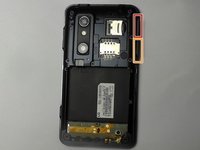
    • Place the plastic opening tool under the bezel at either bottom corner of the HDMI cover.

    • This loosens both the HDMI and USB covers for easy removal.

    • USB Cover

    • HDMI Cover

    FixBotに聞いてみる

    コメントを追加

  7. LG Thrill 4G SIM/Micro SD Card Replacement: 手順 7、 1の画像 1
    • Remove the six Phillips #00 screws within the mid-cover bezel.

    FixBotに聞いてみる

    コメントを追加

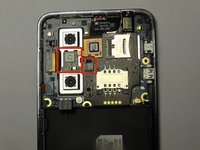
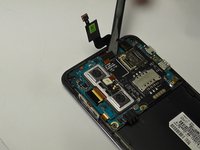
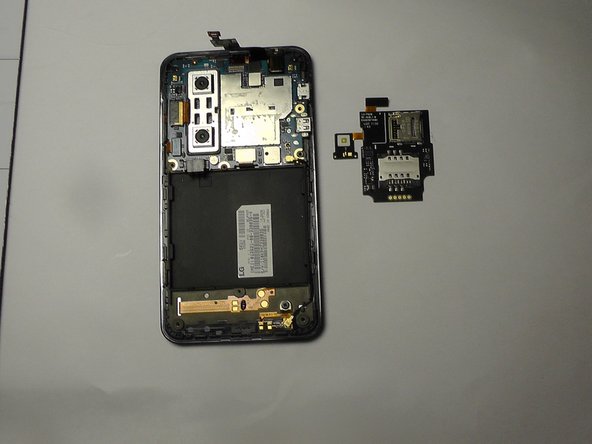
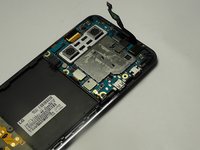
  8. LG Thrill 4G SIM/Micro SD Card Replacement, Ribbon Cable Disconnection: 手順 8、 3の画像 1 LG Thrill 4G SIM/Micro SD Card Replacement, Ribbon Cable Disconnection: 手順 8、 3の画像 2 LG Thrill 4G SIM/Micro SD Card Replacement, Ribbon Cable Disconnection: 手順 8、 3の画像 3
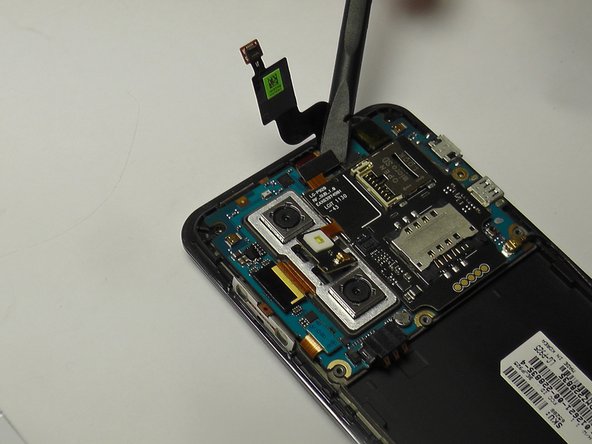
    • Utilize a spudger or plastic opening tool and gently disconnect the ribbon cable that is attached to the black micro-SIM card board.

    FixBotに聞いてみる

    コメントを追加

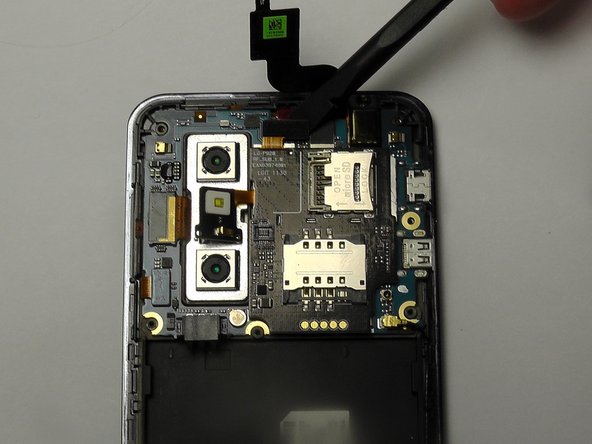
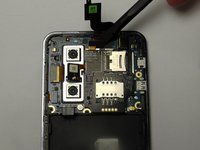
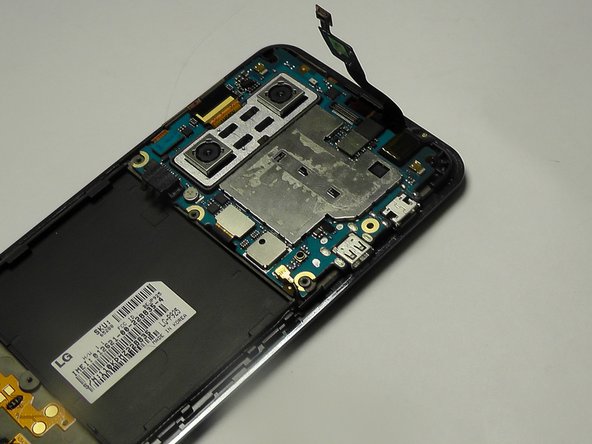
  9. LG Thrill 4G SIM/Micro SD Card Replacement, SD/SIM Card Board Removal: 手順 9、 3の画像 1 LG Thrill 4G SIM/Micro SD Card Replacement, SD/SIM Card Board Removal: 手順 9、 3の画像 2 LG Thrill 4G SIM/Micro SD Card Replacement, SD/SIM Card Board Removal: 手順 9、 3の画像 3
    • Carefully pry the board up to detach it from its place in the phone.

    • Make sure to pry off the small tab connected to the camera unit as well.

    FixBotに聞いてみる

    コメントを追加

終わりに

To reassemble your device, follow these instructions in reverse order.

キャンセル: このガイドを終了できませんでした。

ある他の人がこのガイドを完成しました。

作成者

6人の作成者と共同で作成されました。

Khbero Baker

メンバー登録日: 01/19/15

128 ポイント

1ガイドが承認済み

チーム

USF Tampa, Team 1-6, Blackwell Winter 2015 USF Tampa, Team 1-6, Blackwell Winter 2015人のメンバー

USFT-BLACKWELL-W15S1G6

3 メンバー

10のガイドは作成済み

0件のガイドコメント

コメントを追加

統計データ:

過去 24時間: 0

過去 7 日: 3

過去 30 日: 29

今までの合計 896