はじめに
This guide will demonstrate the replacement of an LG Rebel Motherboard. Use caution during disassembly as parts are small and can be lost or broken.
必要な工具と部品
-
-
-
Insert the plastic opening tool into the small groove on the side of the phone.
-
Remove the back cover with the plastic opening tool.
 FixBotに聞いてみる
-
-
-
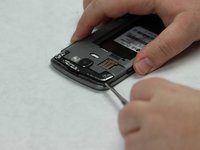
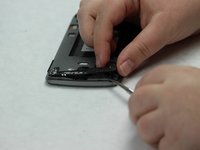
Insert the metal spudger into the small groove on the back of the phone.
-
Lift and remove the black plastic covering with the metal spudger.
-
-
-
-
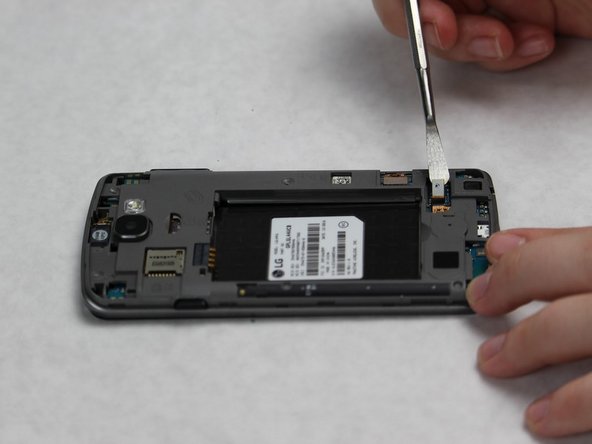
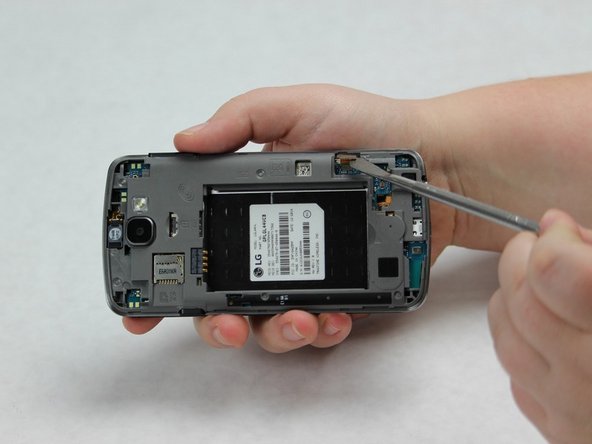
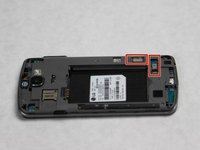
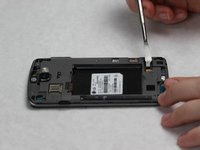
Use the metal spudger to lift and disconnect the two connective pieces on the back of the phone.
-
-
-
Flip the phone, so that the screen is facing upwards.
-
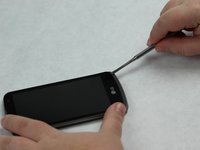
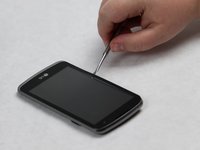
Slide the metal spudger along the perimeter of the phone in order to break the entire seal.
-
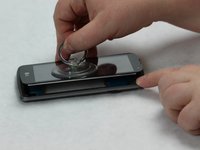
Use the suction cup to lift and remove the screen.
-
-
-
Use the metal spudger to slide the black bumper out from the bottom of the phone.
-
-
-
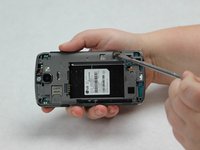
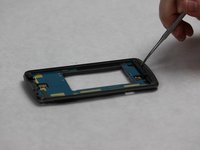
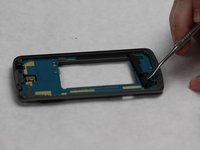
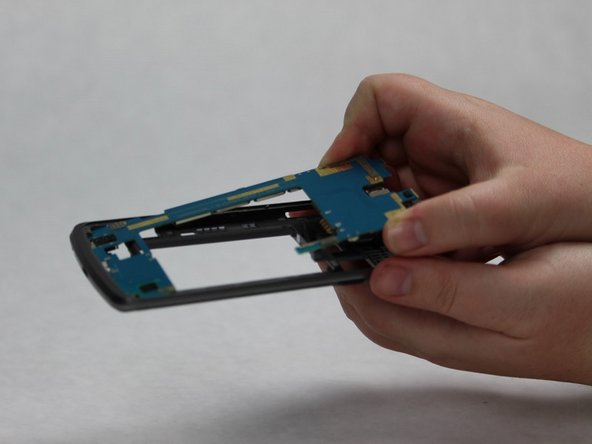
Use the metal spudger to carefully loosen the motherboard from the body of the phone.
-
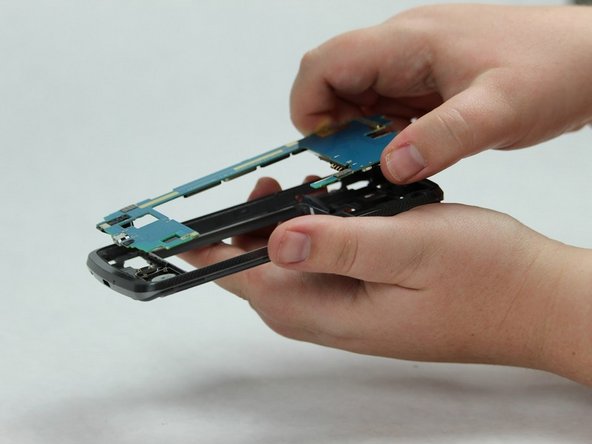
Slowly slide the motherboard out of the body of the phone.
-
Remove the motherboard.
-
-








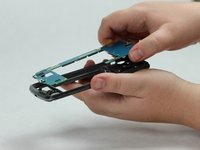
To reassemble your device, follow these instructions in reverse order.
2 の人々がこのガイドを完成させました。

チーム

Sam Houston State, Team S16-G2, Nardone Spring 2018 Sam Houston State, Team S16-G2, Nardone Spring 2018人のメンバー
SHSU-NARDONE-S18S16G2
5 メンバー
30のガイドは作成済み
1件のガイドコメント
First time tearing apart a phone. His instructions are spot on. Pretty easy phone though.
