はじめに
This guide is made to help remove the screen from your phone if you are having problems with it or need to replace it. Be careful while removing the back plating, mid plating, and screen. If this is your first time removing a touchscreen seek the help of a professional, because you may accidentally caused the image on the screen to after you put the phone back together.
必要な工具と部品
-
-
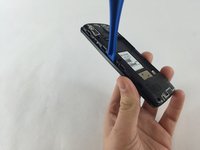
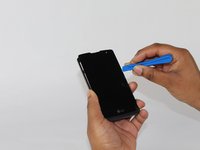
Slide a plastic spudger, or guitar pick, between the back and front panel at the bottom .
 FixBotに聞いてみる
-
-
-
-
Remove the eight 4mm screws along the side of the mid panel using the Phillips #000 screwdriver head.
-
-
-
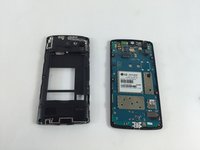
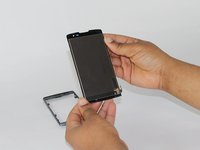
Slide a plastic opening tool between the mid and front panel to remove the middle panel.
-
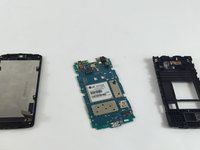
Place the mid panel to the side.
-
-
-
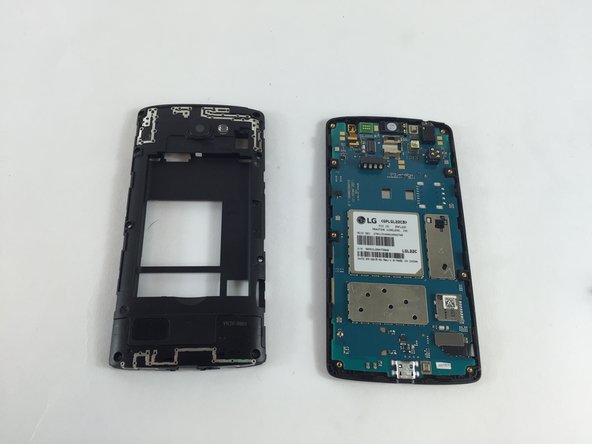
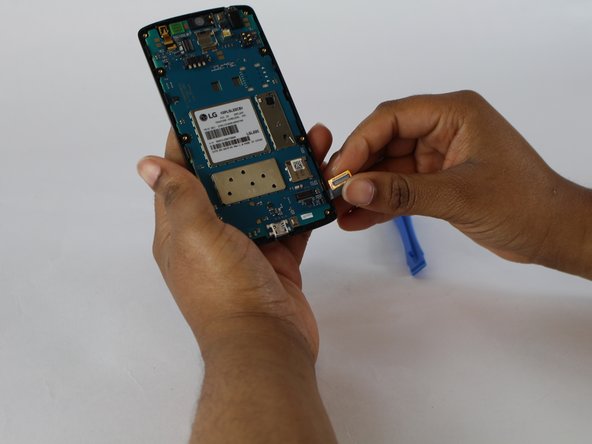
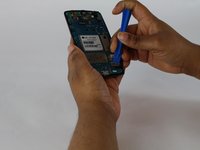
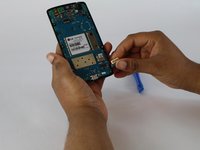
Detach the motherboard and touchscreen from each other by using a plastic opening tool.
-
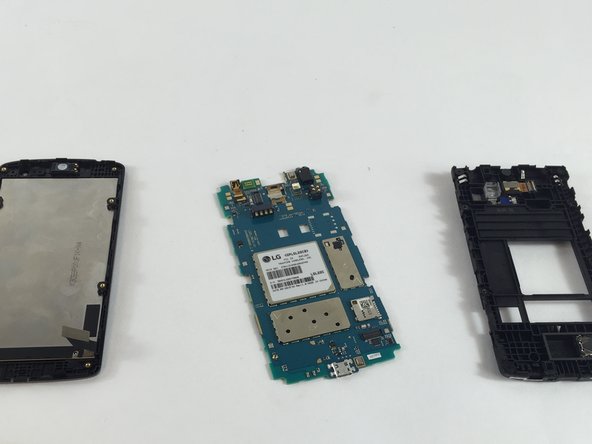
The motherboard will then be free from the phone.
-
-
-
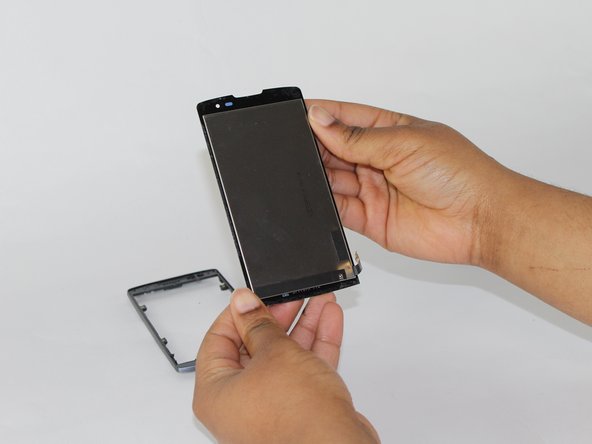
After removing the motherboard, slide a thin plastic opening tool between the screen and the frame.
-


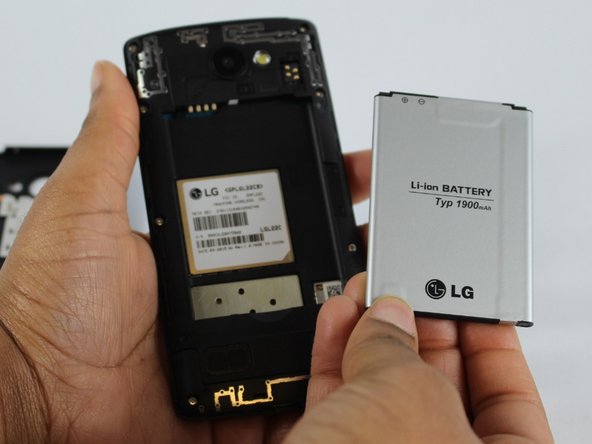




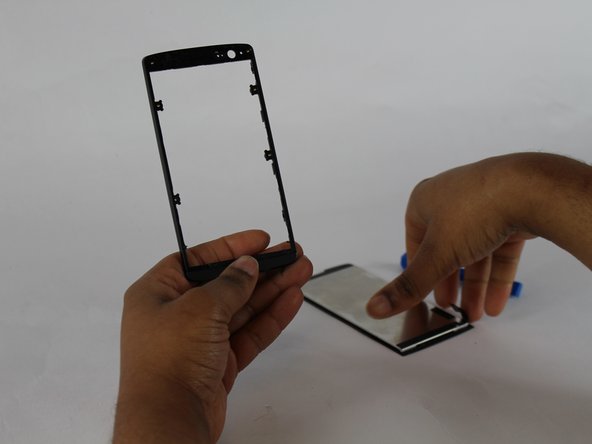
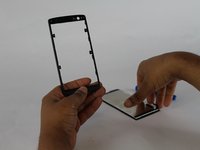
To reassemble your device, follow these instructions in reverse order.
12 の人々がこのガイドを完成させました。

チーム

USF Tampa, Team 4-6, Lacy Spring 2016 USF Tampa, Team 4-6, Lacy Spring 2016人のメンバー
USFT-LACY-S16S4G6
4 メンバー
20のガイドは作成済み
9件のガイドコメント
My screen is shattered otherwise the phone works fine..touch works and screen under glass is good. I want to replace the screen myself but my question is are the screen and digitizer fused (one piece) or can I just replace the glass screen? For an LG power x
Did you ever figure out if there the same or separate. I'm needing to do the same.
Where do I buy the glass panel?
Liam McBride - 返信 共有
i got the glass screen at amazonbot most digitisers have a ribbon wire to connecttheres doesnt..not sure if its just held on with 2 face tape??
