メインコンテンツにスキップ
リペアコミュニティに参加 - アカウントの作成

LG Cosmos 2 LCD Display Replacement

必要な工具と部品

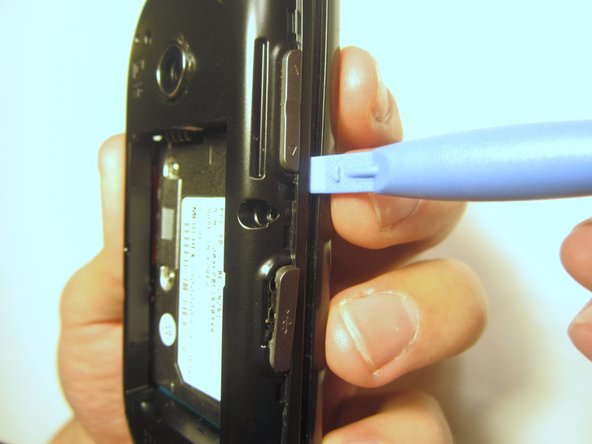
  1. LG Cosmos 2 LCD Display Replacement, Battery: 手順 1、 3の画像 1 LG Cosmos 2 LCD Display Replacement, Battery: 手順 1、 3の画像 2 LG Cosmos 2 LCD Display Replacement, Battery: 手順 1、 3の画像 3
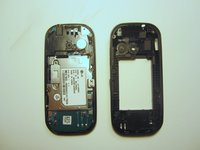
    • Insert the plastic opener into the slot at the top of the device.

    • Apply gentle pressure with the plastic tool to pop the back case off.

    FixBotに聞いてみる

    コメントを追加

  2. LG Cosmos 2 LCD Display Replacement: 手順 2、 3の画像 1 LG Cosmos 2 LCD Display Replacement: 手順 2、 3の画像 2 LG Cosmos 2 LCD Display Replacement: 手順 2、 3の画像 3
    • Use the plastic opener to lift, and remove, the device battery.

    FixBotに聞いてみる

    コメントを追加

  3. LG Cosmos 2 LCD Display Replacement, Rear Case: 手順 3、 1の画像 1
    • Use a screwdriver and corresponding bit to remove the six 2mm screws that are located along the edge of the rear case. Set the screws aside.

    FixBotに聞いてみる

    コメントを追加

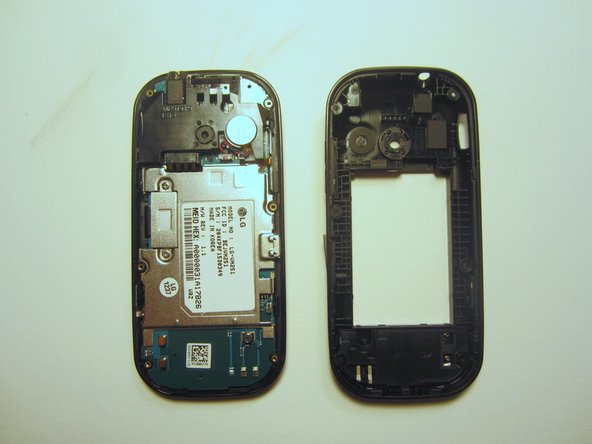
  4. LG Cosmos 2 LCD Display Replacement: 手順 4、 3の画像 1 LG Cosmos 2 LCD Display Replacement: 手順 4、 3の画像 2 LG Cosmos 2 LCD Display Replacement: 手順 4、 3の画像 3
    • Use the plastic opener to pry the rear case loose.

    • This can be difficult. You will need to pry around the entire edge of the rear case, not just in one place.

    FixBotに聞いてみる

    コメントを追加

  5. LG Cosmos 2 LCD Display Replacement, Motherboard: 手順 5、 1の画像 1
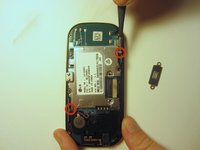
    • Use a screwdriver and corresponding bit to remove the two 3mm screws that attach the motherboard to the front case. Set the screws aside

    FixBotに聞いてみる

    コメントを追加

  6. LG Cosmos 2 LCD Display Replacement: 手順 6、 1の画像 1
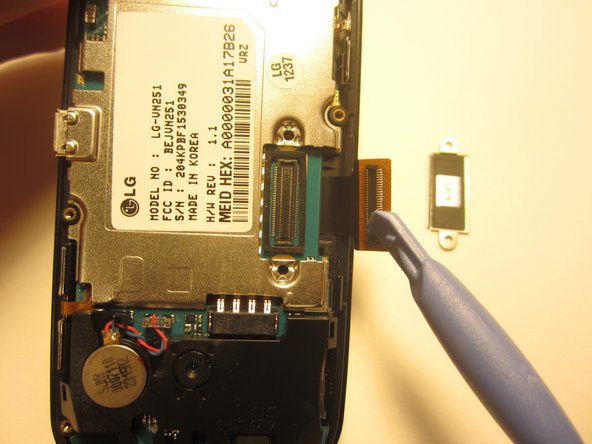
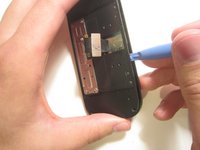
    • Rotate the phone 180 degrees and use the plastic opener to lift the metal piece that covers the ribbon cable.

    FixBotに聞いてみる

    コメントを追加

  7. LG Cosmos 2 LCD Display Replacement: 手順 7、 2の画像 1 LG Cosmos 2 LCD Display Replacement: 手順 7、 2の画像 2
    • Use the plastic opener to disconnect the ribbon cable.

    FixBotに聞いてみる

    コメントを追加

  8. LG Cosmos 2 LCD Display Replacement: 手順 8、 2の画像 1 LG Cosmos 2 LCD Display Replacement: 手順 8、 2の画像 2
    この手順で使用する道具:
    Tweezers
    $4.99
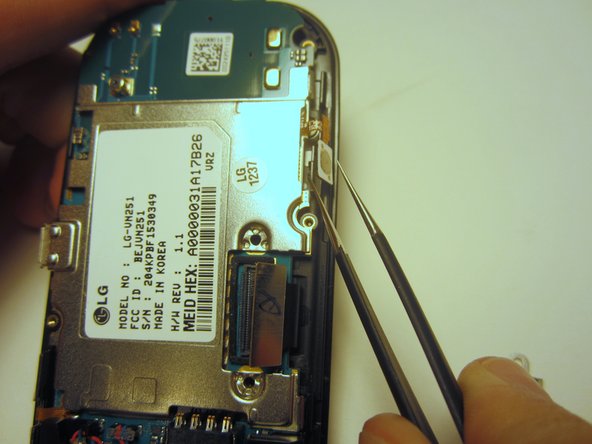
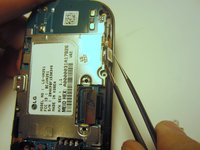
    • Use tweezers to disconnect the two cables that attach the motherboard to the case.

    • Note: Pull on the cables gently to prevent damage for future use.

    FixBotに聞いてみる

    コメントを追加

  9. LG Cosmos 2 LCD Display Replacement: 手順 9、 1の画像 1
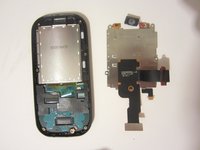
    • Remove the motherboard from the front case.

    FixBotに聞いてみる

    コメントを追加

  10. LG Cosmos 2 LCD Display Replacement, Option Buttons: 手順 10、 1の画像 1
    • Use a screwdriver and corresponding bit to remove the four 1mm screws. Set the screws aside.

    FixBotに聞いてみる

    コメントを追加

  11. LG Cosmos 2 LCD Display Replacement: 手順 11、 2の画像 1 LG Cosmos 2 LCD Display Replacement: 手順 11、 2の画像 2
    • Pull the ribbon cable through the slit in the keyboard case to separate it from the sliding mechanism.

    FixBotに聞いてみる

    コメントを追加

  12. LG Cosmos 2 LCD Display Replacement: 手順 12、 1の画像 1
    • Use a screwdriver and corresponding bit to remove the four 3mm screws. Set the screws aside.

    • Note: Two of the screws may be hidden underneath a black rubber film. Pull off this film if necessary.

    FixBotに聞いてみる

    コメントを追加

  13. LG Cosmos 2 LCD Display Replacement: 手順 13、 2の画像 1 LG Cosmos 2 LCD Display Replacement: 手順 13、 2の画像 2
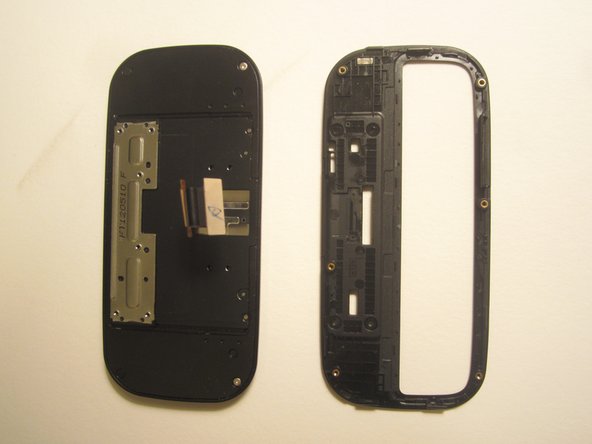
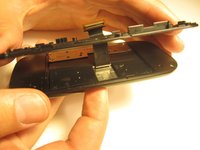
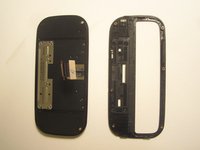
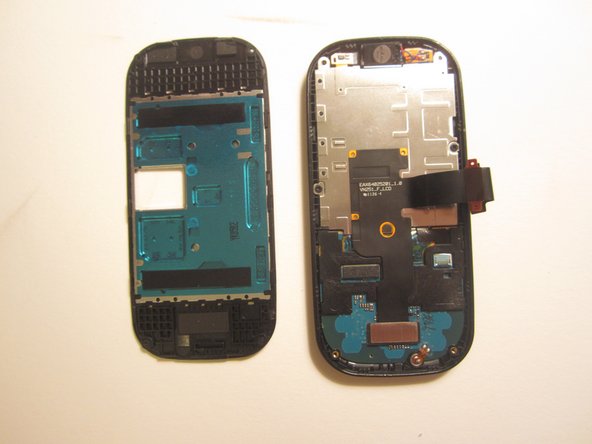
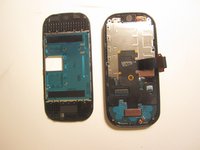
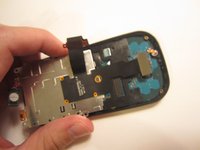
    • Use the plastic opener to pry open the front of the phone.

    • Slip the ribbon cable through the slit to fully separate the two pieces.

    FixBotに聞いてみる

    コメントを追加

  14. LG Cosmos 2 LCD Display Replacement: 手順 14、 1の画像 1
    • Use a screwdriver and corresponding bit to remove the two 1mm screws. Set the screws aside.

    FixBotに聞いてみる

    コメントを追加

  15. LG Cosmos 2 LCD Display Replacement: 手順 15、 1の画像 1
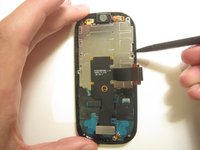
    • Detach the ribbon cable with the plastic opener.

    FixBotに聞いてみる

    コメントを追加

  16. LG Cosmos 2 LCD Display Replacement: 手順 16、 3の画像 1 LG Cosmos 2 LCD Display Replacement: 手順 16、 3の画像 2 LG Cosmos 2 LCD Display Replacement: 手順 16、 3の画像 3
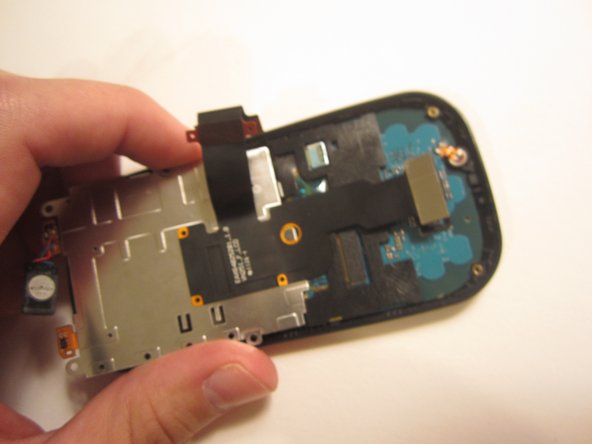
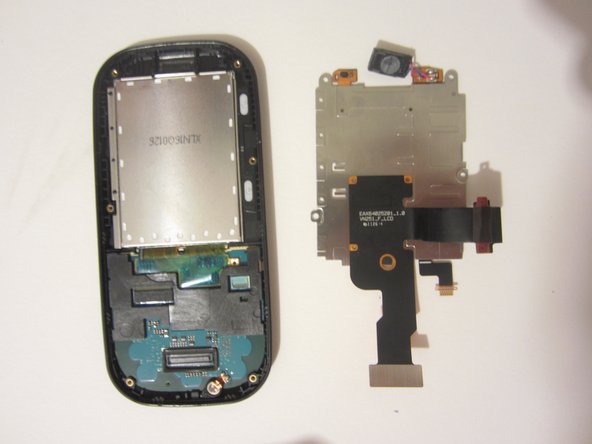
    • Use the spudger to pry the metal piece loose.

    • Remove the metal piece along with the two ribbon cables.

    FixBotに聞いてみる

    コメントを追加

  17. LG Cosmos 2 LCD Display Replacement: 手順 17、 1の画像 1
    • Flip the front of the phone over and the old option buttons will fall out.

    • Insert new option buttons.

    FixBotに聞いてみる

    コメントを追加

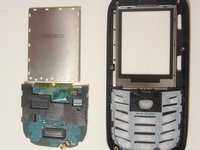
  18. LG Cosmos 2 LCD Display Replacement, LCD Display: 手順 18、 2の画像 1 LG Cosmos 2 LCD Display Replacement, LCD Display: 手順 18、 2の画像 2
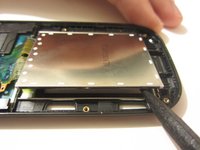
    • Use a tool to pry open the LCD display. Remove the display and the circuit board that it's connected to.

    FixBotに聞いてみる

    コメントを追加

  19. LG Cosmos 2 LCD Display Replacement: 手順 19、 1の画像 1
    この手順で使用する道具:
    Tweezers
    $4.99
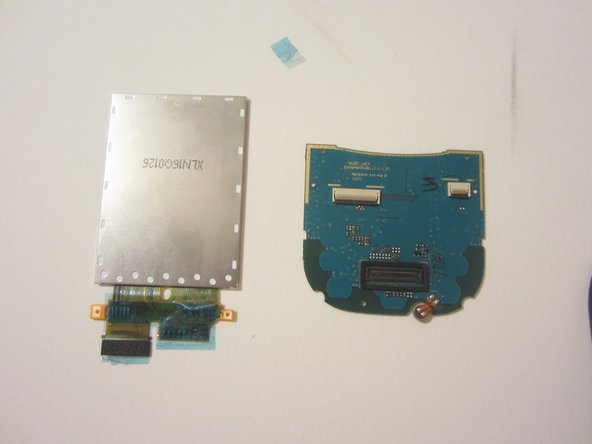
    • Remove the plastic piece from the circuit board by unlocking the switch on the plastic piece with a pair of tweezers.

    FixBotに聞いてみる

    コメントを追加

  20. LG Cosmos 2 LCD Display Replacement: 手順 20、 1の画像 1
    • Using a pair of tweezers, remove the tape.

    FixBotに聞いてみる

    コメントを追加

  21. LG Cosmos 2 LCD Display Replacement: 手順 21、 1の画像 1
    • Using either your finger or the plastic opener, disconnect the cable.

    FixBotに聞いてみる

    コメントを追加

  22. LG Cosmos 2 LCD Display Replacement: 手順 22、 2の画像 1 LG Cosmos 2 LCD Display Replacement: 手順 22、 2の画像 2
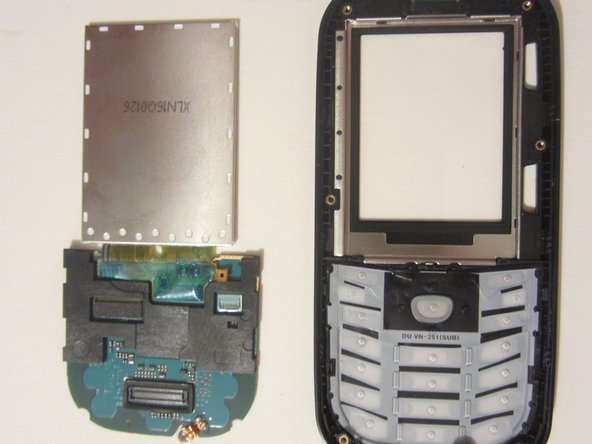
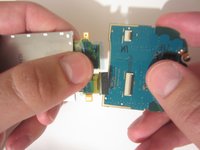
    • Pull the LCD display away from the circuit board.

    • You shouldn't feel any resistance. If you notice resistance, make sure you have completed the previous step.

    FixBotに聞いてみる

    コメントを追加

終わりに

To reassemble your device, follow these instructions in reverse order.

キャンセル: このガイドを終了できませんでした。

ある他の人がこのガイドを完成しました。

作成者

5人の作成者と共同で作成されました。

Nick White

メンバー登録日: 10/18/13

866 ポイント

8のガイドは作成済み

チーム

Clemson, Team 13-1, Benson Fall 2013 Clemson, Team 13-1, Benson Fall 2013人のメンバー

CLEM-BENSON-F13S13G1

3 メンバー

18のガイドは作成済み

0件のガイドコメント

コメントを追加

統計データ:

過去 24時間: 1

過去 7 日: 6

過去 30 日: 56

今までの合計 2,904