はじめに
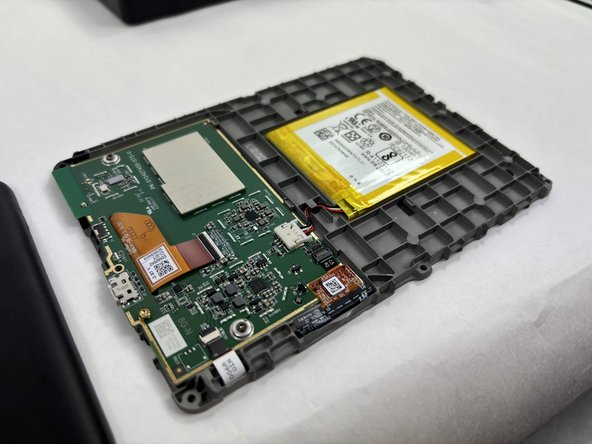
If you discover any issues such as quickly draining battery, freezing, overheating, or charging problems, this could indicate that you need to replace your battery. Through using this guide, you can learn the proper way to conduct a battery replacement for the Kindle 10.
必要な工具と部品
-
-
-
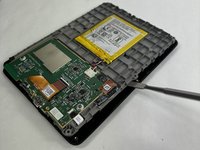
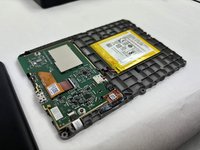
Gently use a metal spudger to pry, twist, and lift the bezel away from the display.
 FixBotに聞いてみる
-
-
-



To reassemble your device, follow these instructions in reverse order.
2 の人々がこのガイドを完成させました。

チーム

UMass Dartmouth, Team 1-2, Konn Fall 2024 UMass Dartmouth, Team 1-2, Konn Fall 2024人のメンバー
UMASSD-KONN-F24S1G2
3 メンバー
7のガイドは作成済み
