はじめに
If your JBL Go is producing distorted audio, the foam surrounding the woofer may be damaged. Use this guide to remove and replace the foam surround.
Removing the foam surround requires sharp tweezers so perform this step delicately to avoid cutting yourself.
必要な工具と部品
-
-
-
Use an opening tool to scrape around the outside of the front cover to remove the glue attaching it to the surrounding rubber layer.
 FixBotに聞いてみる
-
-
-
Once you have scraped off all of the glue, use the opening tool to pry up the front cover.
-
-
-
-
-
-
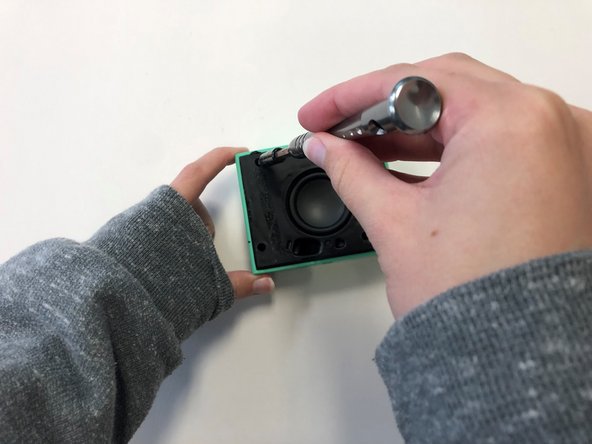
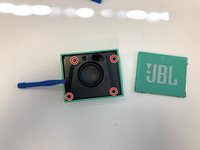
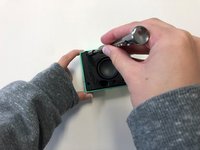
Once the front cover is removed, use a T6 screwdriver head to remove the four 9 mm screws on the black cover.
-
-
-
After removing the screws, use the plastic opening tool to carefully pry around the edges of the black cover to loosen and lift the cover off of the device.
-
-
-
Once the black cover is fully detached from the speaker, unscrew the woofer from the back of the black cover using a T6 screwdriver head.
-
-
-
-
この手順で使用する道具:Tweezers$4.99
-
Once the woofer is removed, use sharp tweezers to carefully remove the foam surround from the woofer.
-
-




To reassemble your device, follow these instructions in reverse order.
4 の人々がこのガイドを完成させました。

チーム

University of Alabama, Team 2-4, Bedsole Spring 2022 University of Alabama, Team 2-4, Bedsole Spring 2022人のメンバー
UA-BEDSOLE-S22S2G4
3 メンバー
8のガイドは作成済み
