メインコンテンツにスキップ
リペアコミュニティに参加 - アカウントの作成

Hover-1 Liberty Gyroscope Sensor Boards Replacement

必要な工具と部品

    1. Hover-1 Liberty Gyroscope Sensor Boards Replacement, Bottom Cover: 手順 1、 2の画像 1 Hover-1 Liberty Gyroscope Sensor Boards Replacement, Bottom Cover: 手順 1、 2の画像 2
      • Flip the hoverboard over so the labels are facing upwards.

      • Remove the twenty 18mm screws using a Phillips #2 screwdriver and twisting counterclockwise.

      FixBotに聞いてみる

      コメントを追加

    2. Hover-1 Liberty Gyroscope Sensor Boards Replacement: 手順 2、 2の画像 1 Hover-1 Liberty Gyroscope Sensor Boards Replacement: 手順 2、 2の画像 2
      • Remove the bottom cover by lifting it away from the hoverboard.

      • The cover on the side without the battery has two wires connecting the power button and charging port.

      FixBotに聞いてみる

      コメントを追加

    3. Hover-1 Liberty Gyroscope Sensor Boards Replacement: 手順 3、 3の画像 1 Hover-1 Liberty Gyroscope Sensor Boards Replacement: 手順 3、 3の画像 2 Hover-1 Liberty Gyroscope Sensor Boards Replacement: 手順 3、 3の画像 3
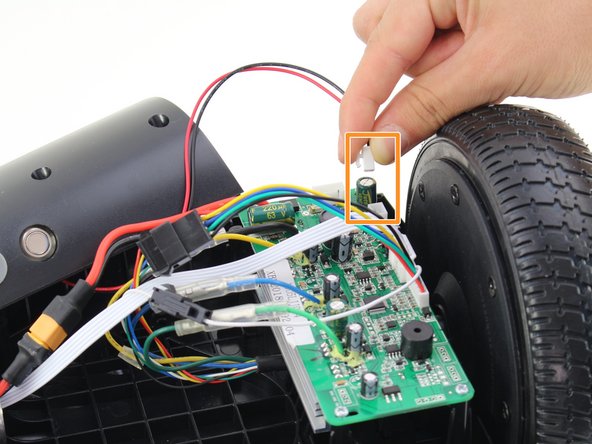
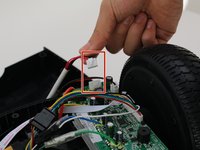
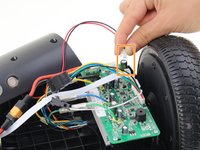
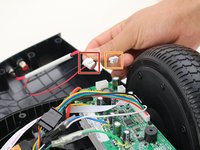
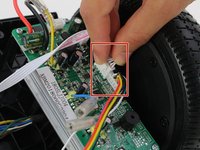
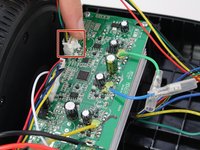
      • Remove one connector from the non-battery side circuit board.

      • Remove the next connector from the non-battery side circuit board.

      • To remove the connectors, pinch the plug and pull away from the circuit board.

      FixBotに聞いてみる

      コメントを追加

    1. Hover-1 Liberty Gyroscope Sensor Boards Replacement, Gyroscope Sensor Boards: 手順 4、 1の画像 1
      • Place the hoverboard so the sensor boards face you.

      FixBotに聞いてみる

      コメントを追加

    2. Hover-1 Liberty Gyroscope Sensor Boards Replacement: 手順 5、 2の画像 1 Hover-1 Liberty Gyroscope Sensor Boards Replacement: 手順 5、 2の画像 2
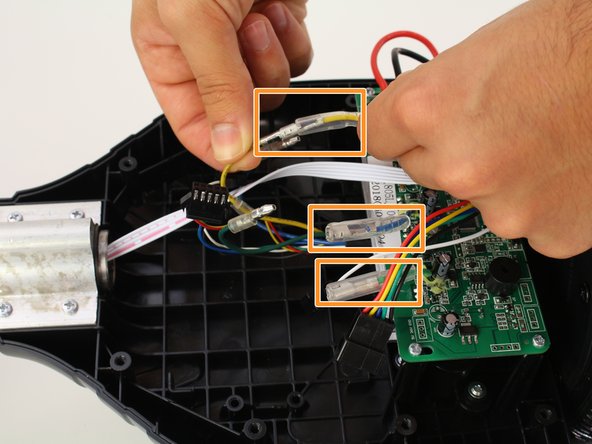
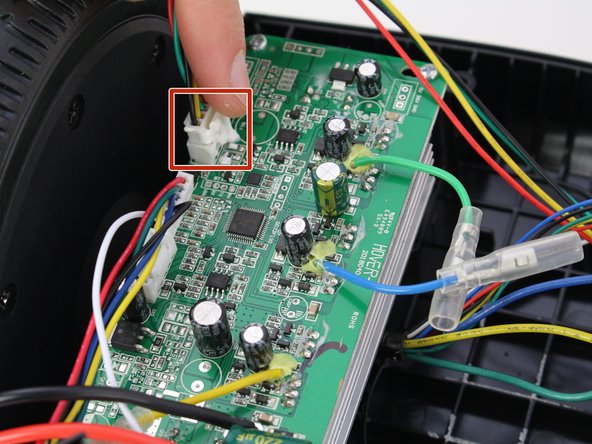
      • Remove battery connector by pulling it apart.

      • Slide the rubber sheaths away from the connector on the blue, green, and yellow wires.

      • Disconnect the colored wires by pulling them apart.

      • The large colored wires connecting the sensor boards to the wheels need to match for the motor to operate correctly.

      FixBotに聞いてみる

      コメントを追加

    3. Hover-1 Liberty Gyroscope Sensor Boards Replacement: 手順 6、 2の画像 1 Hover-1 Liberty Gyroscope Sensor Boards Replacement: 手順 6、 2の画像 2
      • Remove the white cable from the sensor boards by disconnecting the cable on each side of the hoverboard.

      • To release the cable connector, squeeze the sides while pulling it away from the sensor board.

      FixBotに聞いてみる

      コメントを追加

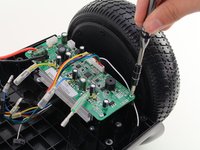
    4. Hover-1 Liberty Gyroscope Sensor Boards Replacement: 手順 7、 2の画像 1 Hover-1 Liberty Gyroscope Sensor Boards Replacement: 手順 7、 2の画像 2
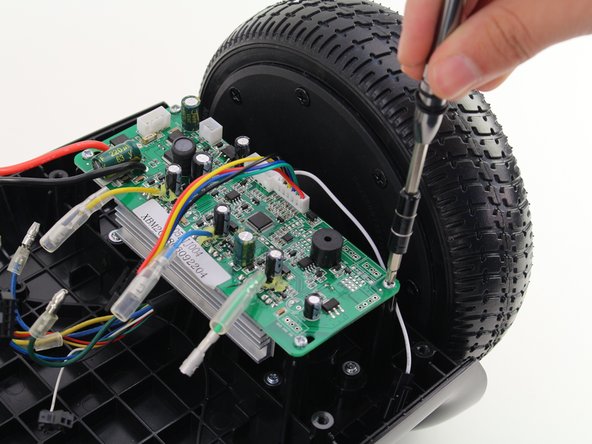
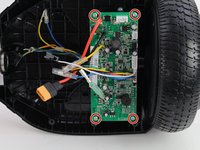
      • Remove the four 10mm screws with a Phillips #1 screwdriver.

      FixBotに聞いてみる

      コメントを追加

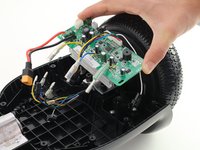
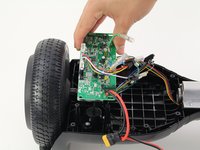
    5. Hover-1 Liberty Gyroscope Sensor Boards Replacement: 手順 8、 2の画像 1 Hover-1 Liberty Gyroscope Sensor Boards Replacement: 手順 8、 2の画像 2
      • Remove the sensor board by lifting it away from the hoverboard.

      • Repeat steps 4-8 to remove the sensor board from the other side.

      FixBotに聞いてみる

      コメントを追加

終わりに

To reassemble your device, follow these instructions in reverse order.

キャンセル: このガイドを終了できませんでした。

6 の人々がこのガイドを完成させました。

作成者

4人の作成者と共同で作成されました。

Eduardo Miranda

メンバー登録日: 10/08/18

355 ポイント

2のガイドは作成済み

チーム

Cal Poly, Team S13-G2, White Fall 2018 Cal Poly, Team S13-G2, White Fall 2018人のメンバー

CPSU-WHITE-F18S13G2

3 メンバー

4のガイドは作成済み

9件のガイドコメント

Where can you purchase the replacement board for the Hover-1 liberty?

Clifton Hale - 返信 共有

Where do you get replacement board?

Tim Sole - 返信 共有

After riding just a few times the hover board wouldn’t move. Also it has a rattle inside

Regina - 返信 共有

Make this site useful by telling us where we can buy a new circuit board.

tim stoinski - 返信 共有

Where do you get circuit board from.

markrichardowen - 返信 共有

コメントを追加

統計データ:

過去 24時間: 3

過去 7 日: 11

過去 30 日: 50

今までの合計 10,281