メインコンテンツにスキップ
リペアコミュニティに参加 - アカウントの作成

Hover-1 Horizon Power Button Replacement

必要な工具と部品

  1. Hover-1 Horizon Power Button Replacement, Base Plate: 手順 1、 2の画像 1 Hover-1 Horizon Power Button Replacement, Base Plate: 手順 1、 2の画像 2
    • Remove the six 12mm Phillips #2 screws holding the base plate.

    FixBotに聞いてみる
    コメントを追加

  2. Hover-1 Horizon Power Button Replacement: 手順 2、 2の画像 1 Hover-1 Horizon Power Button Replacement: 手順 2、 2の画像 2
    • Remove the two 11mm Phillips #1 screws that hold the base plate to the body.

    FixBotに聞いてみる
    コメントを追加

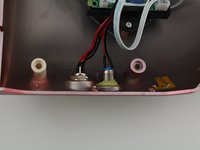
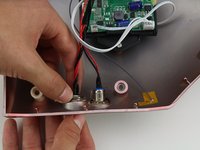
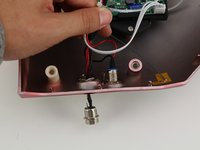
  3. Hover-1 Horizon Power Button Replacement: 手順 3、 3の画像 1 Hover-1 Horizon Power Button Replacement: 手順 3、 3の画像 2 Hover-1 Horizon Power Button Replacement: 手順 3、 3の画像 3
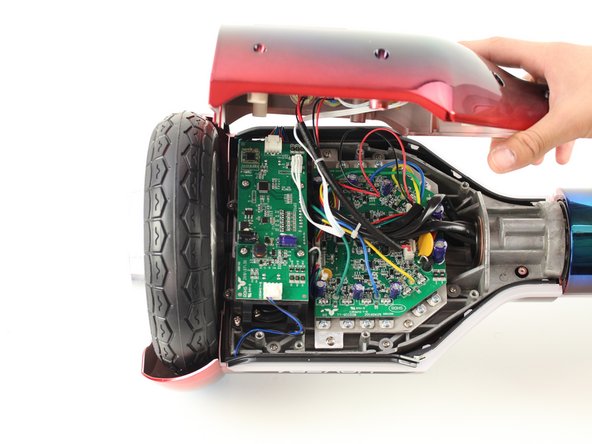
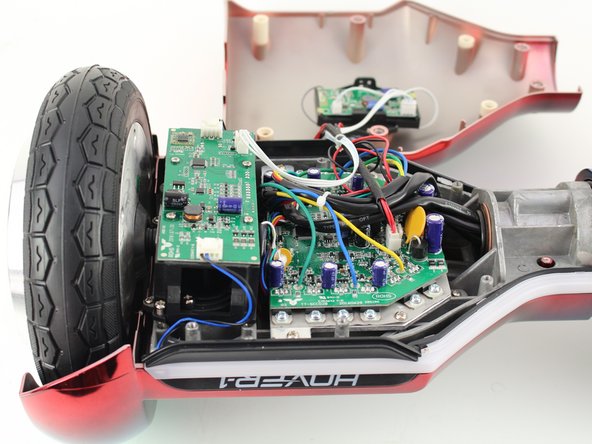
    • Remove the base plate by lifting it up.

    • The base plate is connected to the body with wires. The wires are long enough to set the base plate to the side.

    FixBotに聞いてみる
    コメントを追加

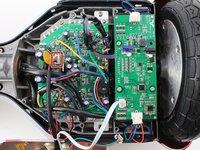
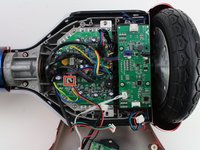
  4. Hover-1 Horizon Power Button Replacement, Power Button: 手順 4、 1の画像 1
    • Reorient the Hover-1 Horizon so the base plate opens towards you.

    FixBotに聞いてみる

    コメントを追加

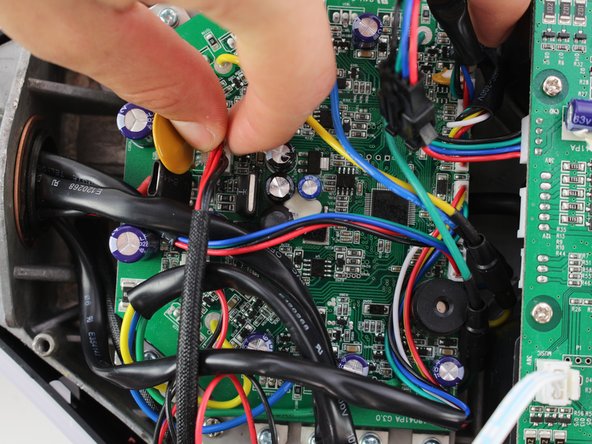
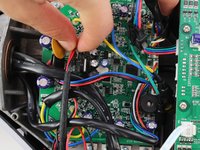
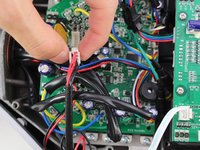
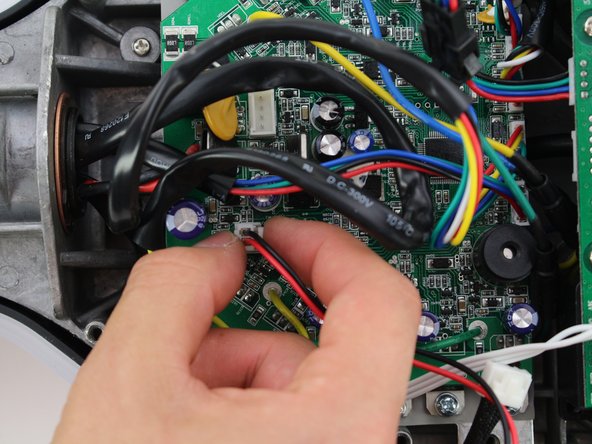
  5. Hover-1 Horizon Power Button Replacement: 手順 5、 3の画像 1 Hover-1 Horizon Power Button Replacement: 手順 5、 3の画像 2 Hover-1 Horizon Power Button Replacement: 手順 5、 3の画像 3
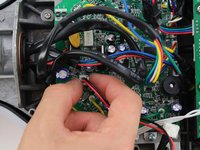
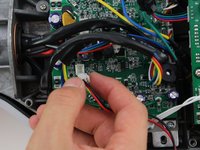
    • Remove the connector by squeezing the tab and lifting up.

    FixBotに聞いてみる

    コメントを追加

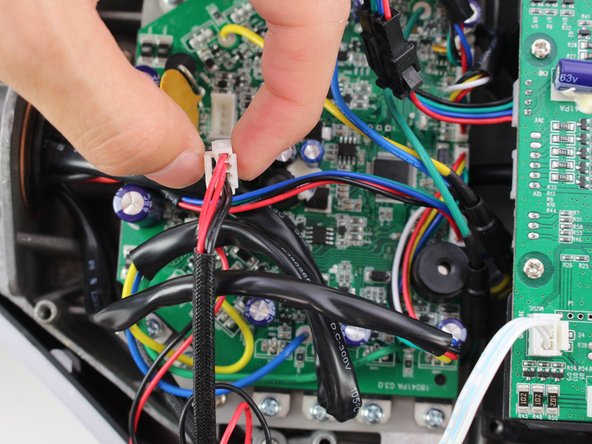
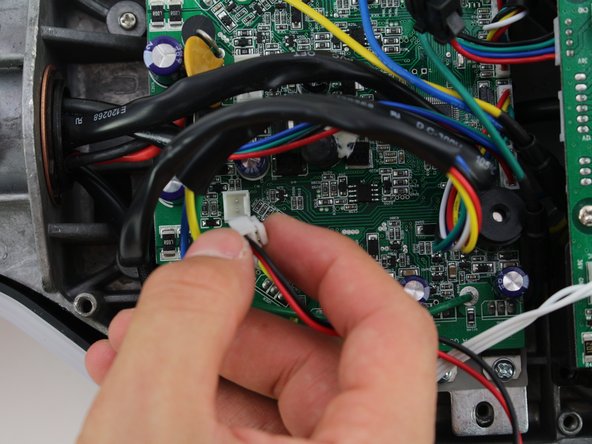
  6. Hover-1 Horizon Power Button Replacement: 手順 6、 3の画像 1 Hover-1 Horizon Power Button Replacement: 手順 6、 3の画像 2 Hover-1 Horizon Power Button Replacement: 手順 6、 3の画像 3
    • Remove the second connector by squeezing the tab and pulling up.

    FixBotに聞いてみる

    コメントを追加

  7. Hover-1 Horizon Power Button Replacement: 手順 7、 3の画像 1 Hover-1 Horizon Power Button Replacement: 手順 7、 3の画像 2 Hover-1 Horizon Power Button Replacement: 手順 7、 3の画像 3
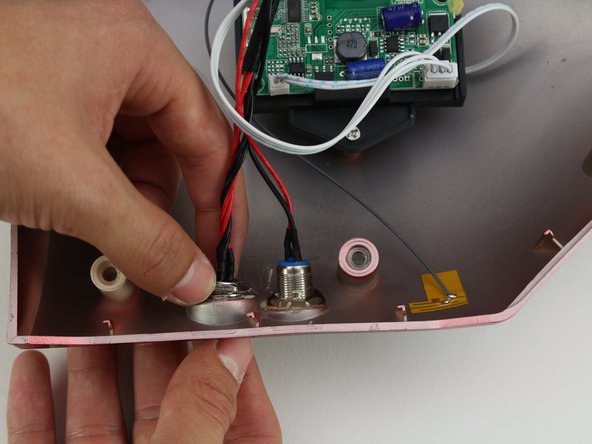
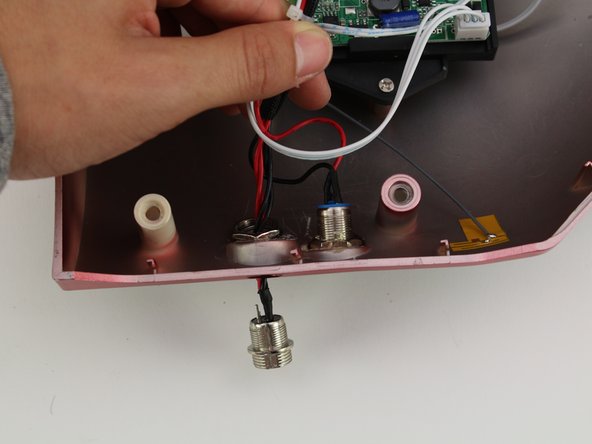
    • Unscrew the power button by holding the front and twisting the back nut counter-clockwise.

    • Push the power button through the base plate to remove.

    • A hot air gun may need to be used to remove the adhesive connecting the base plate to the power button.

    FixBotに聞いてみる

    コメントを追加

終わりに

To reassemble your device, follow these instructions in reverse order.

キャンセル: このガイドを終了できませんでした。

作成者

1人の作成者と共同作成されました。

Christina Fong

メンバー登録日: 10/08/18

165 ポイント

1ガイドが承認済み

チーム

Cal Poly, Team S13-G6, White Fall 2018 Cal Poly, Team S13-G6, White Fall 2018人のメンバー

CPSU-WHITE-F18S13G6

4 メンバー

6のガイドは作成済み

0件のガイドコメント

コメントを追加

統計データ:

過去 24時間: 1

過去 7 日: 8

過去 30 日: 36

今までの合計 842