はじめに
This guide is for the Hoover Rogue 970 (Model BH70970) Smart Vacuum.
If your Hoover Rogue 970 is failing to charge or turn on, this may be an issue with your battery.
The battery is what holds the charge for your device. If this battery is affected, then there will be issues with your device receiving power that allows it to function.
There are potential hazards when replacing the battery on this device such as the battery being swollen. If the battery is swollen look here for proper removal techniques.
必要な工具と部品
-
-
-
Flip the vacuum over so that the battery cover is facing up.
-
Locate the battery cover.
 FixBotに聞いてみる
-
-
-
-
Remove the two 14.7 mm screws using a Phillips #0 screwdriver.
-
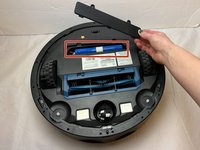
Lift the battery cover up to remove it from the vacuum.
-
-
-
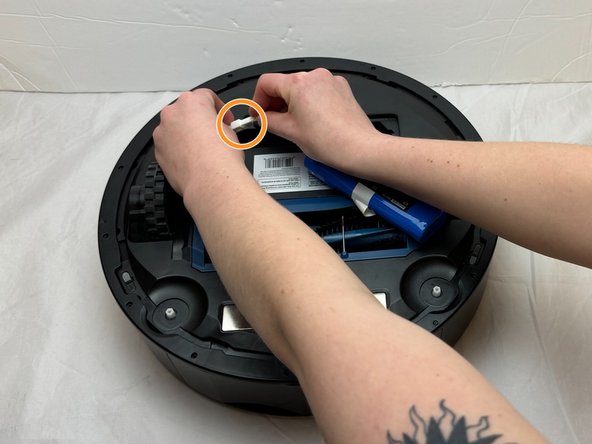
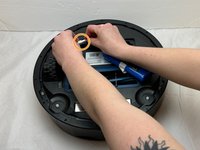
Lift the battery out of the vacuum to access the connected white tab.
-
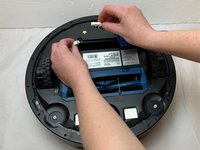
Disconnect the JST connector that attaches the battery to the vacuum.
-
-



To reassemble your device, follow these instructions in reverse order.

チーム

Eastern Washington University, Team 1-1, Carnegie Fall 2023 Eastern Washington University, Team 1-1, Carnegie Fall 2023人のメンバー
EWU-CARNEGIE-F23S1G1
4 メンバー
16のガイドは作成済み
