メインコンテンツにスキップ
リペアコミュニティに参加 - アカウントの作成

HP Pavilion dv4000 Keyboard Replacement

必要な工具と部品

    1. HP Pavilion dv4000 Keyboard Replacement, Battery: 手順 1、 1の画像 1
      • Turn the laptop upside down with the battery compartment facing you.

      FixBotに聞いてみる
      コメントを追加

    2. HP Pavilion dv4000 Keyboard Replacement: 手順 2、 1の画像 1
      • Slide the battery release latch to the right and hold in place.

      FixBotに聞いてみる
      コメントを追加

    3. HP Pavilion dv4000 Keyboard Replacement: 手順 3、 1の画像 1
      • Lift the front edge of the battery up and remove it from the compartment.

      FixBotに聞いてみる

      コメントを追加

    1. HP Pavilion dv4000 Keyboard Replacement, Keyboard: 手順 4、 1の画像 1
      • Have your device open in front of you for easy access to the keyboard.

      FixBotに聞いてみる

      コメントを追加

    2. HP Pavilion dv4000 Keyboard Replacement: 手順 5、 1の画像 1
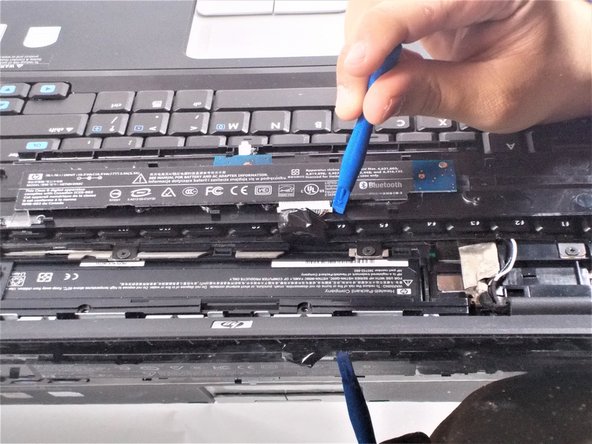
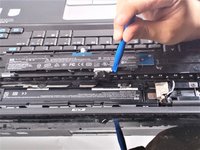
      • Using a metal spudger, pry up on the plastic piece above the keyboard containing the power button.

      • Be careful not to damage any components with the tool while prying.

      FixBotに聞いてみる

      コメントを追加

    3. HP Pavilion dv4000 Keyboard Replacement: 手順 6、 1の画像 1
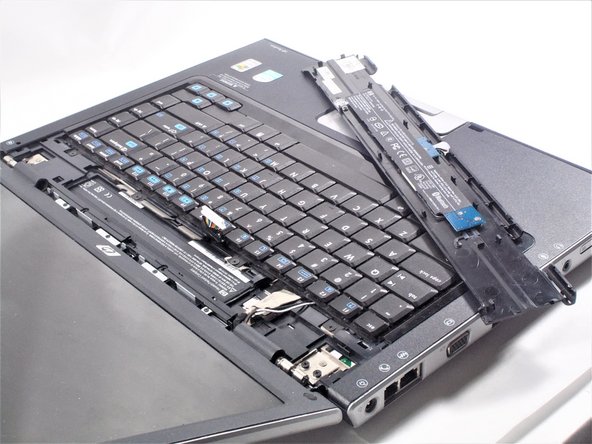
      • Lift the plastic piece up.

      • When lifting this piece, be careful not to damage the ribbon strip connected to it.

      FixBotに聞いてみる

      コメントを追加

    4. HP Pavilion dv4000 Keyboard Replacement: 手順 7、 3の画像 1 HP Pavilion dv4000 Keyboard Replacement: 手順 7、 3の画像 2 HP Pavilion dv4000 Keyboard Replacement: 手順 7、 3の画像 3
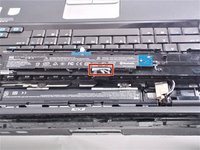
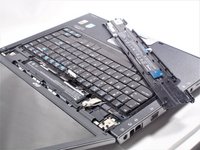
      • Place the plastic piece on the keyboard so the ribbon strip is easily accessible.

      • Carefully disconnect the ribbon strip from the keyboard by pressing on the tabs at the edges.

      • Remove plastic piece and set aside.

      FixBotに聞いてみる

      コメントを追加

    5. HP Pavilion dv4000 Keyboard Replacement: 手順 8、 1の画像 1
      • Locate the four 2x2 mm screws that hold the keyboard in place.

      FixBotに聞いてみる

      コメントを追加

    6. HP Pavilion dv4000 Keyboard Replacement: 手順 9、 1の画像 1
      • Unscrew the four 2x2 mm screws with a #00 Phillips screwdriver.

      FixBotに聞いてみる

      コメントを追加

    7. HP Pavilion dv4000 Keyboard Replacement: 手順 10、 2の画像 1 HP Pavilion dv4000 Keyboard Replacement: 手順 10、 2の画像 2
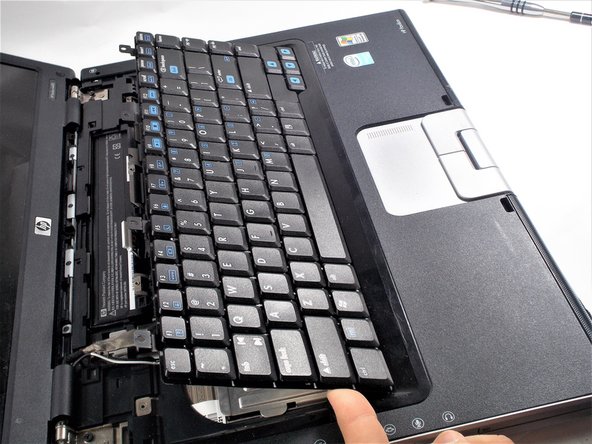
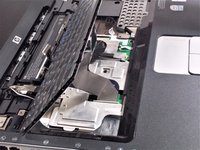
      • Lift the keyboard up.

      • When lifting the keyboard, be sure not to damage the ribbon strip that is connected to it.

      FixBotに聞いてみる

      コメントを追加

    8. HP Pavilion dv4000 Keyboard Replacement: 手順 11、 1の画像 1
      • Locate where the ribbon strip is connected to the motherboard.

      FixBotに聞いてみる

      コメントを追加

    9. HP Pavilion dv4000 Keyboard Replacement: 手順 12、 2の画像 1 HP Pavilion dv4000 Keyboard Replacement: 手順 12、 2の画像 2
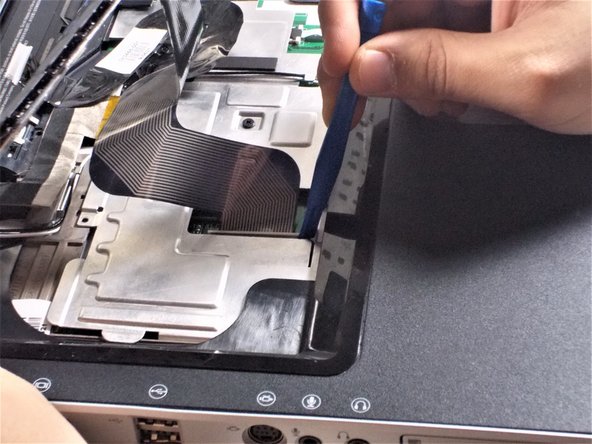
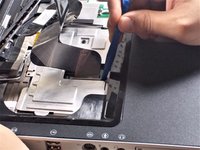
      • Pry at the edges of the plastic clip holding the ribbon cable to the motherboard.

      • Be careful during this step as these clips are very easy to break.

      FixBotに聞いてみる

      コメントを追加

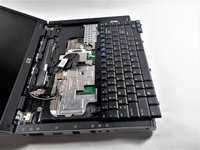
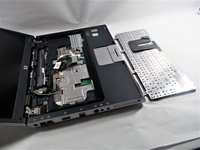
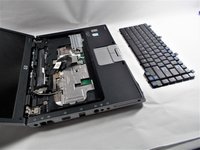
    10. HP Pavilion dv4000 Keyboard Replacement: 手順 13、 3の画像 1 HP Pavilion dv4000 Keyboard Replacement: 手順 13、 3の画像 2 HP Pavilion dv4000 Keyboard Replacement: 手順 13、 3の画像 3
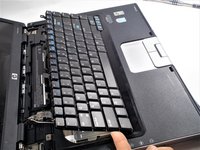
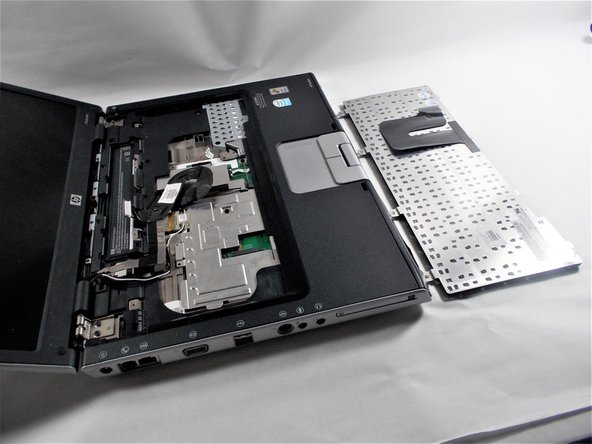
      • Remove the keyboard.

      FixBotに聞いてみる

      コメントを追加

終わりに

To reassemble your device, follow these instructions in reverse order.

キャンセル: このガイドを終了できませんでした。

ある他の人がこのガイドを完成しました。

作成者

3人の作成者と共同で作成されました。

Nick LaMarche

メンバー登録日: 10/18/16

373 ポイント

2のガイドは作成済み

チーム

UMass Dartmouth, Team 4-2, Catania Fall 2016 UMass Dartmouth, Team 4-2, Catania Fall 2016人のメンバー

UMASSD-CATANIA-F16S4G2

3 メンバー

6のガイドは作成済み

0件のガイドコメント

コメントを追加

統計データ:

過去 24時間: 1

過去 7 日: 6

過去 30 日: 15

今までの合計 1,264