この翻訳は機械によって生成されたものであり、まだ人間による校正は行われていません。 日本語を話せますか? レビューはこちらから。
はじめに
プリントヘッドはインクカートリッジを保持し、文書を紙に印刷する動作を担う部品です。プリントヘッドの欠損や故障を示すエラーメッセージが表示された場合は、この修理ガイドに従って交換してください。このガイドで扱うすべてのネジを外すには、T9トルクス用ドライバーが必要です。
必要な工具と部品
-
-
-
-
-
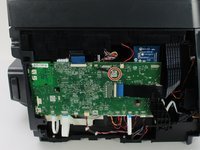
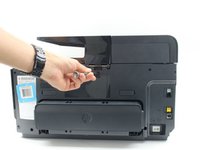
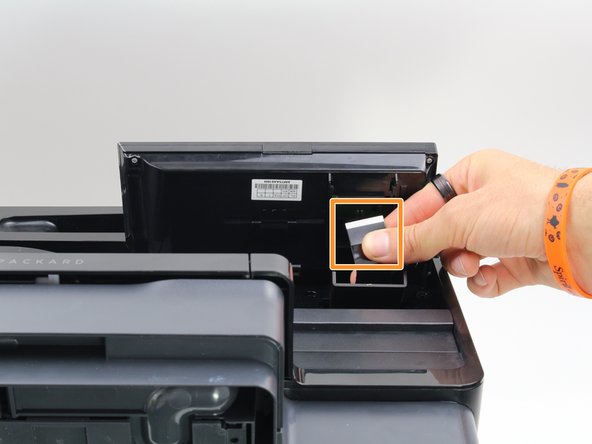
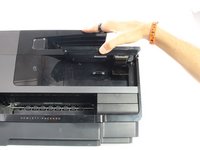
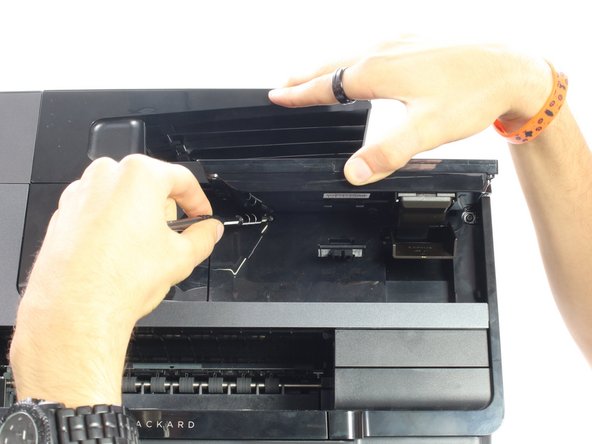
ディスプレイの背面が見えるように、ディスプレイを持ち上げられるところまで持ち上げます。
-
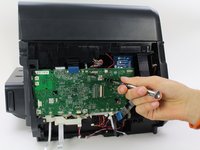
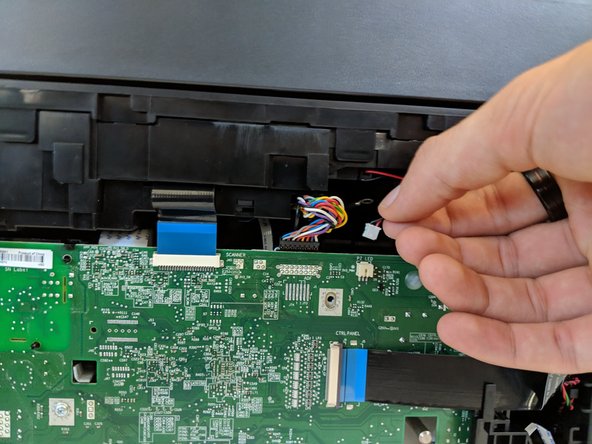
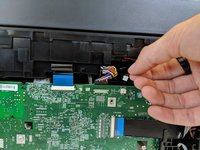
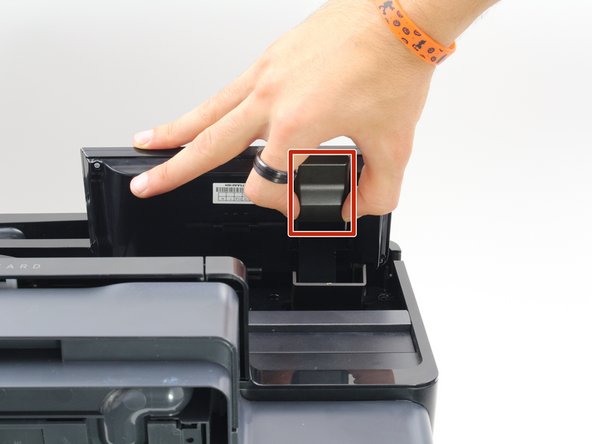
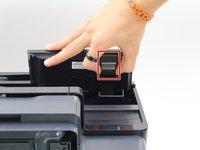
コネクタの側面をつまみ、プリンターから引き抜いて取り外します。
-
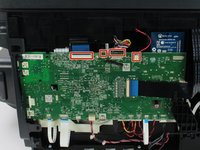
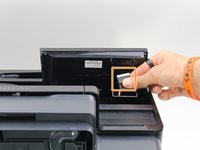
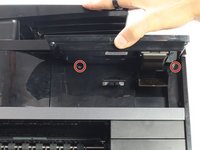
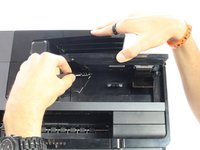
コネクタの両端をディスプレイから離し、プリンター側へ引き抜いて取り外します。
-
-
-
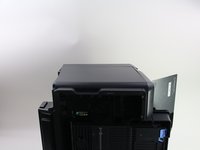
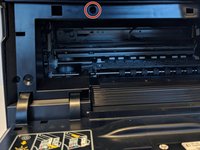
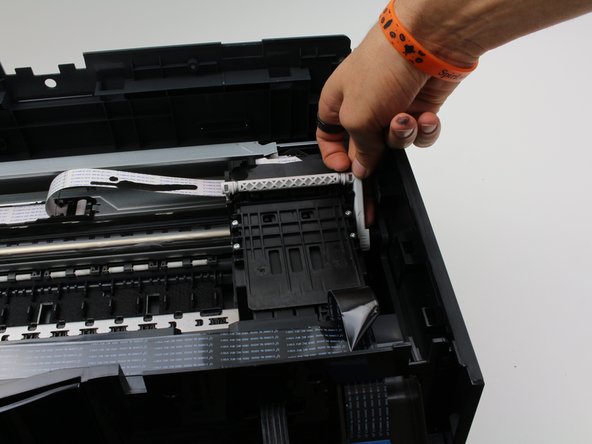
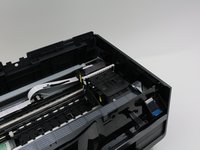
プリンターの右側にあるプリントヘッドの位置を確認する。
-
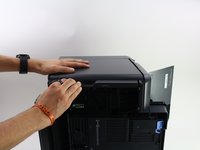
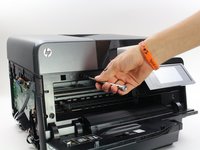
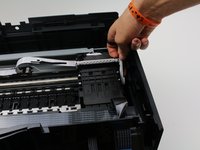
プリンターの側面を少し押しながら、プリントヘッドの右側にある白いプルタブを上に引き上げる。
-
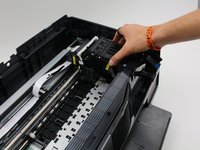
プリントヘッドをハウジングから持ち上げて取り外す。
-


 FixBotに聞いてみる















デバイスを再組み立てするには、これらのインストラクションを逆の順番に従って作業を進めてください。
7 の人々がこのガイドを完成させました。

チーム

Cal Poly, Team S13-G3, White Fall 2018 Cal Poly, Team S13-G3, White Fall 2018人のメンバー
CPSU-WHITE-F18S13G3
3 メンバー
84のガイドは作成済み
8件のガイドコメント
This printhead is normally user replaceable.
No screwdrivers are required.
This video is for an 8600, but the process is the same.
I used these instructions to repair the guide ribbon for the print head. It had come off after a sheet of high tack labels got jammed in the printer. Just saved myself from having to buy a new printer! Thanks!!!
BWAARONJ, I did exactly what you suggested in my 8625 three times! Now my printer is in pieces and parts, and I cannot get the printhead to release from the right side of the housing. I was very meticulous in making an effort to correct this problem, but, alas, it appears I will have to get a new printer!
