メインコンテンツにスキップ
リペアコミュニティに参加 - アカウントの作成

HP Officejet Pro 8625 Display Replacement

必要な工具と部品

  1. HP Officejet Pro 8625 Display  Replacement, Display Motherboard: 手順 1、 2の画像 1 HP Officejet Pro 8625 Display  Replacement, Display Motherboard: 手順 1、 2の画像 2
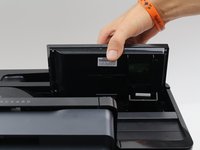
    • Disconnect the display by holding it in place while pulling down on the plastic hinge.

    • Slowly apply more and more force as it does take a lot to separate, do not worry about the hinge or display breaking.

    FixBotに聞いてみる

    コメントを追加

  2. HP Officejet Pro 8625 Display  Replacement: 手順 2、 3の画像 1 HP Officejet Pro 8625 Display  Replacement: 手順 2、 3の画像 2 HP Officejet Pro 8625 Display  Replacement: 手順 2、 3の画像 3
    • Lift the display as high as it will allow to expose the back of the display.

    • Pinch the sides of the cover and pull away from the printer to reveal the connector.

    • Remove the connector by pulling both away from the display and towards the printer.

    FixBotに聞いてみる

    コメントを追加

  3. HP Officejet Pro 8625 Display  Replacement: 手順 3、 3の画像 1 HP Officejet Pro 8625 Display  Replacement: 手順 3、 3の画像 2 HP Officejet Pro 8625 Display  Replacement: 手順 3、 3の画像 3
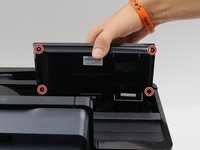
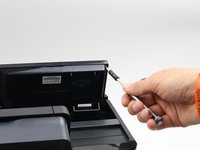
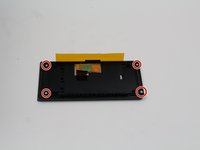
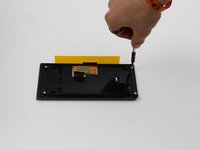
    • Remove the four 6.2 mm T9 screws from the back of the display.

    • Pull the display assembly up and away from the printer.

    FixBotに聞いてみる

    コメントを追加

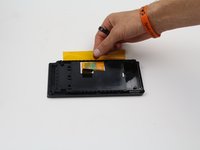
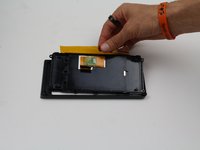
  4. HP Officejet Pro 8625 Display  Replacement: 手順 4、 2の画像 1 HP Officejet Pro 8625 Display  Replacement: 手順 4、 2の画像 2
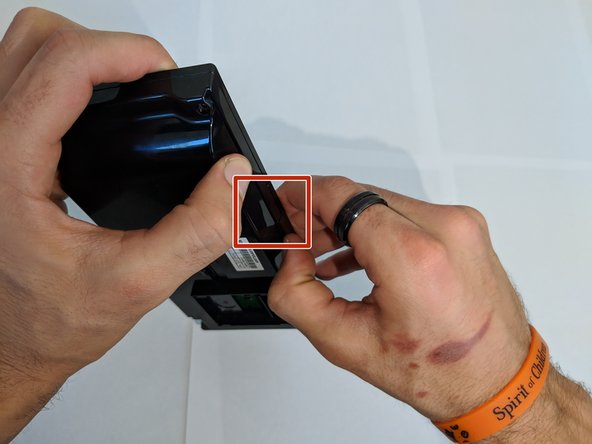
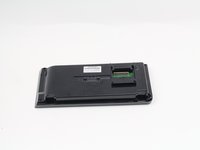
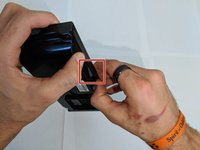
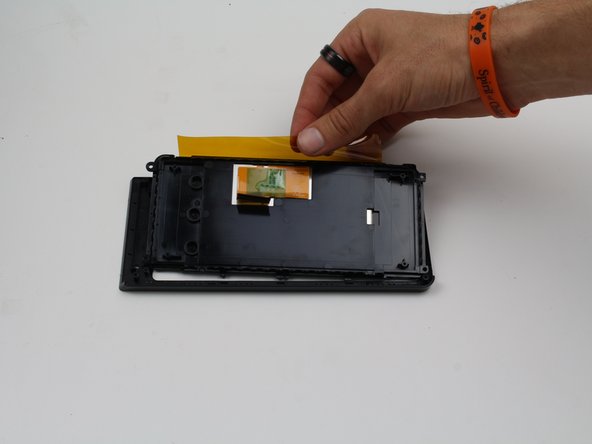
    • Remove the back cover from the display assembly by pressing down on the point of connection.

    • If you use a plastic spudger for this step, be careful not to brake the plastic as you do not need to use much force to remove the back cover.

    FixBotに聞いてみる

    コメントを追加

  5. HP Officejet Pro 8625 Display  Replacement: 手順 5、 2の画像 1 HP Officejet Pro 8625 Display  Replacement: 手順 5、 2の画像 2
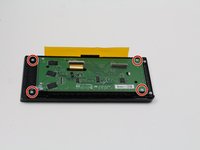
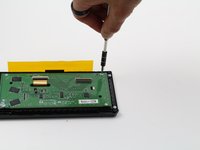
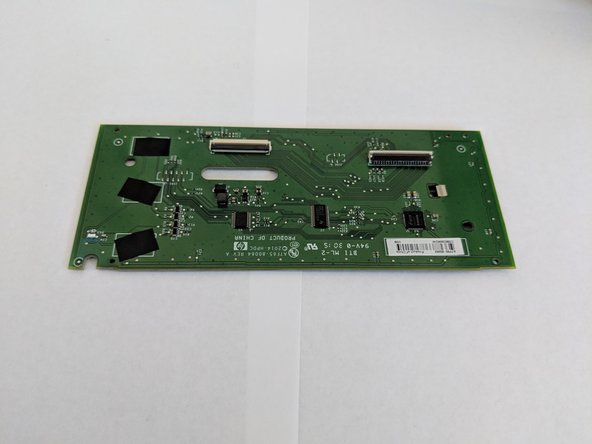
    • Remove the four 4.8 mm T6 screws from the back of the display motherboard.

    FixBotに聞いてみる

    コメントを追加

  6. HP Officejet Pro 8625 Display  Replacement: 手順 6、 2の画像 1 HP Officejet Pro 8625 Display  Replacement: 手順 6、 2の画像 2
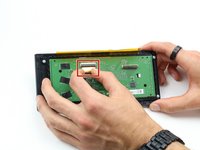
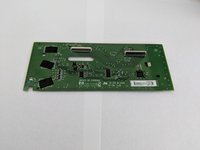
    • Remove the connection on the front of the display motherboard.

    • Remove the display motherboard.

    FixBotに聞いてみる

    コメントを追加

  7. HP Officejet Pro 8625 Display  Replacement, Display: 手順 7、 2の画像 1 HP Officejet Pro 8625 Display  Replacement, Display: 手順 7、 2の画像 2
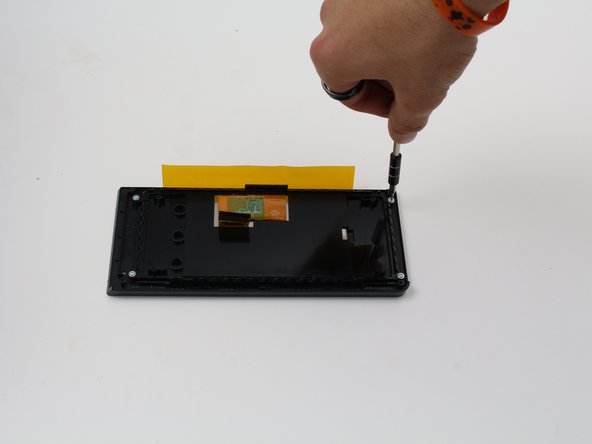
    • Remove the four 4.8 mm screws from the back of the display using a T6 screwdriver.

    FixBotに聞いてみる

    コメントを追加

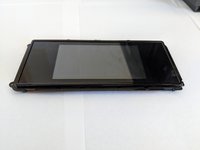
  8. HP Officejet Pro 8625 Display  Replacement: 手順 8、 3の画像 1 HP Officejet Pro 8625 Display  Replacement: 手順 8、 3の画像 2 HP Officejet Pro 8625 Display  Replacement: 手順 8、 3の画像 3
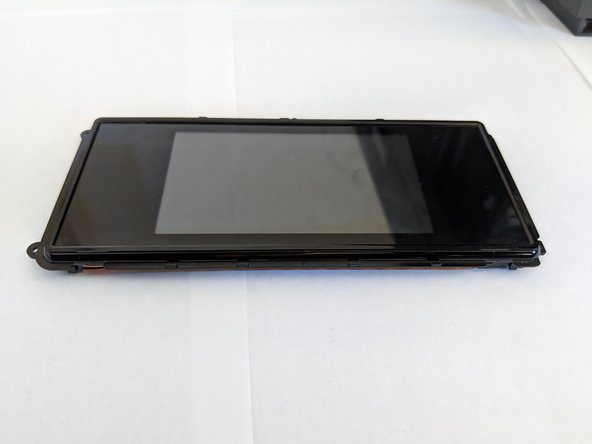
    • Lift the display out of the case.

    FixBotに聞いてみる

    コメントを追加

終わりに

To reassemble your device, follow these instructions in reverse order.

キャンセル: このガイドを終了できませんでした。

作成者

3人の作成者と共同で作成されました。

Cole Andrews

メンバー登録日: 10/08/18

273 ポイント

2のガイドは作成済み

チーム

Cal Poly, Team S13-G3, White Fall 2018 Cal Poly, Team S13-G3, White Fall 2018人のメンバー

CPSU-WHITE-F18S13G3

3 メンバー

14のガイドは作成済み

0件のガイドコメント

コメントを追加

統計データ:

過去 24時間: 2

過去 7 日: 4

過去 30 日: 22

今までの合計 854