メインコンテンツにスキップ
リペアコミュニティに参加 - アカウントの作成

HP Officejet 4630 Paper Tray Replacement

必要な工具と部品

    1. HP Officejet 4630 Paper Tray Replacement, Paper Tray: 手順 1、 1の画像 1
      • Begin by turning your printer upside down.

      • It can be helpful to position an object beneath the printer to keep it level while you work on it.

      FixBotに聞いてみる

      コメントを追加

    2. HP Officejet 4630 Paper Tray Replacement: 手順 2、 1の画像 1
      • Use the T-10 screwdriver to remove the two 11-mm screws.

      FixBotに聞いてみる

      コメントを追加

    3. HP Officejet 4630 Paper Tray Replacement: 手順 3、 1の画像 1
      • Pull the paper tray out until it hits the stops on either side of the tray.

      FixBotに聞いてみる

      コメントを追加

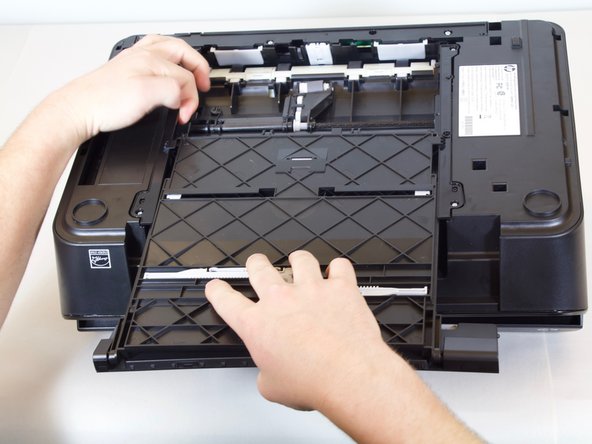
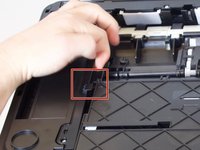
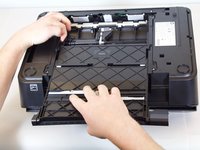
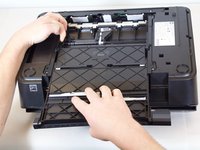
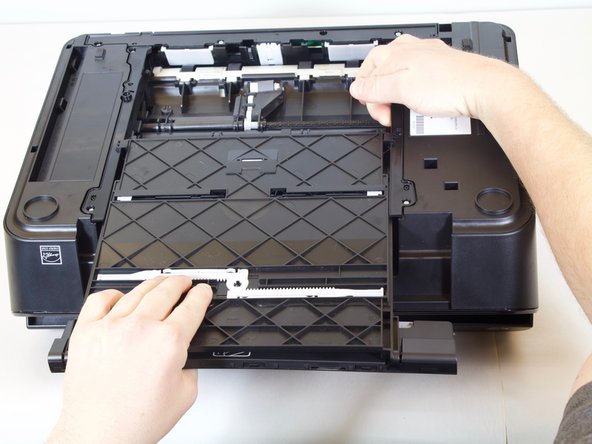
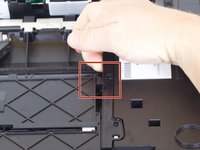
    4. HP Officejet 4630 Paper Tray Replacement: 手順 4、 3の画像 1 HP Officejet 4630 Paper Tray Replacement: 手順 4、 3の画像 2 HP Officejet 4630 Paper Tray Replacement: 手順 4、 3の画像 3
      • Lift up on one side of the black plastic bar with one hand while pulling the paper tray out of the printer with your other hand.

      • The side of the tray should slide away from the printer a little bit.

      FixBotに聞いてみる

      コメントを追加

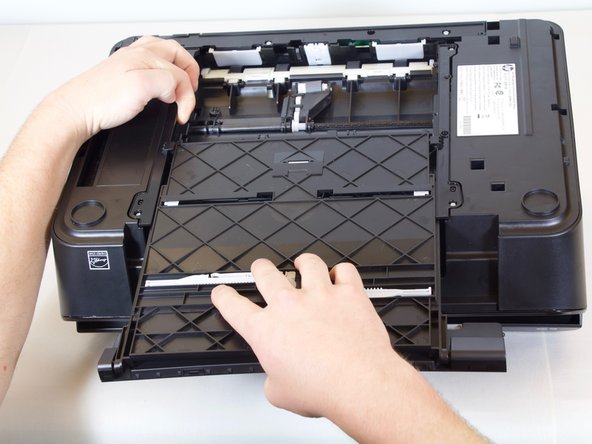
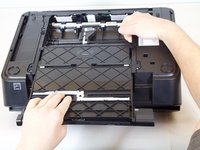
    5. HP Officejet 4630 Paper Tray Replacement: 手順 5、 2の画像 1 HP Officejet 4630 Paper Tray Replacement: 手順 5、 2の画像 2
      • Repeat the previous step but for the other side of the tray.

      FixBotに聞いてみる

      コメントを追加

    6. HP Officejet 4630 Paper Tray Replacement: 手順 6、 1の画像 1
      • The paper tray should now be free to slide away from the printer.

      FixBotに聞いてみる

      コメントを追加

終わりに

To reassemble your device, follow these instructions in reverse order.

キャンセル: このガイドを終了できませんでした。

5 の人々がこのガイドを完成させました。

作成者

3人の作成者と共同で作成されました。

Tyler Allen

メンバー登録日: 01/24/18

513 ポイント

2のガイドは作成済み

チーム

Cal Poly, Team S18-G3, Livingston Winter 2018 Cal Poly, Team S18-G3, Livingston Winter 2018人のメンバー

CPSU-LIVINGSTON-W18S18G3

4 メンバー

46のガイドは作成済み

1件のガイドコメント

merci pour l info!

devaux - 返信 共有

コメントを追加

統計データ:

過去 24時間: 1

過去 7 日: 4

過去 30 日: 30

今までの合計 2,471