メインコンテンツにスキップ
リペアコミュニティに参加 - アカウントの作成

HP Chromebook 14-Q010DX Motherboard Replacement

必要な工具と部品

  1. HP Chromebook 14-Q010DX Motherboard Replacement, Keyboard and Touchpad: 手順 1、 2の画像 1 HP Chromebook 14-Q010DX Motherboard Replacement, Keyboard and Touchpad: 手順 1、 2の画像 2
    • Flip the laptop so the base of the laptop is facing you.

    • Using the #00 screwdriver, unscrew the 13 screws.

    FixBotに聞いてみる
  2. HP Chromebook 14-Q010DX Motherboard Replacement: 手順 2、 3の画像 1 HP Chromebook 14-Q010DX Motherboard Replacement: 手順 2、 3の画像 2 HP Chromebook 14-Q010DX Motherboard Replacement: 手順 2、 3の画像 3
    • Warning! When prying open a laptop it could require some force, but it also has fragile connectors underneath. Use caution so as to avoid breaking these connectors.

    • Start from the top right corner of the laptop and work clockwise with an iFixit opening tool or spudger to pry the keyboard from the frame of the laptop.

    FixBotに聞いてみる
  3. HP Chromebook 14-Q010DX Motherboard Replacement: 手順 3、 3の画像 1 HP Chromebook 14-Q010DX Motherboard Replacement: 手順 3、 3の画像 2 HP Chromebook 14-Q010DX Motherboard Replacement: 手順 3、 3の画像 3
    • Warning! Handle the flaps and ribbon cables with care to prevent damage.

    • Gently pull the keyboard in the opposite direction of the screen, so the wires beneath are exposed.

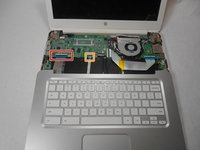
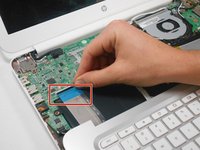
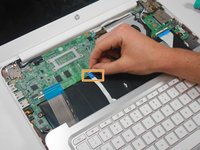
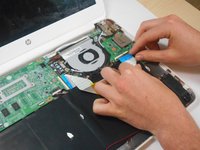
    • Lift the black flap and pull the blue ribbon gently towards you until it is disconnected.

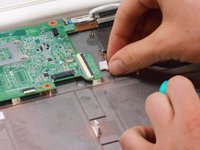
    • Lift the white flap and pull the blue ribbon towards you until it is disconnected.

    FixBotに聞いてみる
  4. HP Chromebook 14-Q010DX Motherboard Replacement: 手順 4、 1の画像 1
    • Lift keyboard slightly and remove the strip gently to prevent damaging any parts.

    • The tape has no function other than to keep the wire tucked away.

    FixBotに聞いてみる
  5. HP Chromebook 14-Q010DX Motherboard Replacement: 手順 5、 1の画像 1
    • Set aside the detached keyboard.

    FixBotに聞いてみる
  6. HP Chromebook 14-Q010DX Motherboard Replacement, Speaker: 手順 6、 3の画像 1 HP Chromebook 14-Q010DX Motherboard Replacement, Speaker: 手順 6、 3の画像 2 HP Chromebook 14-Q010DX Motherboard Replacement, Speaker: 手順 6、 3の画像 3
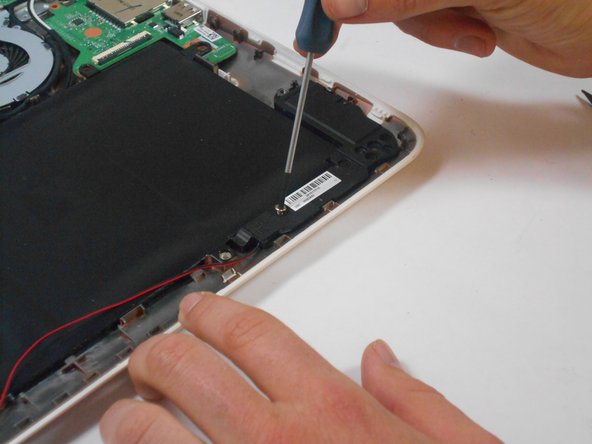
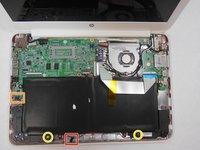
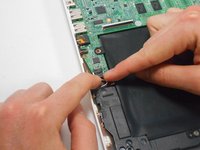
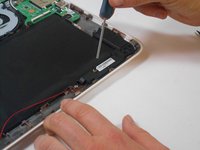
    • Undo the black tape located on the bottom from the frame of the laptop.

    • The tape has no function other than to keep the wire tucked away.

    • Using fingers or the spudger, slide out the black connector indicated on the left.

    • Use a #00 screwdriver to remove the two screws.

    FixBotに聞いてみる
  7. HP Chromebook 14-Q010DX Motherboard Replacement: 手順 7、 2の画像 1 HP Chromebook 14-Q010DX Motherboard Replacement: 手順 7、 2の画像 2
    • Gently remove the speakers.

    FixBotに聞いてみる
  8. HP Chromebook 14-Q010DX Motherboard Replacement, Battery: 手順 8、 2の画像 1 HP Chromebook 14-Q010DX Motherboard Replacement, Battery: 手順 8、 2の画像 2
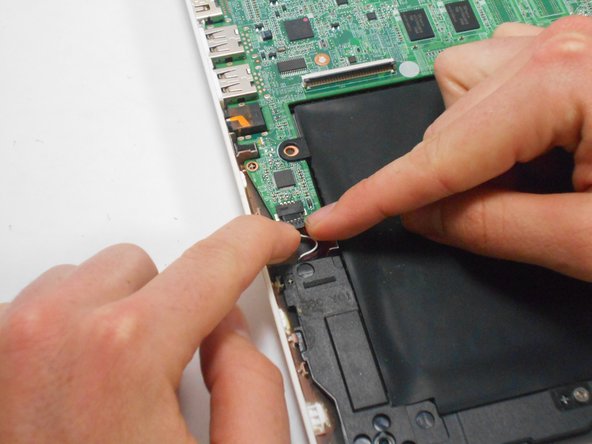
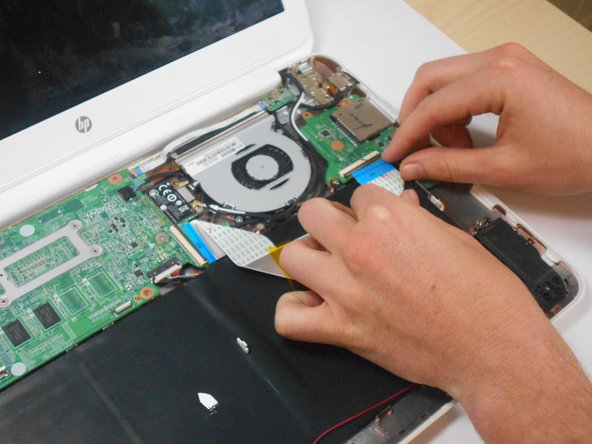
    • Note the shape that this wire strip is resting at and that the blue tip of the strip goes into the right connector for reassembly.

    • Lift the black flaps and gently pull the strip out.

    • Set the strip aside.

    FixBotに聞いてみる
  9. HP Chromebook 14-Q010DX Motherboard Replacement: 手順 9、 3の画像 1 HP Chromebook 14-Q010DX Motherboard Replacement: 手順 9、 3の画像 2 HP Chromebook 14-Q010DX Motherboard Replacement: 手順 9、 3の画像 3
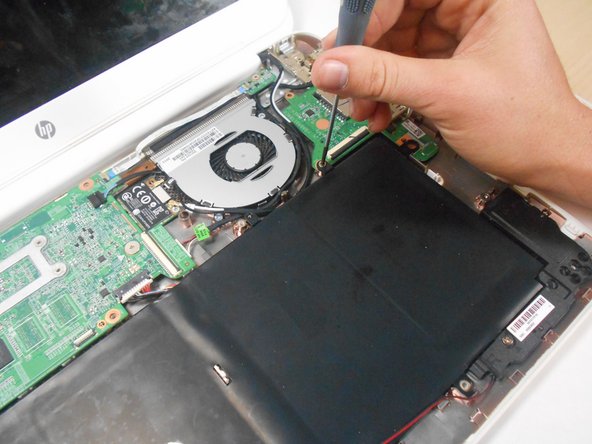
    • Remove the screw.

    • Use your fingers to pull the white tab out of the black slot above the battery.

    FixBotに聞いてみる
  10. HP Chromebook 14-Q010DX Motherboard Replacement: 手順 10、 1の画像 1
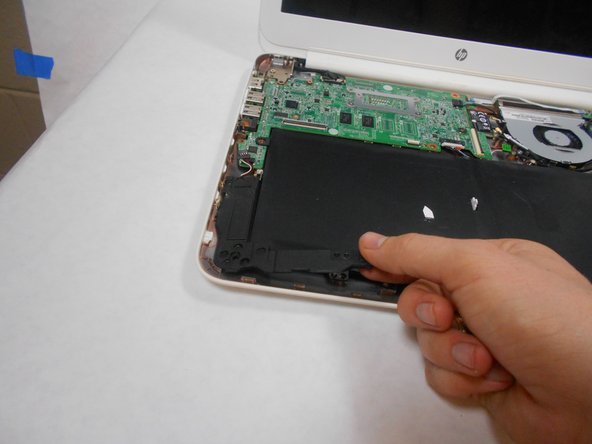
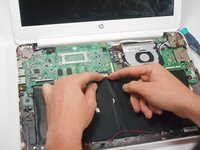
    • Gently remove battery.

    FixBotに聞いてみる
  11. HP Chromebook 14-Q010DX Motherboard Replacement, Bluetooth and Wireless Card: 手順 11、 2の画像 1 HP Chromebook 14-Q010DX Motherboard Replacement, Bluetooth and Wireless Card: 手順 11、 2の画像 2
    • Using a spudger, remove the white and black cables from the card.

    FixBotに聞いてみる
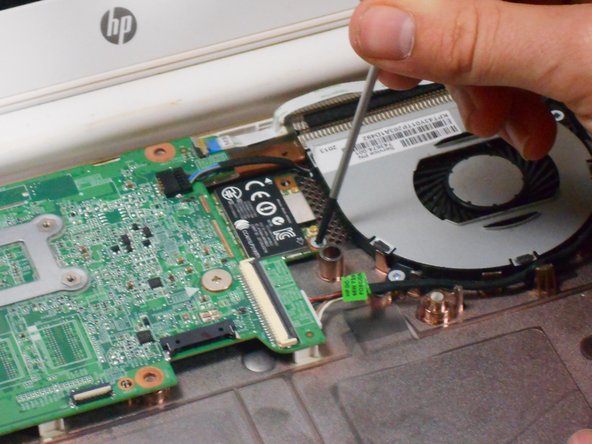
  12. HP Chromebook 14-Q010DX Motherboard Replacement: 手順 12、 2の画像 1 HP Chromebook 14-Q010DX Motherboard Replacement: 手順 12、 2の画像 2
    • Remove screw from card.

    FixBotに聞いてみる
  13. HP Chromebook 14-Q010DX Motherboard Replacement: 手順 13、 1の画像 1
    • Gently pull card at a 45° angle to remove it.

    FixBotに聞いてみる
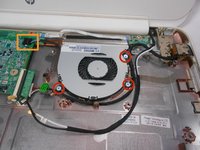
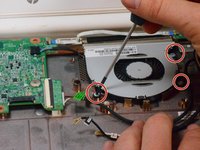
  14. HP Chromebook 14-Q010DX Motherboard Replacement, Fan replacement for a HP Chromebook: 手順 14、 3の画像 1 HP Chromebook 14-Q010DX Motherboard Replacement, Fan replacement for a HP Chromebook: 手順 14、 3の画像 2 HP Chromebook 14-Q010DX Motherboard Replacement, Fan replacement for a HP Chromebook: 手順 14、 3の画像 3
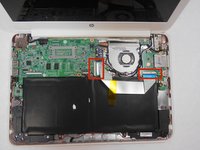
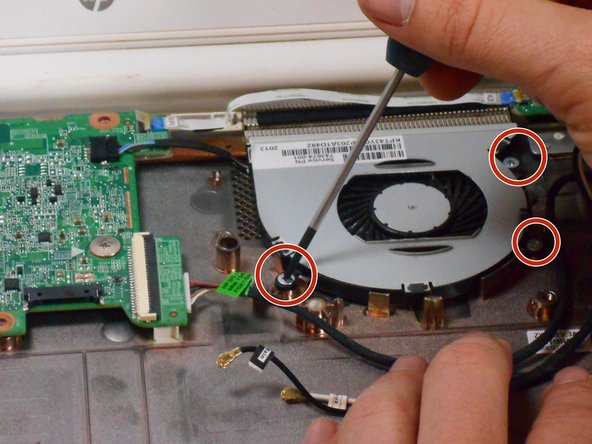
    • Remove the 3 screws around the fan.

    • Using your fingers or the spudger, disconnect the cable connecting the fan to the motherboard.

    FixBotに聞いてみる
  15. HP Chromebook 14-Q010DX Motherboard Replacement: 手順 15、 1の画像 1
    • Once the cable connecting the fan to the motherboard is revomed gently remove fan with hands.

    FixBotに聞いてみる
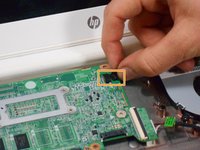
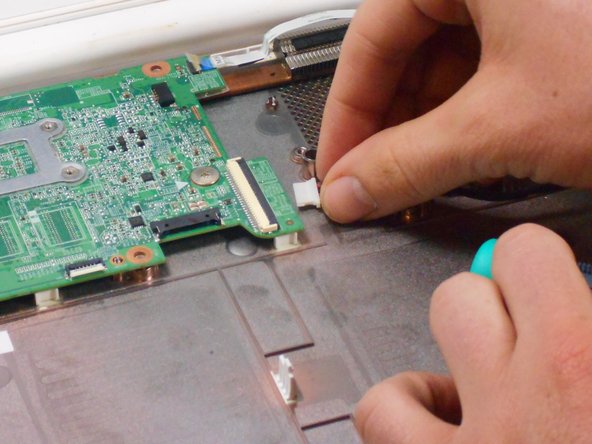
  16. HP Chromebook 14-Q010DX Motherboard Replacement, Motherboard: 手順 16、 2の画像 1 HP Chromebook 14-Q010DX Motherboard Replacement, Motherboard: 手順 16、 2の画像 2
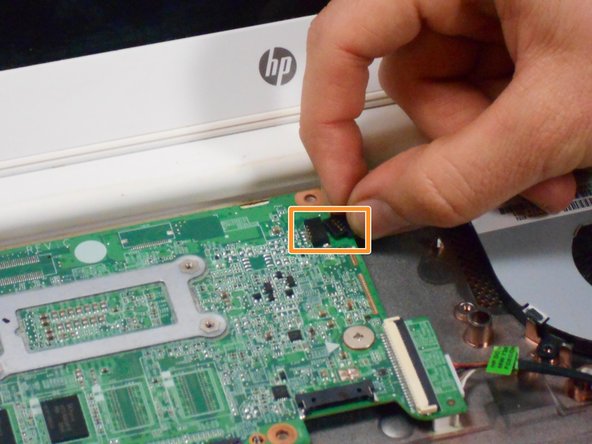
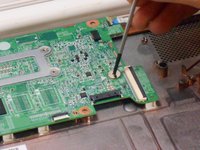
    • Using your fingers or spudger, pull out the connector.

    FixBotに聞いてみる
  17. HP Chromebook 14-Q010DX Motherboard Replacement: 手順 17、 3の画像 1 HP Chromebook 14-Q010DX Motherboard Replacement: 手順 17、 3の画像 2 HP Chromebook 14-Q010DX Motherboard Replacement: 手順 17、 3の画像 3
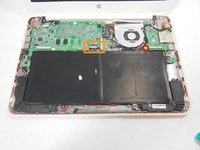
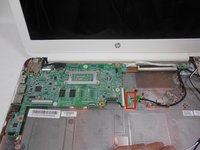
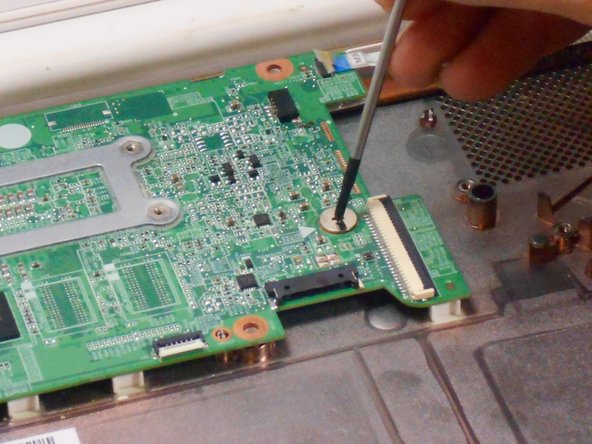
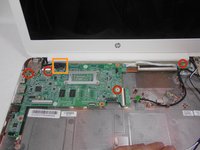
    • Remove all of the indicated screws.

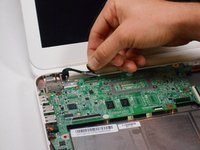
    • Pull up on black strip to remove the monitor cord.

    FixBotに聞いてみる
  18. HP Chromebook 14-Q010DX Motherboard Replacement: 手順 18、 1の画像 1
    • Gently remove motherboard.

    FixBotに聞いてみる
終わりに

To reassemble your device, follow these instructions in reverse order.

2 の人々がこのガイドを完成させました。

作成者

4人の作成者と共同で作成されました。

Kevin Piper

メンバー登録日: 01/16/15

1,602 ポイント

6のガイドは作成済み

チーム

USF Tampa, Team 17-2, Watkins Winter 2015 USF Tampa, Team 17-2, Watkins Winter 2015人のメンバー

USFT-WATKINS-W15S17G2

4 メンバー

8のガイドは作成済み

4件のガイドコメント

Can someone just explain for what the sensor board is needed?

martindoerflinger - 返信 共有
Let's the motherboard know when the lid is closed.

Jeff Briedwell - 返信 共有

Hi! How do you start a chrome book from motherboard? Since I am doing a project I need help with that question.... Please send a mail with the explanation on my mail: steffe010929@gmail.con

Stefan - 返信 共有

hope some one is still maintaining this site, i would like to know if i would be able to use a motherboard from another HP chromebook in the same product line for example if i have a motherboard from the 14-q010dx can i swap it with the motherboard from the 14-q010nr? thevet82@gmail.com

david saldivias - 返信 共有

コメントを追加

統計データ:

過去 24時間: 2

過去 7 日: 8

過去 30 日: 61

今までの合計 5,060