この翻訳は機械によって生成されたものであり、まだ人間による校正は行われていません。 日本語を話せますか? レビューはこちらから。
はじめに
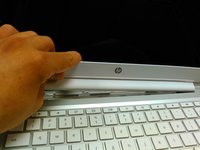
HP Chromebook 14 の割れた、または故障したディスプレイを交換します。
必要な工具と部品
-
-
-
-
ディスプレイパネルをキーボードの上に置く。
-
ハイライトされた領域はディスプレイパネルの裏面にテープで固定されている。上にこじ開けて外す。
-


 FixBotに聞いてみる


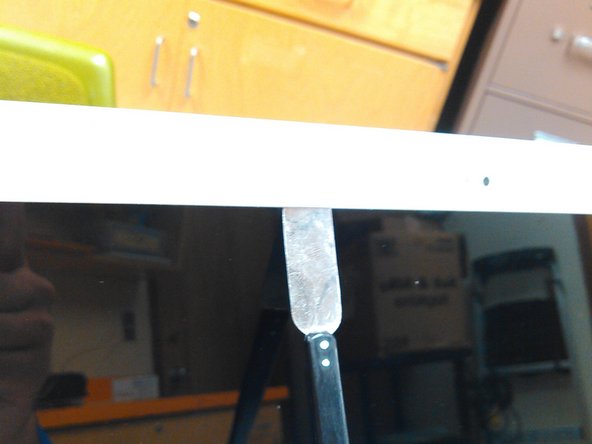
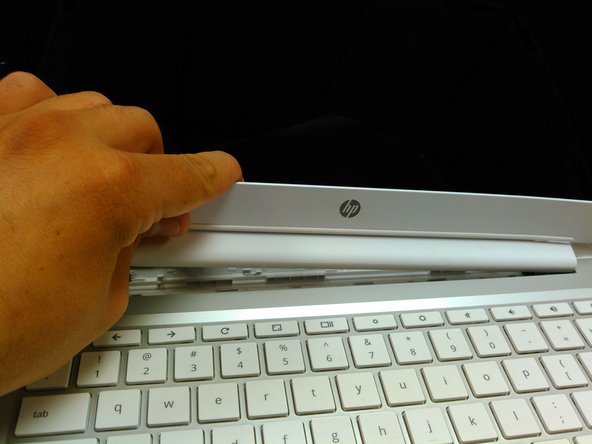


デバイスを再組み立てするには、これらのインストラクションを逆の順番に従って作業を進めてください。
23 の人々がこのガイドを完成させました。

チーム

8件のガイドコメント
I was able to complete it successfully though right now I can't get the bezel quite flush down on the bottom left. One clip doesn't seem to want to go in so I'm not sure if the display cable is in the way or not. Will have to give it another look here after work but otherwise easy enough!
So what's the screen model used in this video?, I have the same laptop
seunoresegun - 返信 共有
